
Marmitek Music Airlink 130 Manuel utilisateur
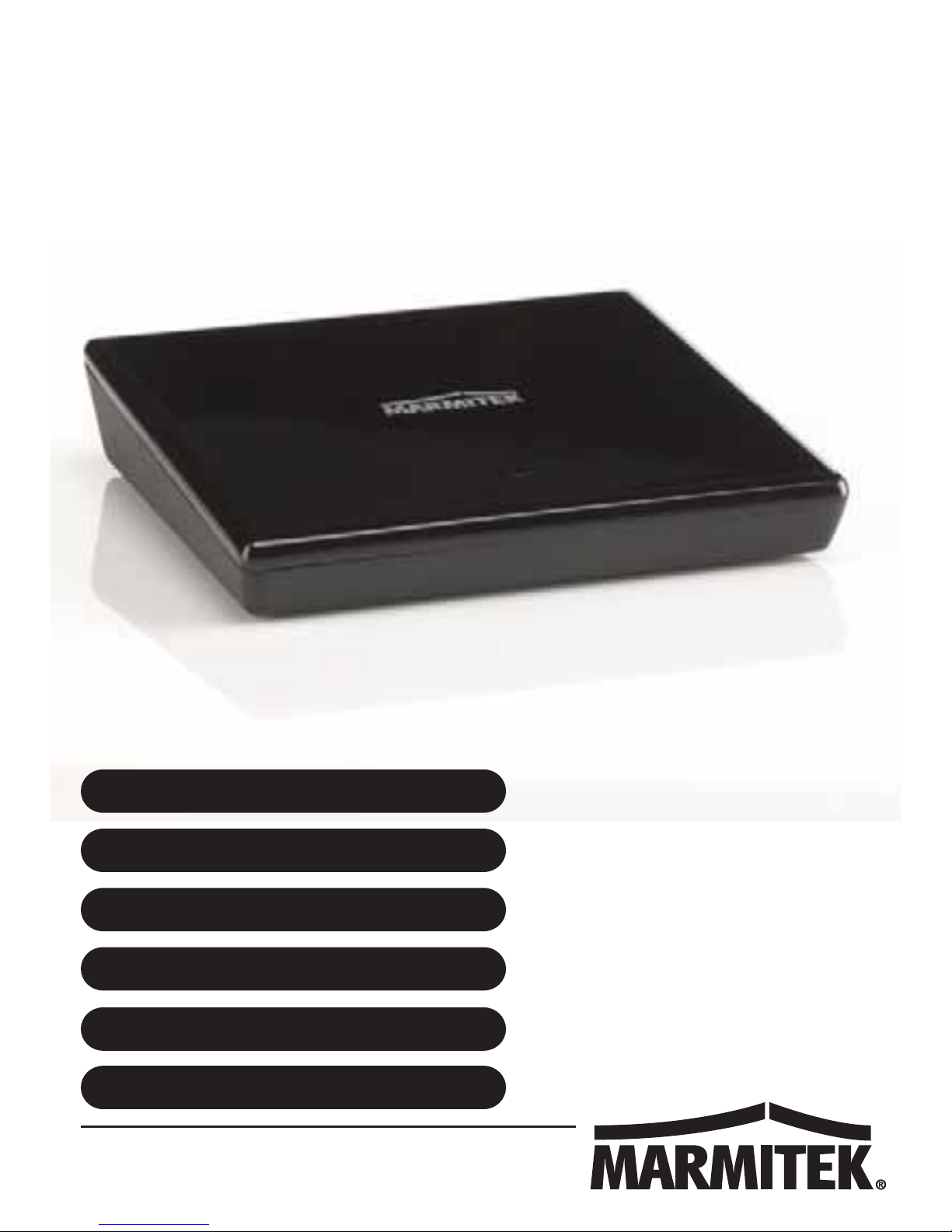
M
USIC AIRLIN
K
20628/20141002 • MUSIC AIRLINK 130TM
© ALL RIGHTS RESERVED MARMITEK®
USER MANUAL 3
GEBRAUCHSANLEITUNG
GUIDE UTILISATEUR
MODO DE EMPLEO
MANUALE D’ISTRUZIONI
GEBRUIKSAANWIJZING
MUSIC AIRLINK 130
13
23
33
43
53

© MARMITEK
2

MUSIC AIRLINK 130
3
ENGLISH
SAFETY ALERTS
xTo prevent a short circuit, this product should only be used
inside and only in dry spaces. Do not expose the
components to rain or moisture. Do not use adjacent to or
near a bathtub, swimming pool, etc.
xDo not expose the components of your system to extremely
high temperatures or bright light sources.
xImproper use, self-installed modifications or repairs will void
any and all warranties. Marmitek does not accept any
product responsibility for incorrect use of the product or use
other than for which the product is intended. Marmitek does
not accept liability for any consequential damage other than
the legal product responsibility.
xThis product is not a toy. Keep out of reach of children.
xProlonged listening at too high a volume may cause hearing
loss.
xNever open the product: the device may contain parts with
deadly voltage. Repairs or service should only be performed
by qualified personnel.
xConnect the adapter to the mains only after you have verified
that the line voltage corresponds to the value specified on
the type plates. Never connect a power adapter if it's
damaged. In such cases, please contact your supplier.
xDisconnect the AC/DC power adapter from the mains when
this device is not in use for prolonged time.

© MARMITEK
4
TABLE OF CONTENTS
SAFETY ALERTS..........................................................................3
TABLE OF CONTENTS.................................................................4
PACKAGE CONTENTS.................................................................4
INTRODUCTION ...........................................................................5
PRODUCT CHARACTERISTICS ..................................................5
CONNECTING TO YOUR AUDIO SYSTEM .................................6
AUDIO BYPASS FUNCTION.........................................................6
POWER CONNECTION ................................................................6
CONNECTING TO YOUR HOME NETWORK ..............................7
TRANSMITTING MUSIC ...............................................................8
AirPlay (Apple device)................................................................8
DLNA (other units)......................................................................8
LED STATUS.................................................................................9
FREQUENTLY ASKED QUESTIONS ...........................................9
TECHNICAL INFORMATION ......................................................11
PACKAGE CONTENTS
1 x MUSIC AIRLINK 130, Wi-Fi Music Player
1 x USB Energy saving switched mode power supply
1 x Micro USB power cable
1 x Stereo mini jack male to RCA adapter cable
1 x Stereo mini jack male to stereo mini jack male cable
1 x User manual in English, German, French, Spanish, Italian,
Dutch

MUSIC AIRLINK 130
5
ENGLISH
INTRODUCTION
Congratulations on your purchase of the Music Airlink 130TM!
The Music Airlink 130 enables you to use AirPlay or DLNA-
streaming to play music wirelessly on your existing stereo system
or powered speakers.
The Music Airlink 130 is incorporated wirelessly into your existing
home network. Each music device connected to your home
network can stream music to your audio system.
Marmitek products are manufactured with the utmost precision
and are of high quality. Please read this user manual first and
follow the instructions so you can make the most of this product's
capabilities.
PRODUCT CHARACTERISTICS
xStream your music wirelessly to your hi-fi system through
your home network.
xListen to music stored on your PC, laptop, media player,
tablet or smartphone.
xListening to everyone's music together with friends has never
been so easy.
xWorks with any operating system, including Windows, iOS
(Apple) and Android.
xSuitable for any audio system, iPhone dock or radio/CD
player with aux-in, line-in jack or MP3 link
xNo additional compression, thus maintaining quality
xWide range: in your entire wireless home network

© MARMITEK
6
CONNECTING TO YOUR AUDIO SYSTEM
1. Connect the mini jack plug to, for example, the AUX IN of a
docking speaker or radio/CD player.
2. Use the supplied adapter cable to connect the MUSIC
AIRLINK 130 to the AUX IN RCA (cinch) jack of your audio
system. Consult your audio system's manual for more
information on how to accomplish this.
AUDIO BYPASS FUNCTION
If you are already using the audio input of your audio system, you
can use the MUSIC AIRLINK 130's audio bypass function.
POWER CONNECTION
Connect the micro USB power cable to the micro USB connector
on the MUSIC AIRLINK 130 and the USB connector on the mains
adapter. The mains adapter itself connects to a power outlet.
The LED flashes to indicate that the MUSIC AIRLINK 130 is
starting up. After 30 seconds, the LED will light up continuously.

MUSIC AIRLINK 130
7
ENGLISH
CONNECTING TO YOUR HOME NETWORK
Use your device to establish a Wi-Fi connection with the Music
Airlink 130. The SSID is "Music Airlink 130". Please consult the
user manual of your device if necessary.
Open your web browser on your device and enter the address
http://10.10.10.254:
xSelect your router from the pull-down menu.
xEnter the password for your router at password.
xPress CONNECT.
The MUSIC AIRLINK 130 will now reboot.
The LED will flash and a solid light will display after 30 seconds.
The MUSIC AIRLINK 130 is now no longer visible in the Wi-Fi
networks overview of your Wi-Fi device and is ready for use.
If the LED continues to flash, the Music Airlink 130 is unable to
make a connection. In this case, press and hold the reset button
for 4 seconds, wait until the LED lights up continuously and
perform the procedure again. (Make sure you have your router's
correct password.)
If the Wi-Fi connection on your device is not stable or the
connection continues to disconnect, go to the advanced settings
and deactivate the options that may be responsible for this, such
as "smart network switch". Please consult your device’s user
manual if necessary.

© MARMITEK
8
TRANSMITTING MUSIC
AirPlay (Apple device)
You can use AirPlay in all AirPlay-enabled apps and content.
AirPlay remains activated until you deactivate it. You can therefore
use it with multiple apps.
xPlease make sure your Apple device is connected to the
same home network as your Music Airlink 130.
xSwipe from the bottom of the screen upwards to open the
Control Panel.
xSelect the 'AirPlay' logo.
xSelect 'Music Airlink 130'.
xAudio is now being streamed to the Music Airlink 130.
DLNA (other units)
You can use DLNA with any app or streaming service that
supports DLNA.
On most Android devices, this is already supported:
xSamsung AllShare
xBlackBerry 10OS
xNokia Play To
xLG Smart Share
xSony Walkman App
xHuawei AirSharing
xHTC Connect
If you don't know how to use DLNA on your device, alternatively,
you can install an app.
For Android, for example, BubbleUPnP or Streambel are available
in the Play Store.
On a Windows PC or laptop, you can use Windows Media Player.
With a media player, you can use the supplied remote control or
app.

MUSIC AIRLINK 130
9
ENGLISH
LED STATUS
LED status
Description
Continuously on
Access Point or connected to router
Flashing rapidly
Booting or network problem
Flashing slowly
Streaming music
FREQUENTLY ASKED QUESTIONS
What is AirPlay?
With AirPlay, you can wirelessly send music, photos and videos
from an iPhone, iPod, iPad or Mac to an AirPlay-supported device.
What is DLNA?
DLNA refers to Digital Living Network Alliance, and is actually
more of a certification than a technology. A large number of
companies and manufacturers have joined this alliance in order to
produce clear guidelines with regards to sharing files among
different devices within your home network. This enables you to
send a file from a brand A computer to a brand B tablet. Simply
put, DLNA simplifies sharing files.
How does DLNA work?
The basic principle of DLNA (and in fact UPnP, which it is based
on) is that you have a media source (server) and a playback
device (renderer, such as the Music Airlink 130) that are controlled
using a controller. Some devices may combine all these
functionalities, such as a PC that may be all three at the same
time. However, a TV is usually just a renderer (it’s referred to as a
Player if the TV also has a controller). The underlying UPnP
standard is used to enable devices to broadcast themselves via
the network, allowing them to find each other and the media they
are offering.

© MARMITEK
10
What is UPnP?
UPnP (Universal Plug and Play) is the technology behind DLNA. It
enables two devices that want to exchange data to communicate
without you having to perform a set-up. Thus, the process is
automated.
Can I also play music using Spotify, Deezer or Last.fm?
Many of these applications support AirPlay. To play music from
your Apple device, launch the app, click the AirPlay icon and
select the Music Airlink 130.
I want to use my Android device to stream music, but after a
few minutes, playback via the Music Airlink 130 stops and
continues to play on my Android device.
Your Android device must have a continuous connection to your
home network. For example, if you enabled "Switch automatically
between Wi-Fi and cellular networks to maintain a stable Internet
connection" and it switches to a cellular connection, the music will
stop playing after a while and you need to reconnect.
Do you have any questions that are not answered here?
Please go to www.marmitek.com.
Table des matières
Langues :
Autres manuels Marmitek Lecteur multimédia


