
Maniway MW-1361 Manuel utilisateur
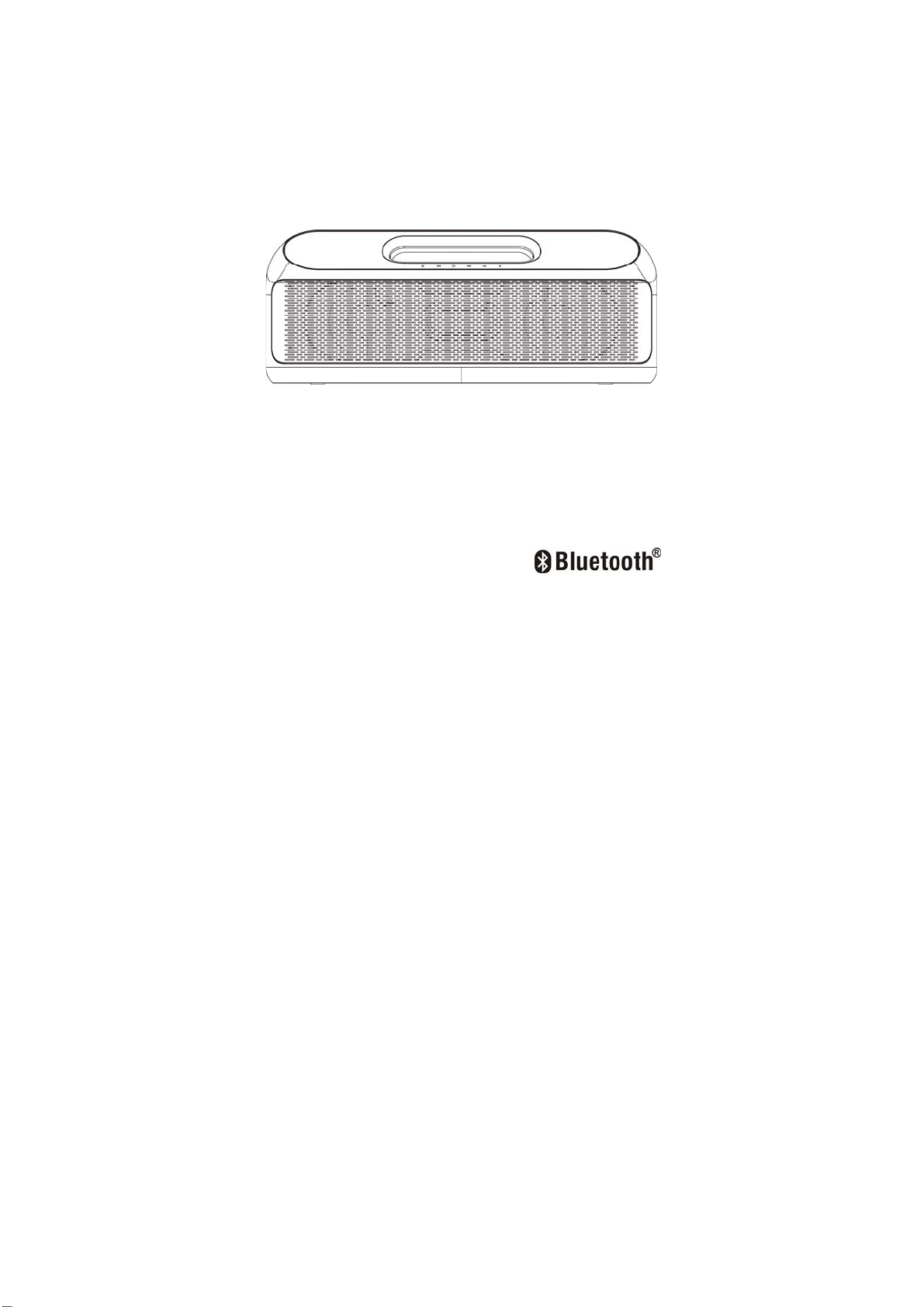
B
BR
RA
AN
ND
D
P
Po
or
rt
ta
ab
bl
le
e
B
Bl
lu
ue
et
to
oo
ot
th
h
S
Sp
pe
ea
ak
ke
er
r
PLEASE READ BEFORE OPERATING THIS EQUIPMENT.
Model No. :MW-1361

1
IMPORTANT SAFETY INSTRUCTIONS
When used in the directed manner, this unit has been designed
and manufactured to ensure your personal safety. However,
improper use can result in potential electrical shock or fire
hazards. Please read all safety and operating instructions
carefully before installation and use, and keep these instructions
handy for future reference. Take special note of all warnings
listed in these instructions and on the unit.
Water and Moisture
The unit should not be used near water or wet space. Such as
bathtub, washbowl, kitchen sink, laundry tub, swimming pool or
basement.
Ventilation
The unit should be situated in the location or position which
places won’t interfere its proper ventilation. For example, it
should not be situated on a bed, sofa, rug or similar surface that
may block the ventilation openings. Also, it should not be placed
in a built-in installation, such as a bookcase or cabinet, which
may impede the flow of air through the ventilation openings.
Heat
The unit should be situated away from heat sources such as
radiators, heat registers, stoves or other appliances (including
amplifiers) that produce heat.

2
Power Source
The unit should be connected to a power supply only of the type
described in the operating instructions or as marked onthe appliance.
Power Cord Protection
Power supply cords should be routed so that they are not likely to be
walked on or pinched by items placed upon or against them. It is always
best to have a clear areafrom where the cord exits the unit to where it is
plugged into an AC wall outlet.
Cleaning
The unit should be cleaned only as recommended. See the
section « Care and Maintenance » of this manual for cleaning
instructions.
Object and Liquid Entry
Care should be taken so that objects do not fall andliquids are not spilled
into any openings or vents located on the product,
Lightning and Power Surge Protection
Unplug the unit from the wall outlet. This will prevent damage to the
product due to lightning and power-line surges.
Overloading
Do not overload wall outlets, extension cords, or integral convenience
receptacles as this can result in a risk of fire of electric shock.
Damage Requiring Service
This unit should be serviced by qualified service personnel
when:
Objects have fallen into or liquid has been spilled into the
enclosure.

3
The unit has been exposed to rain.
The unit has been dropped or the enclosure damaged.
The unit exhibits a marked change in performance or does not
operate normally.
Periods of Nonuse
If the unit is to be left unused for an intended period of time, such
as a week or longer, the power cord should be unplugged from the
unit to prevent damage or corrosion.
Servicing
The user should not attempt to service the unit beyond those
methods described in the user’s operating instructions.
Service methods not covered in the operating instructions
should be referred to qualified service personnel.
CAUTION:
Danger of explosion if battery is incorrectly replaced.
Replace only with the same or equivalent type.
WARNING:
- Batteries shall not be exposed to excessive heat such as
sunshine, fire or the like.
- To reduce the risk of fire or electric shock, do not expose this
apparatus to rain or moisture. The apparatus shall not be
exposed to dripping or splashing and that objects filled with
liquids, such as vases, shall not be placed on apparatus.
- The mains plug is used as disconnect device, the disconnect
device shall remain readily operable.

4
LOCATION OF CONTROLS
Top View
Back View

5
1. M (MODE) Button
.To select different play modes: Bluetooth/FM/USB/Aux
2. Button
zIn Bluetooth or USB mode : Tap this button once to return
to the beginning of current track or previous track.
zIn FM mode:
.Press and hold this button to auto search and
automatically save up all the stations with strong signals in
sequence. It will automatically play the No. 1 station saved
once the auto searching is finished.
.Tap this button continuously to manually tune to desired
station.
3. Play/Pause (On/Off) button
Press and hold this button to turn the unit On or Off.
In Bluetooth or USB playback mode: to play/ pause current
playback
In Bluetooth mode: when receiving an incoming call on your
cell phone, tap this button once to answer the phone, tap
this button again to end the call or ignore the incoming call.
In FM mode: to select the preset stations in sequence
4. Button
zIn Bluetooth or USB mode : Tap this button once to to
advance to the next track.
zIn FM mode:
.Press and hold this button to auto search and
automatically save up all the stations with strong signals in
sequence. It will automatically play the No. 1 station saved
once the auto searching is finished.

6
.Tap this button continuously to manually tune to desired
station.
5. -Button
Press this button to adjust volume level down.
6. + Button
zPress this button to adjust volume level up
7. Built-in Microphone
8. LED Display
9. Battery Status Indicator (Green color)
zRapid flashing =low battery
While charging :
zFlashing =charging
zSteady Green= full charged
10. Telescopic Antenna
11. Aux-In Jack
12. USB port
13. AC Socket
POWER SOURCES
Power Supply
This unit is designed to operate onAC 100-240V~50/60 Hz household
mains supply or the built-in rechargeable Li-ion battery.
Connect To AC Power
Before using this new Wireless speaker the first time, you
should connect it to AC (mains) power.
1.Plug the connector of AC cord into the AC socket on the back
of the speaker unit.

7
2. Plug the AC cord plug into a convenient AC wall outlet.
3. The green color battery charging indicator will light up &
charging begins.
3. Press and hold the Button to turn on the unit, the LED
display will light up.
4. Press and hold the Button again to turn off the unit.
5.Remove the AC cord out of the wall outlet if you want to switch
off the main voltage completely.
OPERATING THE SPEAKER IN BLUETOOTH MODE
Bluetooth involves a technology for wireless radio connection of
devices over a short distance. Devices with Bluetooth standard
are transmitting between 2.402 and 2.480 GHz in the ISM band
(Industrial, Scientific and Medical). Interference can be caused,
for example by WLAN-networks, DAB radios, cordless phones,
or microwave ovens which work on the
same frequency band.
zThis speaker offers you the possibility to use a Bluetooth
enabled device. The functional radius is limited to approx.10
metres depending on the surroundings and the unit used.
zIf your playing device supports the A2DP profile (Advanced
Audio Distribution Profile) and has a music-player function,
then you can also wirelessly transfer music to the device. The
A2DP profile involves a multi-vendor Bluetooth profile. By
streaming, stereo-audio signals are wirelessly transferred
between the playing device (source) and the receiving
device.

8
zDue to the different device manufacturers, models, and
software versions, a full functionality cannot be guaranteed.
Pairing (Linking) A Bluetooth Enabled Cell Phone Or Other
Bluetooth Enabled Device To The Speaker
If the speaker has never been paired with a Bluetooth device
before . You need to follow the pairing instructions below to link
the speaker with your Bluetooth device .
1. When the speaker turned on, press the “M” button repeatedly,
until “bLUE” is shown on the display. The “bLUE” symbol
flashes to show that the speaker is ready to pair (link) with
your Bluetooth device .
2. Activate Bluetooth on the compatible device, and set it to
search for compatible devices.
3. Select the speaker name:”MW-1361” from the list of found
devices.
Tips: Only one playback unit can be connected to the speaker.
If the speaker is already connected to another playback unit, the
speaker will not appear in the BT selection list.
4. If your device asks for a passkey (depending on the device
manufacturers, model, and software version), then enter
digits “0000”(four zeros) and press OK.
If pairing has been carried out successfully, a beep sound is
heard, meanwhile, the “bLUE”symbol stops flashing.

9
If the speaker has ever been paired with a Bluetooth device
before. You need to follow the pairing instructions below to
link the speaker with your Bluetooth device .
1. After turning on the speaker, the speaker will search for the
last paired device. If the unit finds the paired Bluetooth device,
a beep sound is heard and The “bLUE”symbol stop
flashing .
2. After successfully pairing (linking) , you can begin playing
music from your Bluetooth device wirelessly to the speaker .
3. Press the + / - button on the speaker to adjust to the desired
volume level .
4. To stop the unit, press and hold the Play/Pause on main unit
to turn off the device.
Using The Speaker as a Handfree Bluetooth Speakerphone
1. Link your cell phone to the speaker via Bluetooth as
described above .
2. When receiving an incoming call on your cell phone , tap
button on the speaker to switch the incoming call from cell
phone to the speaker. A short beep sound will be heard
confirming the call was answered. Complete your call using
the built-in microphone and speaker.
3. Adjust the volume control of your cell phone to obtain the
desired sound level.
4. To end the call, just tap the button again, a short beep
sound will be heard and the call will end. If you were playing
music from your cell phone to the speaker before answering
Table des matières
Autres manuels Maniway Intervenants


Manuels Intervenants populaires d'autres marques


Bowers & Wilkins
Bowers & Wilkins 4 Manuel utilisateur

Sonance
Sonance SONOS OUTDOOR Series Manuel utilisateur

Electro-Voice
Electro-Voice EVID FM4.2 Manuel utilisateur

Pioneer
Pioneer XW-HTD630 Manuel utilisateur

Onn
Onn BWA16AA002 Manuel utilisateur

HP
HP GL313AA - USB Speakers PC Multimedia Manuel utilisateur