
Kodicom KDR-400 Manuel utilisateur

USER GUIDE
DIGITAL
RECORDING SYSTEM
KDR-400
Please read this manual thoroughly before use, and keep it
handy for future reference.
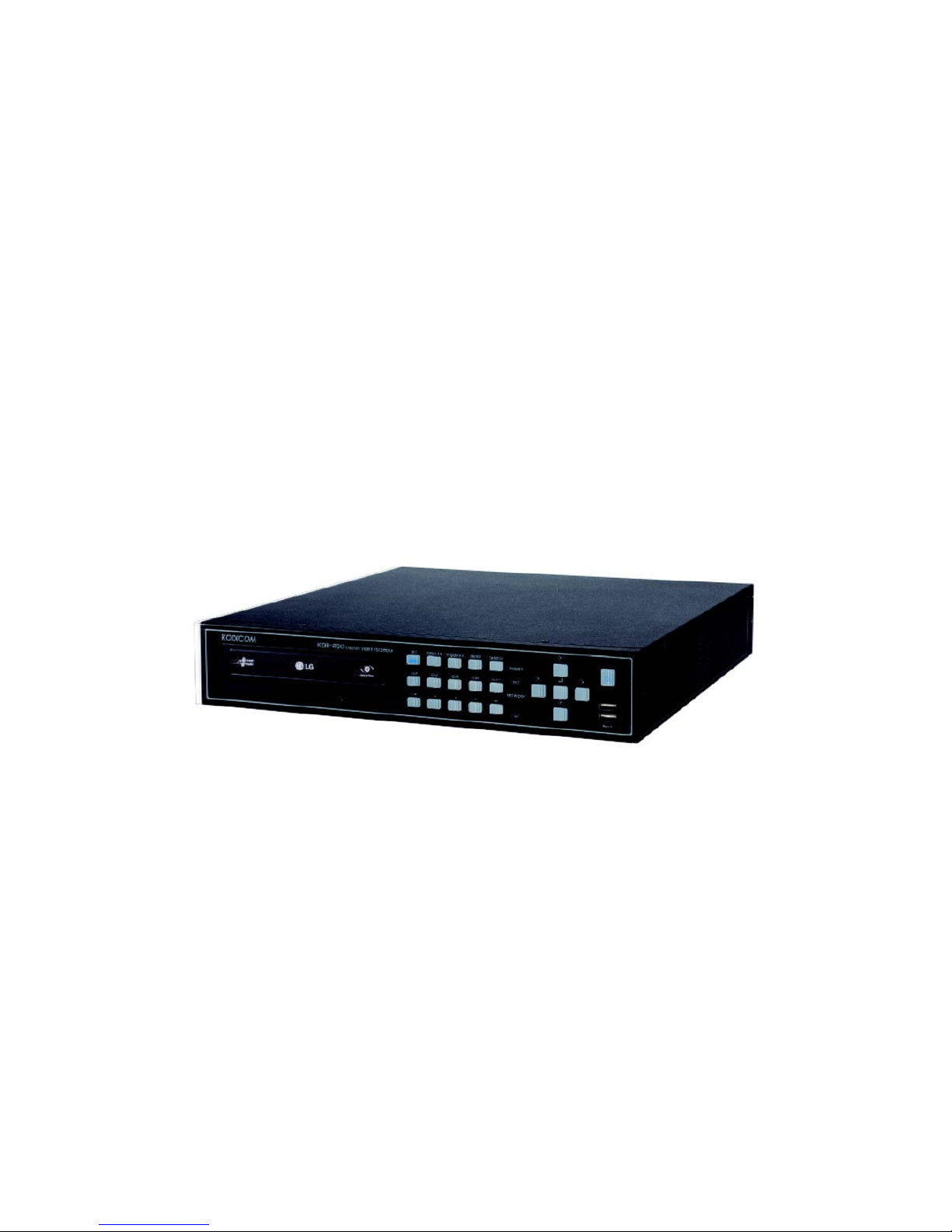
KDR
KDR-
-400 Manual
400 Manual
This manual is published by KODICOM Co, Ltd and contains
information on KDR-400 which will enable you to use this product
properly.
If you require additional copies of this manual, please print the
manual contained in the CD provided with your purchase.

Introduction
Introduction
Introduction
Thank you for purchasing KODICOM KDR-400.
This DVR is produced by the most advanced KODICOM technology and its quality
is guaranteed by strict reliability and compatibility testing.
This KDR-400 manual provides necessary information for the correct use of this
product and also contains some useful tips.
Please read this manual thoroughly before using your KDR-400 in order to
prevent possible breakdown due to any mishandling.

This manual applies to KDR-400 DVR only.
This manual describes external features of the KDR-400 DVR, part names, correct
connection methods for supported domes or Pan/Tilt receivers, control devices,
peripheral devices, and the system set up instructions. It should be noted that
some features, figures, pictures and references can only be applied to one model
either KDR-400.
• KODICOM can not be held responsible if the DVR is damaged due to non-
compatible devices being used with this product. If you have any doubts please
check.
• KODICOM can not be held responsible if the DVR is damaged due to the product
being disassembled or modified by the user.
• If you wish to open the system casing to attempt to modify, repair, or upgrade the
system, it is recommended that you ask for a KODICOM engineer’s assistance by
contacting either your dealer or KODICOM head office.
• This product is qualified for both domestic and industrial use. This product is
qualified under the Radio Equipment Requirements of Korea and acquired
international certification including CE (Europe) and FCC (USA).
Notice
Notice
Notice

All copyrights of this manual are reserved by KODICOM CO., Ltd.
Copyright©2006
It is prohibited to copy or republish this manual for commercial reasons.
It is prohibited to transfer this manual via online media such as, but not limited to,
the Internet. It is also prohibited to post, distribute, or translate this manual without
KODICOM’S permission.
KODICOM is not held responsible if the DVR is damaged due to the system being
handled inappropriately by a user who is not aware of how to operate this product,
or by a user who did not refer to this manual before attempting to operate the
product.
KODICOM reserves the right to change the contents of this manual without notice.
KODICOM reserves all copyrights of registered trademarks in this manual.
Copyrights
Copyrights
Copyrights

Caution
Caution
Caution
Please be aware of the following precautions before installing the DVR.
• Avoid positioning the KDR-400 in any place where the unit may come into contact
with moisture, dust, or soot.
• Avoid placing in direct sunlight or near heating appliances.
• Keep the product away from electric shock or magnetic substances.
• Avoid temperature extremes (recommended operation temperature is between
0°C and ~40°C).
• Do not place any conductive material through the ventilation grills.
• Keep the system turned off before installation.
• Ensure enough space is left for cable connections.
• Place the system on a solid surface with sufficient air ventilation. Avoid any
surface that vibrates.
• Placing the system near electronic devices such as radio or TV may cause
breakdown to the product.
• Do not disassemble the product without seeking assistance from KODICOM.
• Do not place any heavy object on the system.

The following are warnings and cautions for the safety of the users and for
the prevention of any property damage. Please read below thoroughly.
Warning and Caution signs
If you are not aware of this
warning, you may be seriously
injured or be killed.
If you are not aware of this
caution, you may be injured
or cause property loss.
Warning Caution
Safety Warnings and Cautions
Safety Warnings and Cautions
Safety Warnings and Cautions
Turn off the system before installing the system.
Do not plug in several electric devices to the
same outlet.
yThis may cause heating, fire, or electric shock.
Do not place any liquid container on the system,
such as water, coffee, or beverage.
• If liquid is poured onto the system, it can cause
a system breakdown or cause fire.
Prevent power cable from being severely bent or
pressed by a heavy object.
• This may cause fire.
Clean the dust around the system on regular
basis. When cleaning the system, always use dry
cloth. Do not use wet cloth or other organic
solvents.
• This may damage the surface of the system and
can cause system breakdown or electric shock.
Avoid any place with moisture, dust, or soot.
• This can cause fire or electric shock. When pulling the power cable from the plug, do
so gently. Do not touch the plug with wet hands
and avoid using the plug if the holes on the outlet
are too loose.
• This may cause fire or electric shock.
Warning

Do not attempt to disassemble, repair, or modify
the system on your own. It is extremely dangerous
due to high voltage running through the system.
• This may cause fire, electric shock, or serious
injuries.
Install the system in a cool place without direct
sunlight and always maintain room temperature.
Avoid candle light and heat-generating devices
such as heater. Keep the system away from
places where many people pass.
• This may cause fire.
Check for any danger signs such as moist floor,
loosened or damaged power cable, or unstable
surface. If you encounter any problems, ask for
assistance from your dealer.
• This may cause fire or electric shock.
Install the system on a plain surface with sufficient
air ventilation. Do not place the system on
elevated surface.
• This may cause system breakdown or serious
injuries.
Keep at least 15cm between the back of the
system and a wall for the cables connected into
the system. Otherwise, cables may be bent,
damaged, or cut.
• This may cause fire, electric shock, or injuries.
The power outlet must be placed on a ground,
and the voltage range must be within 10% of the
voltage rate. Do not use the same outlet with a
hair dryer, iron, refrigerator, or any heating
appliances.
• This may cause fire, heating, an electric shock.
Warning

When the system’s battery is depleted, you must
change it with the same or equivalent type of
battery specified by the manufacturer. Depleted
batteries should be discarded according to
manufacturer’s instructions.
• This may cause an explosion.
If the system’s HDD has exceeded its life span,
you may not be able to recover any data stored
inside the HDD. If the video on the system screen
appears ‘damaged’ while playing a recording
stored inside the system’s HDD, it must be
replaced with a new one. Ask for an engineer’s
assistance for HDD replacement from your dealer.
• KODICOM is not responsible for deleted data
caused by user’s mishandling.
Warning
CALIFORINIA USA ONLY
This Perchlorate warning applies only to primary CR
(Manganese Dioxide) Lithium coin cells in the
product sold or distributed ONLY in California USA.
“Perchlorate Material - special handing may apply,
See www.dtsc.ca.gov/hazardouswaste/perchlorate.”

Do not install the system in a place with high
magnetic, electric wave, or wireless devices such
as radio or TV.
• Install the system in a place without magnetic
objects, electric frequencies, or vibration.
Install the system in a place with appropriate
moisture and temperature level.
• Avoid installing the system with high (over 40℃)
or low (under 0℃) temperature.
Prevent any substances from being inserted into
the system.
• This may cause system breakdown.
Do not place any heavy object on the system.
• This may cause system breakdown.
Install the system in a place with sufficient air
ventilation.
• Keep at least 15cm distance between the back
of the system and a wall, and at least 5cm
distance between the side of the system and a
wall.
Install the system on a stable and leveled surface..
• The system may not operate properly.
Caution
Table des matières
Autres manuels Kodicom DVR


