
KOCOM KZC-SPT271DN Manuel

KZC-SPT271D_Outdoor 07.02
Before attempting to connect or operate this product,
Please read these instructions carefully and save this manual for future use.
www.kocom.com
INSTRUCTION Guide
KZC-SPT271DN
KZC-SPT271DP
▶OUTDOOR

CAUTION : TO REDUCE THE RISK OF ELECTRIC SHOCK,
DO NOT REMOVE COVER (OR BACK).
NO USER-SERVICEBLE PARTS INSIDE.
REFER SERVICING TO QUALIFIED
SERVICE PERSONNEL.
CAUTION
RISK OF ELECTRIC SHOCK
DO NOT OPEN
The lightning flash with arrow-head symbol,
within an equilateral triangle, is intended to alert
the user to the presence of not insulated "dangerous voltage"
within the product's enclosure that maybe of sufficient magnitude
to constitute a risk of electric shock to persons.
The exclamation point within an equilateral triangle is intended
to alert the user to the presence of important operating and maintenance
(servicing) instructions in the literature accompanying the appliance.
FCC COMPLIANCE STATEMENT
FCC INFORMATION: THIS EQUIPMENT HAS BEEN TESTED AND FOUND TO COMPLY WITH THE LIMITS FOR A CLASS
A DIGITAL DEVICE, PURSUANT TO PART 15 OF THE FCC RULES. THESE LIMITS ARE DESIGNED TO PROVIDE
REASONABLE PROTECTION AGAINST HARMFUL INTERFERENCE WHEN THE EQUIPMENT IS OPERATED
IN A COMMERCIAL ENVIRONMENT.
THIS EQUIPMENT GENERATES, USES, AND CAN RADIATE RADIO FREQUENCY
ENERGY AND IF NOT INSTALLED AND USED IN ACCORDANCE WITH THE INSTRUCTION MANUAL,
MAY CAUSE HARMFUL INTERFERENCE TO RADIO COMMUNICATIONS.
OPERATION OF THIS EQUIPMENT IN A RESIDENTIAL AREA IS LIKELY TO CAUSE HARMFUL INTERFERENCE IN WHICH
CASE THE USER WILL BE REQUIRED TO CORRECT THE INTERFERENCE AT HIS OWN EXPENSE.
CAUTION: CHANGES OR MODIFICATIONS NOT EXPRESSLY APPROVED BY THE PARTY RESPONSIBLE
FOR COMPLIANCE COULD VOID THE USER'S AUTHORITY TO OPERATE THE EQUIPMENT.
THIS CLASS A DIGITAL APPARATUS COMPLIES WITH CANADIAN ICES-003.
CET APPAREIL NUMERIQUE DE LA CLASSE A EST CONFORME A LA NORME NMB-003 DU CANADA.
CE COMPLIANCE STATEMENT
WARNING: THIS IS A CLASS A PRODUCT.
IN A DOMESTIC ENVIRONMENT THIS PRODUCT MAY CAUSE RADIO INTERFERENCE IN WHICH CASE
THE USER MAY BE REQUIRED TO TAKE ADEQUATE MEASURES.
Cautions
1
Cautions
Safety Instructions
Introductions
Features
Cabling and Dome Setup
Dip Switch setup
Cable Connection
Installation
Program Menu
Description of Menu Function
Menu Programming
Dome Menu
Main Setup
Motion Menu
Display Menu
Clear Data
Specification
System Connection
Shortcut Command
1
2
4
4
5
5
6
8
11
12
16
16
19
23
25
26
27
30
31
Table of Contents
Component
Adaptor (AC 24V / 1A)
Mechanism Housing Outdoor Ring Decoration Part Wall Mount
Tappimg Screws
(4pcs)
Machine Screws
(3pcs)
Manual Ceiling Mount
(※Option)
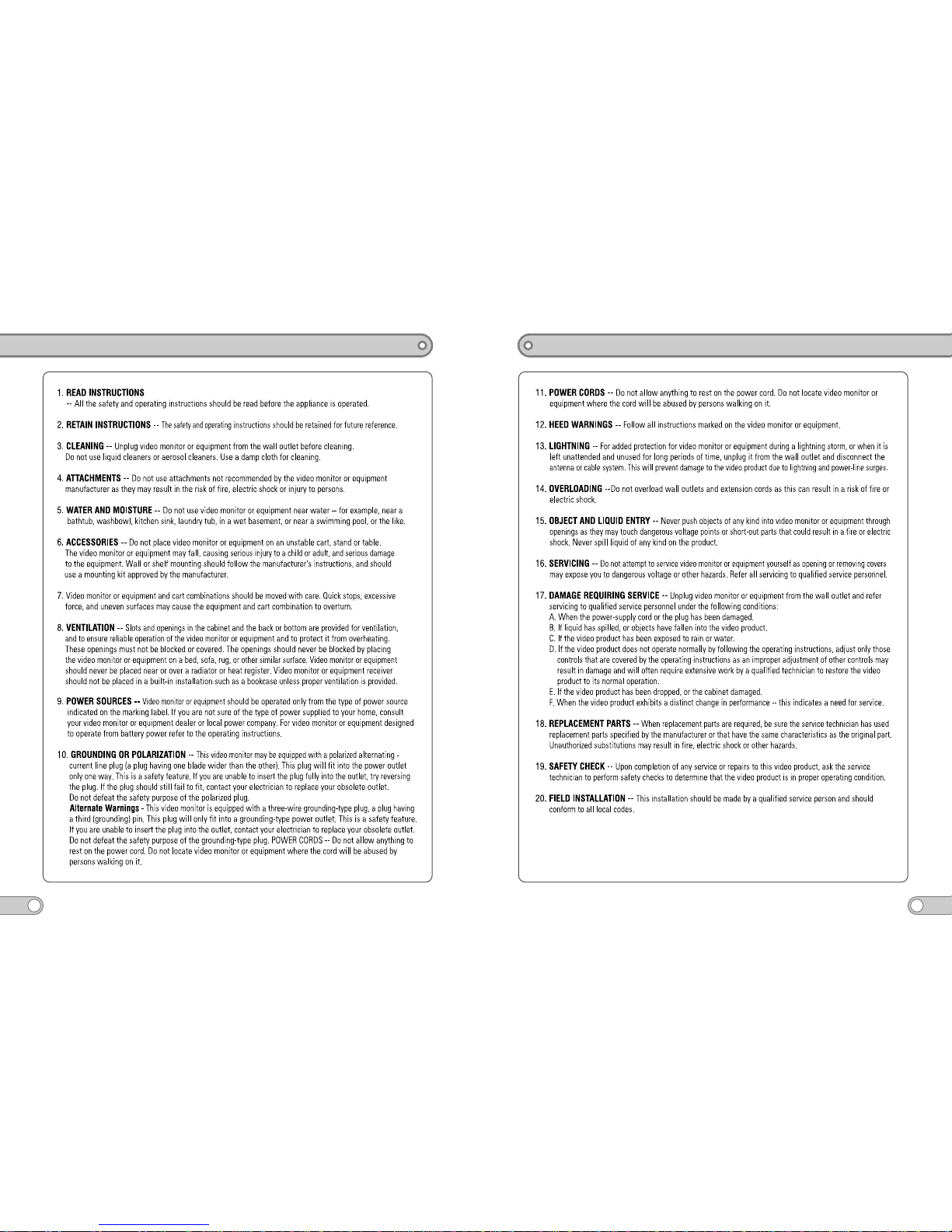
Safety Instructions
2
Safety Instructions
3

Cabling and Dome Setup
5
1. Dip switch setup
S1 S2 S3
The setting dip switches and clock-switch are located on the back side of mechanism part.
S1 S2 S3
S4 S5 S6
1 2 3 4
ON
1 2 3 4
ON
1 2 3 4
ON
1 2
Termination Switch
Setting Switch
(S4, S5, S6)
Address Switch
(S1, S2, S3)
Introductions
Features
4
KZC-SPT271D is state of the art technologies of latest surveillance systems.
KZC-SPT271D enables to combine camera, motorized auto focus zoom lens, pan/tilt
mechanism in a compact dome design. Also with various and convenient functions,
KZC-SPT271D implements without dead ground.
KZC-SPT271D delivers a number of advanced features like, 30x Optical auto focus zoom,
248 preset positions,8 privacy masking zones, Digital Flip function, mechanical Infrared
cut filter removal and 4 record 240sec patterns which it makes this series is the new choice
for any high quality system integration.
30x optical zoom lens will allow an outstanding performance on auto focus tracking and preset
accuracy of less than 0.1˚.
This provides far advanced technologies to high performance to most system integrators.
The dome accommodates a variety of protocols and protocols can be detected automatically.
KZC-SPT271D is one unit of housing with pole, corner, wall or recessed ceiling mounts.
Especially, whether it is raining, snowing or sunny day, KZC-SPT271D delivers
superior performance.
Outdoor application.
1/4" SONY Super HAD CCD.
High quality images with 540TV lines (Color)/570TV lines(B/W).
Optical 30x zoom (Maximum 99mm focal length).
IR cut filter removable Day & Night.
Digital Noise Reduction Technology (S/N ratio-52dB).
8 zones of image masking for Privacy.
Max. 380°/sec Panning speed (preset recall speed).
Up to 248 programmable preset positions.
Up to 8 programmable Tours.
8 alarm inputs and 2 outputs can be programmed by user.
Auto Flip function.
Program upgrade via RS-485 remote site.
4 memorized user control patterns up to 240 seconds (speed and position, lens controls).
ø160mm (ø4-5/16") diameter Poly Carbonate dome sized all-in-one color camera.
Easy interface with multiple protocol and automatic dome protocol detection.
IP65 environmental structure.
AC24V, 1.0A, AC24V 3A (with Heater).

Cabling and Dome Setup
7
IN1
IN2
IN3
IN4
GND
N.O
N.C
COM
AC 24V
AC 24V
IN5
IN6
IN7
IN8
GND
N.O
N.C
COM
ALARM PORT_A ALARM PORT_B
R(T)X A
R(T)X B
TX A
TX B
GND
AC 24V
AC 24V
F GND
CAM POWER RS485 / RS422
HEATER
Alarm Port_A, Pin1
Alarm Port_B, Pin1
N.C A
N.O A
N.C B
N.O B
Cabling and Dome Setup
6
2. Cable connection
S4 S5 S6
1 2 3 4
ON
1 2 3 4
ON
1 2 3 4
ON
<Cable connection>
POWER INPUT
(AC24V / 1A)

Installation
8
< Before Installation >
1. Set the Dome system with dip switch on the back side of the Mechanism part,
and assemble the Mechanism and housing.
A. Outdoor Type
Installation
9
2. Install the Bracket / Make the ceiling hole for the installation, and prepare the wire with connector.
WALL MOUNT CEILING MOUNT
3. For easy installation, screw the three safety screws slightly. (Wall/Ceiling mount)
4. For the Safety reason, turn OFF the main power during the installation.
System Connection
Junction Box
TX +
+
-
RX +
RX -
TX -
Adapter
(DC 12V / 500mA)

Installation
10
< Installation>
(1) Wall Mount
①Connector the cable with the Dome system.
②Put the Dome system into the bracket.
③Fasten the 3 installation screws.
(2) Ceilling Mount
①Connector the cable with the Dome system.
②Put the Dome system into the bracket.
③Fasten the 3 installation screws.
Installation
11
(3) Getting Start
When the system power (AC 24V) is "ON", following test screen will be appearing for about
10seconds. After check all devices correctly, blue test screen will be disappearing and the
dome camera be in ready mode.
RAM TEST : PASS
J1 PAN V1.3
ID : 0001 9600BPS
WAIT DOME SETTING
PAN SENSING
TILT SENSING
J1 PAN V1.3
CAMERA TYPE : SDM-300
ID : 0001 9600BPS
WAIT DOME SETTING
INT PAN ORIGIN SET OK
INT TILT ORIGIN SET OK
INT CAMERA SET OK
Program Menu
CAM TITLE OFF
WHITE BAL ATW
BACKLIGHT OFF
MOTION DET OFF
FOCUS
EXPOSURE
SPECIAL
RESET
EXIT
MAIN SETUP

Description of Menu Function
12
1. Dome Menu
Description of Menu Function
13
2. Main Setup
2-1 CAM TITLE (Camera Title)
Use this feature to designate a name for the camera, which will display on the monitor screen.
2-2 WHITE BAL (White Balance Mode)
Outer illumination condition is expressed by Color temperature, Kelvin(˚K).
It is White Balance that shows white as white in any illumination conditions.
2-3 BACKLIGHT (Backlight Compensation)
When there is a strong backlight behind the object, clear images of the background
as well as the object can still be obtained by using the BACKLIGHT function.
2-4 MOTION DET (Motion Detection)
It allows you to observe movements of objects in 4 different areas on the screen, and the words
'MOTION DETECTED' appear on the screen when movement is detected ; hence a single
individual can conduct supervision efficiently.
2-5 FOCUS (Auto Focus)
You can select the most suitable zoom mode. There are Auto, Manual and One-Push mode.
Auto : Use to focus automatically all the time.
Manual : Focus can be manually adjusted, independent of moving zoom.
One-Push : Focus is automatically adjusted just once, after zoom position is changed.
2-6 EXPOSURE
You can adjust Brightness, Iris, Shutter, AGC, SSNR and Sense-Up functions.
2-7 SPECIAL
You can adjust User Preset, Privacy, Day/Night, DIS, SYNC, COMM Adjust and Image Adjust.
2-8 RESET
To reset your camera to factory default condition.
2-9 EXIT
To finish setup menu.

3. Motion Menu
4. Display Menu
Description of Menu Function
14
Description of Menu Function
15
5. Clear Data

1. Dome Menu
Menu Programming
16
Menu Programming
17
Ce manuel convient aux modèles suivants
1
Table des matières
Autres manuels KOCOM Caméra de sécurité


