Jensen JCR-238 Manuel utilisateur

Digital Dual Alarm Projection Clock Radio
MODEL : JCR-238
USER MANUAL
PLEASE READ THIS USER MANUAL COMPLETELY BEFORE OPERATING
THIS UNIT AND RETAIN THIS BOOKLET FOR FUTURE REFERENCE

WARNING
TO PREVENT FIRE OR SHOCK HAZARD, DO NOT USE
THIS PLUG WITH AN EXTENSION CORD, RECEPTACLE
OR OTHER OUTLET UNLESS THE BLADES CAN BE FULLY
INSERTED TO PREVENT BLADE EXPOSURE. TO PREVENT
FIRE OR SHOCK HAZARD, DO NOT EXPOSE THIS APPLIANCE
TO RAIN OR MOISTURE.
The Caution Marking is located at the back enclosure of the
apparatus.
The Rating plate is located at the back enclosure of the apparatus
IMPORTANT SAFETY INSTRUCTIONS
1. Read these instructions.
2. Keep these instructions.
3. Heed all warnings.
4. Follow all instructions.
5. Do not use this apparatus near water.
6. Clean only with dry cloth.
7. Do not block any ventilation openings. Install in accordance with
the manufacturer’s instructions.
8. Do not install near any heat sources such as radiators, heat
registers,stoves,orotherapparatus(includingampliers)that
product heat.
The lightning ash with
arrowhead symbol, within
an equilateral triangle
is intended to alert the
user to the presence of
uninsulated dangerous
voltage within the product
is enclosure that may be
of sufcient magnitude to
constitute a risk of electric
shock to persons.
CAUTION
CAUTION: TO REDUCE
THE RISK OF ELECTRIC
SHOCK, DO NOT REMOVE
COVER (OR BACK), NO
USER-SERVICEABLE
PARTS INSIDE. REFER
SERVICING TO QUALIFIED
SERVICE PERSONNEL.
The exclamation point
within an equilateral
triangle is intended to alert
the user to the presence
of important operating and
maintenance (servicing)
instructions in the literature
accompanying the
appliance.
RISK OF ELECTRIC SHOCK
DO NOT OPEN
E-1

9. AC adaptor is used as disconnect device and it should remain
readily operable during intended use. In order to disconnect the
apparatus from the mains completely, the AC adaptor should be
disconnected form the mains socket outlet completely.
10.Onlyuseattachments/accessoriesspeciedbythe
manufacturer.
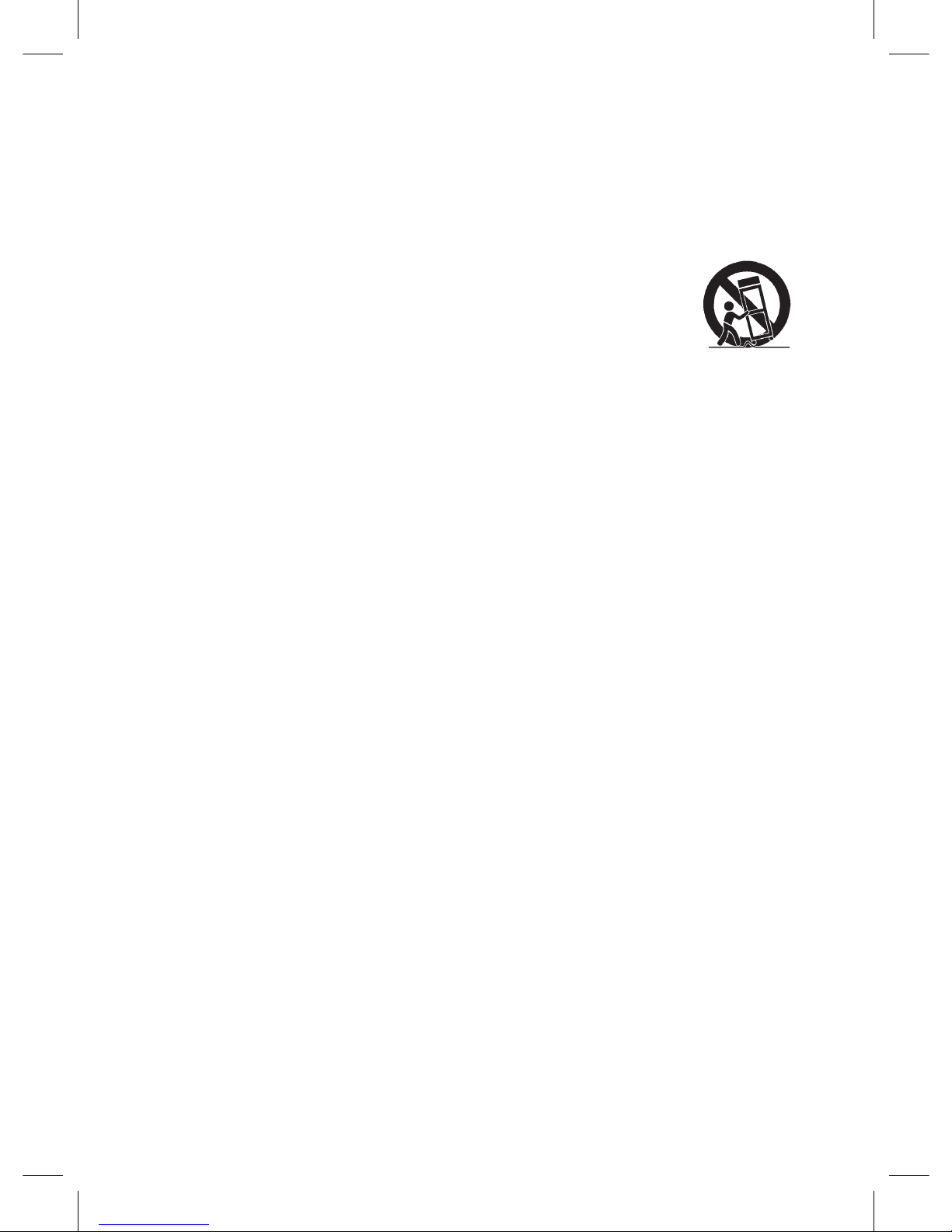
11. Use only with a cart, stand, tripod, bracket, or table
recommended by the manufacturer, or sold with the
product. When a cart is used, use caution when
moving the cart/apparatus combination to avoid
injury from tip-over.
12. Unplug this apparatus during lightning storms or when unused
for a long periods of time.
13.Referallservicingtoqualiedservicepersonnel.Servicingis
required when the apparatus has been damaged in any way,
such as power-supply cord or plug is damaged, liquid has been
spilled or objects have fallen into the apparatus, the apparatus
has been exposed to rain or moisture, does not operate
normally, or has been dropped.
14. This appliance shall not be exposed to dripping or splashing
waterandthatnoobjectlledwithliquidssuchasvasesshall
be placed on the apparatus.
15. Do not overload wall outlet. Use only power source as indicated.
16.Usereplacementpartasspeciedbythemanufacturer.
17. Upon completion of any service or repairs to this product, ask
the service technician to perform safety checks.
18. Power Sources - This product should be operated only from
the type of power source indicated on the marking label. If you
are not sure of the type of power supply to your home, consult
your product dealer or local power company. For products
intended to operate from battery power, or other sources, refer
to the operating instruction.
19. Object and Liquid Entry - Never push objects of any kind into
this product through openings as they may touch dangerous
voltagepointsorshort-outpartsthatcouldresultinareor
electric shock. Never spill liquid of any kind on the product.
20. Damage Requiring Service - Unplug this product from the wall
outletandreferservicingtoqualiedservicepersonnelunder
the following conditions:
a) Whenthepower-supplycordorplugisdamaged,
E-2

b) Ifliquidhasbeenspilled,orobjectshavefallenintothe
product,
c) Iftheproducthasbeenexposedtorainorwater,
d) Iftheproductdoesnotoperatenormallybyfollowingthe
operating instructions. Adjust only those controls that are
covered by the operating instructions as an improper
adjustment of other controls may result in damage and will
oftenrequireextensiveworkbyaqualiedtechnicianto
restore the product to its normal operation.
e) Iftheproducthasbeendroppedordamagedinanyway,and
f) Whentheproductexhibitsadistinctchangeinperformance-
this indicates a need for service.
21. Battery shall not be exposed to excessive heat such as
sunshine,reorthelike.
22.Minimumdistancesof10cmaroundtheapparatusforsufcient
ventilation.
23. The ventilation should not be impeded by covering the
ventilation openings with items, such as newspapers, table-
cloths, curtains, etc.
24.Nonakedamesources,suchaslightedcandles,shouldbe
placed on the apparatus.
25. The use of apparatus in moderate climates.
26. Attention should be drawn to the environmental aspects of
battery disposal
SAVE THESE INSTRUCTIONS
E-3

COMPLIANCE WITH FCC REGULATIONS
This device complies with Part 15 of the FCC Rules. Operation is
subject to the following two conditions:
(1) Thisdevicemaynotcauseharmfulinterference,and
(2) Thisdevicemustacceptanyinterferencereceived,including
interference that may cause undesired operation.
This equipment has been tested and found to comply with the limits
for a class B digital device, pursuant to Part 15 of the FCC Rules.
These limits are designed to provide reasonable protection against
harmful interference in a residential installation. This equipment
generates uses and can radiate radio frequency energy and, if
not installed and used in accordance with the instructions, may
cause harmful interference to radio communications. However,
there is no guarantee that interference will not occur in a particular
installation. If this equipment does cause harmful interference to
radio or television reception, which can be determined by turning
the equipment off and on, the user is encouraged to try to correct
the interference by one or more of the following measures:
- Reorient or relocate the receiving antenna.
- Increase the separation between the equipment and receiver.
- Connect the equipment into an outlet on a circuit different from
that to which the receiver is connected.
- Consult the dealer or an experienced radio/TV technician for
help.
CAUTION: Changesormodicationsnotexpresslyapprovedby
the party responsible for compliance could void the user’s authority
to operate the equipment.
E-4

E-5
PROTECT YOUR FURNITURE!!
This system is equipped with non-skid rubber ‘feet’ to prevent the
product from moving when you operate the controls. These ‘feet’
are made from non-migrating rubber material specially formulated
to avoid leaving any marks or stains on your furniture. However
certain types of oil based furniture polishes, wood preservatives,
or cleaning sprays may cause the rubber ‘feet’ to soften, and leave
marks or a rubber residue on the furniture.
To prevent any damage to your furniture we strongly recommend
that you purchase small self-adhesive felt pads, available at
hardware stores and home improvement centers everywhere, and
apply these pads to the bottom of the rubber ‘feet’ before you place
theproductonnewoodenfurniture.

E-6
DEAR JENSEN CUSTOMER
Selectingneaudioequipmentsuchastheunityou’vejust
purchased is only the start of your musical enjoyment. Now it’s time
to consider how you can maximize the fun and excitement your
equipment offers. This manufacturer and the Electronic Industries
Association’s Consumer Electronics Group want you to get the most
out of your equipment by playing it at a safe level. One that lets
the sound come through loud and clear without annoying blaring
or distortion and, most importantly, without affecting your sensitive
hearing.
Sound can be deceiving. Over time your hearing “comfort level”
adapts to higher volumes of sound. So what sounds “normal” can
actually be loud and harmful to your hearing. Guard against this
by setting your equipment at a safe level BEFORE your hearing
adapts.
To establish a safe level:
• Startyourvolumecontrolatalowsetting.
• Slowlyincreasethesounduntilyoucanhearitcomfortablyand
clearly, and without distortion.
Once you have established a comfortable sound level:
• Setthedialandleaveitthere.
Taking a minute to do this now will help to prevent hearing damage
or loss in the future. After all, we want you listening for a lifetime.
We Want You Listening For a Lifetime
Used wisely, your new sound equipment will
provide a lifetime of fun and enjoyment. Since
hearing damage from loud noise is often
undetectable until it is too late, this
manufacturer and the Electronic Industries
Association’s Consumer Electronics Group
recommend you avoid prolonged exposure to excessive noise.
Customer’s Record:
The serial number of this product is found on its bottom. You
should note the serial number of this unit in the space provided as
apermanentrecordofyourpurchasetoaidinidenticationinthe
event of theft of loss.
Model Number: JCR-238 Serial Number :

ACCESSORIES
1. Clock radio
2. Power adaptor
3. User manual
LOCATION OF CONTROLS
E-7

1. PROJECTOR ON/OFF BUTTON / 180° FLIP BUTTON
2. SLEEP BUTTON / DIMMER BUTTON
3. BACKWARD BUTTON
4. FORWARD BUTTON
5. CLOCK BUTTON / MEM/M+ BUTTON / SET BUTTON / Y-M-D
BUTTON
6. ALARM 1 BUTTON / VOL DOWN BUTTON / ALARM OFF
BUTTON
7. ALARM 2 BUTTON / VOL UP BUTTON / ALARM OFF BUTTON
8. POWER BUTTON / ALARM OFF BUTTON
9. SNOOZE BUTTON
10. PROJECTOR
11. DISPLAY
12.ALARM2INDICATOR(waketoalarm)
13.ALARM2INDICATOR(waketoradio)
14.ALARM1INDICATOR(waketoradio)
15.ALARM1INDICATOR(waketoalarm)
16. PM INDICATOR
17. USB CHARGING PORT
18. DC IN JACK
19. BATTERY COMPARTMENT
20. ANTENNA
21. SPEAKER
POWER SOURCE (AC ADAPTOR ONLY)
The JCR-238 operates with an external AC-DC adaptor with output
DC 5V 1500mA .
The unit is also equipped with a battery back-up system for the
clockthatispoweredby1xCR2032lithiumbattery(Notincluded).
POWER CONNECTION
E-8

E-9
1. ConnectthecordofthepoweradaptortotheDCINJACK(#18)
of the JCR-238.
2. Connect the plug of the power adaptor to a wall socket.
The radio is powered and in standby mode when you see the
display is switched on.
Battery Back-up system
• Theradioisequippedwithabatteryback-upsystem.Itrequires
a3VlithiumbatteryCR2032(notincluded).Insertthebattery
intothebatterycompartment(#19)andmakesurethepositive
andnegative(+or-)sidesofthebatteryareincontactwiththe
corresponding terminals in the BATTERY COMPARTMENT
(#19).
• Ifapowercutoccurs,theradioautomaticallyswitchestothe
battery power supply and keeps the clock and timer settings.
• ToopentheBATTERYCOMPARTMENT(#19),usea
screwdriver to detach the screw on the compartment door.
• Whenreplacingthebattery,donotdisconnectthepower
adaptor. Otherwise, all clock and alarm settings will be lost.
WARNING
DO NOT INGEST BATTERY, CHEMICAL BURN HAZARD
This product contains a coin/button cell battery. If the coin/button
cell battery is swallowed, it can cause severe internal burns in just 2
hours and can lead to death.
Keep new and used batteries away from children. If the battery
compartment does not close securely, stop using the product and
keep it away from children.
If you think batteries might have been swallowed or placed inside
any part of the body, seek immediate medical attention.
Table des matières
Autres manuels Jensen Horloge
Manuels Horloge populaires d'autres marques
Silicon Laboratories
Silicon Laboratories SI5324 Manuel utilisateur

Heathkit
Heathkit GC-1005 Manuel utilisateur

Oregon Scientific
Oregon Scientific PRYSMA RMR221P Manuel utilisateur

Andrew O'Malley
Andrew O'Malley DOTKLOK Manuel utilisateur

ALGE-Timing
ALGE-Timing ASC3 Manuel utilisateur

Bodet
Bodet Profil 960 Manuel utilisateur