
INVENTOR FN40-INV Manuel utilisateur
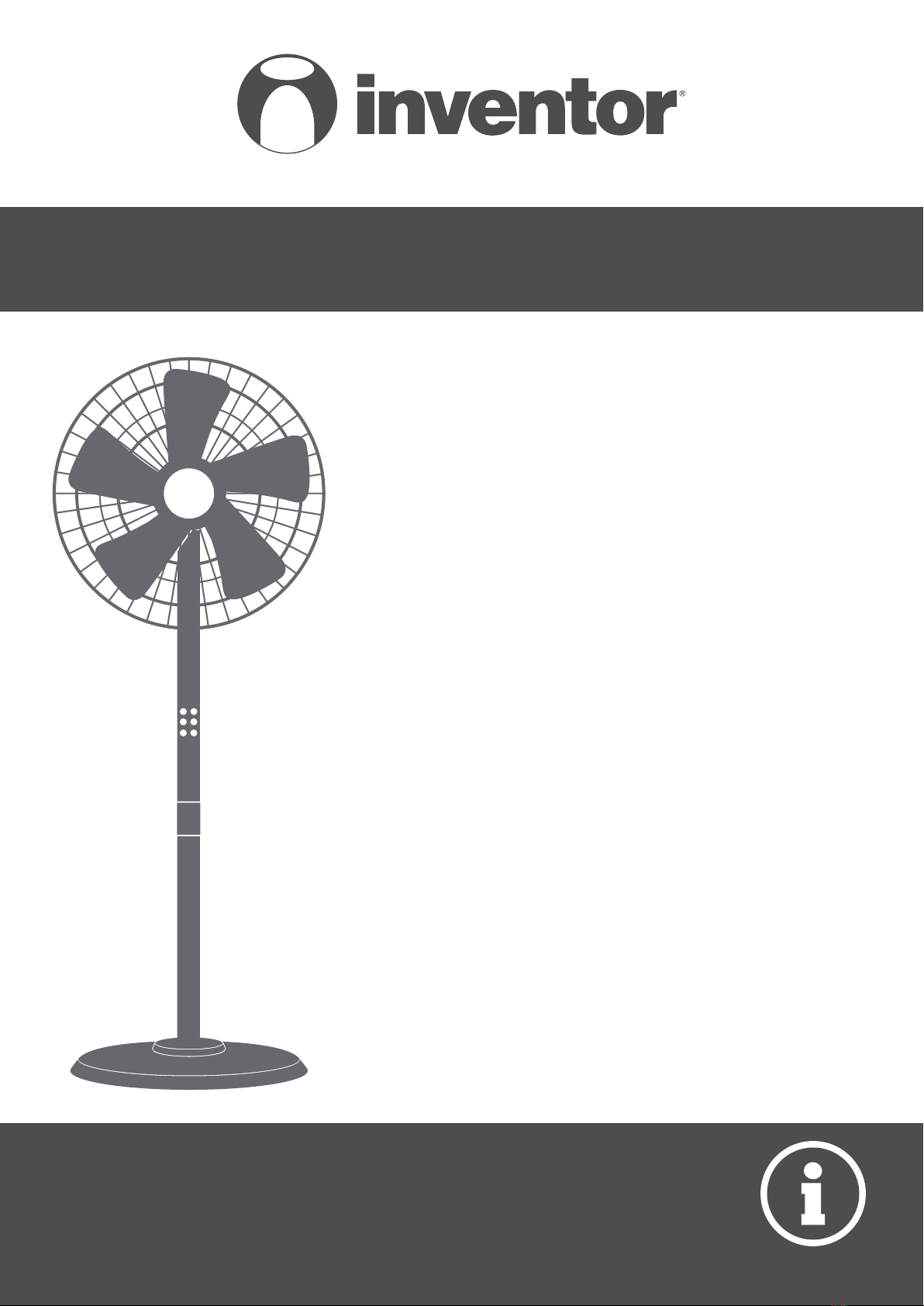
• USER’S MANUAL
• ΕΓΧΕΙΡΙΔΙΟ ΧΡΗΣΗΣ
• MANUAL UTILIZATORULUI
• BEDIENUNGSANLEITUNG
• MANUEL D’UTILISATEUR
• MANUALE DELL’ UTENTE
• MANUAL DEL PROPIETARIO
ENGLISH | ΕΛΛΗΝΙΚΑ | ROMANA | DEUTSCH |
FRANÇAIS | ITALIANO | ESPAÑOL
FLOOR FAN
MODEL:
FN40-INV


LANGUAGES
ENGLISH .................................................................................................................4
ΕΛΛΗΝΙΚΑ.............................................................................................................12
ROMANA ..............................................................................................................20
DEUTSCH ..............................................................................................................28
FRANÇAIS .............................................................................................................36
ITALIANO..............................................................................................................44
ESPAÑOL ..............................................................................................................52

4ΕΝ
For safe operation please read and follow the below Instructions carefully.
1.If the supply cord is damaged, it must be replaced by the manufacturer or its service agent or a
similarly qualied person in order to avoid a hazard.
2.Domestic use only.
3.To avoid the risk of electrical shock, do not immerse the unit, cord or plug in water or any other
liquids.
4. This appliance is not intended for use by persons (including children) with reduced physical,
sensory or mental capabilities, or lack of experience and knowledge, unless they have been
given supervision or instruction concerning use of the appliance by a person responsible for
their safety.
Minors should be supervised at all times, to avoid the mistreatment of the unit and/or possible
injury.
5.When the appliance is not operating, and, prior to cleaning, please unplug from the power
socket.
6. When assembling the fan, make sure that the protective fan grill covers are properly installed.
7. Do not dispose this product as unsorted municipal waste. This appliance requires special
treatment for disposal. It is prohibited to dispose of this appliance in domestic household
waste. To prevent possible harm to the environment or human health from uncontrolled waste
disposal, recycle it responsibly to promote the sustainable reuse of material resources.
To return your used device, contact the retailer, it is possible they may dispose of it at a
recycling facility.
CAUTION
WARNING
RULES FOR SAFE OPERATION
1.While the fan is operating, no sharp objects, such as pencils, should be inserted through the
protective grill. Be extra cautious when handling and be certain no ngers penetrate beyond
the protective grill area, this should be strictly avoided at all times.
2. Be certain that the fan is disconnected when repositioning from one location to another.
3.Be certain that the fan is on sturdy grounds while operating, to avoid accidental tipping.
4.Be extra cautious when operating near a window as rain may cause electric shock.
5. This device is intended for domestic use only.

5
ΕΝ
INSTALLATION INSTRUCTIONS
■ Name of components
Useful Tip:
Prior to installation,
remove the fan leaf
lock nut and the mesh
hood lock nut from the
fuselage
Installation:
Install by rotating (screwing)
the pole to the base.
Motor
Pole
Base
Cable
Rear grill
Install by
aligning

6ΕΝ
Align the front with the back
protective fan grill, then secure
as shown in the gure.
Locknut of
Protective Grill
Screw the locknut
clockwise, and then
install the front
cover of the fan.
Fan Blade
Move the fan
blade and rotate
after installation,
to ensure that it
rotates smoothly.
Casing Screw Nut
Screw the cover nut
counterclockwise
and then install
the fan's front
protective grill.
Firmly hold on both (front
& back) Protective Fan
Grills together
Screw
Guard
Catch
Front grill
Front and back protective Fan Grill Installation:

7
ΕΝ
INSTRUCTIONS FOR USE
■ Remote control functions:
SPEED button
Useful Tip:
The remote control operates best when it is within a range of 5 meters from the fan, and with an
angle no more than 30°.
ON/OFF button
SWING button TIMER button
Battery*
*Batteries are not included

8ΕΝ
INSTRUCTIONS FOR USE
■ Instructions for main unit:
Tilt Adjustment
Manual
Height Adjustment
Turn counterclockwise to
adjust to the preferred
height level.
Air Speed Button:
Press for a short period
of time to adjust the air
speed, prolonged pressing
(two seconds), to set the
timer.
Control Adjustment
SPEED
SWING
ON/OFF

9
ΕΝ
This fan requires limited maintenance. Do not attempt to x on your own. Always refer to
qualied personnel if any service is required.
1.Prior to cleaning and assembling, the fan must be unplugged.
2.To ensure adequate air circulation, vents should be free of dust at all times. Do not disassemble
the fan in order to remove the dust.
3.The exterior parts of the device may be wiped with a soft and damp, with a mild detergent,
cloth.
4.The use of any abrasive detergents or solvents should be avoided as this may result in
scratching the surface. The use of gasoline or paint thinner, for cleaning purposes, should be
avoided.
5.Water or any other liquids in the motor housing or interior parts of the device, must be avoided
at all times.
1.Prior to performing any cleaning the device must be unplugged.
2. All plastic parts of the device should be cleaned with a soft moist cloth and with mild soap.
Thoroughly clean any soap excess with a dry cloth.
MAINTENANCE INSTRUCTION
CLEANING
All the pictures in the manual are for explanatory purposes only. The actual shape of the unit you
purchased may be slightly dierent, but the operations and functions are the same.
The company may not be held responsible for any misprinted information. The design and the
specications of the product for reasons, such as product improvement, are subject to change
without any prior notice.
Please consult with the manufacturer at +30 211 300 3300 or with the Sales agency for further
details. Any future updates to the manual will be uploaded to the service website, and it is advised
to always check for the latest version.
Scan here to download the latest version of this manual.
www.inventorappliances.com/manuals

10 ΕΝ
Full Name*
Address*
Postal Code*
Phone Number*
E-mail*
Unit Type*
Serial Number of the unit*
Date of Purchase*
Invoice Number*
Additional Details
Subscribe to Inventor's Newsletter
Owner details Unit details
To activate the warranty card, please ll in the following elds
Activate your Warranty
l Fill all the elds as shown below
þ
once the warranty submission has been completed a conrmation message will
be sent to your email
* Required eld
With the current warranty card you accept the terms and conditions.
SEND
l Visit our web site and activate your warranty via the below link or by scan-
ning the QR code
https://www.inventorappliances.com/warranty-card
Table des matières
Langues :
Autres manuels INVENTOR Ventilateur


