01-01 12:32:12
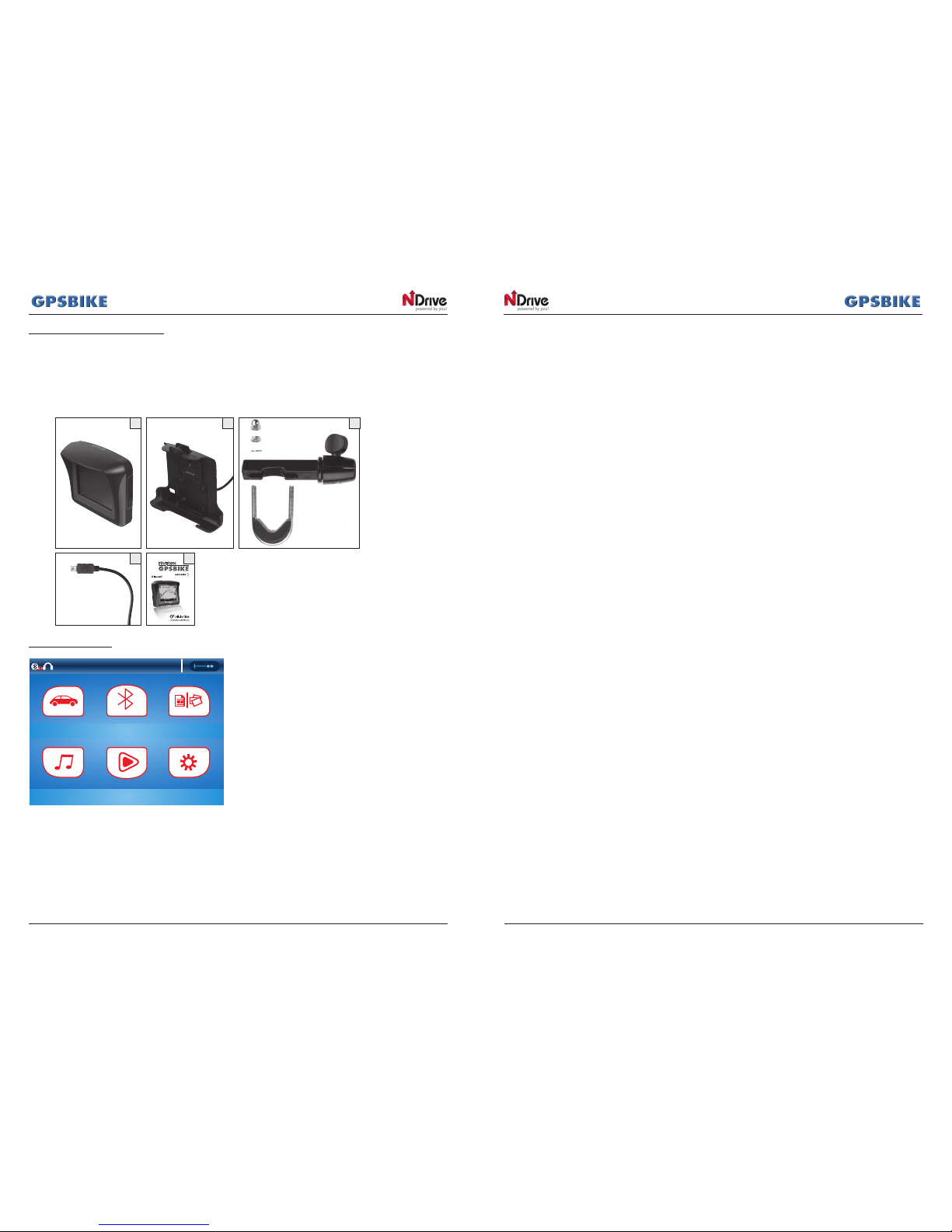
Navigation Bluetooth Ebook&Photo
Music Movie System
1. Guide
2. Bluetooth
3. E-book
4. Music
5. Video
6. Settings
1. Guide
For GPS navigation, GPSBIKE uses the N-DRIVE application and related maps. To start navigation, press the
"GUIDE" icon on the GPSBIKE main menu.
Main map screen ..........................................................................................................................................................3
Basic operations ............................................................................................................................................................6
Exploring menu screens ...............................................................................................................................6
Using the keypad............................................................................................................................................6
Performing a search.......................................................................................................................................8
Go screen .......................................................................................................................................................9
How to navigate .........................................................................................................................................................10
Navigate to an address...............................................................................................................................10
Input an address...........................................................................................................................................10
Navigate to a Point of Interest (
P
OI) .........................................................................................................10
Navigate to a Postal code .................. ......................................................................................................11
Use coordinates to navigate to a location ..............................................................................................11
Perform a Google search to navigate to a location...............................................................................11
Navigate to a recent location....................................................................................................................11
Save a favourite location............................................................................................................................11
Navigate to a favourite location................................................................................................................12
Navigate Home ............................................................................................................................................12
Set Home Location.......................................................................................................................................12
Stop navigating in the current route..........................................................................................................12
See an overview of my routes.....................................................................................................................12
See the list of all manoeuvres included in my routes ...............................................................................12
Delete a favourite location.........................................................................................................................12
Delete recent locations ...............................................................................................................................12
Use itineraries ................................................................................................................................................13
Create an itinerary ............................................................................................................................13
Change an itinerary ..........................................................................................................................13
Navigate to an itinerary ....................................................................................................................13
UsetheTrafcService .................................................................................................................................14
Manage alternative routes .........................................................................................................................15
Avoidgoingthroughspecicstreetsorroads..........................................................................................15
Find an alternative when there is a roadblock ahead ...........................................................................15
Customising your
NDrive
............................................................................................................................................. 16
Volume ..........................................................................................................................................................16
Language ....................................................................................................................................................16
Speed ............................................................................................................................................................16
Map appearance .......................................................................................................................................16
Road Assistance ................................................................................................................................16
Map North Up ....................................................................................................................................17
Templates ...........................................................................................................................................17
Points of interest .................................................................................................................................17
Routing options.............................................................................................................................................17
Trafcoptions ................................................................................................................................................17
Safety options ...............................................................................................................................................18
System settings....................................................................................................................................18
Coordinates Format ...........................................................................................................................18
Weather ..............................................................................................................................................18
Import data to NDrive .................................................................................................................................18
Export data from NDrive .............................................................................................................................19
Report a Map Error ......................................................................................................................................19
Know more about the s
oft
wa
re
.................................................................................................................19