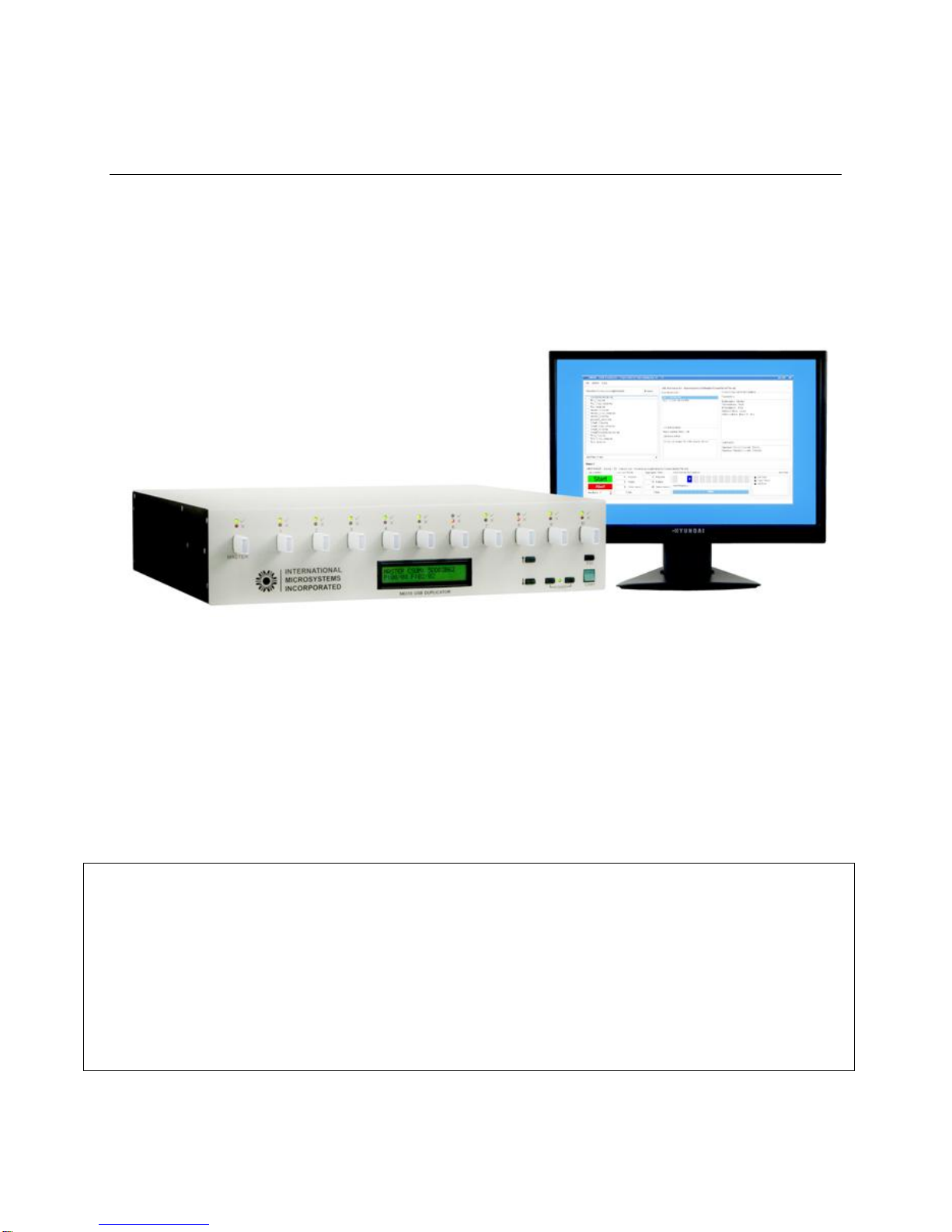
THE M6310 FLASH DRIVE DUPLICATION SYSTEM
6
4.13Update GUID..................................................................................................................................37
4.14Target Backup and Restore...........................................................................................................38
4.15Saving a New or Edited Job...........................................................................................................38
4.16Display Information ........................................................................................................................39
4.17Checksum Master Device..............................................................................................................40
4.18Barcode Setup ...............................................................................................................................41
4.19Tips for Duplication ........................................................................................................................44
5M6310 GUI Job Execution ...................................................................................45
5.1 Execution of a Simple Job .............................................................................................................45
5.2 Starting the Job..............................................................................................................................46
5.3 Job Completion..............................................................................................................................46
5.4 Log Viewer.....................................................................................................................................48
6Creation of USB Drives with Multiple LUN’s or Partitions................................49
6.1 Introduction ....................................................................................................................................49
6.2 M6310 Support of Different USB Controllers.................................................................................49
6.3 SMI 325 & 3255AB Support...........................................................................................................49
6.4 Example – Two LUN’s with LUN0 R/W and LUN1 Read Only ......................................................49
6.4.1 OP1: USB Controller..............................................................................................................51
6.4.2 OP2: Set LUN.........................................................................................................................51
6.4.3 OP3: Set Values.....................................................................................................................52
6.4.4 OP4: Designated Operation for LUN0 (e.g. Program-Verify, Smart Program-Verify etc.).....52
6.4.5 OP5: Set LUN.........................................................................................................................52
6.4.6 OP6: Set Values.....................................................................................................................53
6.4.7 OP7: Operation (e.g. Program-Verify, Smart Program-Verify etc.)........................................53
6.4.8 OP8: USB Controller..............................................................................................................53
6.5 Example: A USB Drive with a single CD-ROM Partition................................................................54
6.5.1 OP1: USB Controller..............................................................................................................55
6.5.2 OP2: Set Values.....................................................................................................................56
6.5.3 OP3: Designated Operation (e.g. Program-Verify)...............................................................56
6.5.4 OP4: USB Controller..............................................................................................................56
6.6 Example: Removing Multiple Partitions from a USB Drive............................................................56
6.7 Formatting a USB Drive.................................................................................................................57
6.8 Cleaning a USB Drive....................................................................................................................58
6.9 Change USB Drive Information......................................................................................................59
6.10Phison Controller............................................................................................................................60
7Running Multiple M6310 Slices: M6320, M6330, M6340....................................61
7.1 Setting Up the System Hardware...................................................................................................61
7.2 Checking/Changing the System Configuration..............................................................................62
7.3 Setting up the Multi-Slice Configuration.........................................................................................63
8Setting the M6310 Host Name and IP Address..................................................65
8.1 Network Administration..................................................................................................................65
8.2 YAST Settings................................................................................................................................65
9Configuring M6310 to a user network ................................................................68
9.1 Recommended Topology for User Network Access......................................................................68
9.2 Adding a User IP address using the Linux YAST Program ...........................................................69
9.2.1 YAST setting ..........................................................................................................................69
9.3 Configuring the new IP for user access to Postgres database......................................................71
9.4 Testing the new Network connection.............................................................................................71