Fastlane® Remote Control INSTALLATION MANUAL
Confidential
Page 10 of 13 Issue A6 April 2010 © Integrated Design Ltd
Confidential
Operation
Enter Button (Timed Entry)
A momentary push (1-second) on the Enter button will allow timed-visitor access. During timed
access, the Fastlane®turnstile will wait for a person to use the lane or will time out and return
to normal operation. The time-out period is adjusted inside the turnstile; please see the
appropriate installation manual for more information.
After one person has entered the lane, the turnstile will wait a further 3-seconds for an
additional person. If no one else enters the lane, the barriers will close. The lane will wait like
this after each person has walked through, thus allowing any number of visitors to enter with
only 1 button press.
Exit Button (Timed Exit)
This works in exactly the same way as the Enter button, but allows Visitors to exit.
Key Switch (3-way)
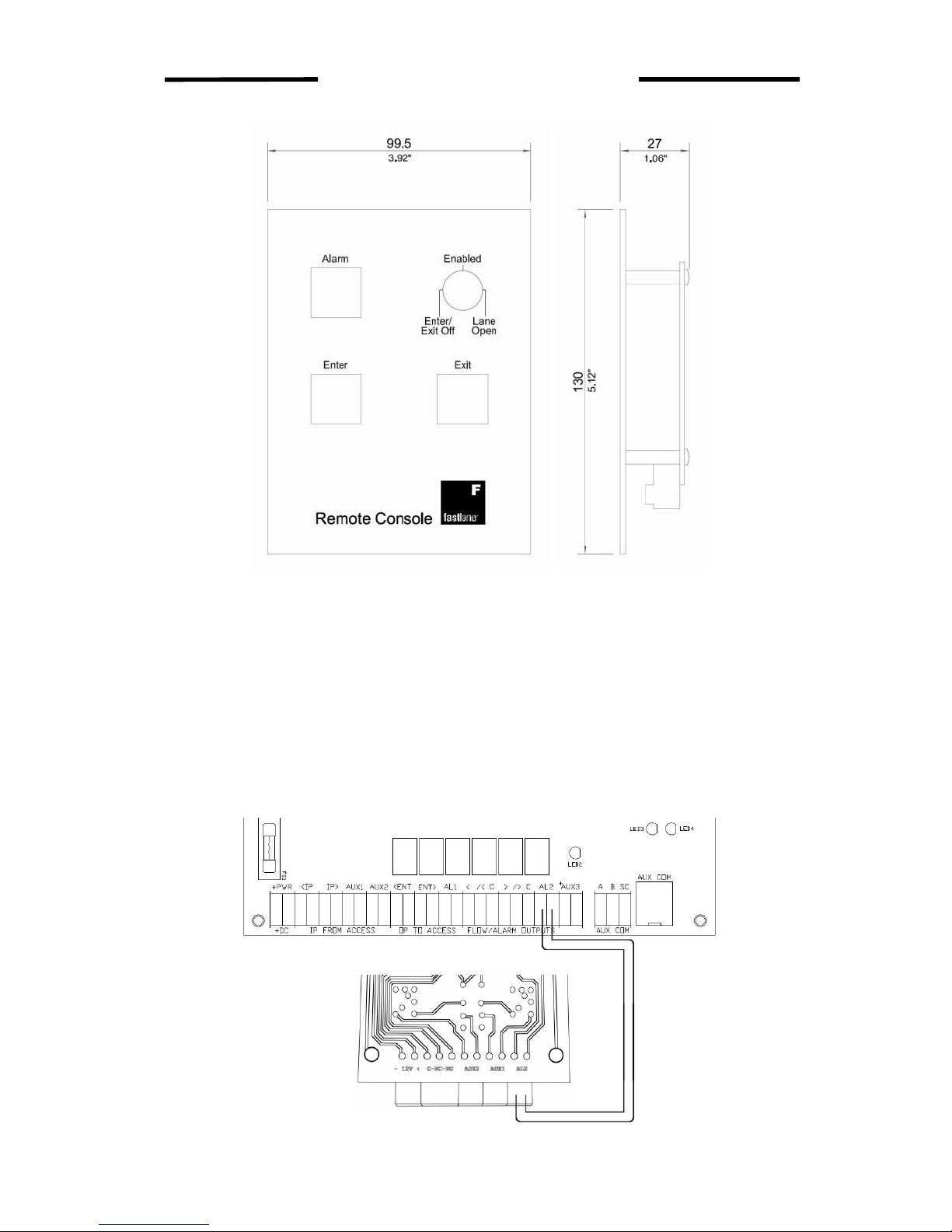
The Key Switch is typically used to either disable the visitor pushbuttons or open the barriers
for free exit, specifically during an emergency.
During normal operation, the key switch should be left in the centre position, ‘Enabled’.
If the Remote Control is unattended, the key can be turned to the ‘Enter/Exit Off’ position and
removed. This would deter an unauthorised person from pressing the Enter button and gaining
access.
For emergency exit, the key switch can be turned to the ‘Lane Open’ position. This will allow
unlimited users to exit freely while still causing an alarm if someone tries to enter.
Alarm Indicator
When the lane goes into alarm, the Alarm Indicator will illuminate. This is a latching indicator,
and so will stay illuminated until it is pressed. The bezel on the Alarm Indicator is fitted with a
numbered screen to help lane identification.
Resetting the Alarm Indicator does not affect the behaviour of the lane or the Access Control
System. This is only an indication to help staff find the lane that has recently sensed an alarm.