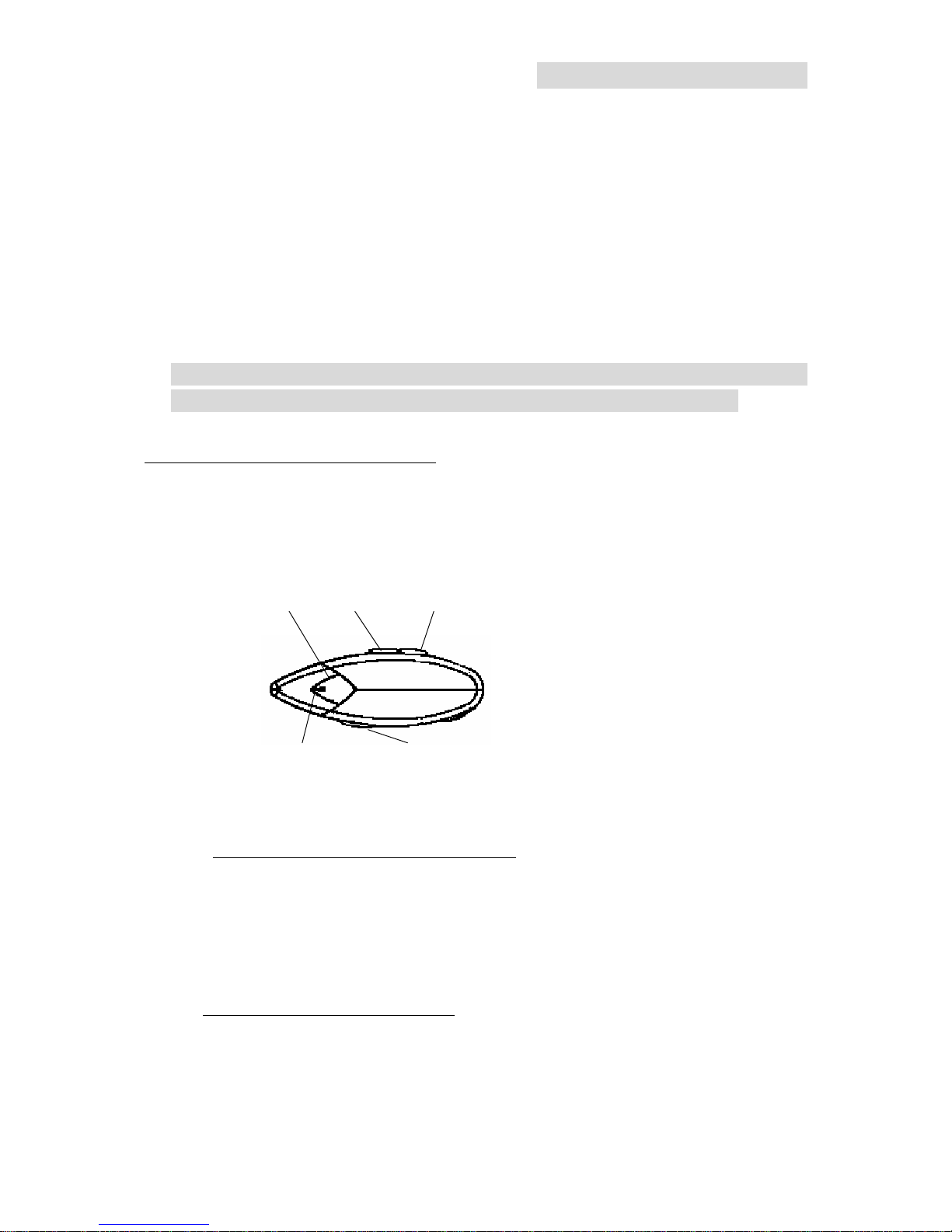
Bluetooth Headset –HS920
- 3 -
2. Operation
1. Pairing the Headset
Before the Headset communicate, it must be paired to the companion device
it will be used with, such as a mobile phone. This is to ensure the Headset
only communicates with the device chosen by the user and not any other
Bluetooth devices in range. Pairing is needed only once when first operation
and changing devices such as Headset, mobile phone, or audio gateway.
Paring : The condition that communication can be made between Headset
and other devices such as Headset, mobile phone, or audio gateway
Before pairing, reset Headset firstly.
Step1. Press and hold the ‘ON/OFF’ button for 3 seconds. With a sound, Green
LED flashes 5 times and continuously press for 4 seconds until Red and Green
LED flashing.
Step2. For 60 seconds, Headset searches Bluetooth device for pairing
Now pair Headset with mobile phone.
Step3. Find Bluetooth device at mobile phone
Step4. Add Headset to your mobile phone list
Log in 0000 as secrete number
* Use mobile phone’s manual for mobile phone pairing