7 8
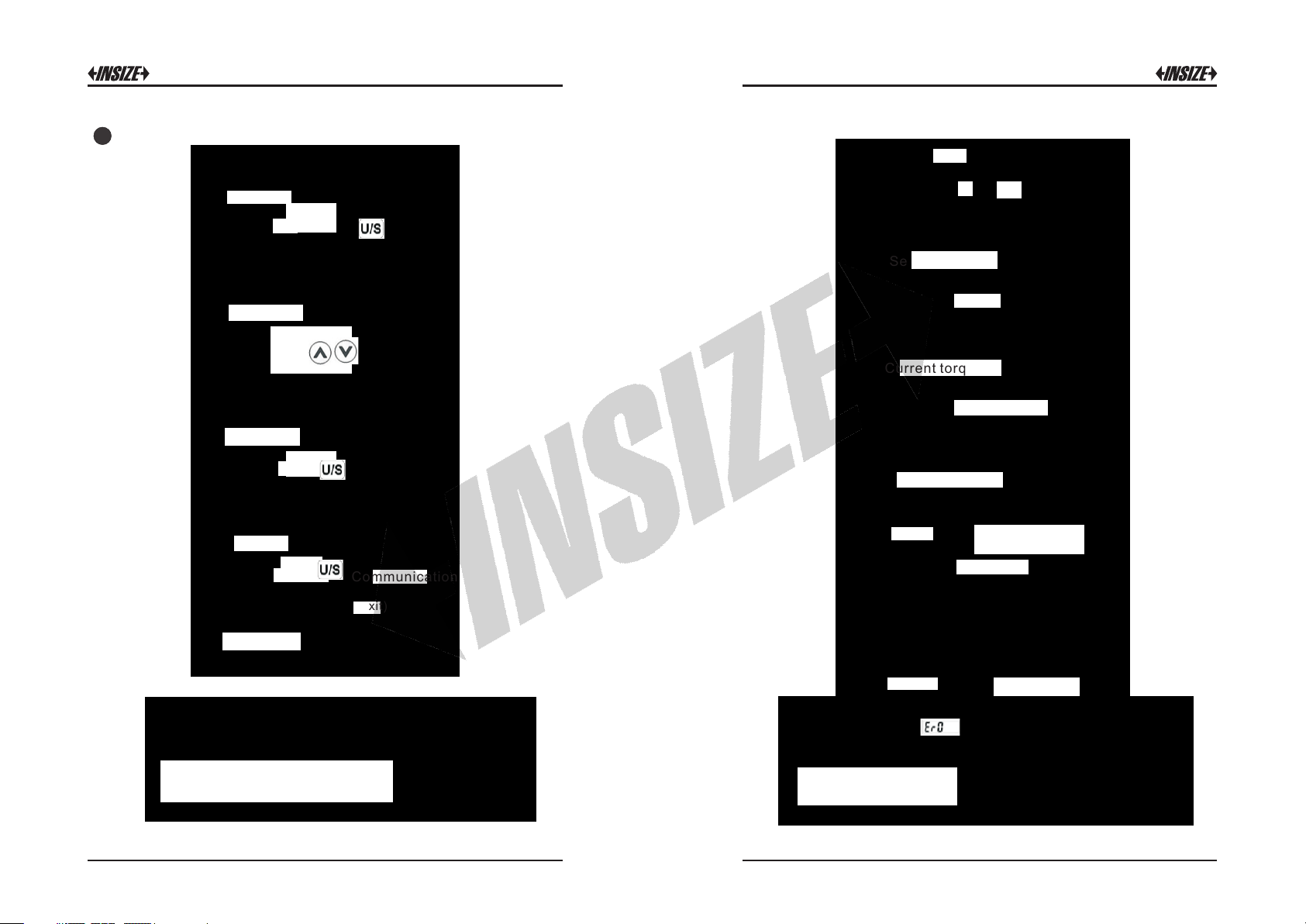
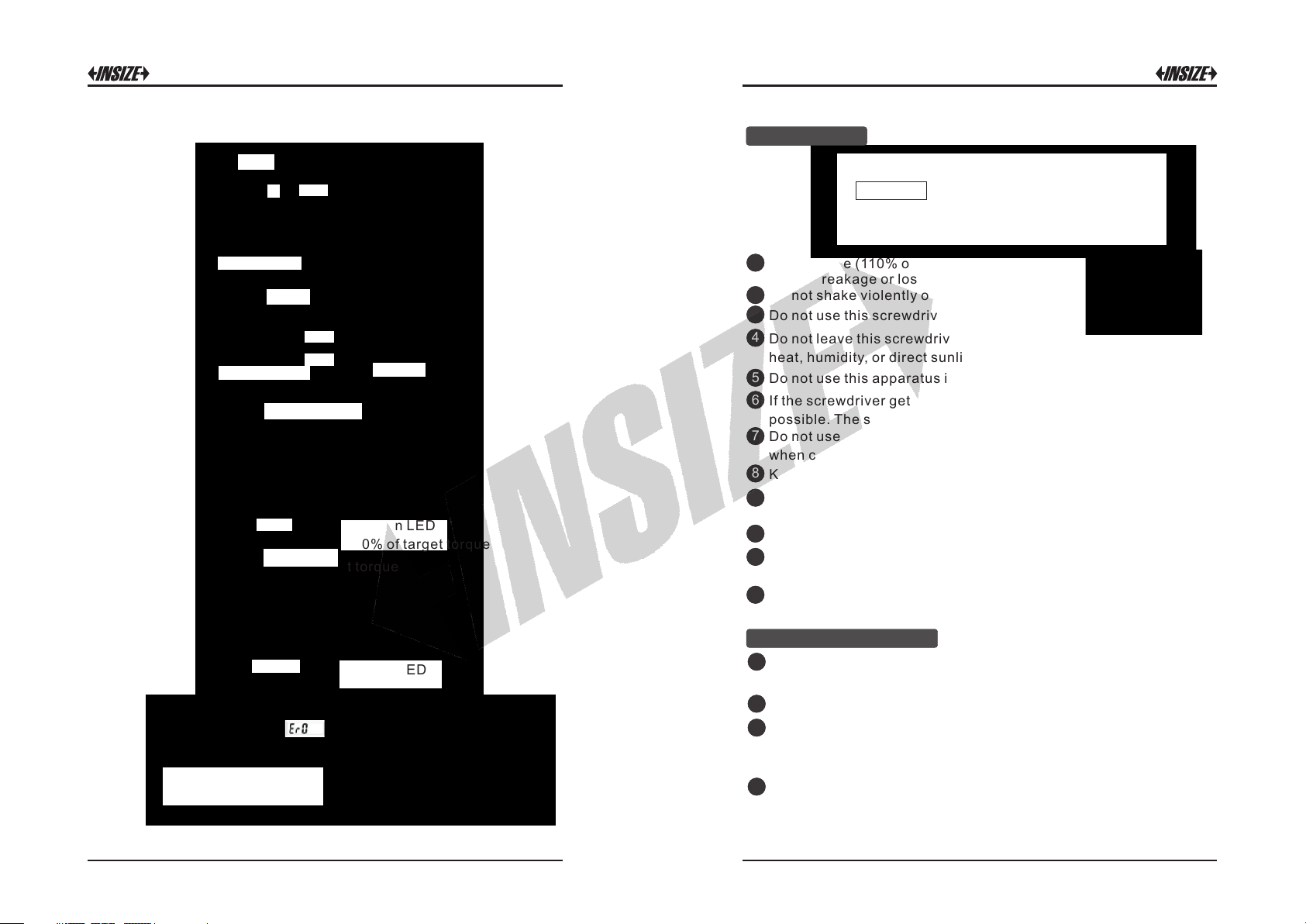
Peak Hold Mode Operation:
Start
Setting target torque
Apply torque
Current Max. Value
(Peak hold)
Reach 90% of target torque
Apply torque
Released
Flashing
Buzzer Green LED
Reach 90% of target torque
Red LED
Reach target torque
Reach target torque
Buzzer
Note: 1. If is appeared, that means this
screwdriver has ever been applied more than 110%
of torque of the spec.
2. When reaching the setting target torque, the green
and red LED will be on at the same time.
1Over-torque (110% of Max. torque range) could
cause breakage or lose accuracy.
2Do not shake violently or drop screwdriver.
3Do not use this screwdriver as a hammer.
4Do not leave this screwdriver in any place exposed to excessive
heat, humidity, or direct sunlight.
Attention:
One year periodic recalibration is necessary to
maintain accuracy.
Please contact your local dealer for calibrations.
5Do not use this apparatus in water.(not waterproof)
6If the screwdriver gets wet, wipe it with a dry towel as soon as
possible. The salt in seawater can be especially damaging.
7Do not use organic solvents, such as alcohol or paint thinner
when cleaning the screwdriver.
8Keep this screwdriver away from magnets.
9Do not expose this screwdriver to dust or sand as this could cause
serious damage.
10 Do not apply excessive force to the LCD panel.
11 Apply torque slowly and graspe the center of the handle. Do not
applu load to the end of the handle.
12 When checking the accuracy or calibration, please use the bit
head packed inside the below mold case.
1When the screwdriver is not used for an extended period of time,
remove the battery.
2Keep a spare battery on hand when in long trip or cold areas.
3Sweat, oil and water can prevent a battery’s terminal from making
electrical contact. To avoid this, wipe both terminals before
loading a battery.
4Dispose of batteries in a designated disposal area. Do not throw
batteries into a fire.
Maintenance
Battery Maintenance
(system initial)