
INSE E3 PLUS Manuel utilisateur


All the pictures in the manual are for the reference only,
please refer to the actual object in the box.
Safety Notes
Product Components
Host and accessories
Illustration of Host
Carriage components
Charging stand
Remote control
Product Operation
Quick Start Guide
Start/Pause/Hibernation
Carriage components
Cleaning mode
Product maintenance
Side brush cleaning
Trash box and filter cleaning
Cleaning cloth maintenance
Sensor lens and electrode slice cleaning
Common faults
Battery replacement
Product parameters
---------------------------------------------------------- 1
-------------------------------------------- 4
---------------------------------------------- 4
--------------------------------------------------- 5
---------------------------------------------- 5
------------------------------------------------------ 6
------------------------------------------------------ 6
--------------------------------------------------- 8
---------------------------------------------------- 8
------------------------------------------- 9
--------------------------------------------- 10
------------------------------------------------------ 11
------------------------------------------- 12
----------------------------------------------- 12
----------------------------------- 12
----------------------------------- 13
------------------ 13
------------------------------------------------------ 14
-------------------------------------------- 15
-------------------------------------------- 16
Table of contents
1
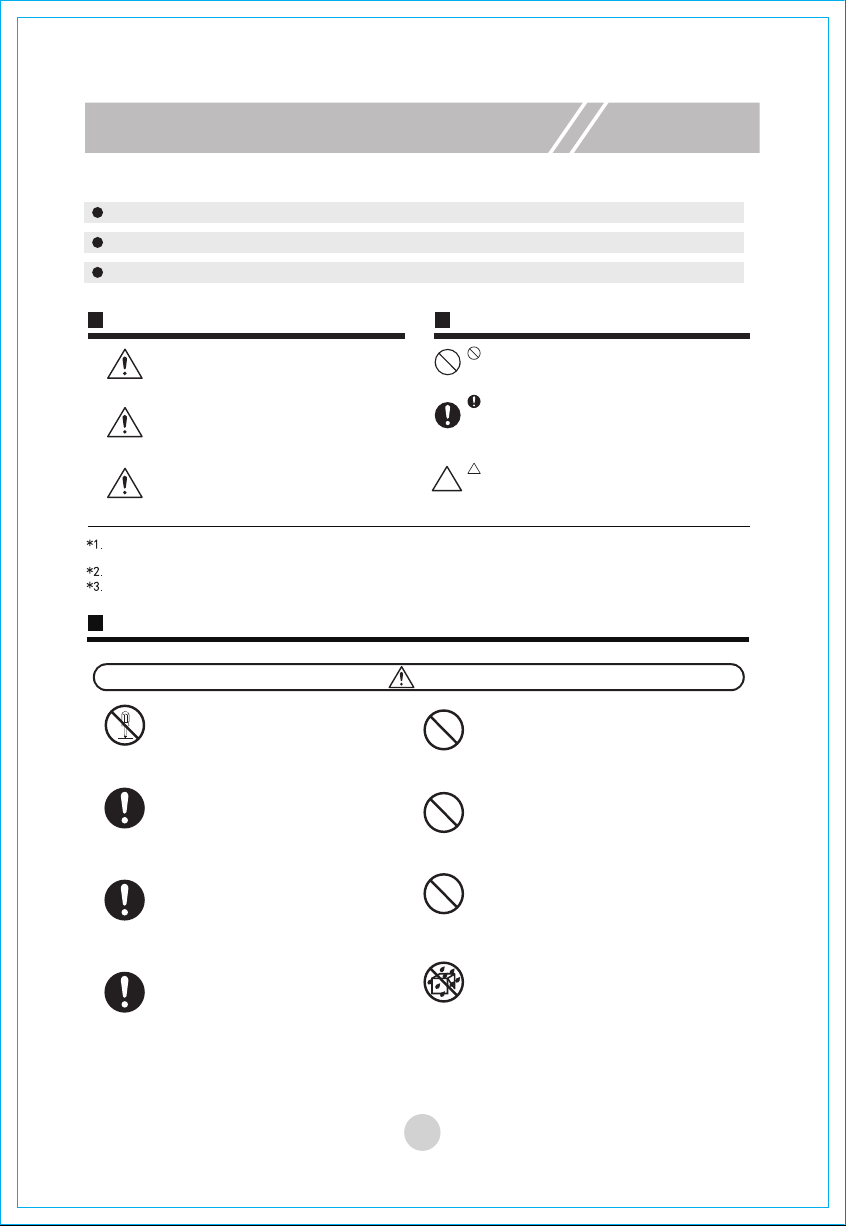
Safety Notes
Please read the following safety notes carefully and abide by all routine preventive measures for safety.
Please read this manual carefully.
Please keep this manual well.
This product may be damaged due to any operation inconformity to this manual.
Expressions Symbols & Diagrams
Danger Prohibition
Indication
Note
Note
Warning
Serious injuries include: blindness, burn, electric injury, fracture and poisoning, etc. involving sequela and
long-time hospitalization.
Staff injuries include: injuries, including burn or electric injury, to people who do not need hospitalization.
Material damages include: damages to household furniture, finance and pets and so on.
Notes on safety use of the host, charging dock, power adapter and accessories, etc.
Warning
Prohibition
Prohibition
Prohibition
Prohibition
Dismantling
is forbidden
Indication
AC
Dust
remova
It means that if the instruction is not followed
or the operation is improper, it is very likely
to cause death or serious injury.
It means that if the instruction is not followed
or the operation is improper, it may cause
death or serious injury.
It means that if the instruction is not
followed or the operation is improper, it may
cause personal injury or cause damage to
the contents.
This symbol refers to prohibited (forbidden) conducts.
Detailed prohibition contents are indicated in
or near the diagram.
This symbol aims at calling your attention
(warning). Specific attention contents are
indicated in or near the diagram.
Do not dismantle, repair or refit the product by
yourself.
Otherwise, the product may be damaged and
you may be injured.
If there is dust on the metal part of the power
socket or around it, it must be wiped and
cleaned with dry mop.
Otherwise, electric shock, heating and fire,
etc. may be caused.
This product shall be used as a power adapter
configured by the manufacturer only.
Otherwise, the product may be damaged or
fire may be caused.
Please don’t use the product in the place where
fire or explosion may be caused.
If the product is used in the place with flammable
gas, e.g. propane gas and gasoline, an explosion
or fire may be caused.
It is forbidden to stand or sit on this product.
Otherwise, the product may be damaged or you
may fall down.
It is forbidden to use metal and conductive
substances to touch the contact of the battery.
Otherwise, in case of a short circuit, heating, fire
or explosions, etc. may be caused.
It is forbidden to wash and soak the host and
charger with a lot of water. Otherwise, the host
and charger may be damaged for an internal
short circuit.
The power adapter shall be between AC 100V
and 240Vac. Please insert it into the socket
correctly and avoid children touch it.
This symbol refers to conducts that must be (need
to be) implemented compulsorily.
Specific compulsory conducts are indicated in or
near the diagram.

2
Safety Notes
Note
Prohibition
Prohibition
Prohibition
Prohibition
Prohibition
Indoor
Do not
touch
Prohibition
Prohibition
It is forbidden to damage and process the
power cable. Do not put a weight on the power
cable or heat, drag or bend the power cable
forcefully. Otherwise, the power line may be
damaged and fire or electric shock, etc. may
be caused.
Do not touch it with a wet hand.
Do not touch it with a wet hand in the
charging process. Otherwise, an electric
shock may be caused.
Do not expose to sunshine.
This product is a kind of precise electronic
equipment. Do not expose it in the
sunshine for a long time.
Please keep this product close to
cigarettes, lighters and other open fire.
If the product is not in use for a long time.
Please turn off the power supply switch at
the bottom of the machine.
Please carefully check if the power adapter
is connected with the power socket well.
Otherwise, the battery may be damaged.
When the dustbin is full, please clean up
dust rubbish and then use the machine.
The use temperature scope of this product
is from 0ºC to 40 ºC.
Please do not use it in the high temperature
environment.
Please put this product in the place where it may
fall down easily (e.g. on the desk, chair or high
stand in the room).
Please do not use this product in a wet
environment (e.g. bathroom).
Please do not clean this product when it is being
charged.
Before using this product, please remove all wear
goods (e.g. glass cup and lamp) on the floor and
those that may entangle the side brush and air
suction channel, (e.g. electric wire, paper scraps
and window curtain).
This product may not be able to stride the vertical
step about 8mm high.
Please do not use the machine to clean construc-
tion rubbish.
Battery
Please dismantle the battery from the machine
before it is scrapped. When the battery is
dismantled, please ensure that it is switched off.
Please recycle the scrapped battery for safety
and environmental protection.
Do not touch.
When the product is operating and sweeping,
please pay attention to the safety of babies,
children and old people and avoid someone
tripping. Please do not touch wheels and side
brushes by hand, so as to avoid being hauled in
and injured, and pay more attention to children.
Indoor use
This is an indoor household product. Please
do not use it outdoors.
Children should be supervised to ensure that
they do not play with electrical appliances.
This appliance is not intended to be used by
users (including children) with insufficient
physiology, perception, mental abilities,
experience or knowledge, unless it is safely
used under the supervision or guidance of
persons responsible for their safety.
It is only suitable for safe use in areas below
2000 meters above sea level.

3
Notes on using rechargeable batteries
Danger
Note Warning
Do not deliver or save it together with metal
products, e.g. necklace and hairpin.
Otherwise, leakage, heating or cracking
may be caused for short circuit.
In case of abnormal heating in the charging
process, please stop using the product at
once.
Otherwise, leakage, heating or cracking may
be caused.
In order to prolong the service life of the
battery, please take it out and put it in a cool
and dry environment if you do not use it for a
long time.
Otherwise, leakage, heating or cracking may
be caused.
Do not immerse or it into water or touch it
with water.
Otherwise, leakage, heating or cracking may
be caused.
In case of abnormity (e.g. color change or
deform), be sure to stop using it.
Otherwise, leakage, heating or cracking may
be caused.
During recycling or scrapping, do not use
adhesive tapes, etc. to insulate electrodes.
Heating, cracking or fire may be caused in
case of touching other metals. Please bring
the waste battery to the maintenance service
center or recycler authorized by Smart Robot
or scrap it according to local legislations.
Do not use other battery adapters.
Otherwise, leakage, heating or cracking
may be caused.
Battery box deformation
If the battery pack is deformed or expanded or
electrolyte flows out, it is forbidden to charge and
install the product for use to avoid risks.
Do not use the rechargeable battery on other
equipment.
The rechargeable battery applies to smart
sweeping robot only.
If the battery leakage touches skin or clothes, do
not use clean water for washing at once.
If you do not pay enough attention, chafing may
be caused.
Do not hit against the battery strong or throw it
away.
Otherwise, leakage, heating or cracking may be
caused.
It is forbidden to dismantle the battery pack.
The battery pack may crack, the electrolyte may
flow out and serious risks, e.g. fire and
explosion, may be caused.
Do not throw the battery into fire or heat it up.
Otherwise, leakage, heating or cracking may be
caused.
Neither short-circuit nor damage the battery
rudely.
Otherwise, leakage, heating or cracking may be
caused.
Safety Notes
Prohibition Prohibition
Prohibition
Prohibition
Indication Prohibiti
on
Prohibiti
on
Indication
Prohibiti
on
Prohibiti
on
Prohibit the use of non-rechargeable batteries.
Prohibiti
on
Indication
Indication

Product Components
Host and accessories
11 pcs.
21 pcs.
31 pcs.
4
51 pcs.
1 pcs.
61 pcs.
No. Quantity
Host
Name
Charging stand
Remote control (without batteries)
Power adapter
Cleaning tools
User's manual
71 pair.Side brush
81 pcs.Carriage components
Focus

5
Product Components
Illustration of Host
Panel
Bumper
Infrared signal receiving window
Rotating cover
Automatic-charging
electrode slice
L side brush
Battery cover
L side wheel
Rotating cover
Trash box
Carriage components
Universal wheel
R side brush
Suction channel
R side wheel
Bottom case
Scrapper
Magic stick2
Magic stick1
Rag
Installation of carriage
Trash box
Pre filter
High-efficient filter
High-efficient filter holder
The carriage assembly is only applicable to some models, and the specific packing list shall prevail.

6
Product Components
Remote control
Charging stand
Signal communication window
Indicator
Power adapter port
Recharging electrode slice
1"Start/Pause" button
A.
In standby mode, press this button to start automatic cleaning.
B.
In sleep mode, press this key to enter standby mode from sleep mode.
C.
In working mode, press this button to stop cleaning.
2. Arrow keys
A. " " forward
Press this key in standby mode or working mode to move the machine forward.
D. " " to the right
Press this key in standby mode or working mode to turn the machine to the right.
C. " " left
Press this button in standby mode or working mode to turn the machine to the
left
B. " " backward
In standby mode or working mode, the machine rotates 180° and then moves
forward.
Key description

7
Product Components
Focus
! Notice:
A. Please install two AAA batteries before use.
B. Do not install the positive and negative poles of the battery reversely.
C. If you do not use the remote control for a long time, please remove the
batteries.
D. Waste batteries are disposed of in accordance with local regulations.
E. Non-rechargeable batteries must not be charged.
F. Different types of batteries or old and new batteries must not be mixed for
use.
Remote control battery installation
1. Open the battery cover at the rear of remote control.
2. Insert the battery into the remote control.
3. Close the back cover of the remote control.
3. "Auto" button
In standby mode or working mode, press this
button and the machine will start auto cleaning.
4. "Focus" button
In standby mode or working mode, press this
button and the machine will start focus cleaning.
5. "Edge" button
In standby mode or working mode, press this
button and the machine will start edge cleaning.
6. "Return" button
In standby mode or working mode, press this button and the machine
will automatically return to charging dock for charging.

8
Product Operation
1. Quick Start Guide
1> Place charging stand against a wall, and remove
all obstacles within 1 meter on the left and right and
2 meters in front of the charging stand, as shown in
the picture on the right, then connect the adapter
and power supply, then the power indicator on the
charging stand is always light.
2> Long press the start button of the machine, then the machine enters
standby mode.
3> The machine can be charged in the following ways.
Press the "Return" button on the remote
control in standby mode or in working mode,
and the machine will automatically return to
the charging base for charging, as shown in
the figure below.
! Note:
When using the charging stand to charge, press "Start/Pause" button on the
remote control, and the machine will stop charging and perform cleaning.
! Notice:
A. Please charge the machine for more than 12 hours when charging for the
first time;
B. In normal use, please store the machine on the charging stand, and
ensure that the charging stand is connected to the power source.
C. Please check the charging status of the machine after using.
D. If you do not use the machine for a long time, please press and hold the
cleaning button of the machine to turn off it.
Table des matières
Autres manuels INSE Aspirateur


