■
■■
■
Contents
CHAPTER 1. HARDWARE INSTALLATION............................................ 1
1.1 BEFORE YOU START ............................................................................. 1
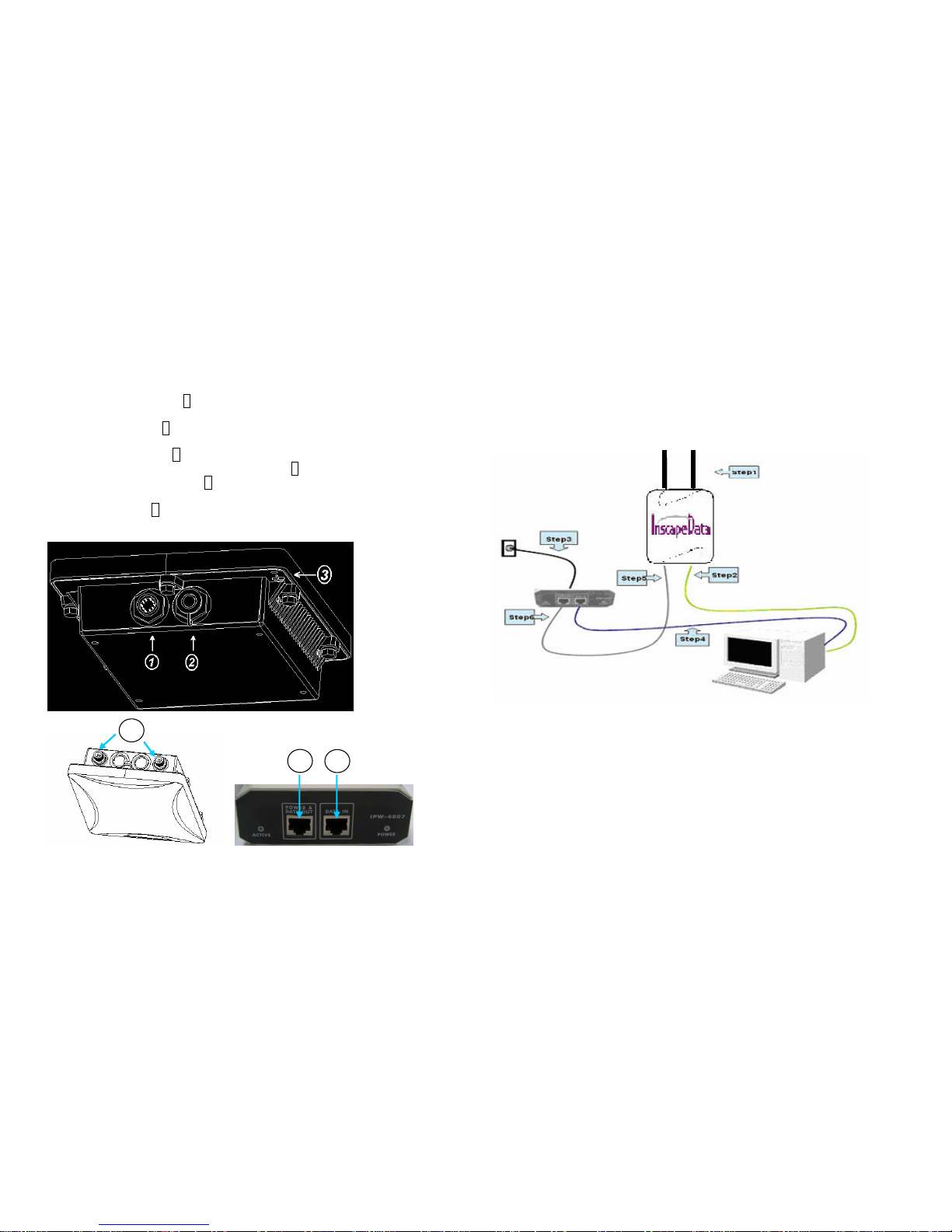
1.2 LOCATE THE ACCESS POINT AND INLINE POWER INJECTOR PORTS ......... 2
1.3 INSTALLING THE ANTENNAS ................................................................... 3
1.4 INSTALLING THE CONSOLE PORT CABLE ................................................ 4
1.5 CONNECTING THE POWER SUPPLY AND ETHERNET CABLE....................... 4
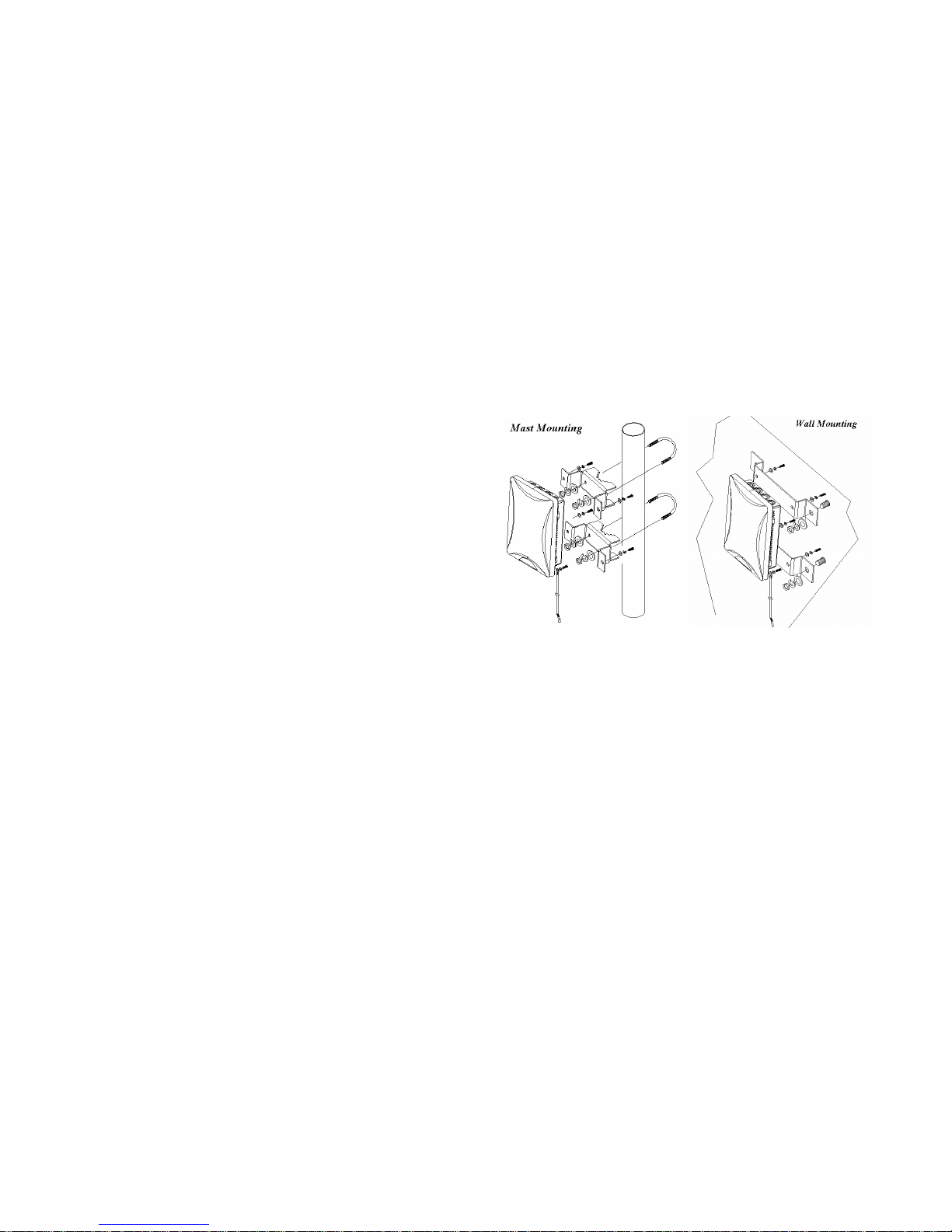
1.6 OUTDOOR INSTALLATION....................................................................... 5
CHAPTER 2. NETWORK TOPOLOGIES................................................. 6
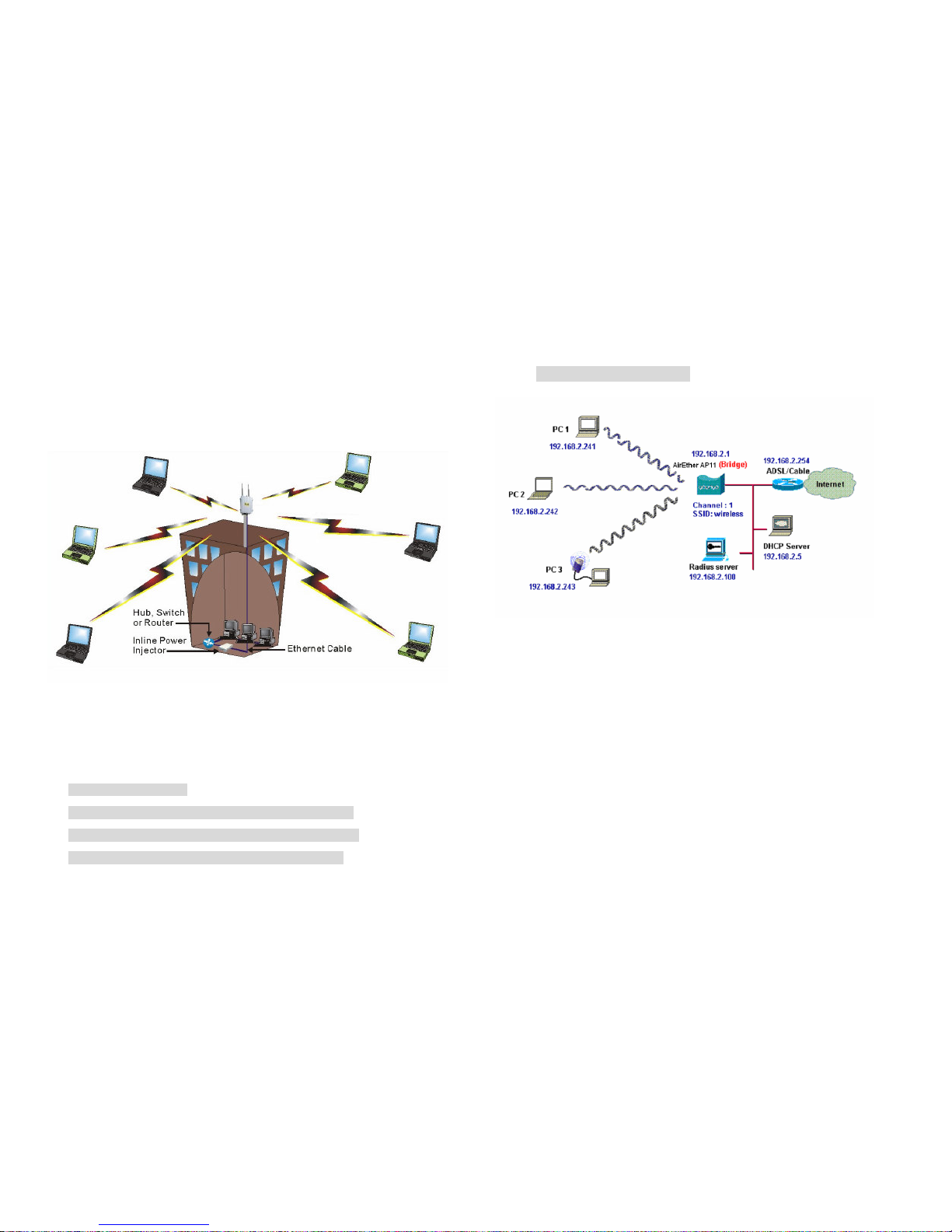
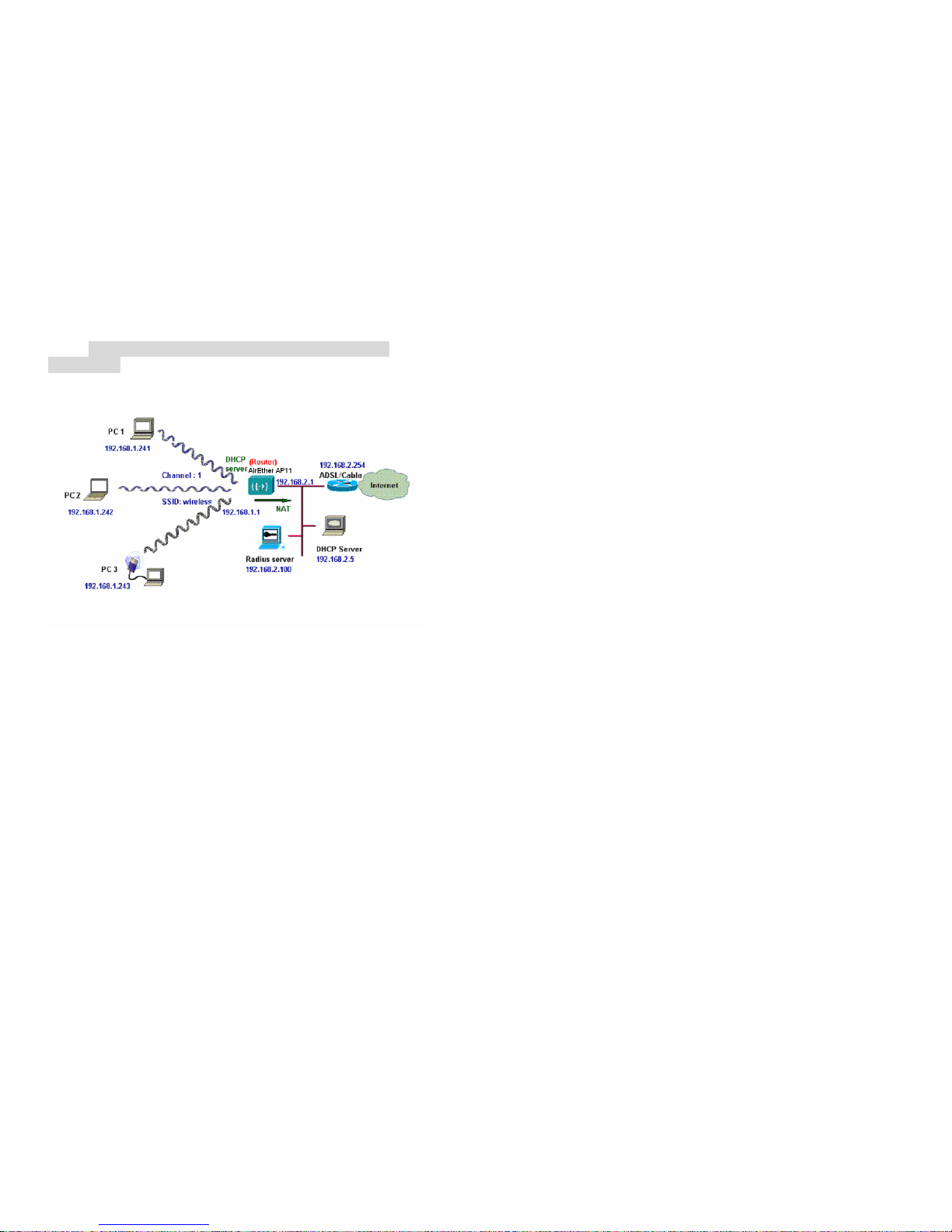
2.1 CONFIGURATION EXAMPLES .................................................................. 7
2.1.1 Wireless Access Bridge................................................................. 7
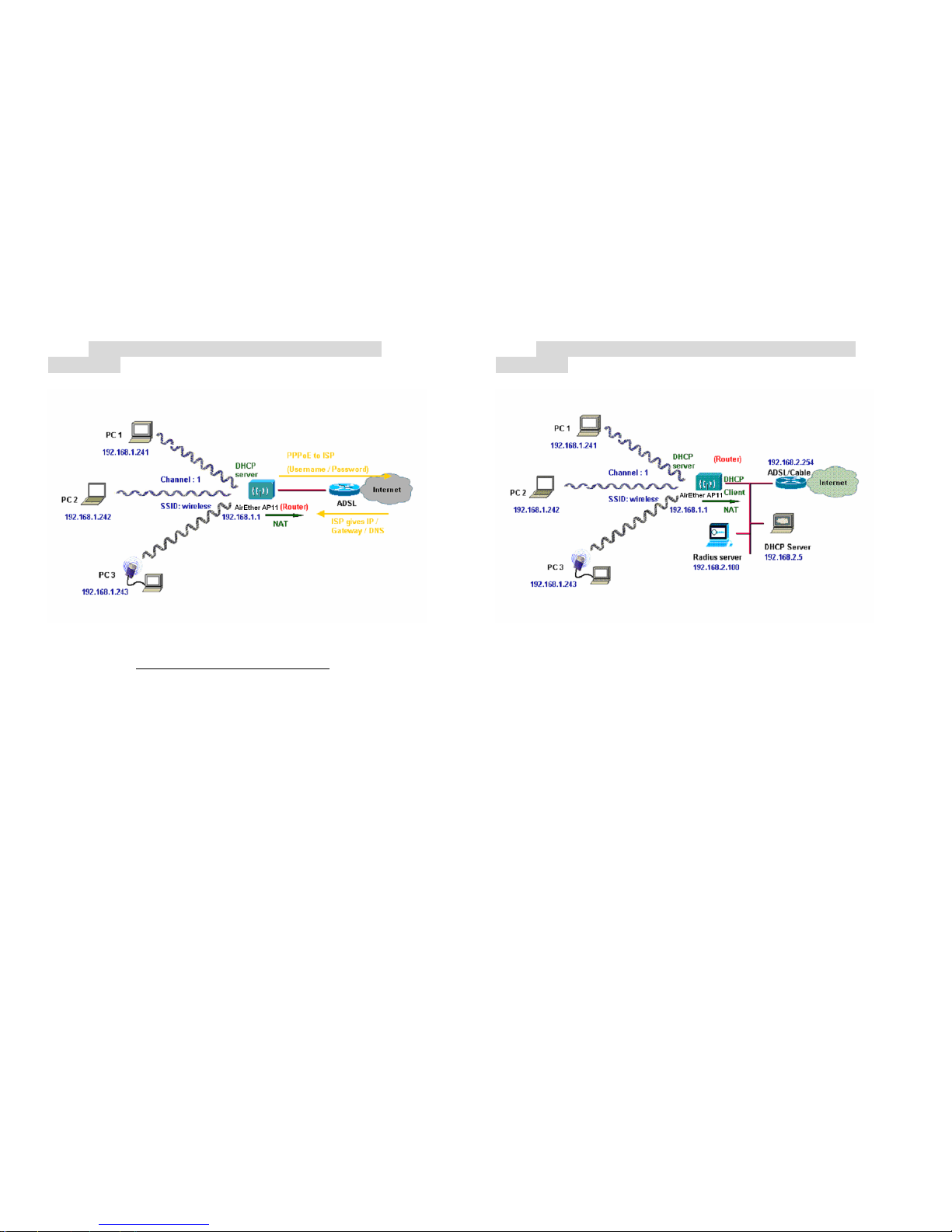
2.1.2 Wireless Access Router with PPPoE Ethernet connection ........... 8
2.1.3 Wireless Access Router with dynamic IP Ethernet connection ..... 9
2.1.4 Wireless Access Router with static IP Ethernet connection ........ 10
CHAPTER 3. INITIAL CONFIGURATION .............................................. 11
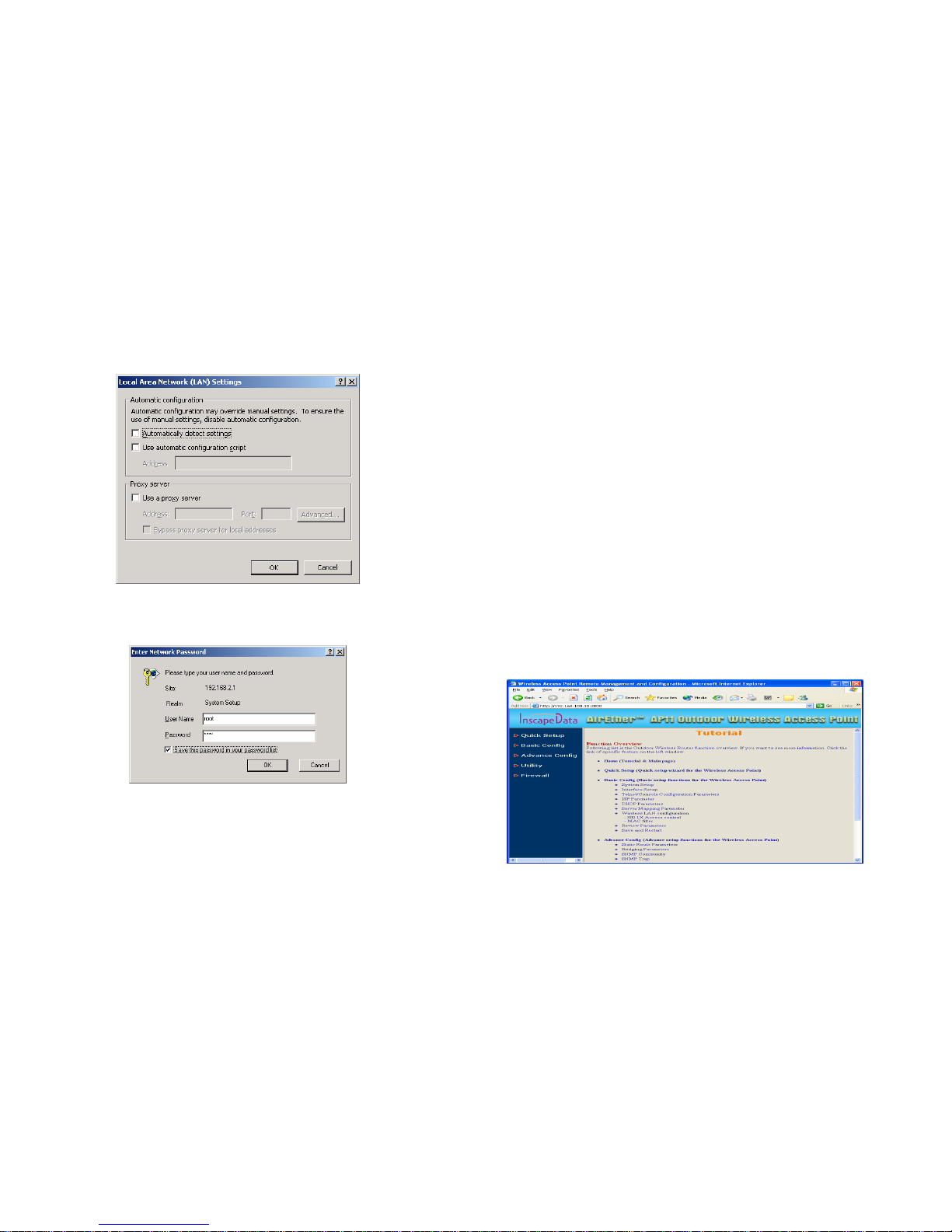
3.1 CONFIGURE REQUIREMENTS ............................................................... 11
3.2 CONFIGURE THE AP11........................................................................ 13
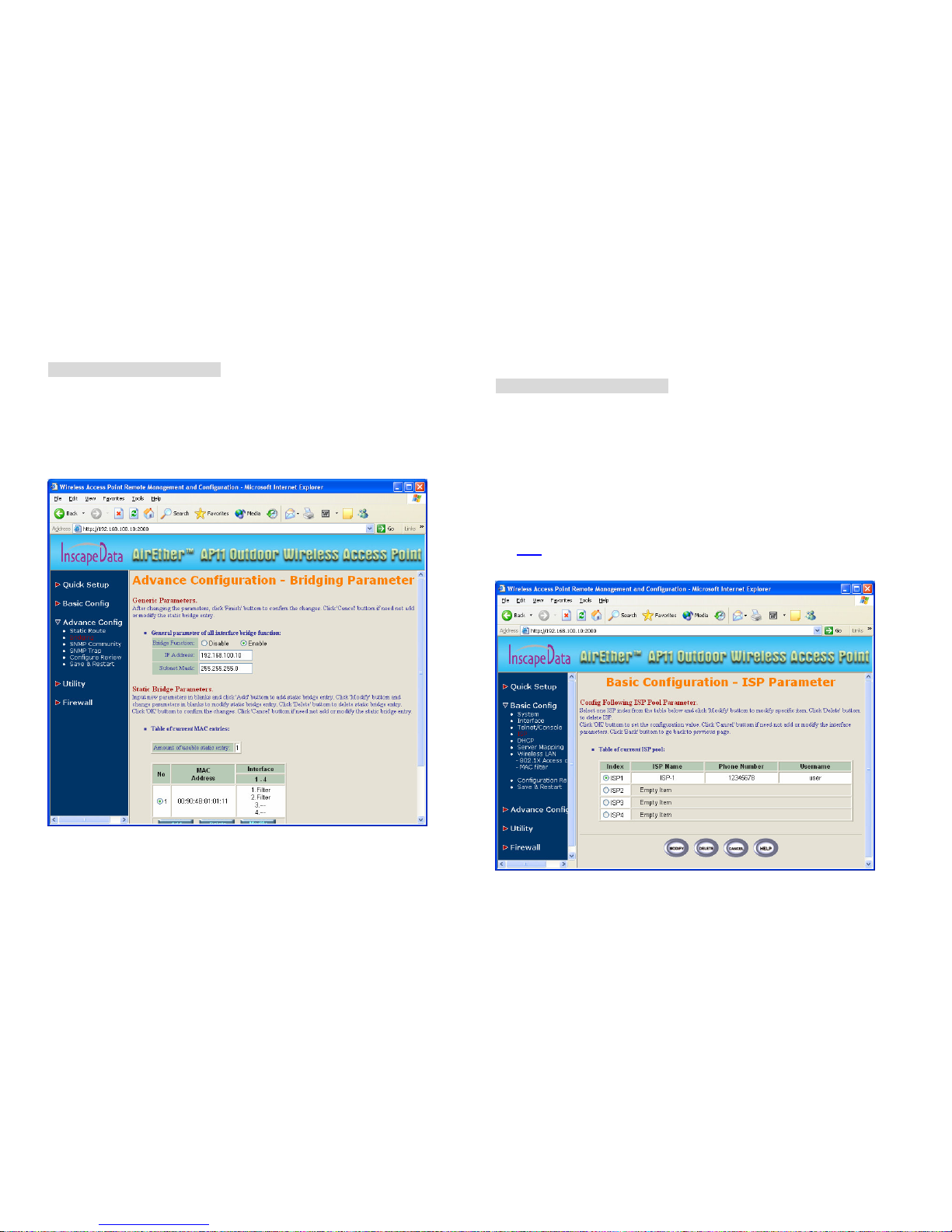
3.2.1 Configure the AP11 as a Bridge.................................................. 14
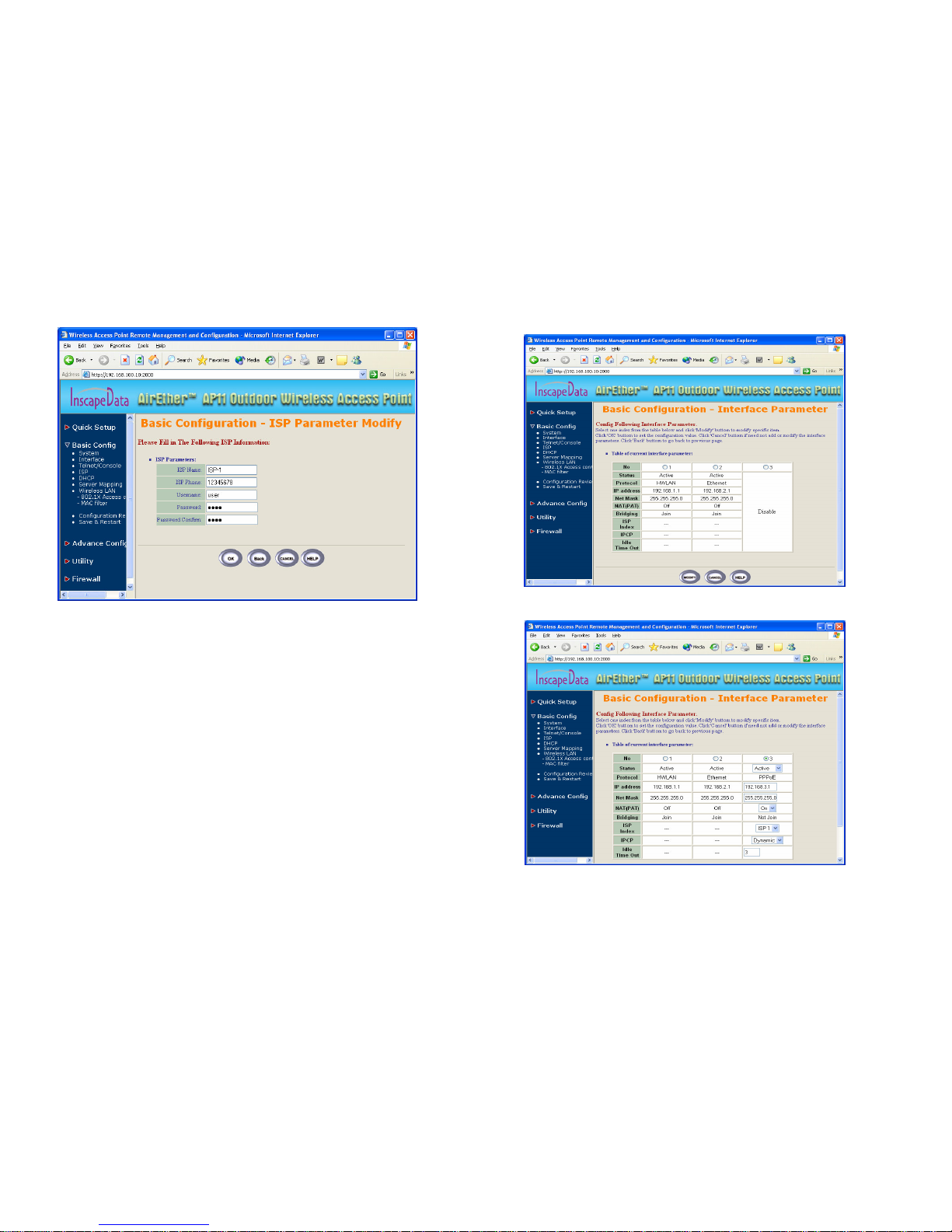
3.2.2 Configure the AP11 as a Router with PPPoE Ethernet connection
..................................................................................................... 15
3.2.3 Configure the AP11 as a Router with dynamic IP address Ethernet
..................................................................................................... 20
3.2.4 Configure the AP11 as a Router with static IP address Ethernet 21
3.3 CONFIGURE WIRELESS RELATED PARAMETERS .................................... 22
3.4 SECURITY........................................................................................... 23
3.4.1 WEP encryption........................................................................... 23
3.4.2 Hide the SSID.............................................................................. 23
3.4.3 Deny ‘ANY’ client station ............................................................. 23
3.4.4 IEEE 802.1x Access Control ....................................................... 24
3.4.5 MAC based Access Control......................................................... 25
3.5 CONFIGURE DHCP SERVER ................................................................ 26
3.6 CONFIGURE VIRTUAL SERVER ............................................................. 27
3.7 CONFIGURE ROUTING TABLE............................................................... 29
3.8 CONFIGURE BRIDGE ........................................................................... 30
3.9 CONFIGURE SNMP............................................................................. 31
3.10 CONFIGURATION REVIEW AND APPLY THE NEW SETTINGS ................... 33
3.11 UTILITY .............................................................................................. 35