01
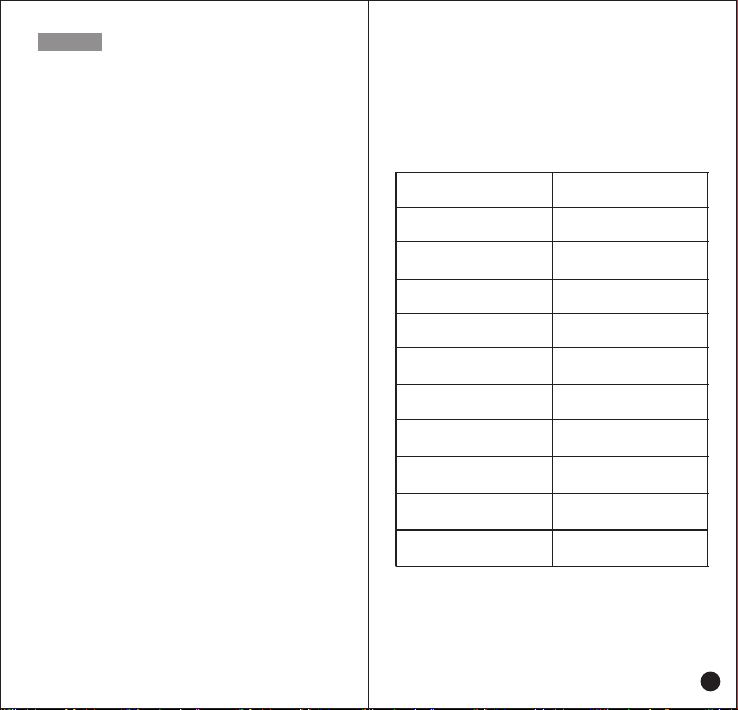
Unpacking and Device Checking
Please unbox and take out the device and all accessories
carefully, and ensure all lists have been gotten before
discarding the cardboard box. If any items are lost or
damaged in transit, please contact with our distributors.
Items Number
PoC Radio
Power Adapter
USB-C Cable
Battery
Jacket
Screw
Hang Rope
Antenna
Rubber Ring
User Manual
1
1
1
1
1
2
1
1
1
1
Contents
01
01
02
03
03
03
03
05
06
08
08
09
09
09
10
10
11
11
12
12
13
13
13
13
13
14
14
14
14
14
14
14
15
15
15
16
16
17
17
17
19
Unboxing and Device Checking
..........................................
Handling Precautions
.............................................................
Radio Regulations
.................................................................
Operating Environment Requirement
.................................
Accessories Requirement
....................................................
Charging Security.
................................................................
Battery Care
..........................................................................
Clean and Maintenance
.......................................................
Product Overview
...................................................................
Functions
.................................................................................
Keyboard DefinitionIcon
........................................................
Icon Function
...........................................................................
Accessories Installation
.........................................................
Insert SIM Card or TF Card
.................................................
Attaching the Battery
............................................................
Attaching/ Removing the Battery Cover
..............................
Attaching/ Removing the Belt Clip
.......................................
Attaching the Hand Strip
.......................................................
Attaching the Headset
..........................................................
Attaching/Removing the Antenna
.......................................
USB Charge
..........................................................................
Desktop Charger
..................................................................
Basic Functions
......................................................................
Powering On and Off
............................................................
User Log-in
............................................................................
Initiate a Call
..........................................................................
Voice Playback
...................................................................
Audio Playback
......................................................................
Current Group
........................................................................
Flashlight
...............................................................................
NFC Function
........................................................................
Status Indicators
...................................................................
Network Connecting
...........................................................
Wireless Network Connecting
.............................................
Cellular Network Connecting
................................................
Application Management
..................................................
Uninstall APP
...........................
Clear Application Data or Cache
......................................
The Non-systematic APP Stops
..............................
Basic Troubleshooting
...........................................................
Specification
.............................................................................