6
Method one
With the AP powered on, press and hold the reset button (about 5 seconds) until the system
LED becomes quick-flash. And then release the button and wait for the AP to reboot to its soft
default settings.
Method two
With the AP powered on, press and hold the reset button (about 10 seconds) until the system
LED becomes quick-flash. And then release the button and wait for the AP to reboot to its
factory default settings.
Method three
Restore the default settings from “System>Backup> Perform Reset” of the AP's web-
based management page.
Note: Ensure that the AP is powered on before it restarts completely.
1.4.4 Cautions
This Wifi module’s design and manufacturer has your safety in mind. In order to safely and
effectively use this Wifi module, please read the following before usage.
Usage cautions
The user should not open up nor modify this module in any way. Furthermore the ventilation
holes on either side of the module may not be obstructed. Otherwise the module may
overheat and become permanently damaged. The environmental temperature in which this
module may be used should be within +5 ~ +45 ℃.
Power
The router’s power voltage is 230Vac, 20mA.
This product only should be used in connection with Innovience International’s
OptoXSTM POF network solution. When using this product, please connect it only to a
(working!) power socket that has been prepared for the use of the OptoXSTM POF network
solution. I.e.: the target wall-socket is equipped with the two tiny holes at the top at which
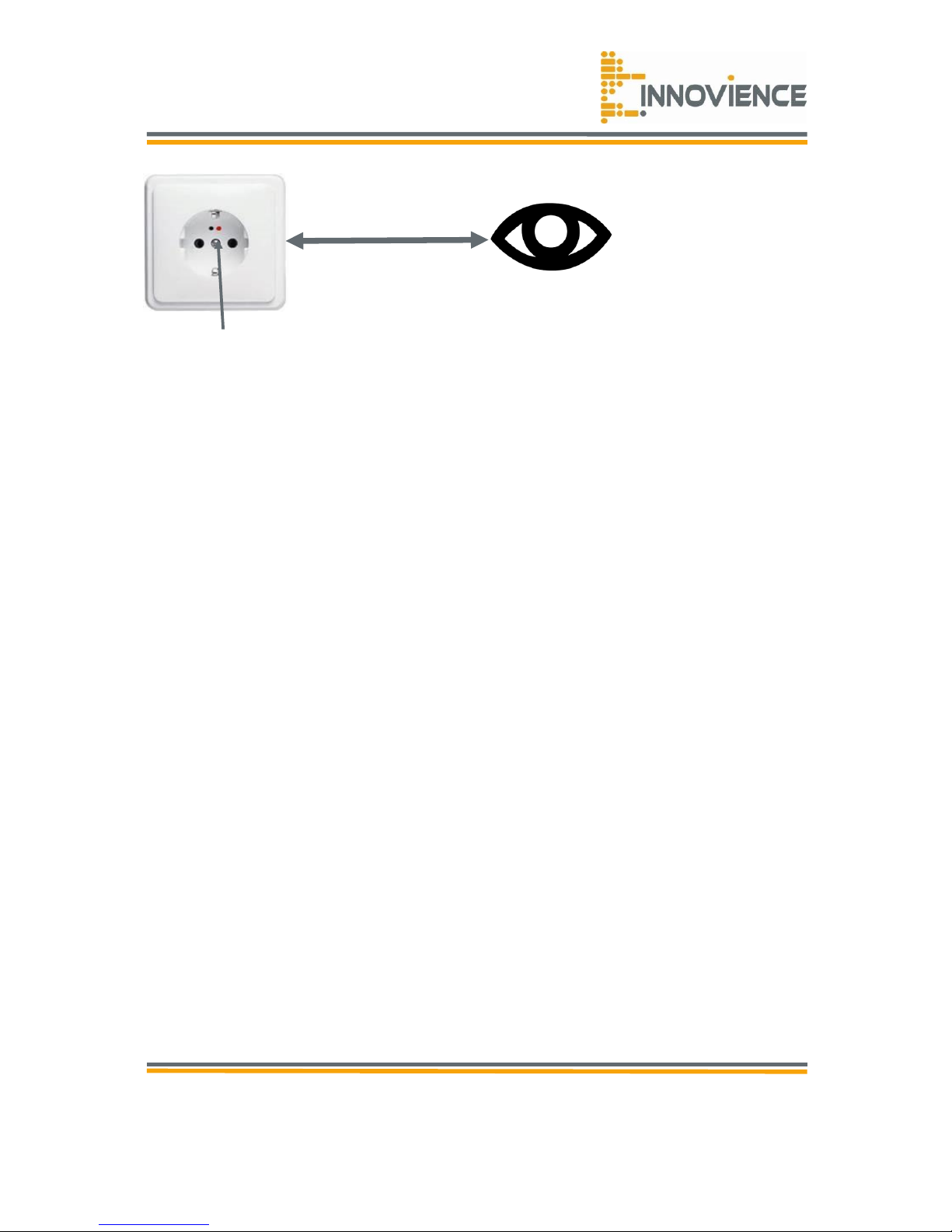
a duplex POF cable is attached to. Before plugging the module into the OptoXSTM
prepared wall-socket, you should check wether there is red coloured light emitted
from the hole positioned at your right-hand-side. In the absence of a red coloured
light, you should check whether the OptoXSTM Switch is installed and running properly. When
placing the module into the targeted wall-socket, make sure it fits properly, cannot get
damaged or be subject to pressure. To reduce the risk of electric shock, unplug the module
first before cleaning it. Never connect the module to the targeted wall-socket in a humid or
dusty area.