infiniDome Ltd. Web: www.infinidome.com
7 Haeshel St., Industrial Park (South) Tel: +972-4-770-7700
P.O.Box 3558, Caesarea 3088900, ISRAEL Fax: +972-4-627-0666
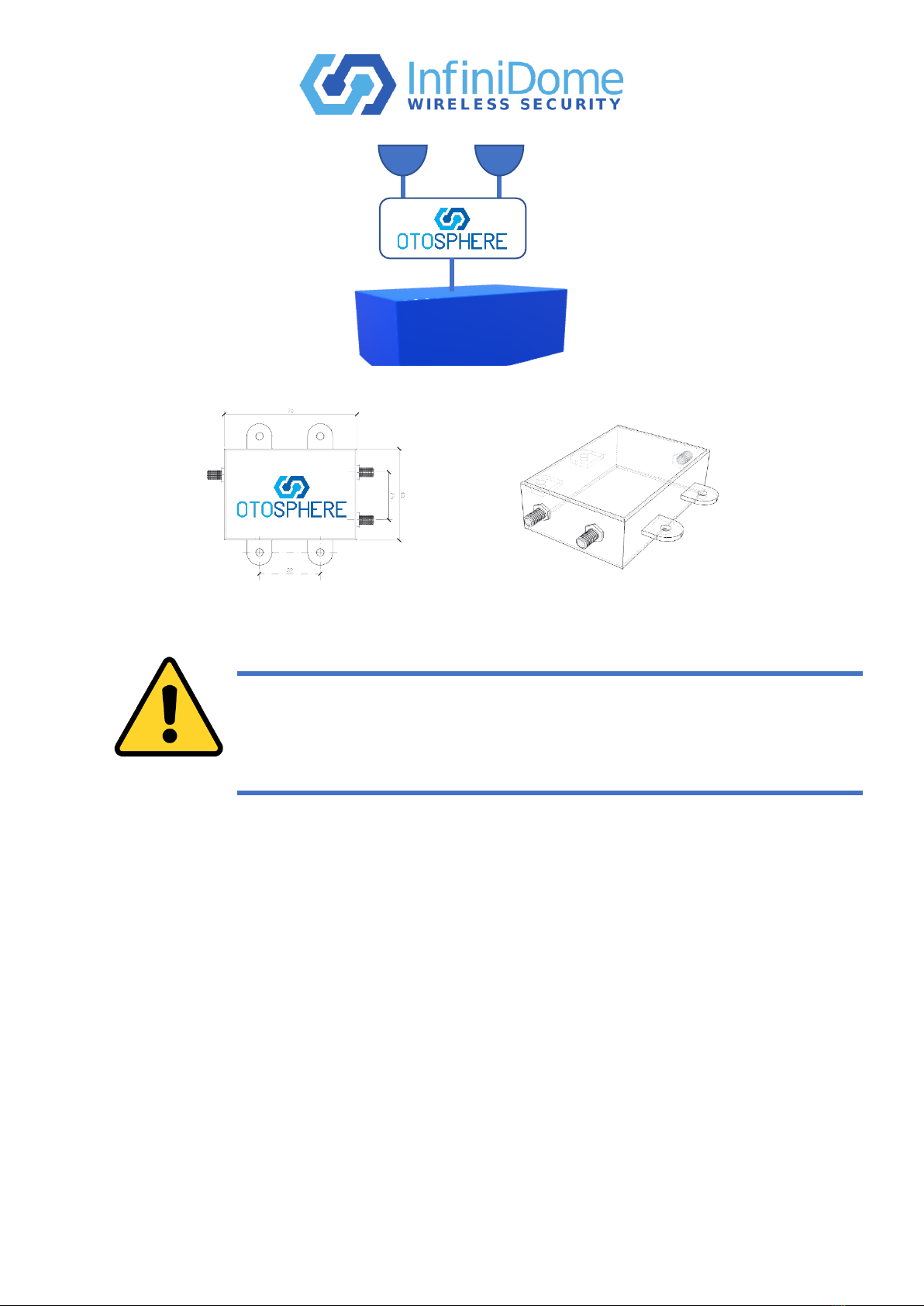
•If OtoSphere is installed in a complex environment, such as a vehicle, experiment with
the placement and orientation of the antennas for best results. Due to the complex
propagation environments within vehicles, different installation options may produce a
higher or lower performance.
Step 4. Coax cabling
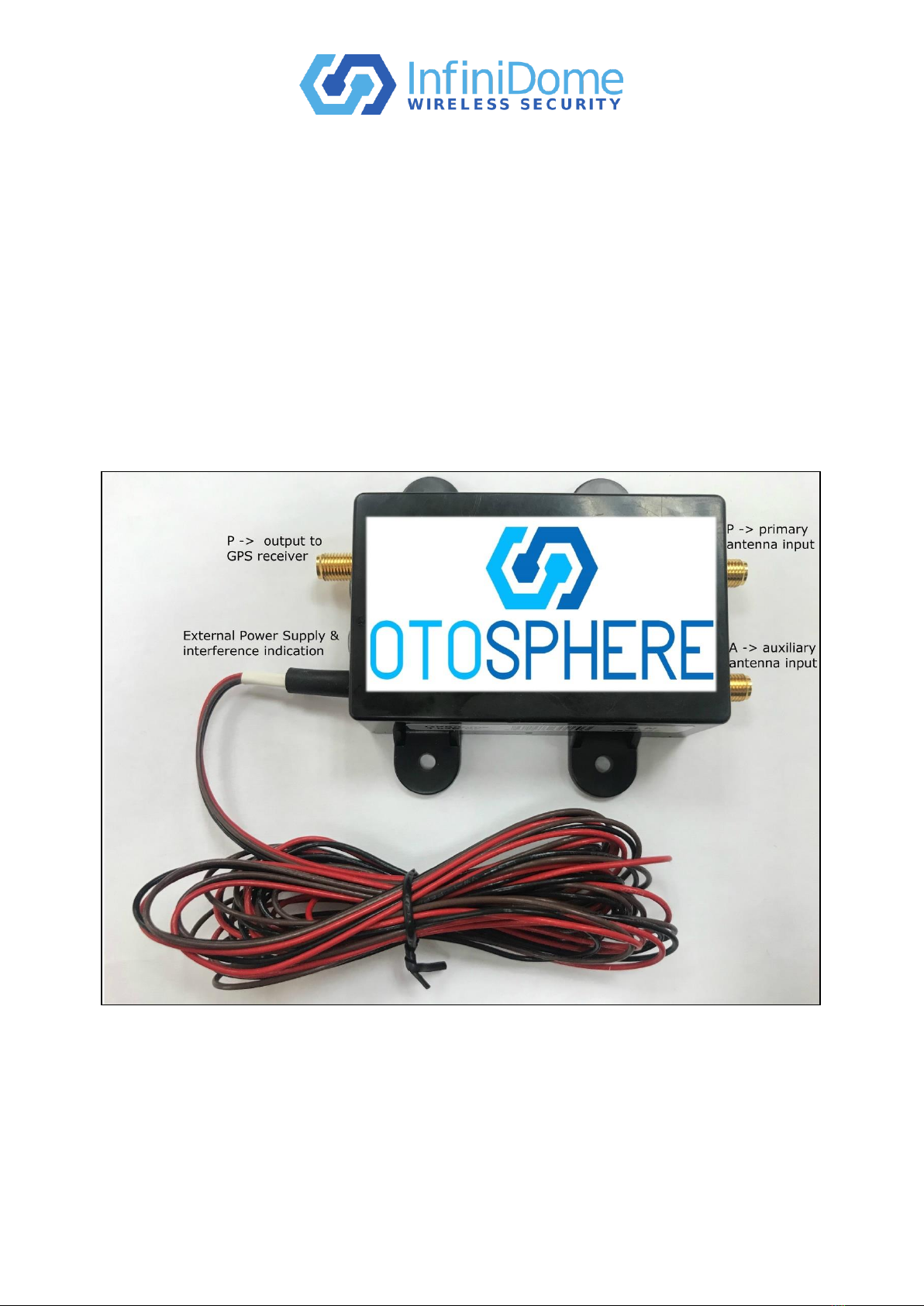
Connect and secure the following cables to the OtoSphere unit using an SMA torque spanner
set to 1Nm (8.85 in-lbs):
a) Antenna 1 cable connector to the auxiliary antenna input ‘A’ connector.
b) Antenna 2 cable connector to the primary antenna input ‘P’ connector.
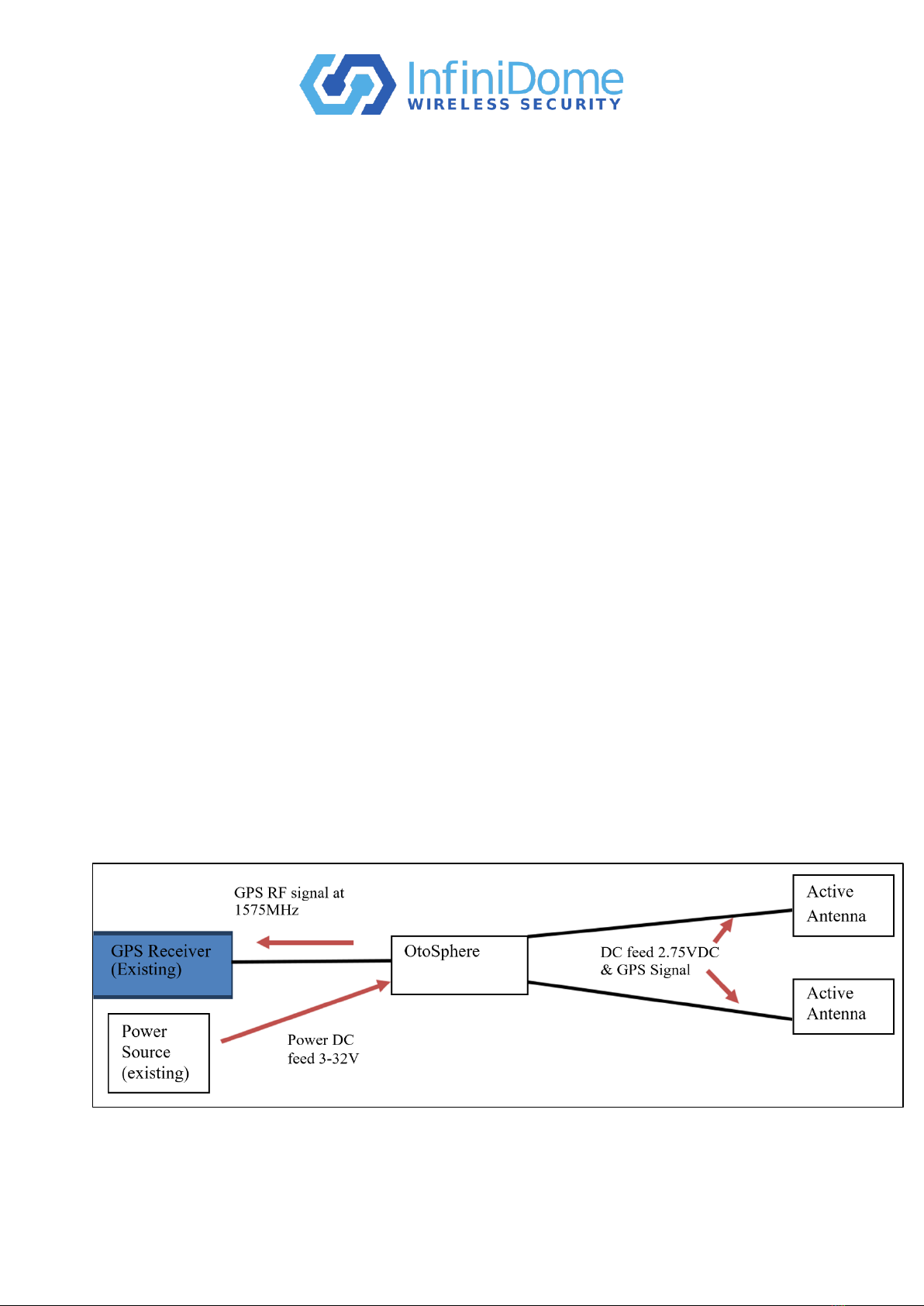
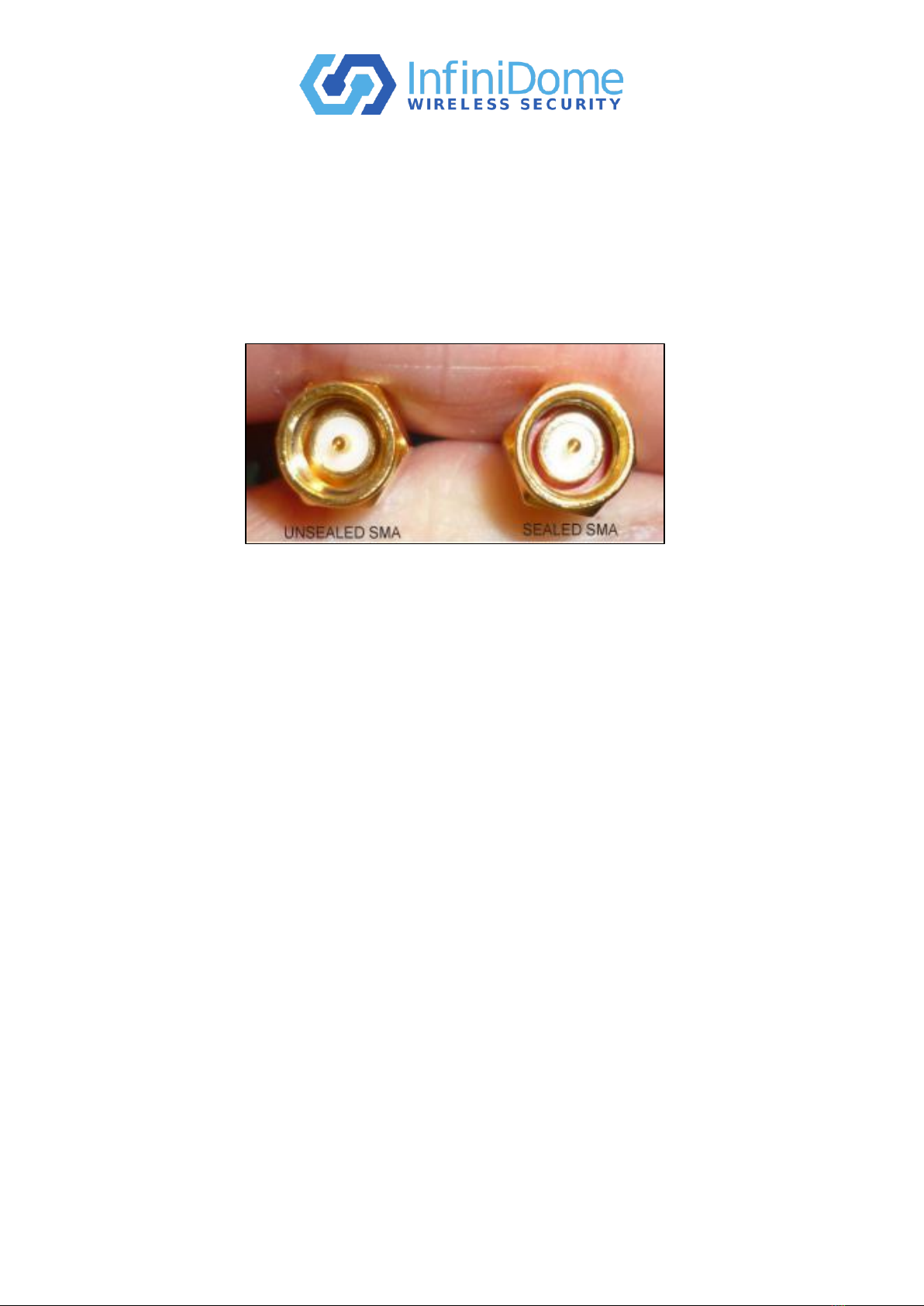
c) The RF output to receiver ‘R’ connector using a locally sourced cable fitted with high
quality sealed SMA connectors. The other end connected into the GPS receiver RF
antenna input.
Step 5. External power supply
Verify that the DC provided on the receiver cable is 3.5VDC - 32VDC and can provide at
least 800mW of power.
a) Connect the red wire to +V (3.5VDC –32VDC).
b) Connect the black to common (GND).
c) When interference indication is required, use the brown wire (and the same common –
black), in accordance with interference indication.
Step 6. Coil and secure any excess of antenna cable and power wires into a hidden location,
such as under the carpet, using wire ties (not supplied).
General Operation
OtoSphere unit operates without manual intervention.
Two LEDs located on the OtoSphere unit, provide the following indications:
LED 1 –When the module is powered ON and operating correctly, a green LED is steady on.
LED 2 –When the presence of a jamming event is detected, a red LED is steady on.