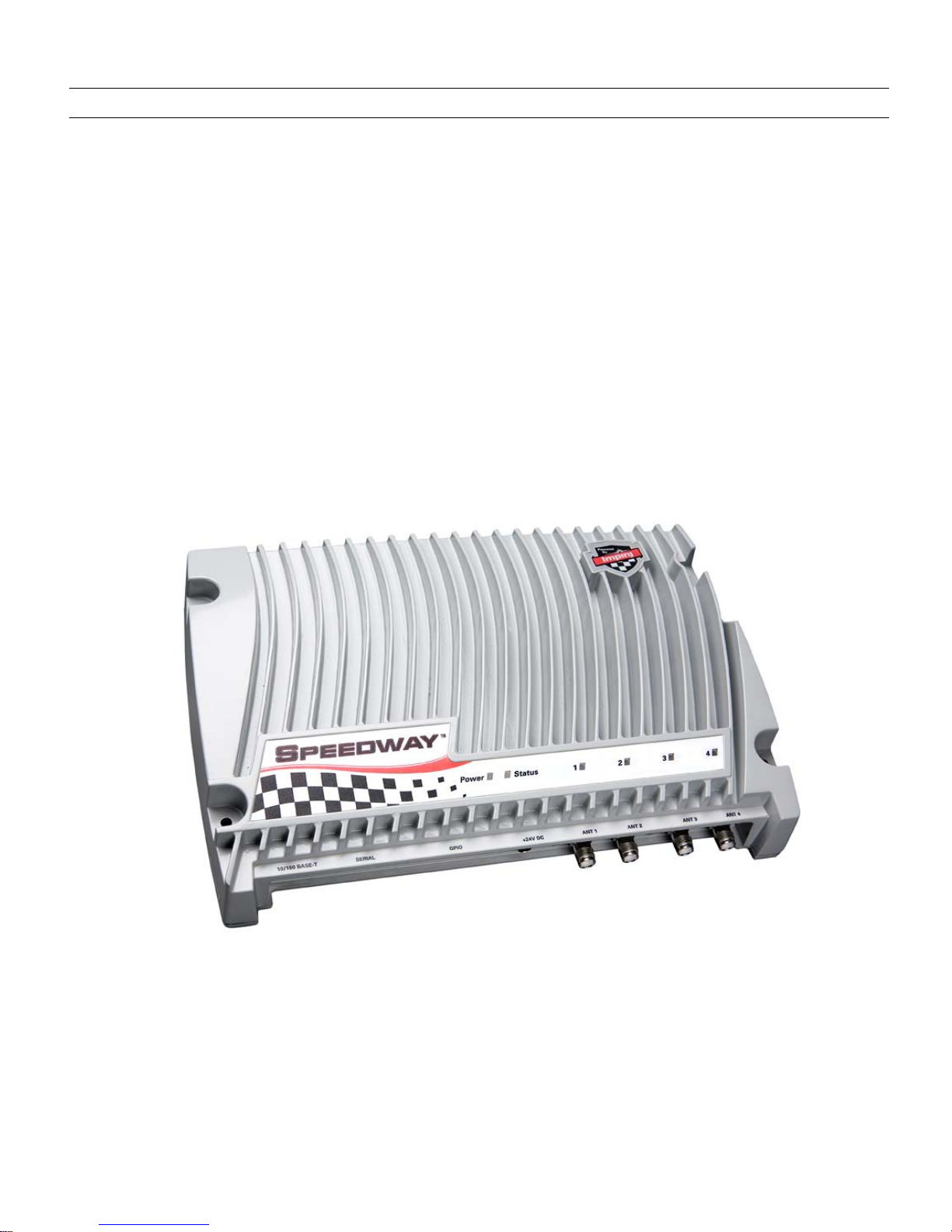
Speedway Reader IPJ-R1000 for UHF Gen 2 RFID
4
Table of Contents
1. Regions of Operation.............................................................................................................6
1.1. Operation in North America ...........................................................................................6
1.2. Operation in Europe.......................................................................................................6
1.3. Operation in Taiwan.......................................................................................................6
2. Setting Up the Speedway Reader .........................................................................................7
2.1. System and Equipment Requirements ..........................................................................7
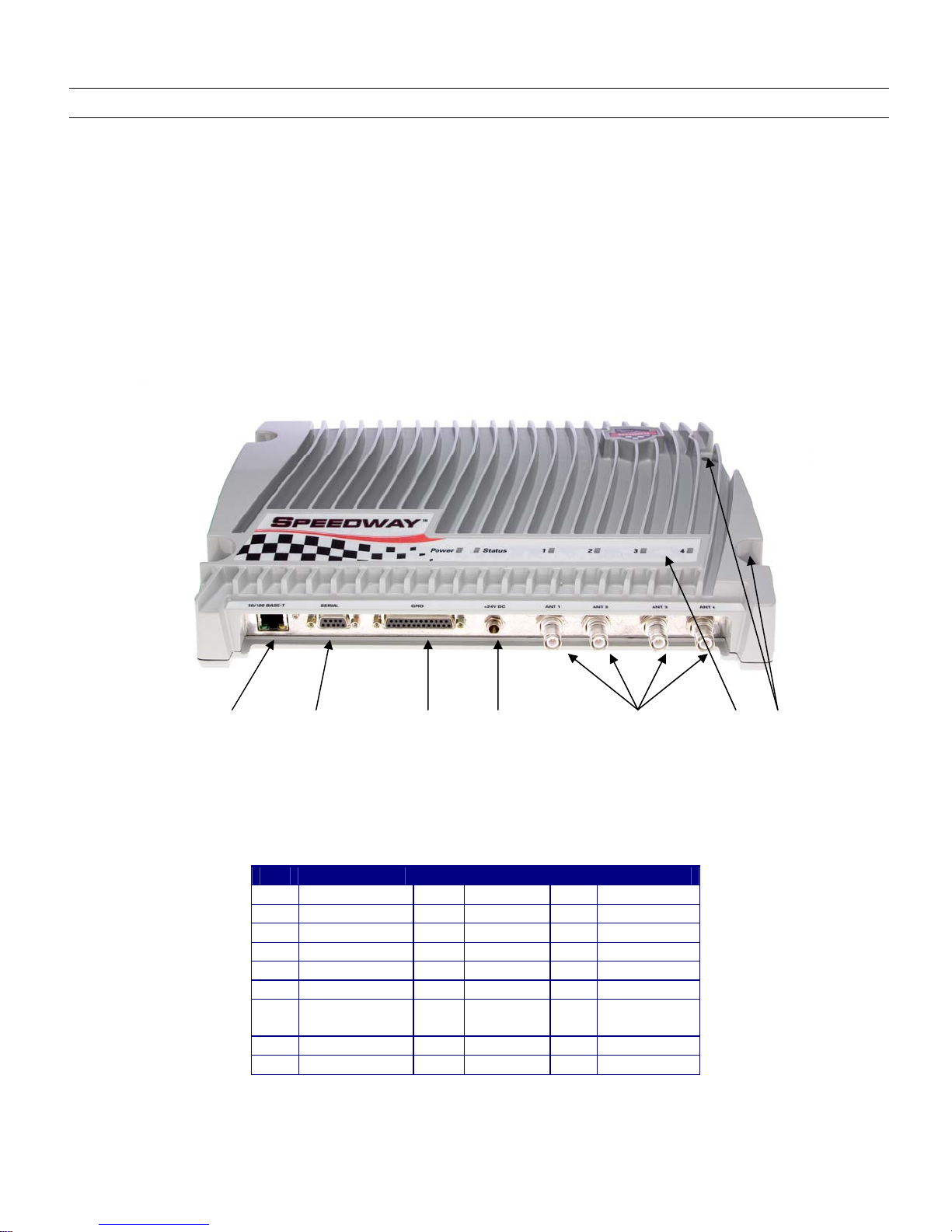
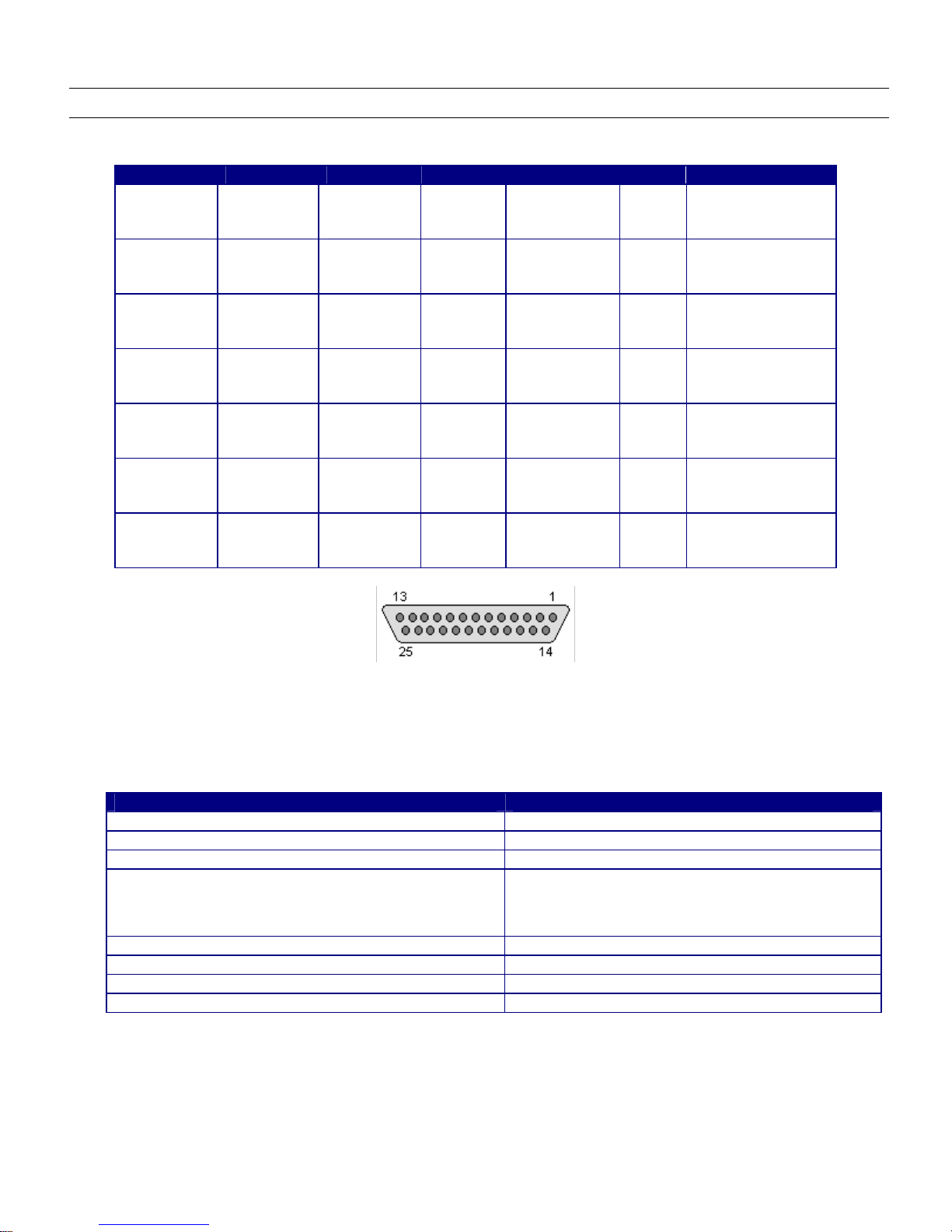
2.2. Speedway Reader I/O Ports & Status............................................................................8
2.3. Mounting the Speedway Reader....................................................................................9
2.4. Connecting Power .......................................................................................................10
2.5. Connecting the Antenna(s) ..........................................................................................10
2.5.1. FCC and Industry Canada................................................................................................................................10
2.5.2. European Economic Area................................................................................................................................11
3. Communicating with the Speedway Reader........................................................................12
3.1. Preparing Serial Connectivity.......................................................................................13
3.2. Preparing Ethernet (TCP/IP) Connectivity ...................................................................14
3.3. Mach1 Interface ...........................................................................................................14
4. Network Configuration .........................................................................................................15
5. Speedway Reader Settings .................................................................................................16
6. Using the Speedway Reader ...............................................................................................20
6.1. Operation Screen—Monitoring Inventory Results........................................................20
6.2. Operation Screen—Filters ...........................................................................................20
6.3. Inventory Filter Screen.................................................................................................21
6.4. Tag Access Screen......................................................................................................23
6.5. Version Screen ............................................................................................................25
7. Firmware Upgrade...............................................................................................................26
7.1. Upgrade Methods ........................................................................................................27
7.2. Preparing the Upgrade Image......................................................................................27
7.3. The Upgrade Configuration Metafile ............................................................................27
7.4. Preparing the Upgrade Configuration Metafile.............................................................28
7.5. Image Management Command ...................................................................................29
7.5.1. Command Line Interface Upgrade ..................................................................................................................29
7.5.2. GUI Upgrade...................................................................................................................................................29
7.5.3. Factory Default Restoration.............................................................................................................................31
7.5.4. Fallback to Previous Image .............................................................................................................................31
7.5.5. Query the Upgrade Status................................................................................................................................31
7.5.6. Background Execution of Image Management Commands ............................................................................31
7.6. Upgrade Examples ......................................................................................................32
7.7. Metafile Example .........................................................................................................33
7.8. Other URI Examples....................................................................................................33
7.9. Detailed Upgrade Behavior..........................................................................................33
7.9.2. Rapid Polling Intervals....................................................................................................................................34
7.9.5. Image partitions already programmed............................................................................................................. 34
8. Rshell Command Line Interface ..........................................................................................36
8.1. Rshell Overview...........................................................................................................37
8.2. Error Codes .................................................................................................................38
8.3. Root Menu ...................................................................................................................39
8.3.1. reboot Command .............................................................................................................................................39
8.3.2. config Command .............................................................................................................................................40