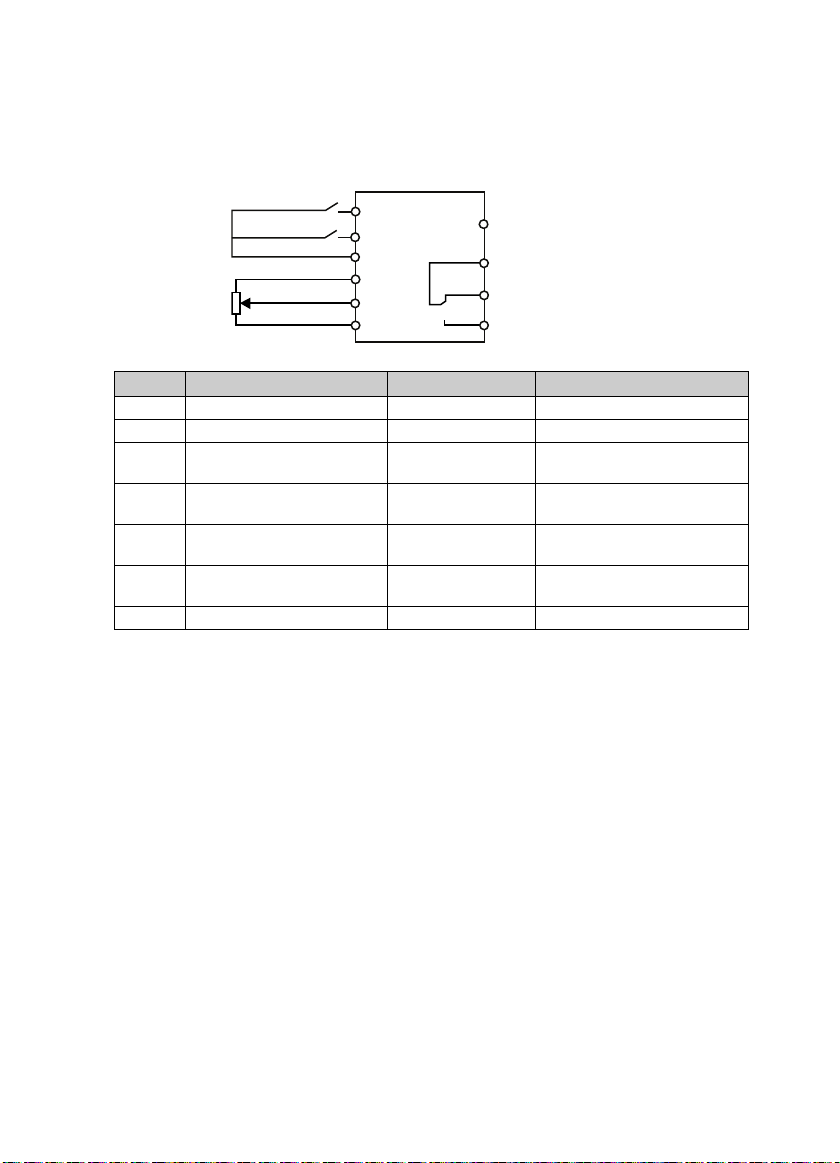
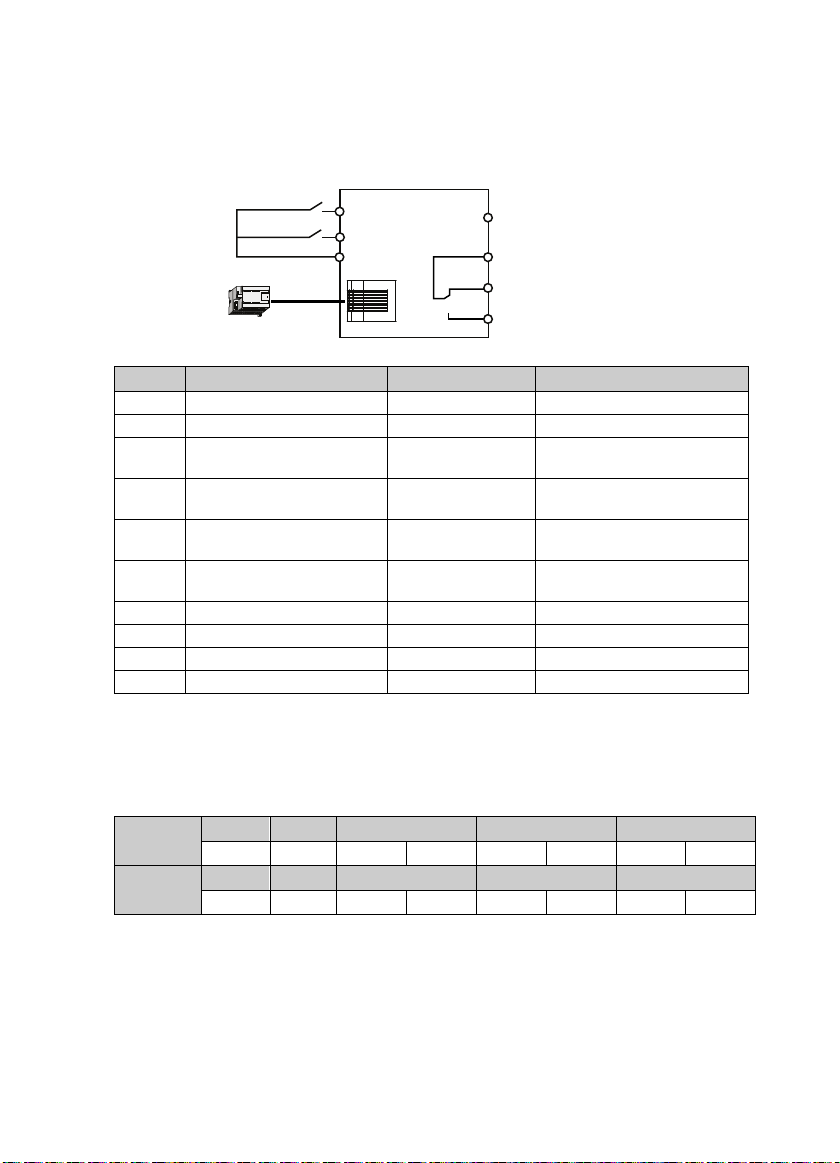
5. Control the Start/Stop Via Terminals and Set the Running Frequency Via Communication
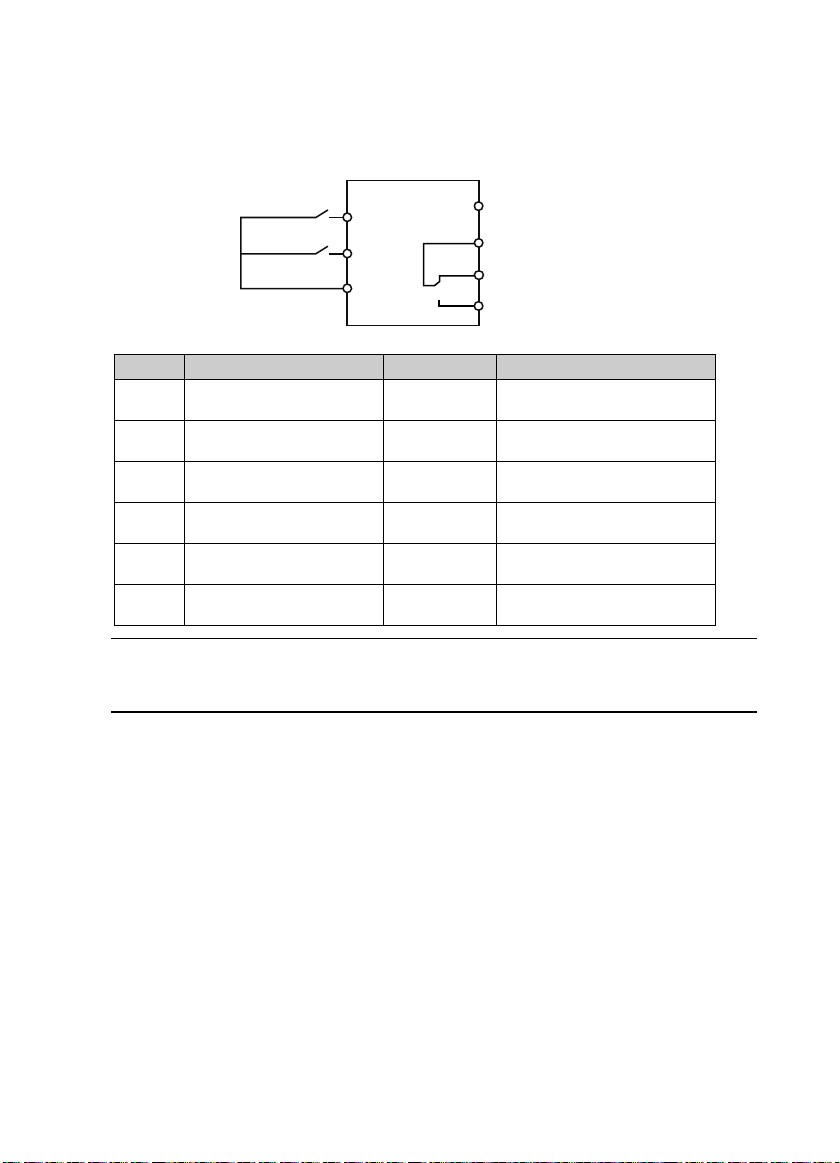
1. The terminal DI1 is forward running signal input, and DI2 is reverse running signal input, their
wirings are as following figure.
2. After power on, set the functional parameters in accordance with wirings, as following table.
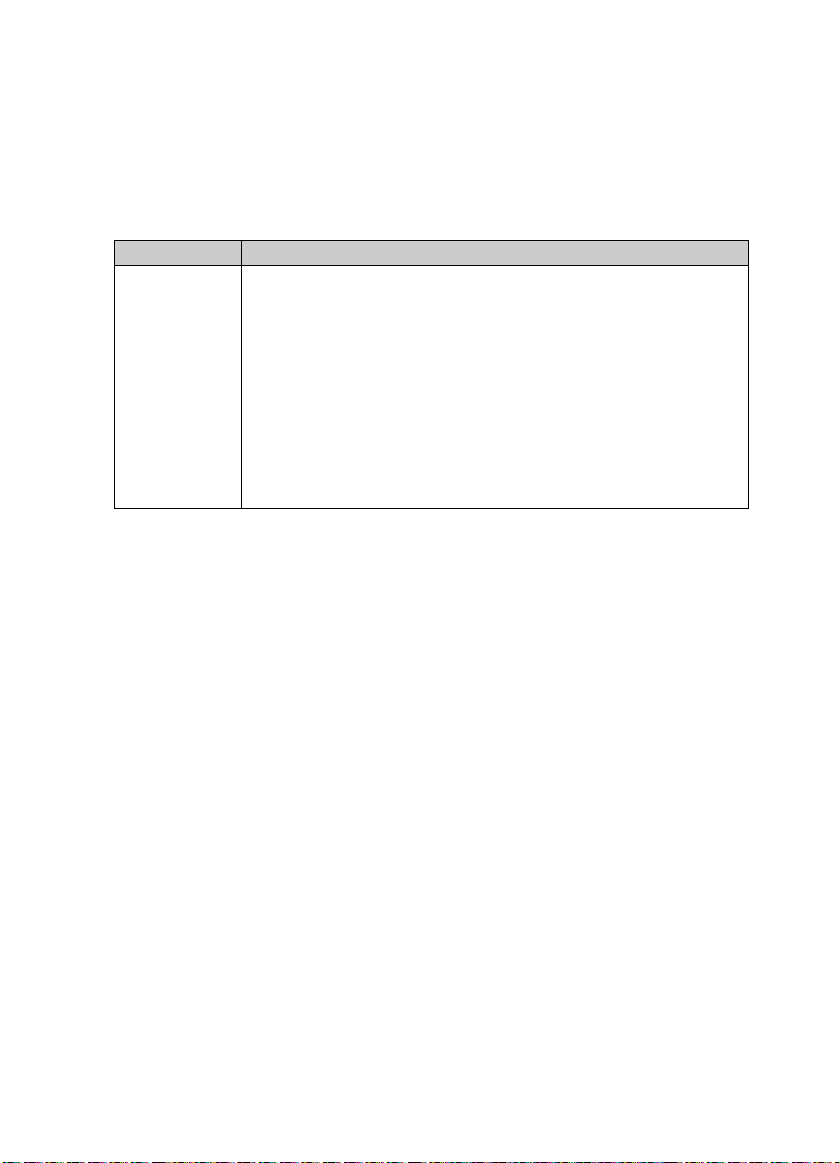
Ref. Code Function Setting Meaning
F00.10 Frequency setting source selection 2 SCI communication setting
F00.11 Command setting source selection 1 Terminal running command source
F03.01 Acc. time 1 - Acc. time, adjust according to actual
requirement
F03.02 Dec. time 1 - Dec. time, adjust according to actual
requirement
F15.00 DI1 function 2 (factory setting) Forward running function (terminal
forward signal input)
F15.01 DI2 function 3 (factory setting) Rervese running function (terminal
rervese signal input)
F15.18 DO1 function 2 (factory setting) Inverter is running
F17.00 Data format 0 (factory setting) 1-8-2 format, no parity, RTU
F17.01 Baud rate 3 (factory setting) 9600bps
F17.02 Local address 2 (factory setting)
3. Close the K1 of the wiring diagram, the motor will run forward; Close K2, run reverse; Simultaneously
close or disconnect, the motor will stop.
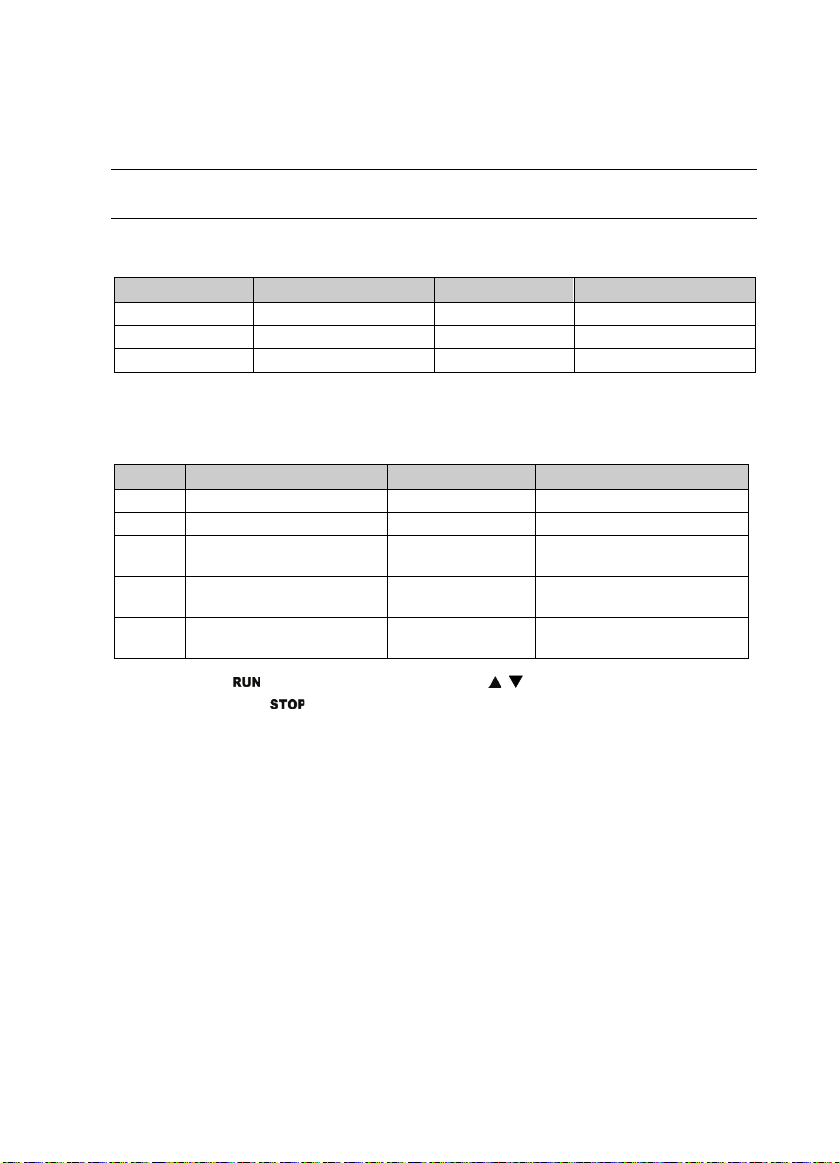
4. Modify the running frequency via SCI communication function code 0X06 writing register 0x3201.
Such as: Modify the local address two of slave with running frequency of 45.00Hz, as following table.
Command
Frame
Address Code Register Address Register Content Checksum
0x02 0x06 0x32 0x01 0x11 0x94 0xDB 0x7E
Response
Frame
Address Code Register Address Register Content Checksum
0x02 0x06 0x32 0x01 0x11 0x94 0xDB 0x7E
DI1
COM
DI2
Faultindicating
Output indicating
signal at running
Forward
Reverse
K1
K2 DO1
R1C
R1B
R1A
MODBUS