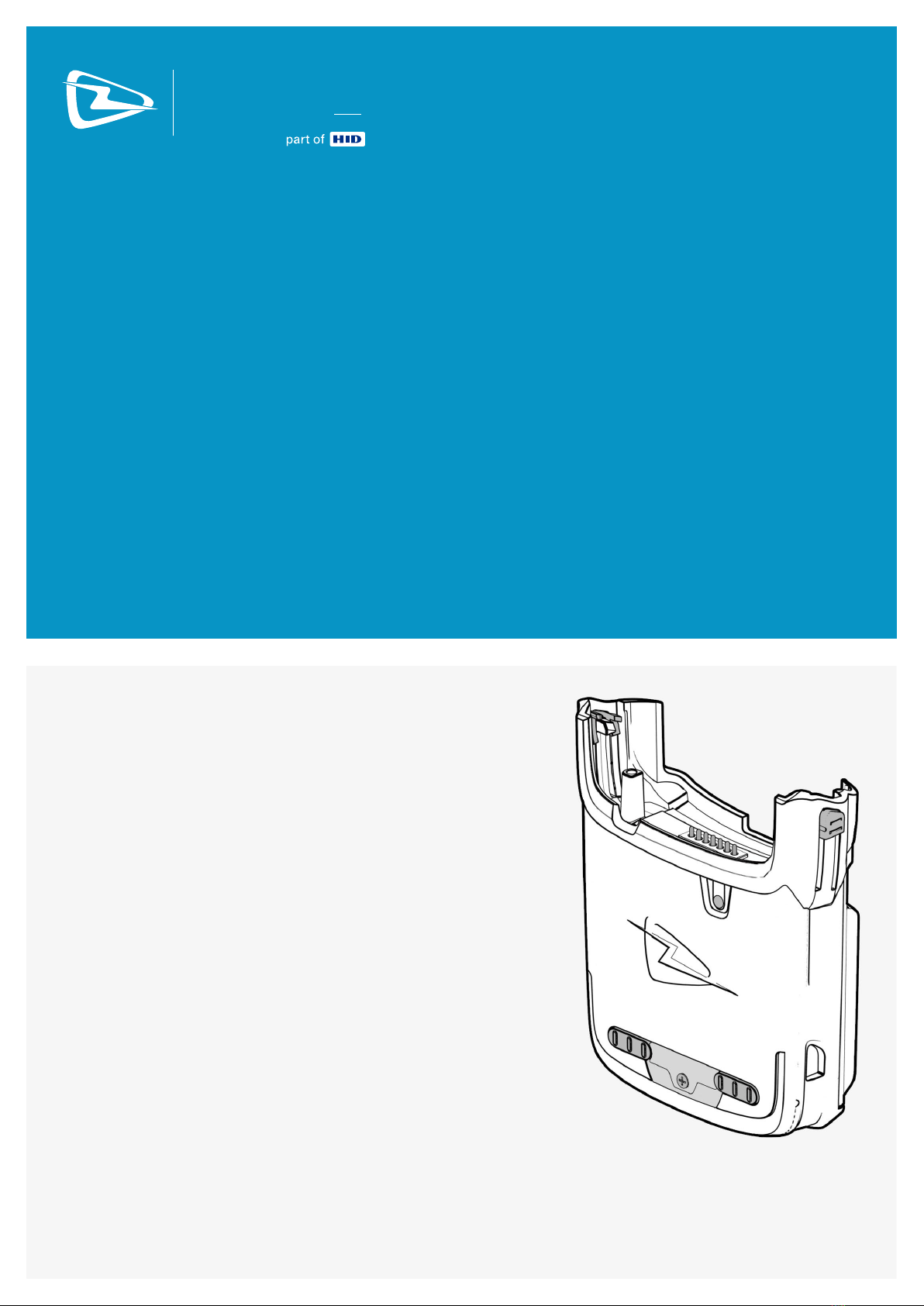
HID Technology Solutions 1119 Manuel utilisateur

USER GUIDE:
1119 UHF RFID READER
FOR THE MOTOROLA
MC55/65/67
www.tsl.com
Design • Development • Manufacture
TECHNOLOGY
SOLUTIONSUK LTD

1119 UHF Reader User Guide V1.21Copyright © 2021 Technology Solutions (UK) Ltd 2
TERMS & CONDITIONS
Copyright © 2021 Technology Solutions (UK) Ltd. All rights reserved.
No part of this publication may be reproduced or used in any form, or by any electrical or mechanical means,
without permission in writing from Technology Solutions (UK) Ltd. This includes electronic or mechanical means,
such as photocopying, recording, or information storage and retrieval systems. The material in this manual is
subject to change without notice.
Technology Solutions (UK) Ltd (TSL) reserves the right to make changes to any product to improve reliability,
function, or design. TSL does not assume any product liability arising out of, or in connection with, the application
or use of any product, circuit, or application described herein. No license is granted, either expressly or by
implication, estoppel, or otherwise under any patent right or patent, covering or relating to any combination,
system, apparatus, machine, material, method, or process in which TSL products might be used. An implied
license exists only for equipment, circuits, and subsystems contained in TSL products. TSL and the TSL logo are
registered trademarks of TSL. Other product names mentioned in this manual may be trademarks or registered
trademarks of their respective companies and are hereby acknowledged.
All software is provided strictly on an “as is” basis. All software, including firmware, furnished to the user is on
a licensed basis. TSL grants to the user a non-transferable and non-exclusive license to use each software or
firmware program delivered hereunder (licensed program). Except as noted below, such license may not be
assigned, sublicensed, or otherwise transferred by the user without prior written consent of TSL. No right to copy a
licensed program in whole or in part is granted, except as permitted under copyright law. The user shall not modify,
merge, or incorporate any form or portion of a licensed program with other program material, create a derivative
work from a licensed program, or use a licensed program in a network without written permission from TSL. The
user agrees to maintain TSL’s copyright notice on the licensed programs delivered hereunder, and to include the
same on any authorized copies it makes, in whole or in part. The user agrees not to decompile, disassemble,
decode, or reverse engineer any licensed program delivered to the user or any portion thereof.
TSL reserves the right to make changes to any software or product to improve reliability, function, or design.
TSL does not assume any product liability arising out of, or in connection with, the application or use of any
product, circuit, or application described herein.
Symbol is a registered trademark of Motorola Technologies, Inc.
www.tsl.com

1119 UHF Reader User Guide V1.21Copyright © 2021 Technology Solutions (UK) Ltd 3
CONTENT
Introduction 4
Parts of the 1119 UHF Reader 4
Attaching to an MC55/65 5
Detaching from an MC55/65 6
Battery Installation or Removal 7
Charge and ActiveSync Connection 10
Reading Transponders 11
Antenna location and read direction 11
Antenna location and read direction 12
Transponder orientation 13
Read and Write range 14
Status LED 14
Software 15
Driver installation 15
Reader Demonstration 15
Software Development 16
ASCII Protocol v1.4 16
ASCII Protocol v2.x (V2 hardware only) 16
UHF RFID SDK 16
Troubleshooting and Maintenance 17
Maintenance 17
Troubleshooting 18
Technical specifications 19
Summary of specifications 19
Regulatory Information 20
FCC 20
Industry Canada 20
Health and Safety Recommendations 21
Waste Electrical and Electronic Equipment (WEEE) 22
Warranty 22
About TSL 24
About 24
Contact 24
History
Version Date Modifications
1.0 05/04/2011 Document Creation
1.1 23/11/2011 Modified ‘ticks’ and ‘crosses’ images
1.2 01/10/2013 Updated software development section to include ASCII 2.x and notes on firmware
www.tsl.com

1119 UHF Reader User Guide V1.21Copyright © 2021 Technology Solutions (UK) Ltd 4
INTRODUCTION
Technology Solutions’ 1119 UHF Reader provides the Motorola MC55/65 with UHF Radio Frequency Identification
(RFID) functionality. The unit attaches as a snap on to the MC55/65. The mechanical design of the unit allows it to
be quickly and easily removed.
The 1119 UHF reader is powered from its own internal battery and draws minimal power from the MC55/65. It is
used with UHF transponders including the EPCGlobal Class 1 Generation 2 transponders.
PARTS OF THE 1119 UHF READER
FIGURE 1: Parts of the 1119 UHF Reader
Antenna located on
back of unit
Status LED
MC55/65 mating connector
Battery cover
release
Battery cover
release
Battery cover
Fixing clip latch
ActiveSync /
Charge connector
www.tsl.com

1119 UHF Reader User Guide V1.21Copyright © 2021 Technology Solutions (UK) Ltd 5
Alignment pillar
Fixing Clip
ATTACHING TO AN MC55/65
1) Align the slots on the side of
the terminal with the guides on the
fixing clips of the 1119 UHF Reader.
2) Slide the 1119 UHF Reader on to the
terminal ensuring the alignment pillar aligns
with the holes in the bottom of the terminal.
The 1119 will click as it attaches.
3) Slide the fixing clip latch
up to lock the 1119 UHF
Reader on to the terminal.
FIGURE 2: Attaching to an MC55/65
www.tsl.com

1119 UHF Reader User Guide V1.21Copyright © 2021 Technology Solutions (UK) Ltd 6
DETACHING FROM AN MC55/65
1) Make sure the fixing clip latches have been
moved down.
2) Pull the 1119 reader off the terminal.
Fixing Clip
FIGURE 3: Detaching from an MC55/65
www.tsl.com

1119 UHF Reader User Guide V1.21Copyright © 2021 Technology Solutions (UK) Ltd 7
BATTERY INSTALLATION OR REMOVAL
FIGURE 4: 1119 UHF Reader Battery access
1) Slide the battery
cover locking clips
towards each other
2) Lift the battery
cover away from the
reader along the edge
by the ActiveSync/
Charge connector.
3) Pull the battery
cover away from
the reader.
www.tsl.com

1119 UHF Reader User Guide V1.21Copyright © 2021 Technology Solutions (UK) Ltd 8
As an option a battery cover locking plate may be fitted to the battery cover. This is designed to prevent the two
battery cover locking clips from being moved. The battery cover locking plate is fixed in place with a single screw
and should be removed to allow the battery cover locking clips to be moved and the battery cover removed.
BATTERY INSTALLATION OR REMOVAL
Standard plate
Battery cover locking
plate can be fitted
instead.
www.tsl.com

1119 UHF Reader User Guide V1.21Copyright © 2021 Technology Solutions (UK) Ltd 9
Refit the cover by reversing the removal procedure:
●Push the cover in to the reader at a slight angle. There are some small tabs on the cover which align with the
slots in the reader.
●Push the battery cover flat down on to the reader.
●Move the battery cover locking clips apart.
●Refit the battery cover locking plate if required.
Ensure the battery is fully charged before first use.
CAUTION: RISK OF EXPLOSION IF BATTERY IS REPLACED BY AN INCORRECT TYPE.
Dispose of used batteries according to local regulations.
When inserting the battery, ensure the contacts line up with the contacts on the reader. Slide the battery in to place.
BATTERY INSTALLATION OR REMOVAL
Battery contacts
must align with
reader contacts
Slide battery in
www.tsl.com

1119 UHF Reader User Guide V1.21Copyright © 2021 Technology Solutions (UK) Ltd 10
CHARGE AND ACTIVESYNC CONNECTION
The 1119 reader is designed to fit into a standard MC55/65 desktop charge cradle or cradle cup. When docked
into a cradle the 1119 internal battery is charged. Power is also passed through the 1119 so that the host terminal
can charge at the same time.
When docked and an external USB host is connected, the USB connection from the host terminal is disconnected
from the UHF RFID reader and passed straight through to the connector on the bottom of the 1119. This allows an
ActiveSync connection to the host terminal but prevents simultaneous ActiveSync and UHF RFID operation. Only
ActiveSync connections (external host) are possible. There is no support of USB connection where the terminal is
the host (for example USB memory sticks) through the 1119.
www.tsl.com
Table des matières
Autres manuels HID Système RFID