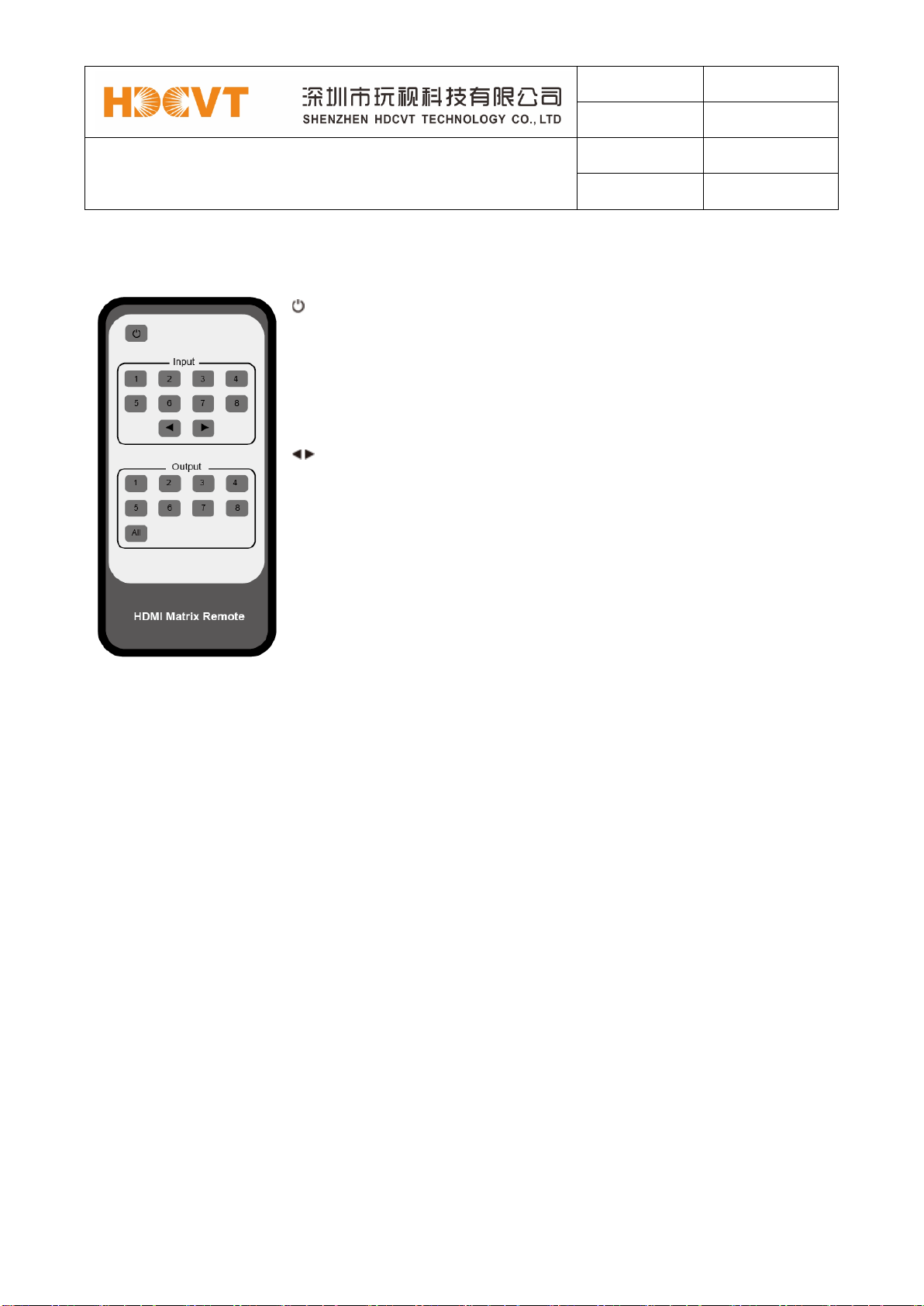
below table. Once you complete EDID selection, press the
‘Right’button then press the ‘Left’or ‘Right’
button to select your EDID to copy to which input port,
press the ‘Right’button to confirm this
operation.
2. PTP Set: Press the ‘Right’button to set PTP mode
(point to point, means IN1-OUT A, IN2-OUT B, IN3-OUT
C...).
3. Save Preset: Press the ‘Right’button to save
current configuration to preset, press ‘Up’or ‘Down’
button to select storage location, press the‘Right’button
to confirm this operation.
4. Recall Preset: Press the ‘Right’button to recall
previous preset, press‘Up’or‘Down’button to select
preset you want, press the ‘Right’button to confirm this
operation.
5. View IP: Press the ‘Right’button to check IP
address and DHCP status.
6. Select Baud: Press the ‘Right’button, then press the
‘Up’or ‘Down’button to select baud, press the
‘Right’button to confirm this operation.
7. Factory Reset: Press the ‘Right’button to
settingfactory reset status, then press the ‘Right’button
to confirm this operation or the ‘Left’button to quit this
operation.