
HDanywhere MHUB S Manuel utilisateur
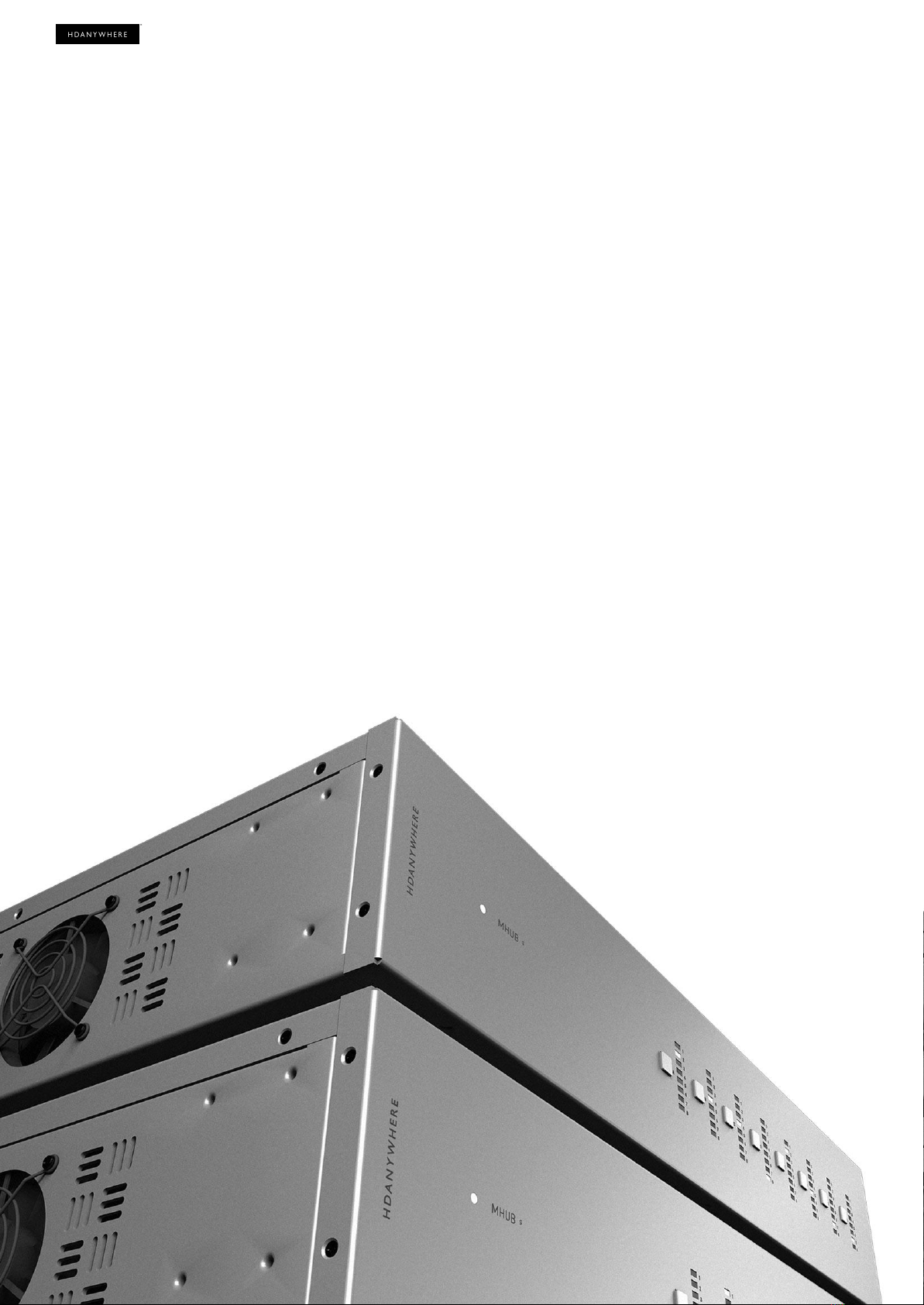
Quick Start Guide:
Stacking MHUB S
1

Stacking with a Control System
Working with a Control System is easy.
If you are using a Control System to control your MHUB S devices then you do not need a Zone Processor
to act as a controller. Connect and stack your MHUBs as per the example wiring diagrams on page 7 and
ensure that you follow the instructions detailed below.
YOU MUST INITIALISE ALL HDA DEVICES BEFORE YOUR DRIVER WILL WORK!
Control System drivers for MHUB S will not work until your device has been initialised in a process
called “First Boot”. To complete this step you will require our app, uControl, to scan your network, find
your devices, and initialise them one-by-one.
I’m using a Control System, why should I do this?
It is important to carry out this step as it registers the Extended Warranty for the owner and connects
your MHUB(s) to HDA Cloud for improved customer support and troubleshooting analysis. This step
also instructs MHUB for third-party operation and Expanded IO (using MHUB’s IR ports directly from
your Control System) if your driver supports that feature.
Finding a Control System driver.
For an up-to-date list of supported drivers please visit the following link:
http://support.hdanywhere.com/hda-control-drivers/
2

Contents
Stacking with a Control System 2
Contents 3
Glossary 5
Please read! 5
Foundation Layer 5
Connections 5
Stack Layer 5
IR Cascade 5
Master / Controller 5
uControl 5
Stacking basics 6
Assumptions 6
Hardware Requirements 6
Ports essential to building a stack 6
Controlling the stack with a uControl Zone Processor 7
8x24 wiring diagram: video only 8
8x24 wiring diagram: cabling for IR Cascade 9
Get setup in 15 steps 11
Sanity check hardware and connections 11
Ensure that the Zone Processor is on and connected to LAN 11
Make sure uControl is on the latest software 11
Launch uControl 11
SCREENSHOT 11
Select the Stack option 11
SCREENSHOT 11
Tell uControl what ZP will become your Controller 11
SCREENSHOT 11
IMPORTANT STEP: Add devices to your stack and setting their Stack Layer 11
SCREENSHOT 11
uControl will gather data from all systems and prepare the ZP for configuration 11
If the background colour changes then you have accessed the ZP 12
Name each device 12
Define Connections 12
Name Inputs 12
Create Zones 12
3

Glossary
Please read!
The terminology used with MHUB S and how it works is uniquely used by HDA. To avoid any confusion
please take a moment to acquaint yourself with the following terms used throughout this guide.
Foundation Layer
The MHUB S system which is directly connected to a video source(s) is referred to as the
Foundation Layer. Ideally, this system should be physically installed at the bottom of your MHUB S
stack. Inside uOS this system is referred to as S1.
Connections
A Connection is used to define a cabled connection between various MHUB systems. Depending
on the combination of HDA devices in your stack will determine what ports can be paired or not.
Stack Layer
The Stack Layer is an alphanumeric identifier within uOS starting from the Foundation Layer (Layer
S1) which represents the order of MHUB systems that are connected to one another by a
Connection. For example, if you had four MHUB S systems stacked together then you would start
with the Foundation Layer (Layer S1), then the second MHUB S (Layer S2), followed by the third
MHUB S (Layer S3) and finally the fourth MHUB S (Layer S4).
IR Cascade
MHUB S supports infrared (IR) passback from a display receiver connected to one MHUB system to
be passed to another MHUB through a process called IR Cascading. IR Cascading works from the
top of your stack and goes down the MHUB Stack Layers until it reaches the Foundation Layer or is
instructed to stop within uOS.
Master / Controller
A hardware device (like a Zone Processor) designed to control other MHUB or MZA systems when
they are operating in stack mode. It is not possible to create a stack without a Master / Controller
present in your setup. Should be called M1.
uControl
uControl is our app for control and configuration of stacked systems. If you are using MHUB S with
a control system then you do not need to use uControl other than the first booting system so that it
is properly initialised.
5
6

Stacking basics
Assumptions
This guide assumes that the reader is already familiar with MHUB and HDBaseT matrix systems.
Hardware Requirements
In order to build an MHUB S stack you will need the following in your setup:
●One or more MHUB S devices.
●HDMI cables to connect MHUB S devices together (sold separately).
●uControl Zone Processor 1 or 5 (ZP1/ZP5) to act as your Controller.
Ports essential to building a stack
Stacking is made possible by two ports on the rear of each MHUB S.
1. The “Mirror (OUT)” port
This port mirrors any HDMI signal connected to the “Source (IN)” port directly below it. Connecting
the “Mirror (OUT)” port to the “Source (IN)” port on another MHUB S (must be next in the Stack
Layer) will make that video available on the new MHUB S device (see page 7).
2. “Stack IR (IN)” & “Stack IR (OUT)” ports
Used for MHUB S’ IR Cascading function and can be connected using the Source IR Stacking Cable
included with MHUB S (see page 8). Stack IR only works with a maximum of 4 MHUB S systems.
7

Important MHUB S (8+8x8) 100 Rear Ports required for stacking.
Controlling the stack with a uControl Zone Processor
The Zone Processor (ZP) is a necessary component that is required to build a stacked system and must be
present in your LAN along with your MHUB S devices. When uControl detects this arrangement in your
network then the app will offer you the option to configure the collection of devices as a stacked system
and will set the MHUBs into stacked mode. At the same time the ZP will be instructed to change into
Controller mode and when this happens, any on-board IO present on the ZP (CEC, IR, RS232 ports) will
cease to function.
For best results HDA recommends that the ZP is connected to the LAN via its Ethernet connection
rather than WiFi which may introduce unwanted control lag/delay.
8

What does the Zone Processor do?
The ZP replaces the MHUB as the primary user interface for the system. Source naming, Connections, IoT,
switching, uControl pack installation and Sequences are now all done on the ZP rather than the individual
MHUB devices. When the MHUB is in operation, uControl communicates with the ZP only and the ZP
translates that command into an appropriate instruction for the target MHUB to execute.
9

8x24 wiring diagram: video only
10
Table des matières
Autres manuels HDanywhere Système stéréo


