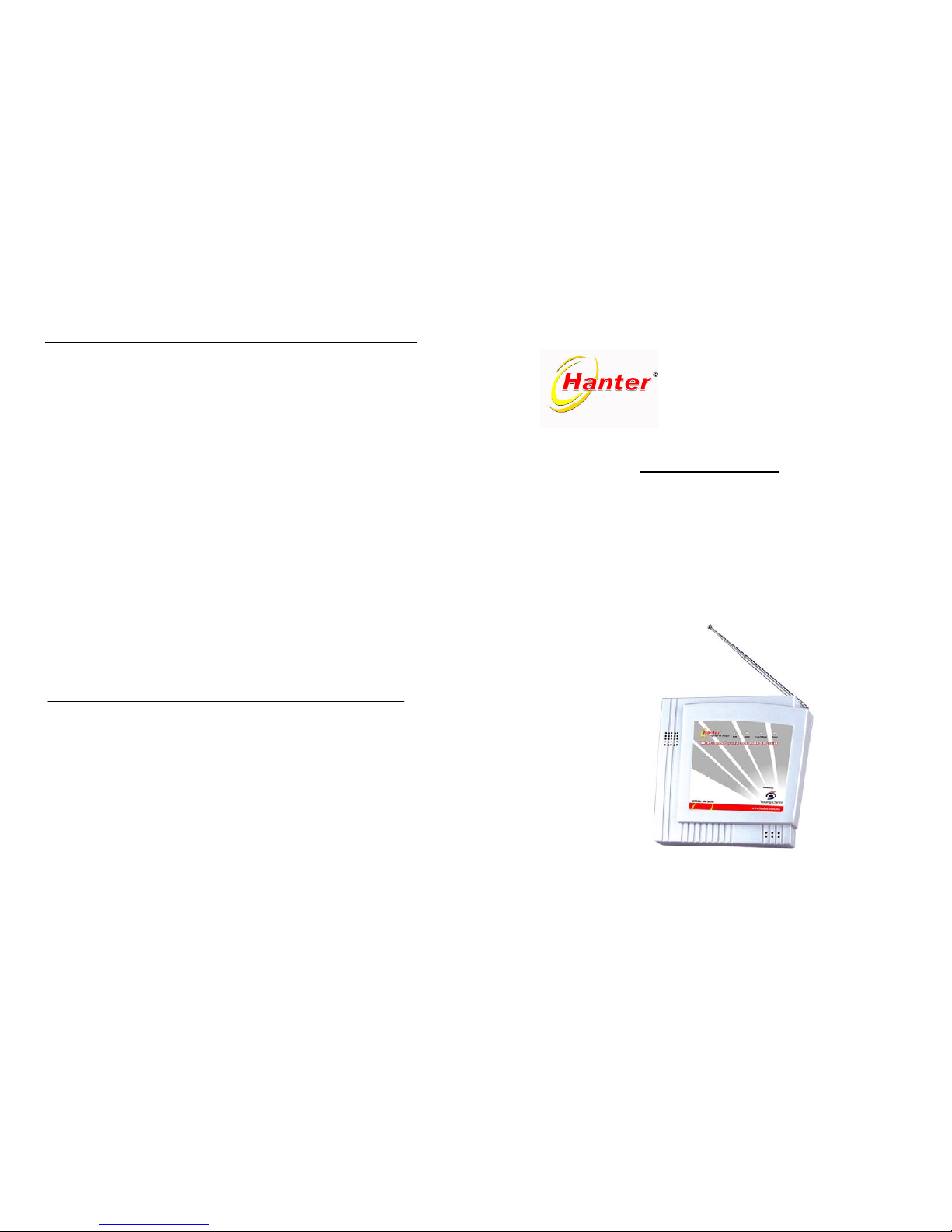
------HM2078
Step 4: Attach the magnet bar using the screws or adhesive tape to the moving
part of the door or window. The gap between the switch and magnet bar
should not be wider than 1.5cm when the door is closed.
Step 5: Opening and closing of the door/window will be confirmed by the
switch’s LED.
Reminder:
If the switch or magnetic bar is fix directly on a metal surface, one is advisable to
pre-attach an insulator (plastic piece) in order not to affect the signal transmission
strength of the units.
5.1.3 Wireless Motion Sensor (PIR)
Step 1: Pry off the back plate with a small screwdriver, and install the provided
battery into the back of PIR detector.
Step 2: Mount the bracket with screws provided at any place you think has the
best coverage by the PIR sensor. Recommended height is about 2.1
meters above the floor.
Step 3: Mount the PIR sensor onto the bracket. The maximum distance coverage
area is up to 12 meters, and it has a detection angle of: 120 degree
horizontally, 60 degree vertically.
Reminder:
Do not place the detector close to any heating/cooling vents or near any other
object that often changes temperature.
The PIR detector should not be placed near any item that generates a strong
electromagnetic signal. (transmitters, electronic regulators etc.). Avoid locations
that have intense air circulation.
5.1.4 Wireless Smoke Detector
Step 1: Install the detector to the desired location.
Step 2: Drill two holes on the wall or ceiling per the whole sizes of the mounting.
Bracket.
Step 3: Fix the mounting bracket on the wall or ceiling with the screws.
Step 4: Twist and lock the detector with the mounting bracket.
Step 5: Do not try to open the unit by yourself. You should only pry off the back
plate and install the battery.
Step 6: Press the test button to confirm that the installation is successful.
5.1.5 Wireless Gas Leak Detector
a. Install the detector per the density of gas.
•For the Natural gas and piping coal gases lighter than air, install it close to the
ceiling (lower 0.3~1.2 meters).
•For the liquefied petroleum gases (LPG) which is heavier than air, install it close to
the floor (higher than 0.3 to 1.2 meters and inside the range of gas source with
direct 1.5 meters).
P. 8
b. The detector should not be located near any areas that emit gas (cooking area).
c. The detector should not be located close to any obstacles (curtain or cabinet etc.)
d. The detector should not be located in the bathroom or any area with too much
vapor.
5.1.6 Coding/ Pairing
The accessories have been coded with the Control Panel and it is ready to be used
directly. The Coding/pairing function is only applicable for additional or new
Keychain Remote control, Magnetic Door/Window Switches, Motion Sensors and
other accessories.
a. Keychain Remote Control
Step 1: Open the cover of the existing unit
Step 2: Open the cover of the new unit
Step 3: Solder the new remote control based on the codes from the existing
remote control
b. Wireless Magnetic Door/Window Switch
Step 1: Open the cover of the existing unit
Step 2: Open the cover of the new unit
Step 3: Make the coding at new unit according to the code from existing unit
c.
Sensor or other detectors
Step 1: Open the cover of the existing unit
Step 2: Open the cover of the new unit
Step 3: Ensure the codes are the same as the existing one, by adjusting the code
to the new one
Reminder:
Should you face any difficulties, please refer to your local supplier.
5.2 System Settings (all functions settings must be under Disarming Status)
5.2.1 To Program Telephone Numbers (maximum 6 sets of numbers)
Press the “” key of the Keychain Remote Control to enter disarming status, then
press Program Key on the Control Panel. When the arming LED light appear, pick
up the telephone handset and input the designated telephone numbers follow by
input *1#, repeat same process for the 2nd set pre-set number and end with *2#.
The rest are the same except for signing off with *3#, *4#, *5# and *6#
respectively after each entry. *1# is memory No 1, *2# is memory No 2 and so on.
Note: With the completing program the 6 set of numbers will maximize the duration
of Alarm Buzzing to approximately 12 minutes.
a. To Program Telephone Number
Example: To set 0128881234 as 1st set of Telephone Number
Step 1: Press the “” key of the Keychain Remote Control
Step 2: Press Program Key on the Control Panel
Step 3: Alarming LED will light
P. 9
Hanter® Wireless Intelligent Alarm Systems - Model HM2078Hanter® Wireless Intelligent Alarm Systems - Model HM2078