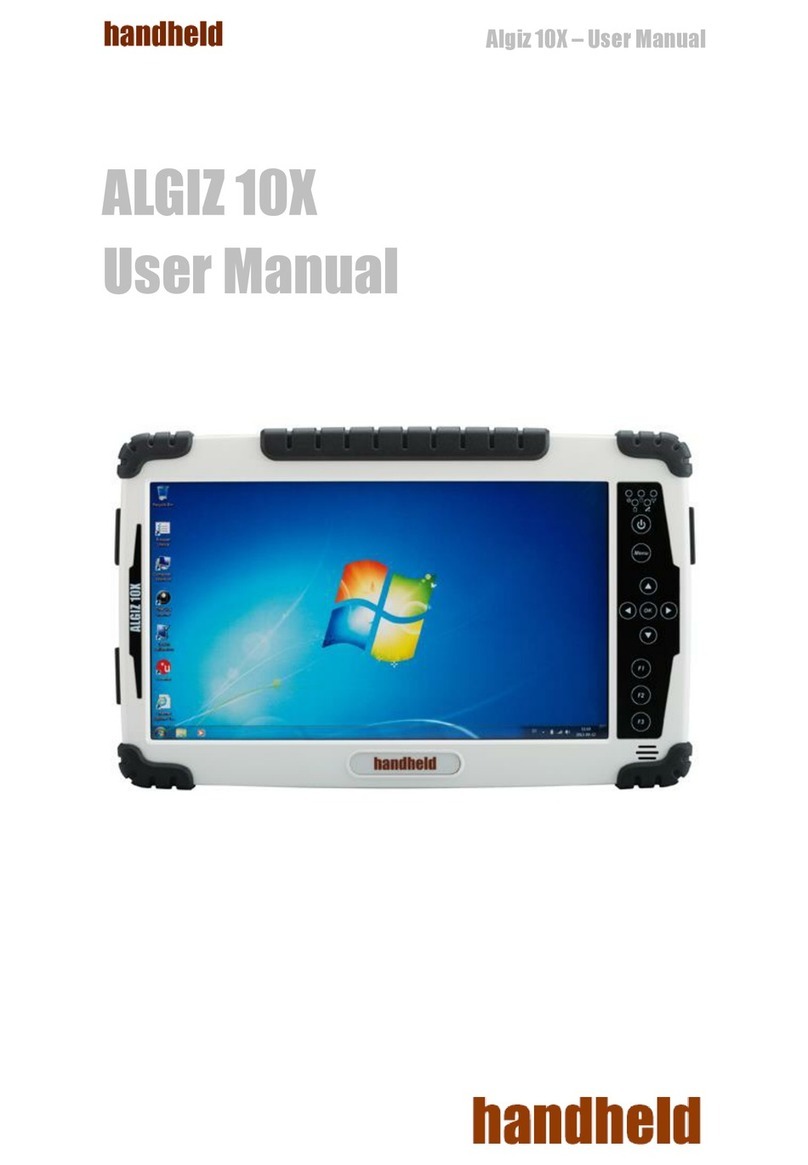
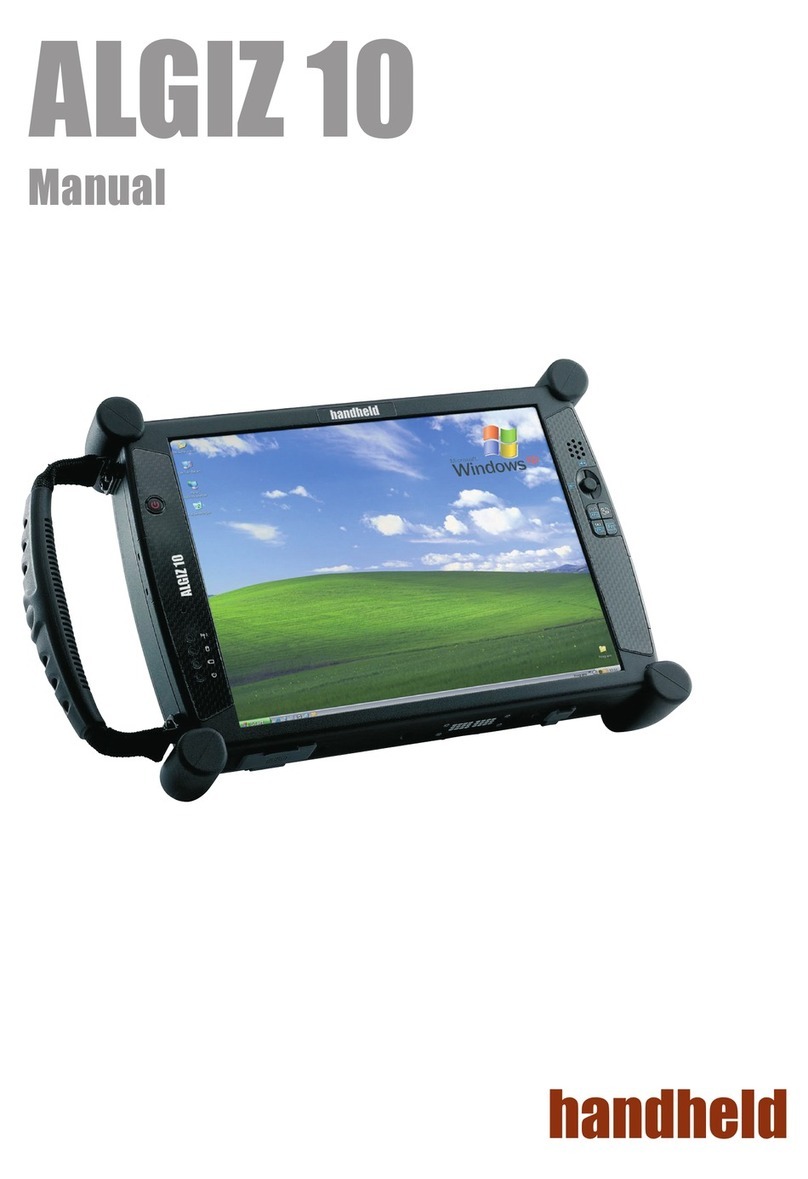
Hand Held Products ALGIZ 7 Manuel utilisateur

ALGIZ7
Manual

2
ALGIZ7 Manual
Item Description Note
2 Cell Li-Polymer Battery Packs Hot-swappable for
battery change
1 CD for System Driver Utility.
1 12V Adapter w/ Standard Power Cord.
Euro / U.S. Std type, 1.8m
Item Description Note
1 Recovery DVD for the Operating System
(Windows 7).
1 Windows 7 Recovery User’s Guide.
Accessories

3
ALGIZ7 Manual
TrademarkAcknowledgement
Disclaimer
Warranty
Copyright © 2010 Handheld Group AB, ALL RIGHTS RESERVED. No part of this document may be reproduced, copied,
translated, or transmitted in any form or by any means, electronic or mechanical, for any purpose, without the prior written
permission of the original manufacturer.
Handheld Group AB reserves the right to make any product changes without notice, including circuits and/or software
described or contained in this manual in order to improve design and/or performance. Handheld Group AB assumes no
responsibility or liability for the use of the described product(s), conveys no license or title under any patent, copyright,
or masks work rights to these products, and makes no representations or warranties that these products are free from
patent, copyright, or mask work right infringement, unless otherwise specified. Applications that are described in this
manual are for illustration purposes only. Handheld Group AB makes no representation or warranty that such application
will be suitable for the specified use without further testing or modification.
Handheld Group AB warrants that each of its products will be free from material and workmanship defects for a period
of one year from the invoice date. If the customer discovers a defect, Handheld Group AB will, at its option, repair or
replace the defective product at no charge to the customer, provided it is returned during the warranty period of one year,
with transportation charges prepaid. The returned product must be properly packaged in its original packaging to obtain
warranty service.
Brand and product names are trademarks or registered trademarks of their respective owners.
CopyrightNotice

4
ALGIZ7 Manual
Support for most of the problems are provided as per the following steps:First, visit our website at www.handheldgroup.
com to find updated information about the product. Secondly, contact your distributor, sales representative, or our
customer service center for technical support if you need additional assistance. You might need to have the following
information ready before you call:
• Product’s serial number
• Peripheral attachments
• Software (OS, version, application software, etc.)
• Description of complete problem
• The exact wording of any error messages with print screen images
In addition, free technical support is available from our engineers during working hours. We are always ready to give
advice on application requirements or specific information on the installation and operation of any of our products. Please
do not hesitate to call or e-mail us.
Manufacturer: Handheld Group AB
Address: Handheld Group AB, Kinnegatan 17 A, S-531 33, Lidköping, Sweden
TEL: +46 (0) 510-54 71 70
FAX: +46 (0) 510-282 05
CustomerService

5
ALGIZ7 Manual
Always disconnect the power cord from the unit whenever you work with the hardware. Do not plug
the device into the power socket when the device’s power is on. Sensitive electronic components
can be damaged by sudden power surges. Only experienced personnel should open the unit’s
mechanical housing.
Always ground yourself to remove any static charge before touching the CPU card.The electronic
devices are very sensitive to static electricity. As a safety precaution, use a grounding wrist strap all
the time. Place all the electronic components in a static-dissipative surface or static-shielded bag
when they are not in the chassis.
Warning!
Cauiton!
SafetyPrecautions

6
ALGIZ7 Manual
Power Supply Announcement
UL Safety Approved
Power Notice!
Battery Notice!
UL Classification: Class I mark: with respect to electronic shock; Fire and
hazardous material conforms to the requirements of UL-60950 and CAN/CSA
C22.2 No. 601.1.
(1) The power ecord of the adapter should be earthed.
(2) Power Standby mode:Push the power button for at least 4 seconds to go to
standby. (See Chapter 2.1 Turning the Tablet PC On and Off)
The Handheld Rugged Tablet PC Power Supplies include Power Adapter and Battery Pack. The power rating and manufacturer
information is listed as below.
Power Adapter Manufacture: EDAC Power Electronics Co Ltd
Model: EA1050C-120
Input Rated: 100-240Vac, 1.8A, 50-60Hz.
Output Rated: DC 12V,4.16A.
Battery Pack Manufacture: JHT energy International Co Ltd
Model: RTB-1
Rated: 2600mAh DC 7.4V
WARNING:
Do not repair or replace battery, it may cause explosion! Only use the specified battery by
following the manufacturer’s instruction.

7
ALGIZ7 Manual
Content
CHAPTER 1 - SPECIFICATION
1.1 SYSTEM SPECIFICATION ...................................................................................................... 9
1.2 HOW TO USE THE TABLET PC............................................................................................. 10
1.3 LED INDICATOR ................................................................................................................. 11
1.4 USING THE BATTERY PACKS .........................................................................................12-14
1.5 THE BATTERY LIGHT SIGNAL INSTRUCTION........................................................................ 15
1.5.1 Battery Charging Mechanism:..................................................................................... 15
1.5.2 Battery Discharging Mechanism: ...........................................................................16-17
CHAPTER 2 - USING THE SOFTWARE
2.1 TURNING THE TABLET PC ON AND OFF .............................................................................. 19
2.1.1 Turning on the Tablet PC ............................................................................................. 19
2.1.2 Turning off the Tablet PC............................................................................................. 19
2.2 HOW TO USE THE SOFTWARE............................................................................................ 20
2.3 HOT TAB SOFTWARE UTILITY FUNCTIONS.....................................................................21-24
2.4 GPS SETUP........................................................................................................................ 25
2.5 SIM INSTALLATION GUIDE.............................................................................................26-27
2.6 WAN SOFTWARE................................................................................................................ 28

8
ALGIZ7 Manual
Chapter1
Specification
This User Manual describes the use of an Algiz 7 with Microsoft Windows 7 OS,
but other operating systems can also be used. Please contact your supplier for
further information.
The Algiz 7 is a compact high performance, low weight rugged Tablet PC designed for outdoor & fieldwork usage. The Algiz 7 can withstand
severe environmental conditions including vibration, shock, moisture and temperature variations. The Algiz 7 is suitable for use in harsh
environments such as construction sites, warehouses, military, manufacturing andfield service. The Algiz 7 tablet pc is delivered with two
batteries and an AC power adapter.
This Chapter details the specification for the 7” Handheld Tablet PC Aligiz 7.

9
ALGIZ7 Manual-Chapter1
1.1 SystemSpecification
System
Processor Intel® ATOM™ Z530
BIOS AMI System BIOS
Chipset Intel US15W
Memory 1 x SODIMM, Max 2GB DDR2 400/533 (Default 2GB)
LAN Controller Realtek RTL811B Chipset, 10/100/1000 Mbps
Storage PATA interface support Mini-PCIe interface SSD (Default 64GB)
Audio Audio out for headset, Micro-in for microphone jack,1.5W Speaker (Internal)
I/O Connectors
Left I/O Port 1x Micro-In, 1x Audio Out,1x Giga LAN, 1x USB, 1x DC Power Jack
Right I/O Port 1x RS232, 1x USB (IP67 Sealed)
In Front Control
Control Button 1x Power On/Off, 1x Menu, 1x Up, 1x Down, 1x Left, 1x Right
3x Programmable Hotkeys
LED indicator 1x Power Status, 1x HDD Status, 2x Battery Status, 1x Wireless Status
Display Specification
Size 7” (16:9)
Resolution 1024x600
Brightness 600 nit Maxview Technology
Touch 4 Wire Resistive Touch
Power Management
Power Input 12 V DC @ 4.16A
Power Consumption 6-9W
Battery Li-Polymer 7.4V 2S1P, 2600mAh
Adapter 100-240V, 50-60Hz, 12VDC

10
ALGIZ7 Manual-Chapter1
1.2 HowtoUsetheTabletPC
Ref Component Description
PowerOn
Button PUSH for 4 seconds to turn on the tablet pc
LEDIndicator Shows the Power Status, HDD Status, Left and Right Battery Status, and Wireless Status
Menu Push Menu to show Brightness, Volume,Battery status and Wireless Enable/Disable.
F1–F3Hotkey 6 programmable Hot-key functions for user to define by application, default first short push
key (F1 short) will turn-on help Menu
Up/Down/
Left/Right/OK
Button Use the UP, DOWN, LEFT, RIGHT and ENTER keys to navigate.
1
2
3
1
2
3
5
5
4
4
This section describes how to use the Tablet PC.
Table des matières
Autres manuels Hand Held Products Comprimé