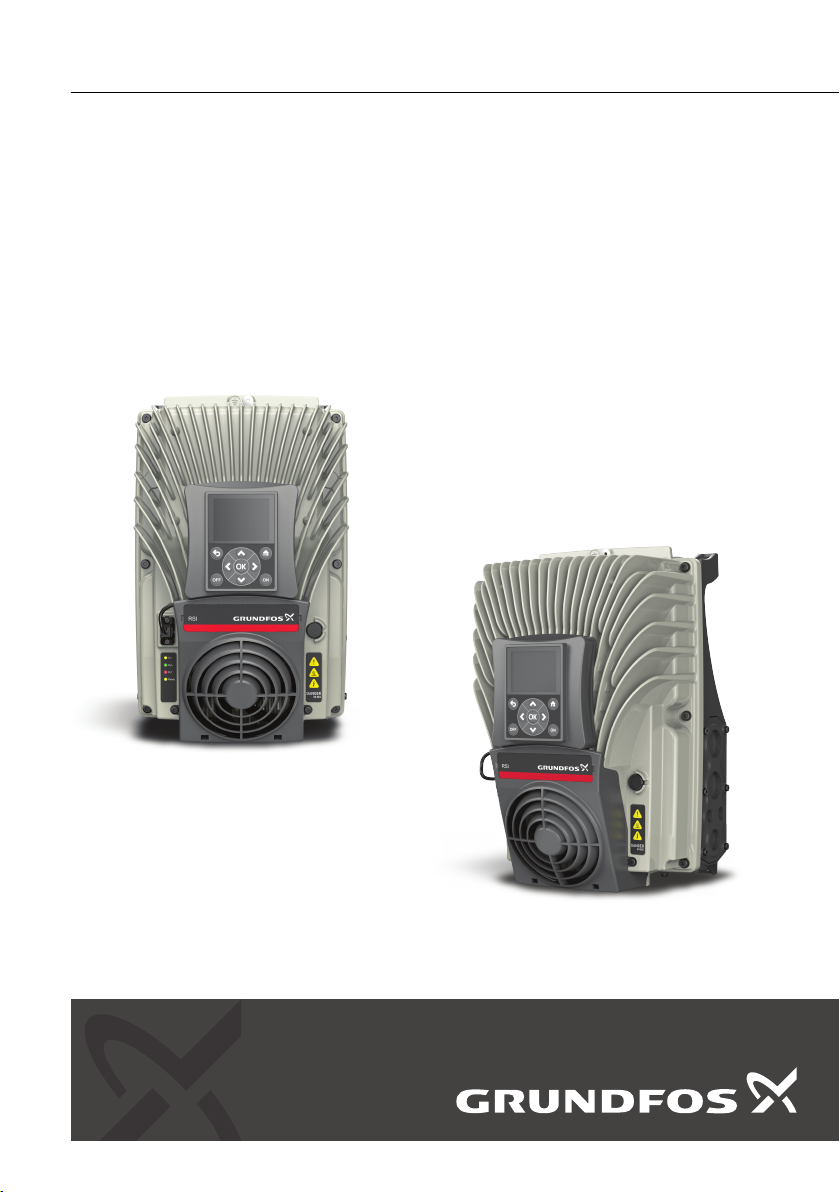
Grundfos RSI Manuel utilisateur

RSI, 1.5-250 kW (2-340 hp)
SOLAR APPLICATION
Installation and operating instructions
GRUNDFOS INSTRUCTIONS


English (GB) Installation and operating instructions
Original installation and operating instructions
Table of contents
1. Grundfos RSI................. 5
1.1 Specific functions of Grundfos RSI ...... 5
2. Safety ..................... 6
2.1 Danger .................... 6
2.2 Warnings ................... 6
3. Receiving the product............ 7
3.1 Lifting the product ............... 7
4. Installation ..................10
4.1 Danger ....................10
4.2 Warning ....................10
4.3 Ventilation ...................11
4.4 Electrical protection ..............11
4.5 DC fuse selection ...............12
4.6 Manufacturers of gPV fuses .........13
4.7 Parallel diode selection ............14
4.8 Photovoltaic system dimensioning ......16
4.9 Power ratings .................18
4.10 Grounding ...................20
4.11 AC grid connection ..............20
4.12 External +24 V supply ............21
4.13 DC power connection .............21
5. Startup ....................25
5.1 Operating panel ................25
5.2 Startup wizard parameter description ....26
5.3 Description of the applications ........27
6. User interfaces................38
6.1 Keypad of the drive ..............38
6.2 Grundfos PC tool ...............46
6.3 Example of control connections .......61
7. Monitoring menu ..............63
7.1 Monitor group .................63
8. Parameters ..................72
8.1 Application parameter lists ..........72
8.2 Additional parameter information..... 127
9. Faults ................... 167
9.1 Fault tracing ................ 167
9.2 Fault appears ............... 167
9.3 Fault history ................ 168
9.4 Fault codes and remedies ........ 168
10. Document quality feedback ...... 179
4
English (GB)

1. Grundfos RSI
The Grundfos RSI contains a preloaded Grundfos
motor library for instant use.
1.1 Specific functions of Grundfos RSI
The dedicated application software was developed to
drive a Solar Pump with an optimized MPPT
(Maximum Power Point Tracking) for RSI supplied by
Solar Panels.
The MPPT is based on 4 parallel algorithms:
• Feed-Forward Controller (to follow the radiation
variations)
• Correction Controller (to compensate the
temperature variations)
• Oscillation Damping Regulator (to prevent the
panel entering in the "current source" branch of
the characteristic)
• Local Maxima logic (to prevent the regulator from
being trapped in a local maximum lower than
absolute maximum)
Features
• The MPP Tracker controls DC voltage reference
in order to find the maximum power.
• Extensive wizards for start-up, PID-control used to
facilitate commissioning
• "Funct" button for easy change between Local
(keypad) and Remote control place. The remote
control place is selectable by parameter (I/O or
Fieldbus)
• 8 preset frequencies
• Motor potentiometer functions
• 2 programmable ramp times, 2 supervisions and 3
ranges of prohibited frequencies
• Control page for easy operation and monitoring of
the most essential values.
• Fieldbus data mapping
• Automatic reset
• Different pre-heat modes used to avoid
condensation problems
• Maximum output frequency 320 Hz
• Real-time clock and timer functions available
(optional battery required). Possible to program 3
time channels to achieve different functions on the
drive (e.g. Start/Stop and Preset frequencies)
• External PID-controller available. Can be used to
control e.g. a valve using the AC drive I/O
• Sleep mode function which automatically enables
and disables drive running with user defined
levels to save energy.
• 2-zone PID-controller (2 different feedback
signals; minimum and maximum control)
• Two setpoint sources for the PID-control.
Selectable with digital input
• PID setpoint boost function
• Feedforward function to improve the response to
the process changes
• Process value supervision
• Maintenance counter
• Underload protection can be managed by
measuring Motor torque (standard sensorless
mode) or by measuring the water flow with a flow
meter sensor. This sensor can be an analogue
signal or a digital input. With this sensor it is
possible to measure the water flow [litres/min] and
the total volume of the water flow [m3].
• Sleep mode can be enabled or disabled with a
parameter.
• Digital inputs can be used to measure water levels
(minimum and maximum).
5
English (GB)

2. Safety
This manual contains clearly marked warning
information which is intended for your personal safety
and to avoid any unintentional damage to the product
or connected appliances.
Before installing, commissioning or using the
frequency converter, please read the warning
information contained in RSI Installation Manual.
Please read the following additional safety
instructions carefully.
Only authorized, trained and qualified personnel are
allowed to install, operate and maintain the drive.
2.1 Danger
These warnings are intended to personnel
responsible for grounding the frequency converter.
Ignoring the following instructions can be extremely
dangerous and may cause death or severe injury.
DANGER
Electric shock
Death or serious personal injury
‐Ground the frequency converter to
ensure personnel safety and to reduce
electromagnetic interference.
DANGER
Electric shock
Death or serious personal injury
‐After disconnecting the AC drive from
the mains or from the DC input supply,
wait until the indicators on the keypad
go out (if no keypad is attached, see
the indicators on the cover). Wait an
additional 60 seconds before starting
any work on the connections of RSI.
After expiration of this time, use
measuring equipment to absolutely
ensure that no voltage is present.
Always ensure absence of voltage
before starting any electrical work!
2.2 Warnings
WARNING
Electric shock
Death or serious personal injury
‐The touch current of RSI exceeds 3.5
mA AC. According to standard
EN61800-5-1, a reinforced protective
ground connection must be ensured.
See RSI Installation Manual for further
information.
WARNING
Electric shock
Death or serious personal injury
‐Never work on the photovoltaic
generator or frequency converter and
its input/output cables when the
frequency converter is connected to
the mains or to the photovoltaic
generator.
WARNING
Electric shock
Death or serious personal injury
‐Before performing any measurement
on the frequency converter, disconnect
or isolate the mains supply voltage or
the DC input supply.
WARNING
Electric shock
Death or serious personal injury
‐Do not touch the components on the
frequency converter or on the string
box cabinet that have high DC voltage.
WARNING
Electric shock
Death or serious personal injury
‐The photovoltaic generator cells
exposed to light supply DC voltage
even at low light intensity.
6
English (GB)

3. Receiving the product
3.1 Lifting the product
WARNING
Lifting heavy load
Death or serious personal injury
‐Do not walk under suspended loads.
‐Use lifting devices that are appropriate
for the weight of the unit.
‐Use the recommended lifting method.
1. The AC drive is delivered horizontally in a
cardboard box or on a wooden pallet. Open the
package only when you install the drive.
2. Do not keep the drive in storage in the vertical
position.
3.1.1 Weight of the AC drive
The weights of AC drives of different enclosure sizes
are different. It can be necessary for you to use a
lifting device to move the drive from its package. See
the weights of the different enclosure sizes in below
table.
Weights of RSI drives (A-C)
Enclosure size Weight
[kg] [lb]
A 8.8 19.4
B 14.9 32.8
C 31.5 69.4
Weights of RSI wall-mounted drives (MR4-MR9)
Enclosure size Weight
[kg] [lb]
MR4 6.0 13.2
MR5 10.0 20.0
MR6 20.0 44.1
MR7 37.5 82.7
MR8 66.0 145.5
MR9 119.5 263.5
7
English (GB)

Weights of RSI drive modules (MR8-MR10)
Enclosure size or item Weight
[kg] [lb]
MR8 IP00 drive module 50 110
MR9 IP00 drive module 107 214
MR10 IP00 drive module 221 487
MR10 IP00 drive module and the options module with the brake chopper 252 556
MR10 IP00 drive module and the options module with the brake chopper and
the common-mode filter 258 569
MR10 IP00 drive module and the options module with the brake chopper, the
common- mode filter, and the dU/dt filter 289 637
MR10 IP00 drive module and the options module with AC fuses and fuse
switch (+CIFD) 332 732
3.1.2 Lifting enclosure sizes A-C and MR4-MR9
≤45° ≤45°
≤45°
TM083241
Lifting enclosure sizes A-C and MR4-MR9
8
English (GB)
1. Remove the drive from the cardboard box or the pallet where it was bolted to.
2. Use a lifting device that is sufficiently strong for the weight of the drive.
3. Put the lifting hooks symmetrically in a minimum of 2 holes.
4. The maximum lifting angle is 45°.
3.1.3 Lifting RSI drive module MR10 without options
AA
TM083242
Lifting RSI drive module MR10 without options
1. Remove the drive from the package.
2. Make sure that the support (A in fig. Lifting RSI drive module MR10 without options) is attached to the bottom
of the drive. It gives the terminals protection when you lift the drive or put it vertically on the floor.
3. Use a lifting device that is sufficiently strong for the weight of the drive.
4. Put the lifting hooks in the holes on the top of the cabinet. The maximum lifting angle is 60°.
5. After the lifting, you can remove the support if necessary. You can also use it as a fixing bracket.
9
English (GB)

3.1.4 Lifting RSI drive module MR10 with an options module
≤60°
TM083243
Lifting RSI drive module MR10 with an options module
1. Remove the drive from the package.
2. Use a lifting device that is sufficiently strong for the weight of the drive.
3. Put the lifting hooks in the holes on the top of the cabinet. The maximum lifting angle is 60°.
4. Lift the drive into a vertical position.
4. Installation
The installation instructions in this chapter are
intended only for RSI (A-C) and RSI (MR5-MR10)
drives with additional solar pump application. See the
corresponding operating guide/installation manual for
more installation instructions.
4.1 Danger
DANGER
Electric shock
Death or serious personal injury
‐The terminals are live when the drive is
connected to a photovoltaic system.
Photovoltaic cells generate DC voltage
even at low intensity of sunlight.
DANGER
Electric shock
Death or serious personal injury
‐Wait 60 seconds until the drive is
discharged, before switching between
AC and DC supply (photovoltaic
system) and vice versa.
4.2 Warning
WARNING
Electric shock
Death or serious personal injury
‐Do not remove the EMC screws in the
solar pump application. IT (impedance-
grounded) AC supply network is not
allowed in the solar pump application.
10
English (GB)
Autres manuels pour RSI
5
Table des matières
Autres manuels Grundfos Onduleur

Grundfos
Grundfos CUE Manuel utilisateur

Grundfos
Grundfos RSI Manuel utilisateur

Grundfos
Grundfos RSI Series Manuel utilisateur

Grundfos
Grundfos CUE Manuel d'utilisation

Grundfos
Grundfos RSI Manuel utilisateur

Grundfos
Grundfos RSI Manuel d'utilisation

Grundfos
Grundfos RSI Manuel d'installation et d'exploitation

Grundfos
Grundfos Solar 15-80 130 Manuel du propriétaire