
Gossen MetraWatt R2600 Manuel utilisateur

Interface description
R2601
DIN Draft 19244 Interface 3-348-815-15
7/6.10


GMC-I Messtechnik GmbH 3
INHALT Seite INHALT Seite
1 General ..................................................................................... 4
1.1 Interface hardware ..................................................................... 4
1.2 Communications protocol ........................................................... 4
1.3 How to connect the interface ...................................................... 5
1.4 Principal function ....................................................................... 6
1.5 Time action................................................................................ 7
2 Telegram structure..................................................................... 8
2.1 Short set.................................................................................... 8
2.2 Control set................................................................................. 9
2.3 Long set.................................................................................. 10
2.4 Function and value range of the format characters ..................... 11
2.5 Criteria for the validity of a request telegram.............................. 14
3 Telegram contents R2601 ........................................................ 15
3.1 Equipment reset....................................................................... 15
3.2 Interrogation: Equipment OK? ................................................... 15
3.3 Request for cycle data.............................................................. 16
3.4 Request for event data ............................................................. 17
3.5 Request data from R2601 ........................................................ 20
3.6 Send data to R2601................................................................. 22
4 Parameter indices of the equipment parameters ........................ 24
4.1 Temperature parameters .......................................................... 24
4.2 Control parameters.................................................................. 28
4.3 Control instructions.................................................................. 29
4.4 Equipment specifications ......................................................... 32
4.5 Heating current monitor ........................................................... 37
5 Storage operations .................................................................. 38
5.1 Request a record..................................................................... 38
5.2 Send a record ......................................................................... 39
GMC-I Messtechnik GmbH 4
1 General
1.1 Interface hardware
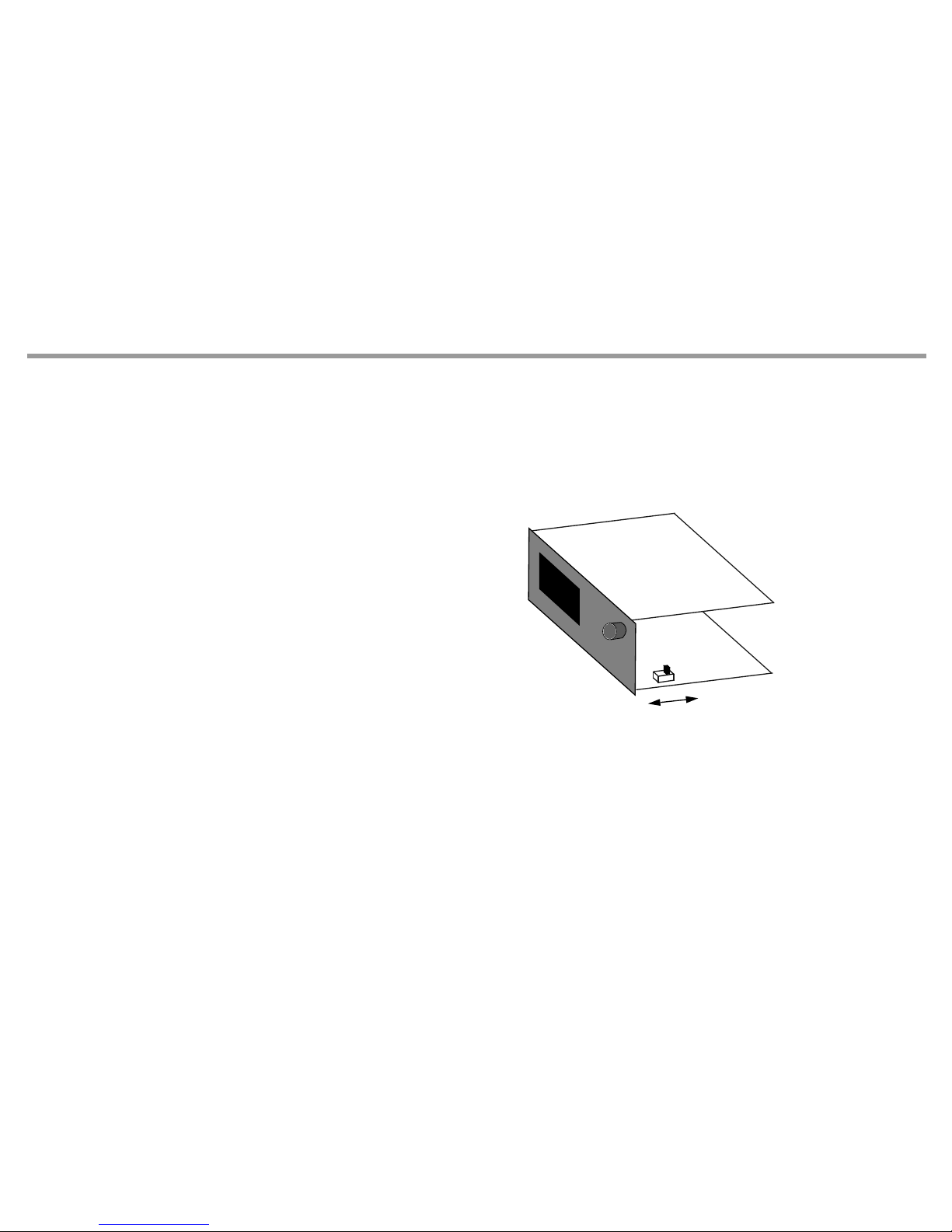
To communicate with a host computer, an SPS, etc., the controller R2601 must be equipped with marking F1. In this case, the controllers are equipped
with a serial interface having the following data:
Level types RS-232 and RS-485 (two-wire)
in the unit selectable
Baud rate 9600 bd
Character format 8 data bits, 1 parity bit, 1 stop bit
Parity Even
Maximum number of equipment on the bus: 32
With RS-485 bus operation, each connected R2601 must
have a different interface address (Addr = 0 ... 250)
(see operating instructions 3-348-778-15).
1.2 Communications protocol
The transmission protocol used complies with DIN draft 19244. The R2601 uses only a partial amount of the defined functions which are described
below.
RS-232
RS-485

GMC-I Messtechnik GmbH 5
1.3 How to connect the interface
1.3.1 RS-232 connection
When using the a RS-232 interface, only one R2601 can be connected to a master (e.g. PC), for example, for pre-loading the unit with user-specific
data.
Depending upon the driver software, the jumpers on the master side can be omitted and/or can be different.
Sub-D socket R2601
Number
of pins: 25 9
DCD 8 1
RxD 3 2 20 TxD
TxD 2 3 21 RxD
DTR 20 4
Gnd 7 5 19 Gnd
DSR 6 6
RTS 4 7
CTS 5 8

GMC-I Messtechnik GmbH 6
1.3.2 RS-485 connection
When using a RS-485 interface, as many as 32 equipment (R2601 and others) can be connected to the bus.
Thereby, all terminals A, B and/or C are interconnected in parallel. The wiring must be made from equipment to equipment and must not be a star con-
nection. With longer bus lines (longer than about 5 m) the bus should be terminated at both ends with the characteristic impedance
(e.g. 200 between A and B).
When using the 1799-V5040 interface converter on the master, the following pins are connected on the Sub-D plug:
A = 3 B = 8 C = 5
1.4 Principal function
Involved is a master/slave protocol with a fixedly assigned master (e.g. SPS) and as many as 255 slaves (equipment e.g. R2601).
Communication is in half-duplex mode.
An equipment connected to the master becomes active (responds) only, when
– it receives a valid telegram addressed to itself and
– the minimum specified response delay time (t av) has elapsed so that the host computer has time to get ready to receive data.
Master R2601 R2601
A21 21
B20 20
C19 19

GMC-I Messtechnik GmbH 7
Following, the master may only become active again, when
– it receives a reply telegram from the addressed equipment and the specified wait time after a reply telegram (t aw) has elapsed, or
– the maximum specified response delay time (t av) has elapsed.
Within a telegram, pauses of limited duration (t zv = character delay time) may occur between 2 character transmissions.
1.5 Time action
Ready to send/receive after turn-on t ber approx. 5 s
Character delay time (R2601 transmitter) t zvs <3ms
Character delay time (master) t zvm < 500 ms
Response delay time (R2601 transmitter) 10 ms < t av <100 ms
Wait time after R2601 response (master) t aw > 10 ms
Time
Master
sends
Equipment
responds
tber
approx. 5 s
tav
10 ...
100 ms
tzvs
< 3 ms
Master
sends
taw
> 10 ms
tzvm
< 500 ms

GMC-I Messtechnik GmbH 8
2 Telegram structure
All telegrams consist of one of 3 sets in both request and reply direction, they differ in their principal structure.
Their use is fixed for each interface function of the R2601.
Structure and use of the set types are described as follows.
2.1 Short set
Short sets are used on the request side (from the master)
for transmission of short instructions to the equipment (e.g. Reset)
for short requests of important data from the equipment (e.g. event data)
Short sets are used on the reply side (from the R2601)
for acknowledgement of requests that require no reply data.
Principal construction short set
Character No. Contents Meaning Remarks
1 10h Start character Especially for short set
2 0 ... FAh, FFh Equipment address Addr and/or 255 (see 2.4.1)
3 Function field (FF) see 2.4.2
4 Checksum (PS) = Equipment address + FFh
5 16h End character Common to all set types

GMC-I Messtechnik GmbH 9
2.2 Control set
The R2601 uses control sets on the request side only. They serve to request all equipment data that cannot be requested via a short set because a
detailed specification is required for them.
Principal construction control set
Character No. Contents Meaning Remarks
1 68h Start character
2 3 and/or 6 Length Number of characters from equipment address to checksum exclusive
3 3 and/or 6 Length (repeat)
4 68h Start character (repeat)
5 0 ... FAh, FFh Equipment address Addr and/or 255 (see 2.4.1)
6 Function field (FF) see 2.4.2
7 Parameter index (PI) see 2.4.3
8 1 From channel For reasons of compatibility with multi-channel controllers these charac-
ters must be available, omitted for parameter index 30h ... 3Fh.
9 1 To channel
10 0 Receipt number
8 and/or 11 Checksum (PS) 1)
1) For the set types, the checksum is formed by bytewise summation without overflow summation over all characters from the equipment address to checksum exclusive.
9 and/or 12 16h End character

GMC-I Messtechnik GmbH 10
2.3 Long set
The R2601 uses long sets to transmit instructions and parameters to the equipment and to receive data from the equipment.
Principal construction long set
Character No. Contents Meaning Remark
1 68h Start character
2 Length Number of characters from equipment address to checksum
exclusive
3 Length (repeat)
4 68h Start character (repeat)
5 0 ... FAh, FFh Equipment address Addr and/or 255 (see 2.4.1)
6 Function field (FF) see 2.4.2.
7Parameter index (PI) 1)
1) Omitted for reply cycle data and event data.
see 2.4.3.
81 From channel 1)
91To channel 1) Omitted for parameter index 30h ... 3Fh
10 0Receipt number 1)
. . . n character data block see 2.4.4.
Length + 5 Checksum (PS) 2)
2) For the set types, the checksum is formed by bytewise summation without overflow summation over all characters from the equipment address to checksum exclusive.
Length + 6 16h End character
Autres manuels pour R2600
1
Ce manuel convient aux modèles suivants
1
Table des matières
Autres manuels Gossen MetraWatt Contrôleurs

Gossen MetraWatt
Gossen MetraWatt R6000 Manuel utilisateur

Gossen MetraWatt
Gossen MetraWatt R2900 Manuel utilisateur

Gossen MetraWatt
Gossen MetraWatt PROFITEST MF Series Manuel utilisateur

Gossen MetraWatt
Gossen MetraWatt SMARTCONTROL ECS Manuel utilisateur

Gossen MetraWatt
Gossen MetraWatt R2080 Manuel utilisateur

Gossen MetraWatt
Gossen MetraWatt R2600 Manuel utilisateur

Gossen MetraWatt
Gossen MetraWatt R2700 Manuel utilisateur


