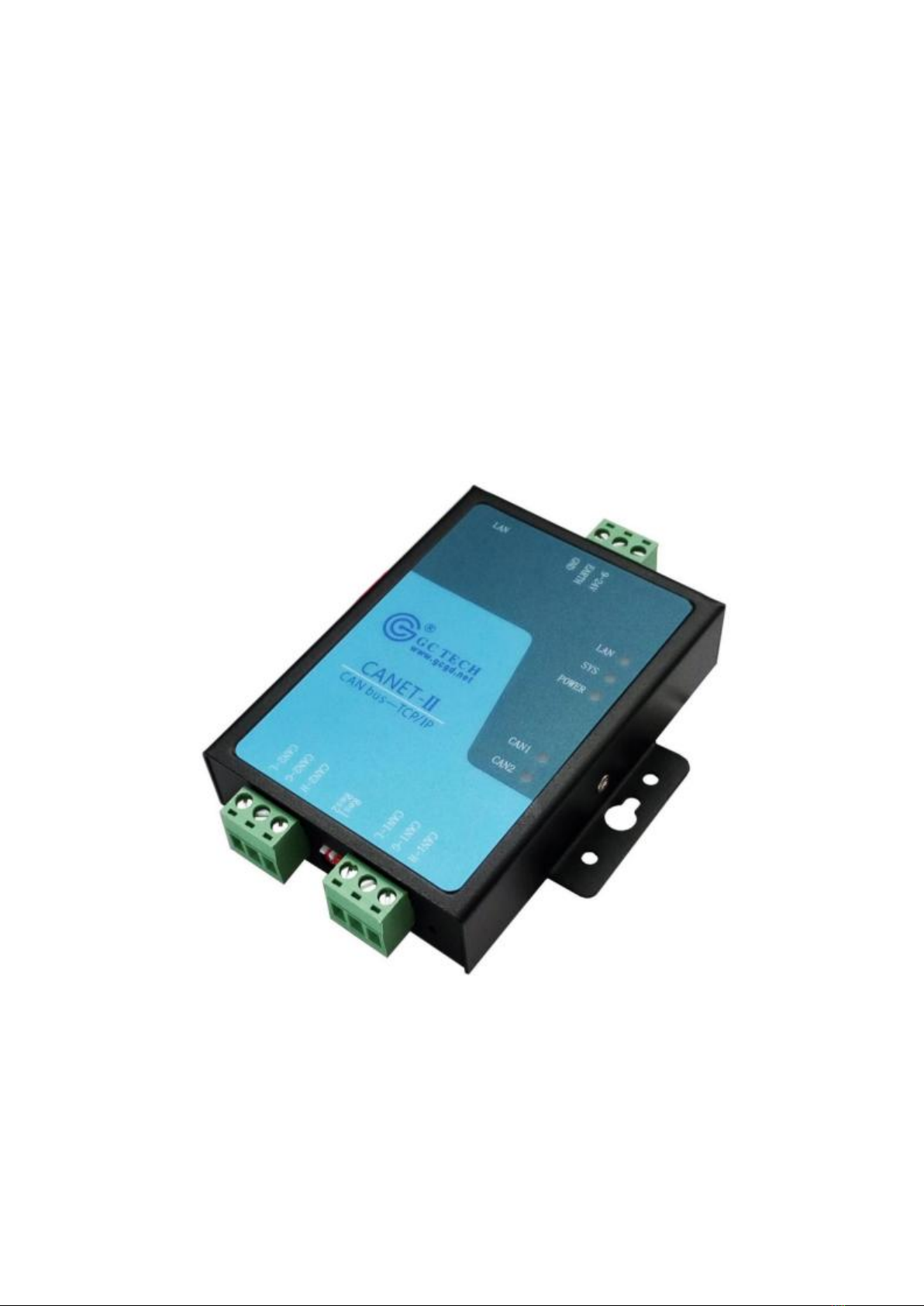
Shenyang Guangcheng Technology Co., Ltd. Industrial-grade Ethernet-CAN converter-GCAN-202
Product data sheet
3
Contents
1 Introduction...............................................................................................................4
1.1 Overview..............................................................................................................4
1.2 Performance .........................................................................................................4
1.2.1 Hardware Features................................................................................................ 4
2 Installation.................................................................................................................6
2.1 Fix and installation...............................................................................................6
2.2 Software installation.............................................................................................6
2.3 Connect with computer ........................................................................................7
2.4 CAN-Bus connection ...........................................................................................7
3 Usage ..........................................................................................................................8
3.1 Connect with computer for configuration............................................................8
3.2 Ethernet connection..............................................................................................8
3.3 CAN-Bus connection .........................................................................................10
3.4 System status indicator light ..............................................................................11
4 CANet Config software...........................................................................................12
4.1 Connection .........................................................................................................12
4.2 Configure basic information...............................................................................13
4.3 Finish the configuration .....................................................................................15
4.4 Save/load configured files..................................................................................16
4.5 Update firmware kernel of GCAN-202..............................................................16
5 Usage of "CANet test" software............................................................................17
6 Usage of "Net Assist" software..............................................................................18
6.1 Preparatory work................................................................................................18
6.2 Test in TCP Sever mode.....................................................................................19
6.3 Test in TCP Client mode....................................................................................20
6.4 Test in UDP mode..............................................................................................21
7 Baud rate modification online................................................................................23
8 Secondary development..........................................................................................25
9 Technical specifications..........................................................................................26
Appendix A: CAN2.0B protocol frame format.......................................................27
Appendix B: definition of data flow.........................................................................29
Sales and service.........................................................................................................31