e.FrameUser’sManualV1.1 -2-
Content
1IntroductionofIconsandFunctions...............................................................................................‐3‐
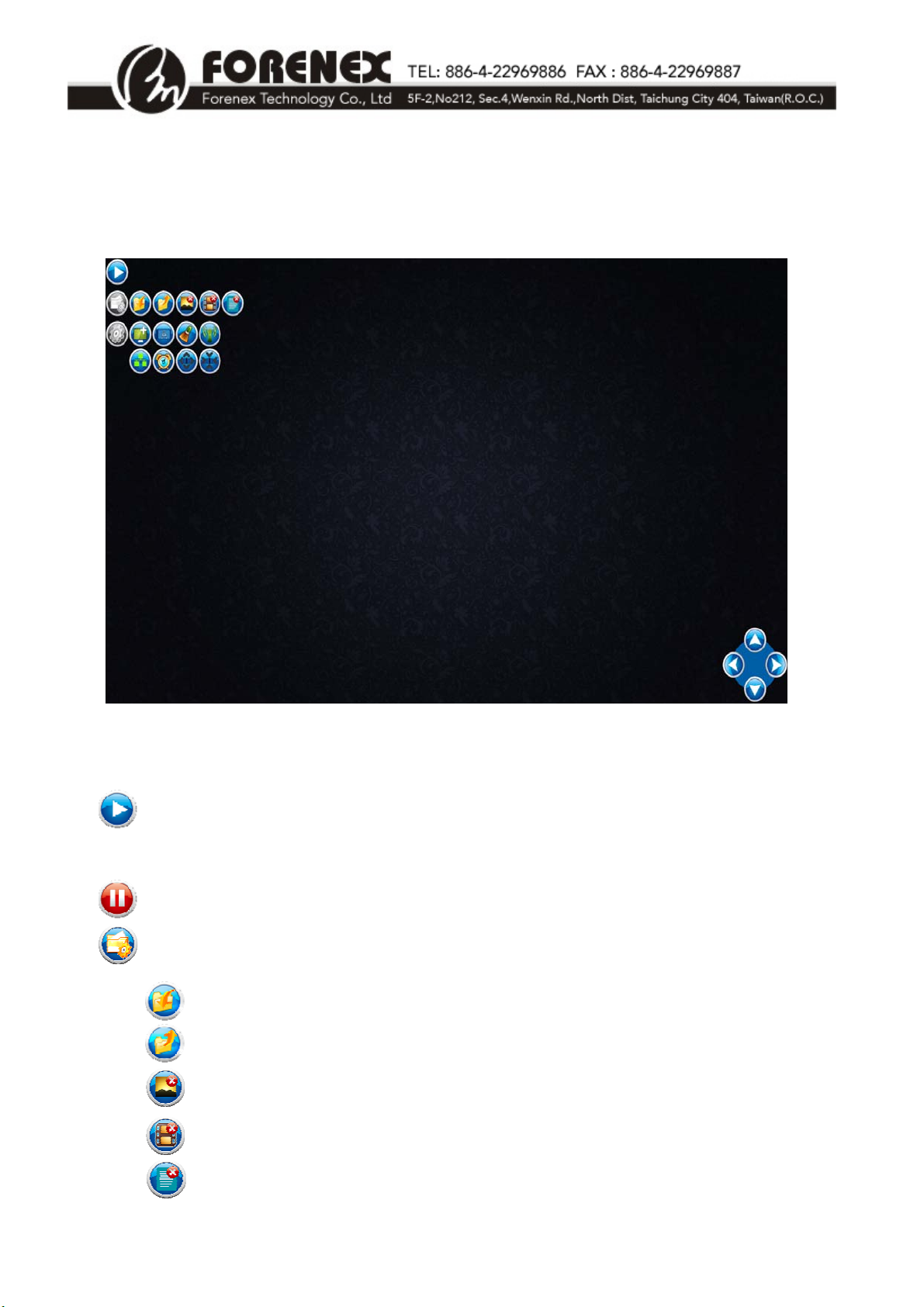
1‐1IconsforSystemFunctions............................................................................................................‐ 3‐
1‐2NewWindowCreationandOperationModeSetUp....................................................................‐ 5‐
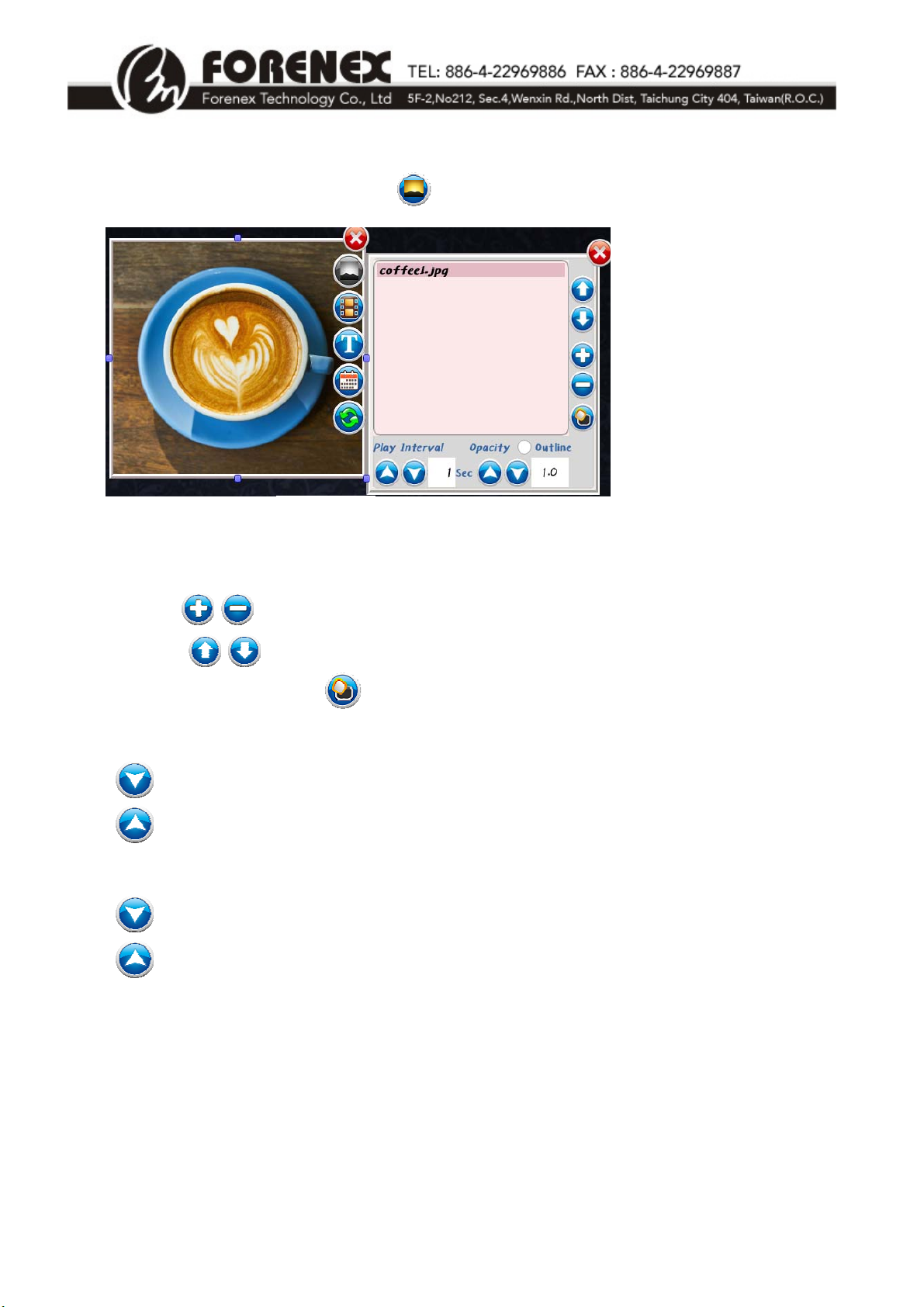
1‐3PictureMode.................................................................................................................................‐ 6‐
1‐4VideoMode...................................................................................................................................‐ 7‐
1‐4‐1SetUpStreamingMedia(RTSP)inVideoWindows.................................................................‐ 7‐
1‐5ScrollingTextMode.......................................................................................................................‐ 8‐
1‐6Date&TimeMode........................................................................................................................‐ 8‐
1‐7EnableInteractiveFunctions(EseriesOnly).................................................................................‐ 9‐
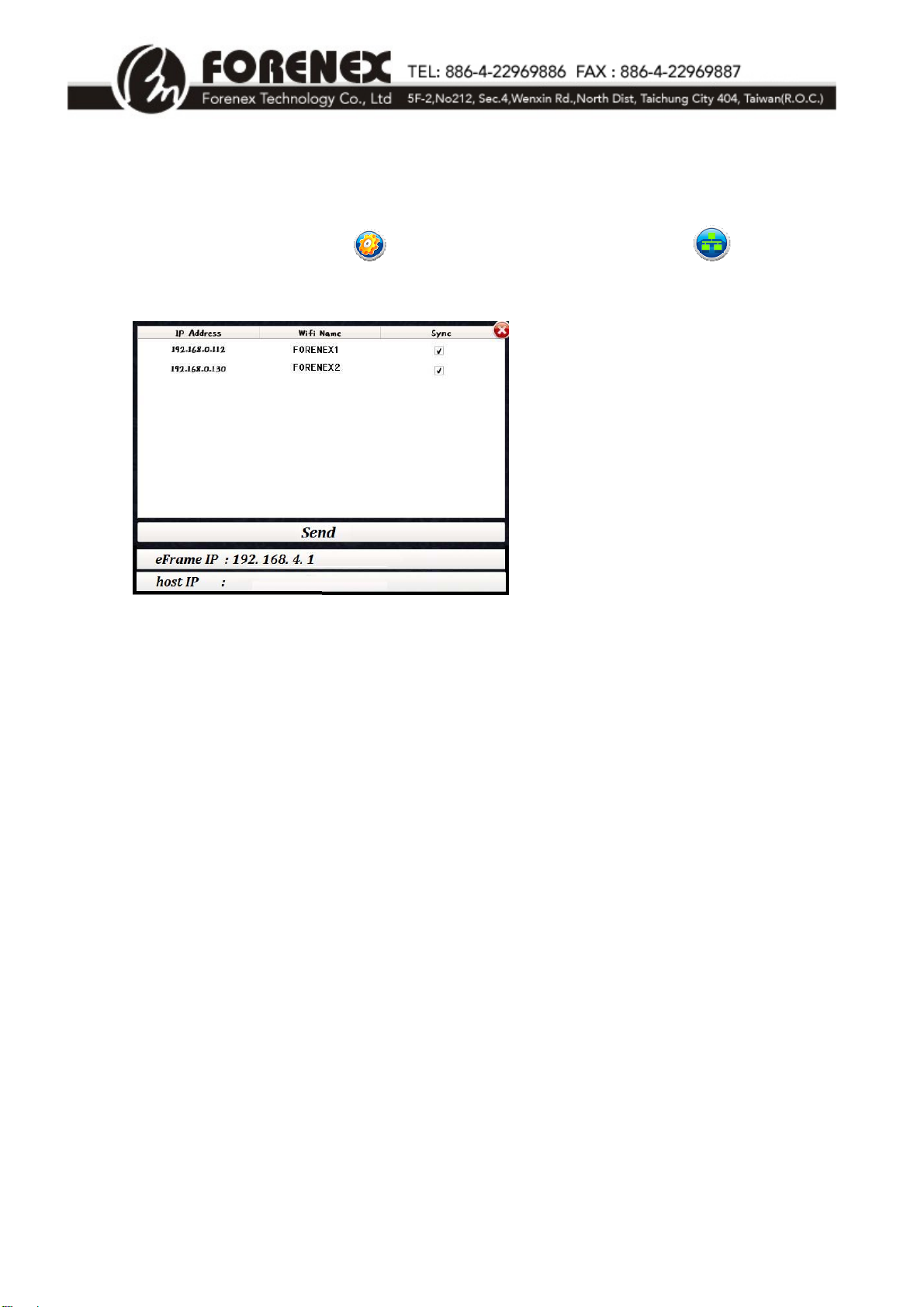
1‐8BroadcastDeviceSynchronization..............................................................................................‐ 10‐
1‐9SetUpScheduledDisplay............................................................................................................‐ 11‐
2SampleAdvertisingProject...........................................................................................................‐12‐
3Appendix:.......................................................................................................................................‐15‐
3‐1EnteringEditMode......................................................................................................................‐ 15‐
3‐2FileManagement.........................................................................................................................‐ 15‐
3‐3UseMobileDevicetoEditBroadcastContent............................................................................‐ 17‐
3‐4UsePCtoEditBroadcastContent...............................................................................................‐ 18‐
3‐5DefineOwnWindowFrameStyle...............................................................................................‐ 20‐
3‐6LimitationsforCreatingVideoWindows....................................................................................‐ 20‐