1-4
1.4 K3000 Setup Mode
Setup mode allows the Controller to be set for language displays, vat sizes, and temperature range displays. Follow the
steps below to enter and navigate Vat Setup.
Vat Set Up
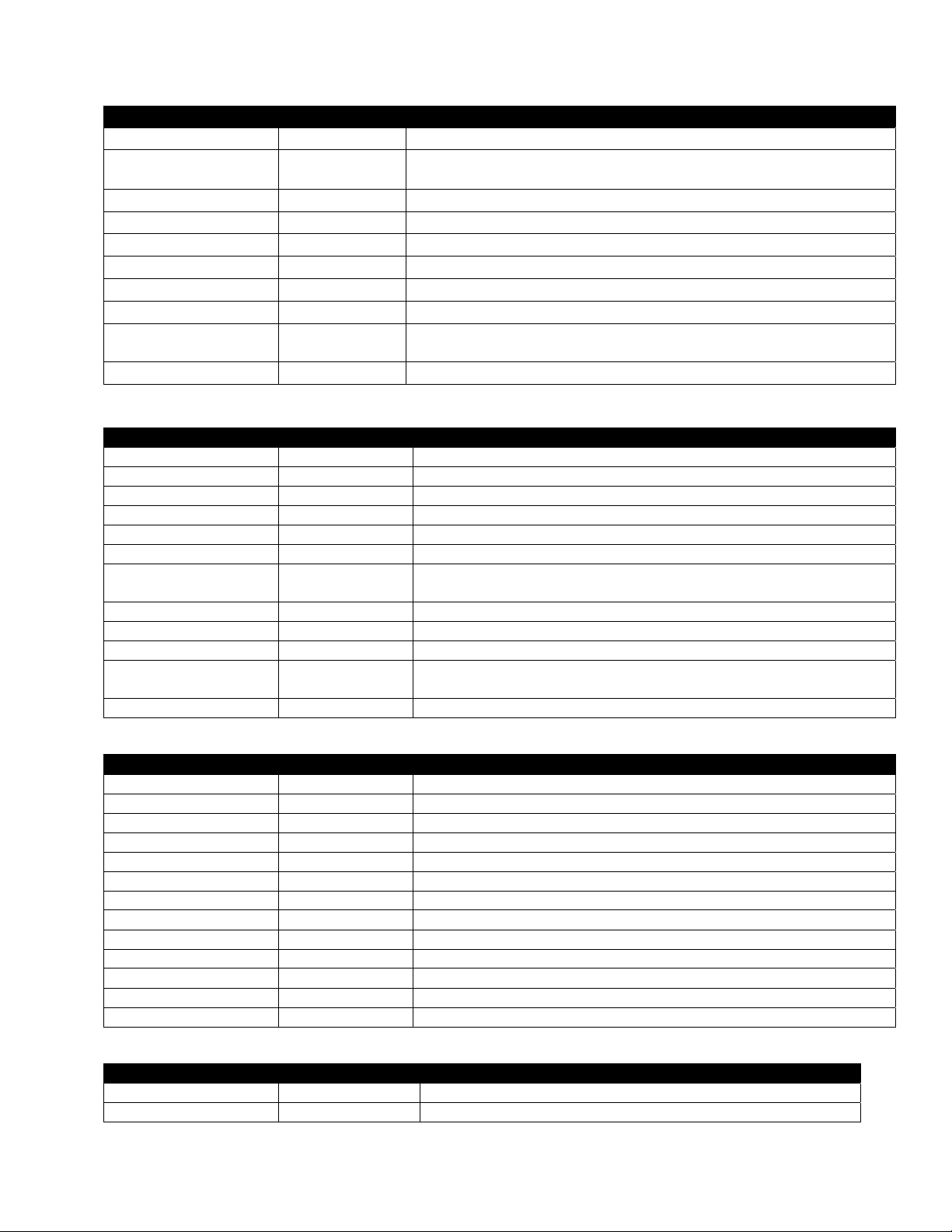
Left Display Right Display Action
OFF OFF Press and hold until Product Setup is displayed.
Product Setup Blank Press to scroll to Vat setup and press . Product setup is described on pages 1-10
through 1-13.
Vat setup Enter code Enter 3228.
System Blank Press button or press to scroll to Time/Date, Filter, E-Log, Change Password or Edit
Alarm Names. With desired choice displayed, press . If SYSTEM is not chosen skip to
the relevant selection.
Language English Press to scroll to choice and press .
2nd language English Press to scroll to choice and press . (This option allows another language to be
toggled easily from the front panel (ex. Spanish as a second language.)).
Locale Non-ce Press to scroll to choice Non-CE or CE and press .
ENERGY Gas Press to scroll to choice Gas or Electric and press .
type KJ3 Full
Press to scroll choices: the choices are: Gas-KJ3/CF-FULL, 118G/D63 FULL, H55
FULL, H55 SPLIT, MJ45 FULL, MJ45 SPLIT, HV75 FULL, HV105 FULL, 114/HD50
FULL, HD60 FULL, HD65 FULL D80 FULL, 11814 FULL and MJ35 FULL, . Electric-
118E/RE80 FULL, FPRE117 FULL, FPRE117 SPLIT, FPRE114 FULL and FPRE114
SPLIT, 11817 FULL, FPRE122 FULL, FPRE122 SPLIT FPC128 FULL, FPC128 SPLIT
and FPC136 FULL. With the vat size of the fryer controlled by the Controller displayed,
press .
System volume 9 Sets sound level for Controller. Enter level, 1-9 (0=Lowest/ 9=Loudest). Press .
Tempr format F Press to scroll choices: F for Fahrenheit; C for Celsius. Press .
Exit Melt Tempr 100F Use numbered buttons to change default setting (use 10 for 0). Press . (This is the
temperature for the fryer to exit the melt cycle.) Default is 100F (38C).
Setback tempr 250F Use numbered buttons to change default setting (use 10 for 0). Press . (This is the
temperature during setback or idle mode.) Default is 250F (121C).
Fresh oil None Press to scroll choices JIB, Bulk-RTI, Bulk-F (Frontline) or None. Press . NOTE:
All fryers except OCF should be set to NONE.
waste NONE Press to scroll choices JIB, Bulk-RTI, Bulk-F (Frontline) or None. Press . NOTE:
All fryers except OCF should be set to NONE.
DRAIN SWITCH NO Press to scroll choices YES and NO. (This is if a drain switch is installed.) Press .
RECOVERY
ALARM
DISABLED Press to scroll choices DISABLED and ENABLED. (This is a recovery alarm that
locks out the fryer if the fryer does not heat properly. The default is disabled). Press .
Exit Exit Press button.
OFF OFF None required.
Time/date Blank Press .
Time entry time Use numbered buttons to change time (use 10 for 0). Press .
Date format Mm/dd/yy Press to scroll choices. With the date format displayed, press .
Enter date date Use numbered buttons to change date (use 10 for 0). Press .
Exit Exit Press button once and press to scroll to System, Time/Date, Filter, E-Log, Change
Password or Edit Alarm Names. With desired choice displayed, press or press the
Scan button once to return the Controller to OFF.
Continued on the following page