8 9
SETTING UP
Plug the power source to one of
the two power ports. The battery
will then start charging.
(Note that the battery will then
be able to run)
P ON
SETTING UP
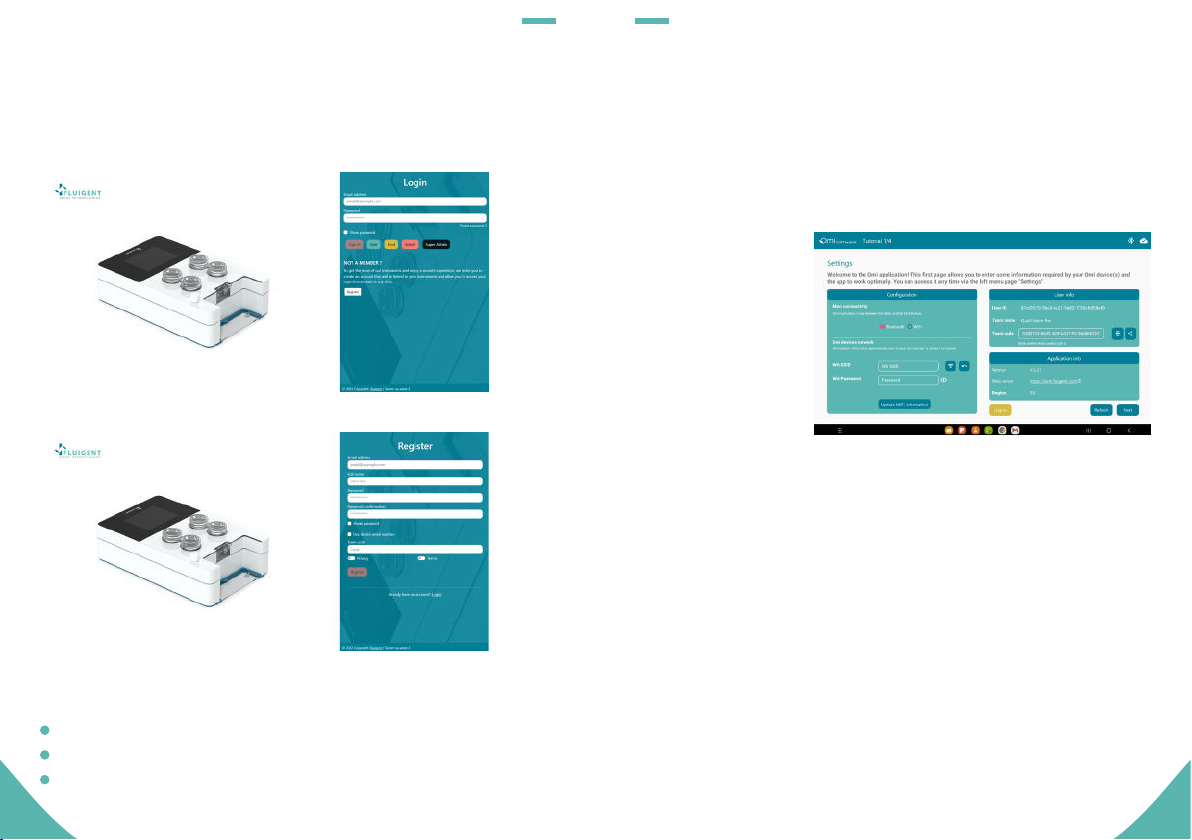
Communication between an Omi device and the mobile application
on your tablet can be done in two ways:
P
H
Bluetooth: A direct connection between the device and the tablet
is made. The tablet must have its Bluetooth activated and its
geolocation activated as well (this is a current requirement from
Android OS).
Wifi: The device sends its state via a remote server that is forwarding
the information to both the web server and the tablet. Omi devices
must be connected to a Wifi network to make it work.
When Bluetooth is set as the favorite communication method the Omi
devices can still send information via Wifi in parallel. So one method does
not prevent the other. For your information, Bluetooth information is
updated every second for a set of maximum 6 devices in parallel. When
there are more than 6 devices, only the first 6 devices can be updated
on such frequency, the others will be updated every 30 seconds.
Aria is a perfusion system which automates perfusion or timed
injection protocols. It allows for the sequential delivery of up to
10 different solutions at the desired flow rate into a microfluidic
chip, perfusion chamber or petri dish.
Note: Omi devices cannot connect to a Wifi network protected by a login/
password access (e.g. eduroam) or to a Wifi network using the 5GHz
band. Some places also ask for a MAC-based recognition of the devices
connected to a Wifi network to allow their access to the internet. Check
with your IT department whether this is applicable to your Omi devices.
You can then use the other power port in combination with the Power
Link cable to power up to 4 other Omis in a daisy-chain configuration.
Finally, press the back button for
at least 2 seconds. The screen
should then turn on.
To power Omi OFF, press the button for a few seconds. The screen will
turn OFF. If the power source is plugged, the battery will then still be
charging.
P OFF
Power source Power link cable
Power in
"click"