Inside this bulletin:
Contents
1. OLED (Organic LED) Display & Keypad option ..............................................................................3
1.1 System Overview / Main Screen..............................................................................................5
2. Engineers Keys................................................................................................................................6
2.1 Fault Log..................................................................................................................................7
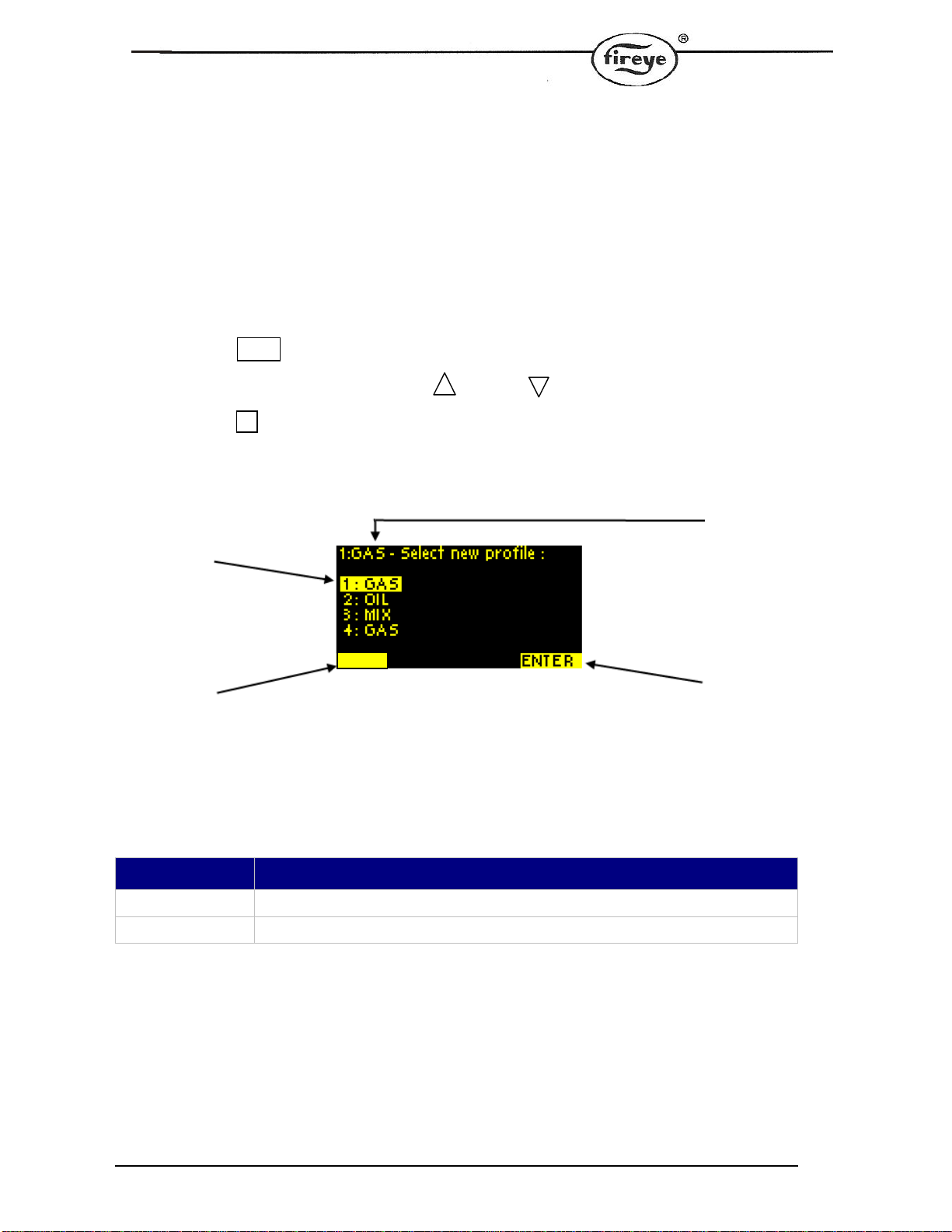
3. Fuel (Profile) Selection ....................................................................................................................8
4. On/Off/Mode Selection ....................................................................................................................9
5. Data Key Mode..............................................................................................................................10
5.1 Profile Review Mode..............................................................................................................11
5.2 Hours Run Mode....................................................................................................................12
6. Commissioning/Profile Adjust........................................................................................................13
7. Setup Screen.................................................................................................................................14
7.1 Ethernet Setup Mode (Figure A)............................................................................................15
7.2 Ethernet Setup Mode (Figure B)...........................................................................................15
8. How to Commission using the Text Display..................................................................................16
8.1 Going into Commission Ratio mode......................................................................................16
8.2 Using the Option Set mode....................................................................................................17
9. Backup and Restore From USB....................................................................................................18
9.1 Saving a Backup to USB........................................................................................................18
9.2 Viewing the contents of the USB drive..................................................................................19
9.3 Restoring a Backup from USB...............................................................................................20
10. Specification for the FIREYE NX6220 or NX6330 12 key display.........................................21
11. Fireye NX6220, NX6330 Mounting Details.................................................................................22
12. Electrical Connections.........................................................................................................23