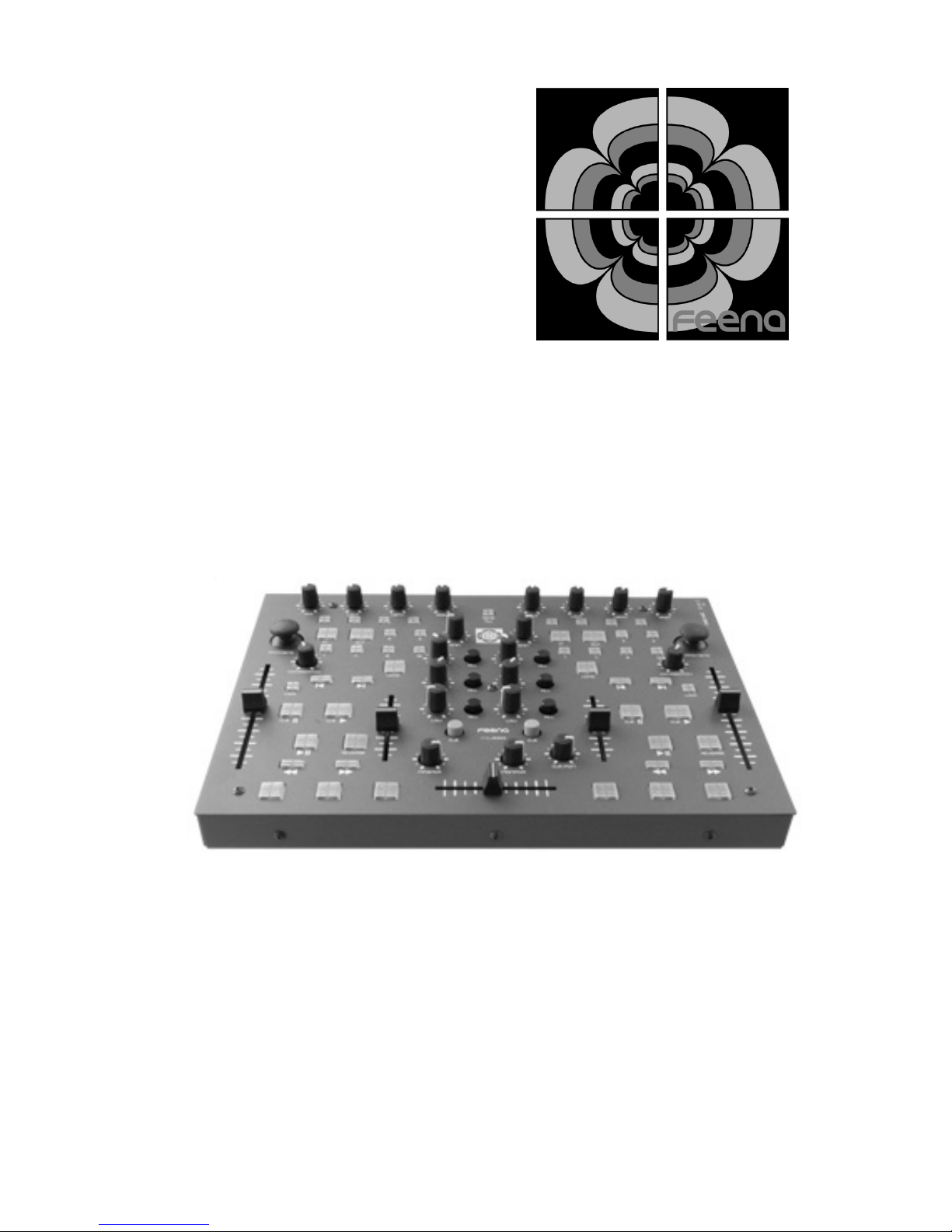
Software Installation
MIDI Tweaker
The MIDI Tweaker is an application that allows you to change the
MIDI assignments of each knob, fa er, button an joystick on the
9303. Please visit www.feena-electronics.com for the latest
version an manual of the MIDI Tweaker application.
General
After the FMDJ9303 has been foun by your operating system the
rest of the setup is reliant on the DJ software you are using.
Somewhere in your DJ software setup utility you shoul be able to
assign the 9303 as the MIDI evice to accept MIDI controls from. It
will be calle “USB Au io Device” in Win ows XP. Please visit our
website for etaile instructions on how to set up your 9303 with the
most popular DJ software.
Firmware Updates
NOTE: Only a PC version of the firmware update application is
currently available. The MAC version will be available soon.
Feena has ma e it very convenient to up ate firmware for the 9303 if
necessary. If you require a firmware up ate visit our website at
www.feena-electronics.com an click on the support link. Within the
support section select the 9303. Fin the link to the latest firmware
release an ownloa the .exe file. Once you have copie the
executable to your local machine follow these steps.
1. Make sure the 9303 is NOT plugge into your computer yet.
2. Double click on the FMDJ9303FirmwareUp ateVX.exe that you
just ownloa e . This will install a river for the 9303 firmware
upgra eable evice.
3. Hol own the two hea phone CUE buttons on the 9303. an
plug in the 9303 to a free USB port. (The button lights shoul
not come on.)
4. Press “Start” on the FMDJ9303FirmwareUp ate application.
5. Wait until the application completes.
6. Unplug the 9303 from the USB port then plug it back in again.
7. Your firmware is now up ate .