2.4. SOFTWARE TOOL (FOR LOGGER PROGRAMMING AND TESTS)
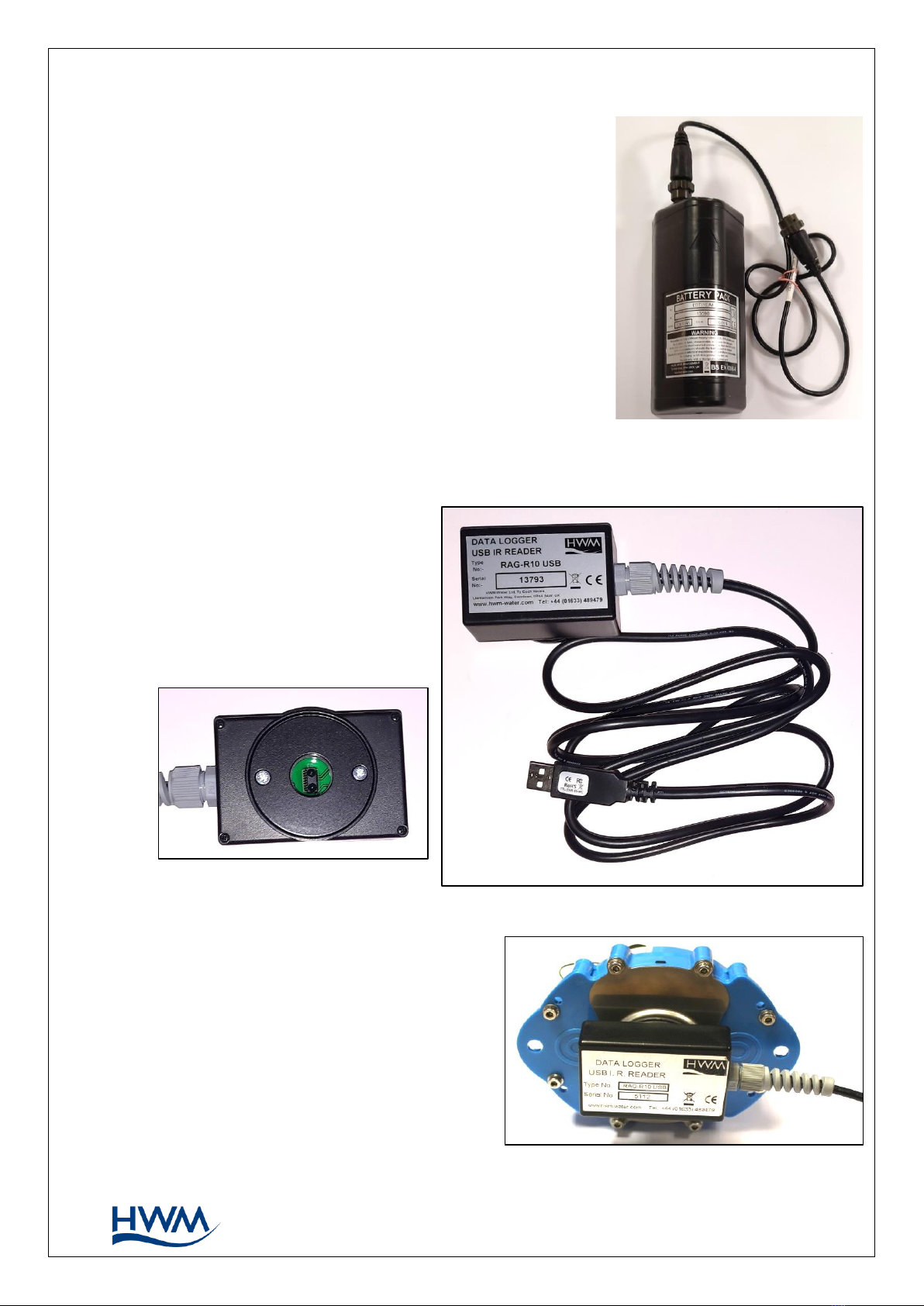
A software tool, known as “IDT” (Installation and Diagnostic Tool), is available for
checking or making adjustments to the logger setup and also for testing the logger
operation on-site.
2.4.1. IDT (PC VERSION)
Refer to the IDT (PC version) User-Guide (MAN-130-0017) for details of how to prepare
your PC for communicating with the logger. The user-guide also gives details of how to
use IDT with various logger settings.
2.5. LOGGER OPERATION
The logger software is designed to minimise battery use and thereby prolong the
expected battery life. However, battery life is also affected by user-programable
settings. The user is advised to set the logger to keep tasks and sample frequencies to
the minimum requirements of the intended use in order to manage battery power
effectively.
Where supplied, the external battery power is used to extend the battery life of the
logger or to allow more frequent communications with the server.
The logger is normally shipped from the factory in an inactive state (referred to as
‘shipping mode’, or ‘sleep mode’) to preserve the life of the battery.
When activated (see section 3), the logger will go into the state of “Recording” and begin
repetitive logging of the various sensors fitted to the unit, according to its configuration
and settings.
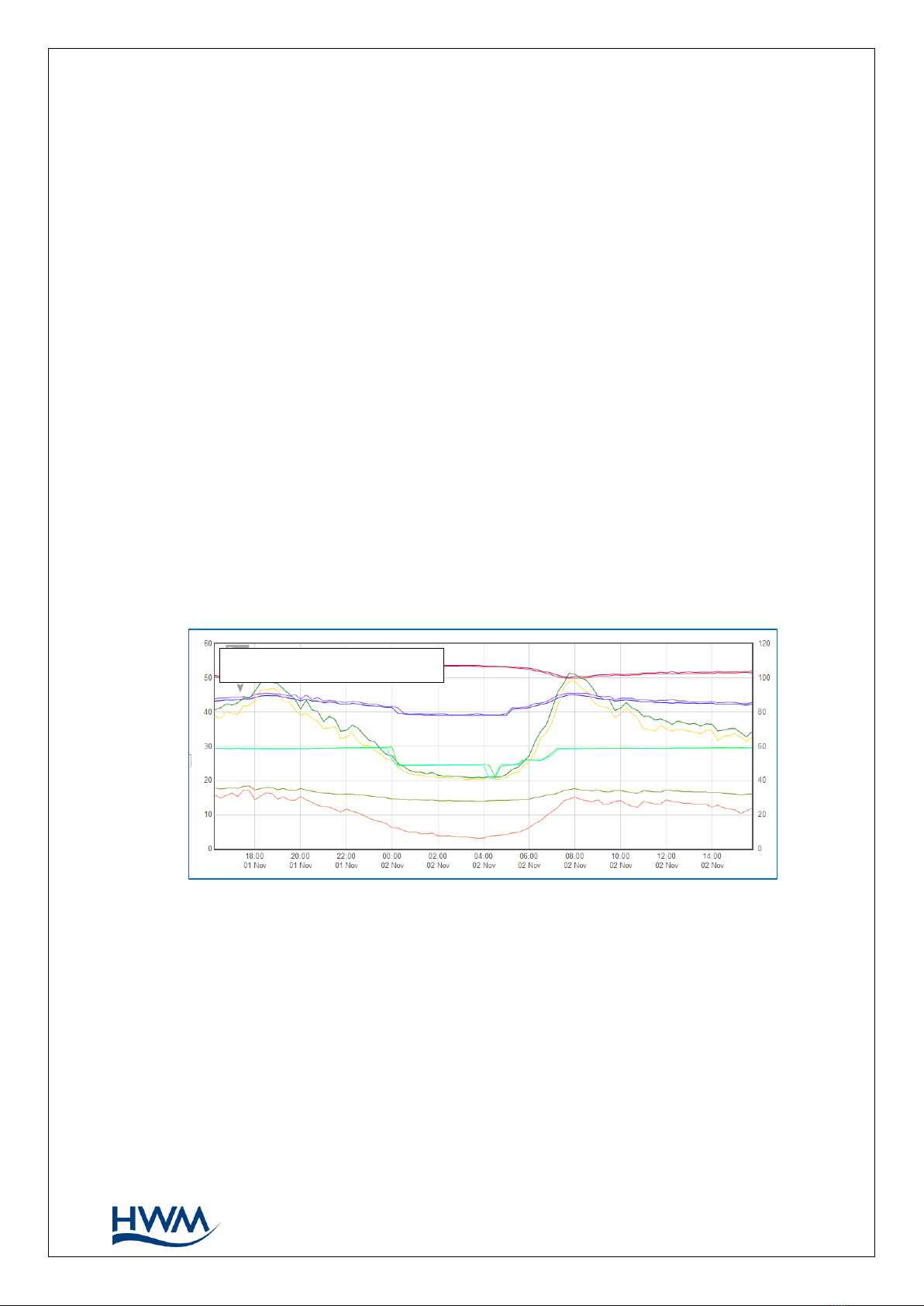
The logger operates using two time periods, known as the “sample period” and the “log
period”. It will sample the sensors at the sample rate to create temporary measurement
samples; this is a repetitive background task. After taking several measurement
samples, some statistical functions can be optionally applied to produce a datapoint that
is logged (saved) at the log rate; these form the recorded (logged) measurements and
are saved into an area of memory which is referred to as the “primary recording”.
The log period is always a multiple of the sample period.
If the logger has the feature enabled, it can also be set to occasionally save additional
data into a “secondary recording” memory area (see section 2.6), (e.g., data sampled at a
higher frequency, such as by using the “sample period” rather than the “log period”).
Note: This is not available on all supplied units and must be arranged through your
sales representative before placing an order; it has implications concerning
expected battery life of the unit.
The logger will also have daily tasks at set times, such as uploading its un-sent data over
the internet. When sending data, the logger waits to receive confirmation from the
server that the data was received without error; If confirmation is not received, it will re-
send the data at the next call-in time.
The logger can be programmed to monitor data for certain patterns or conditions and
can send a message if it should detect a match. Commonly, this is used for setting a
condition that can be an indication of an “alarm”. The message can be sent to either the
server (the usual destination) or another device.