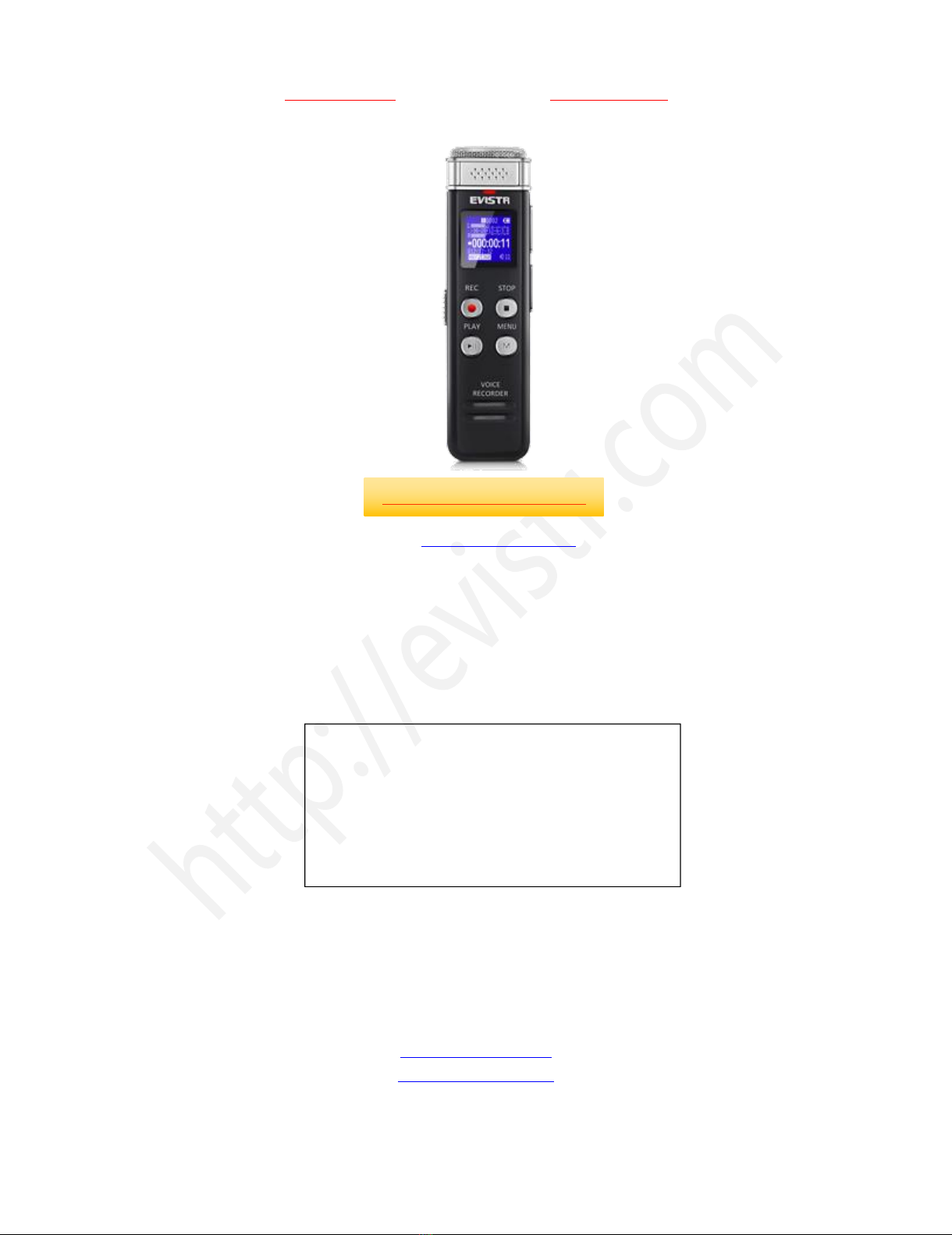
EVISTR VOICE RECORDER
http://blog.evistr.com support-us@evistr.com
Page - 2 - of -25 -
CONTENT INDEX
CHAPTER ONE....................................................................................................................................... - 4 -
L157 Open the Box............................................................................................................................... - 4 -
1) The Package Information.........................................................................................................- 4 -
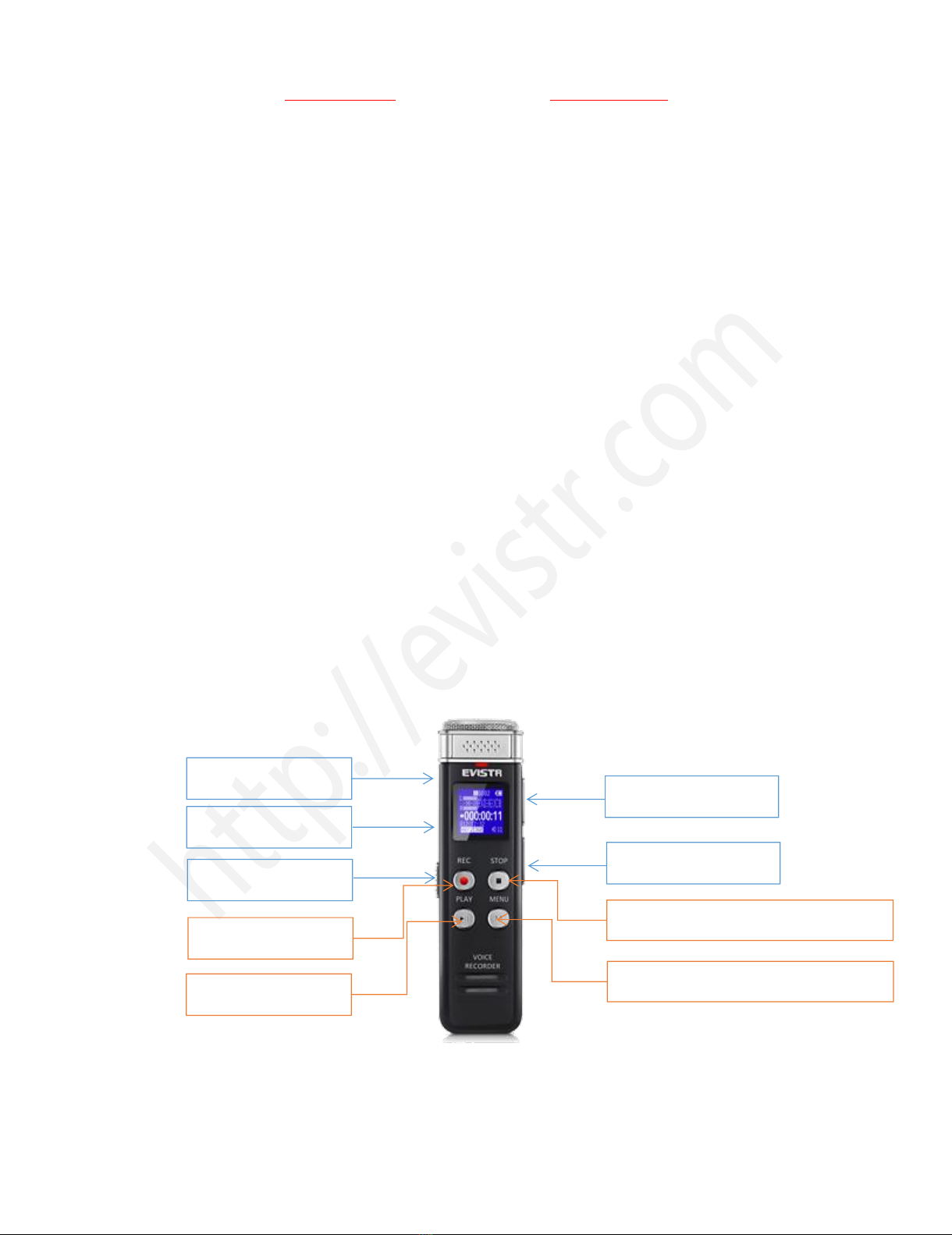
2) The Operation Guide Explain.................................................................................................. - 4 -
3) Quick Start Guide.....................................................................................................................- 5 -
4) Quick Menu Option Guide...................................................................................................... - 5 -
5) Important Notice Before Using The Device............................................................................- 6 -
CHAPTER TWO...................................................................................................................................... - 7 -
L157 Basic Operation Guide................................................................................................................. - 7 -
1) Charging Voice Recorder.......................................................................................................... - 7 -
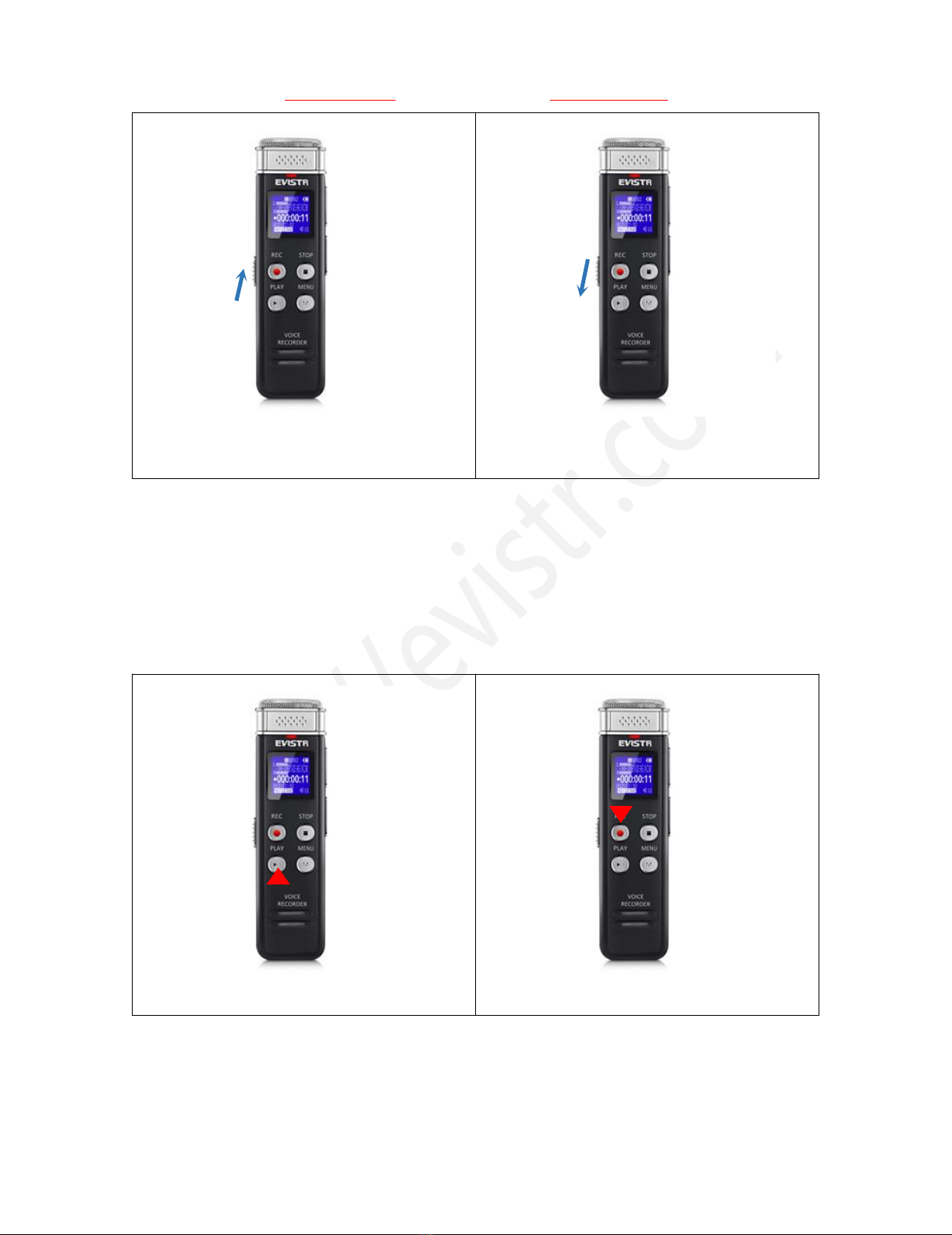
2) Turn On Voice Recorder........................................................................................................... - 7 -
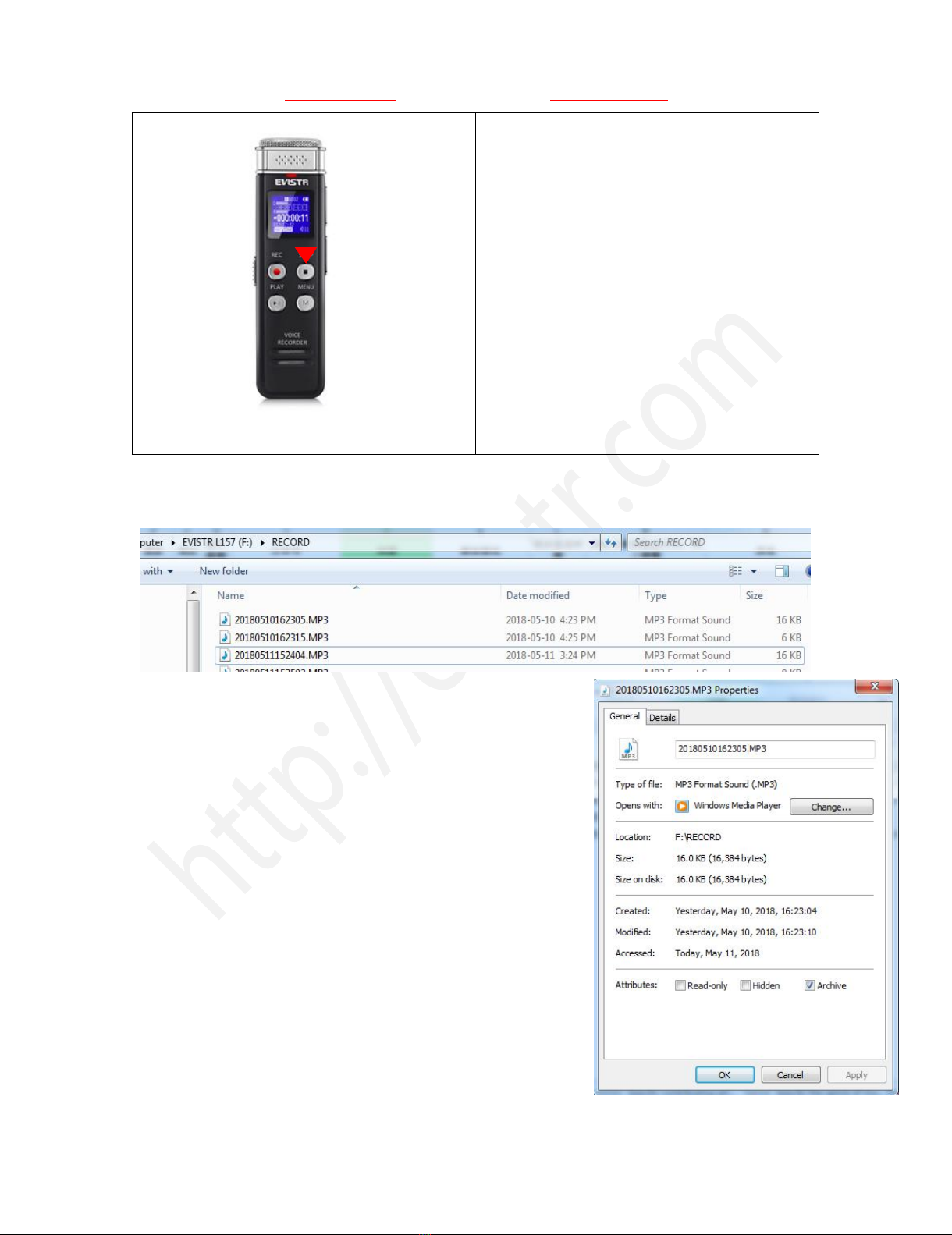
3) How to Recording.....................................................................................................................- 8 -
6) How to Pause and Resume Your Recording............................................................................. - 9 -
7) How to Playback Recordings.................................................................................................. - 10 -
8) How to Fast Forward / Rewind...............................................................................................- 10 -
9) How to Delete Recordings......................................................................................................- 10 -
10) How to Playback Music........................................................................................................ - 11 -
11) Restore to Factory Settings.................................................................................................. - 11 -
12) Format Device...................................................................................................................... - 12 -
13) How to Connect to Computer..............................................................................................- 12 -
14) Format EVISTR L57 Drive on Computer Directly..................................................................- 13 -
15) System Time & Date Setting.................................................................................................- 14 -
16) Go to Setting (Menu Options)..............................................................................................- 14 -
CHAPTER THREE..................................................................................................................................- 15 -
L157 Advanced Operation Guide....................................................................................................... - 15 -
1) Record Setting........................................................................................................................ - 15 -
1.1 Recording Quality......................................................................................................... - 15 -
1.2 Record Led.................................................................................................................... - 15 -
1.3 Subsection Recording...................................................................................................- 15 -
1.4 Voice Activated Recording............................................................................................- 16 -
1.5 Record Monitor............................................................................................................ - 16 -
1.6 Auto Record..................................................................................................................- 16 -
1.7 Exit................................................................................................................................ - 17 -
2) System Setting........................................................................................................................ - 17 -
2.1 Sleeper timer................................................................................................................ - 17 -
2.2 Backlight timer............................................................................................................. - 17 -
2.3 Brightness.....................................................................................................................- 17 -
2.4 Date and time...............................................................................................................- 17 -
2.5 Language.......................................................................................................................- 17 -