Using the phone
Many of your telephone's functions are accessed using a menu that is organised in
several levels.
The functions of the main menu and submenus are displayed in lists.
Main menu (rst menu level)
To access a function in the main menu:
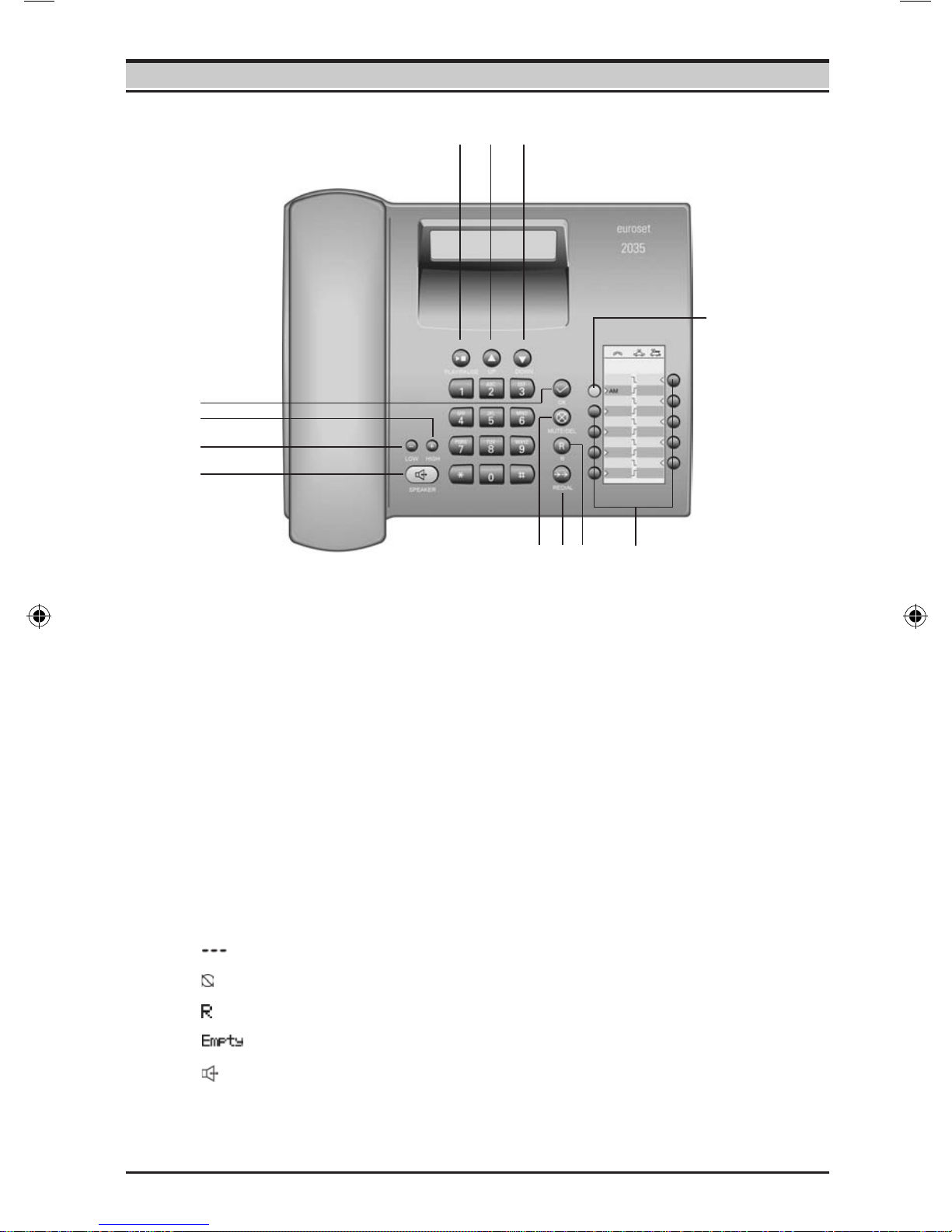
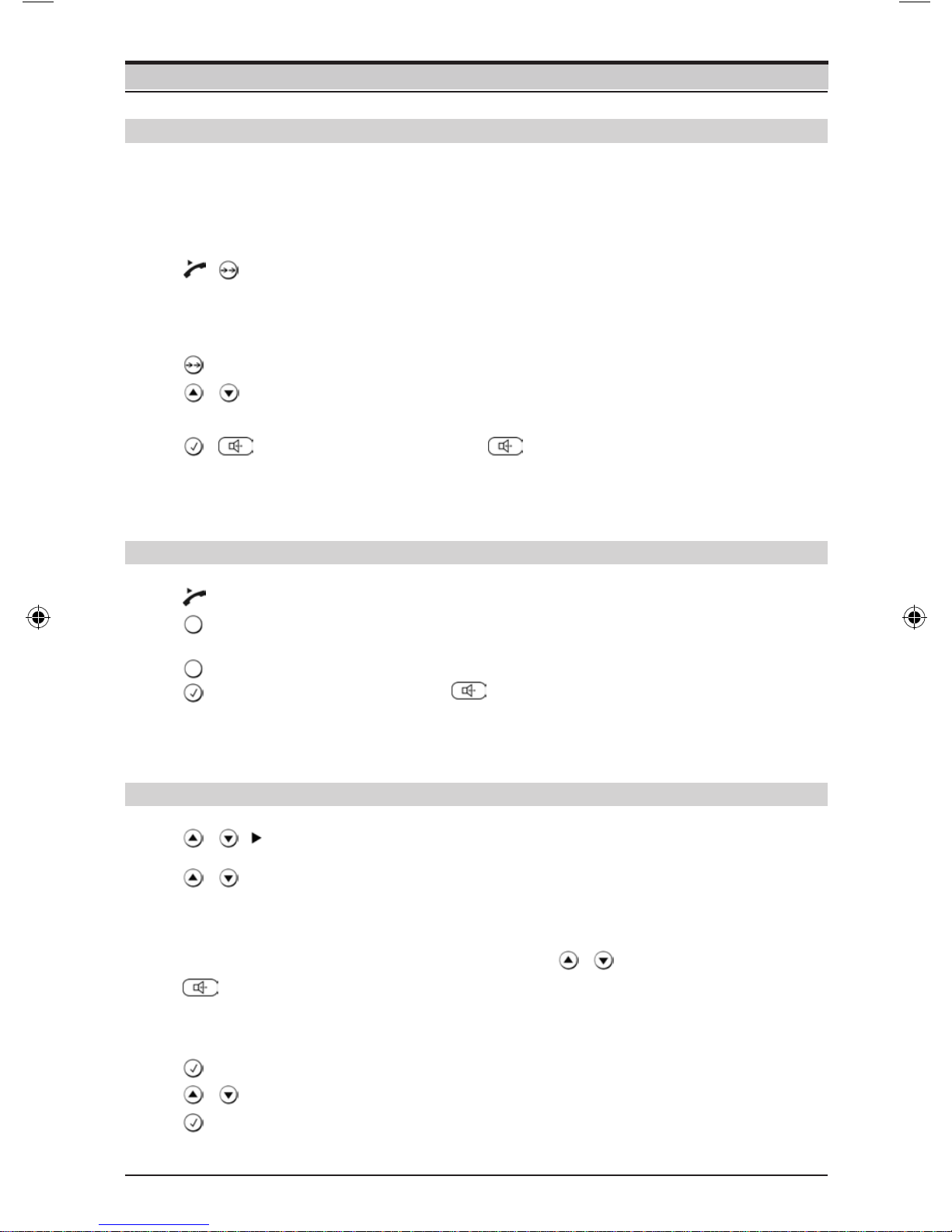
/ Use the Down/Up key to scroll to the function and press the
OK key.
Submenus
To access a function in the submenu:
/ Use the Down/Up key to scroll to the function and press the
OK key.
(If necessary, you can access the next level of the submenu in
the same way).
The function to be set follows the last selection of a submenu. A triangle on the left
displays the current setting or position in the menu.
After pressing the OK key, you can make nal edits to the function. Depending on
the function, press the OK key to save the settings.
Return (without saving) to exit the menu
While you are navigating through the menu of if you make settings without having
confirmed them with the OK key, you can go back one step at a time without
changing any settings.
Press the Last number redial key until you reach the desired
menu level or you exit the menu.
...
Step-by-step instructions for navigating the menus
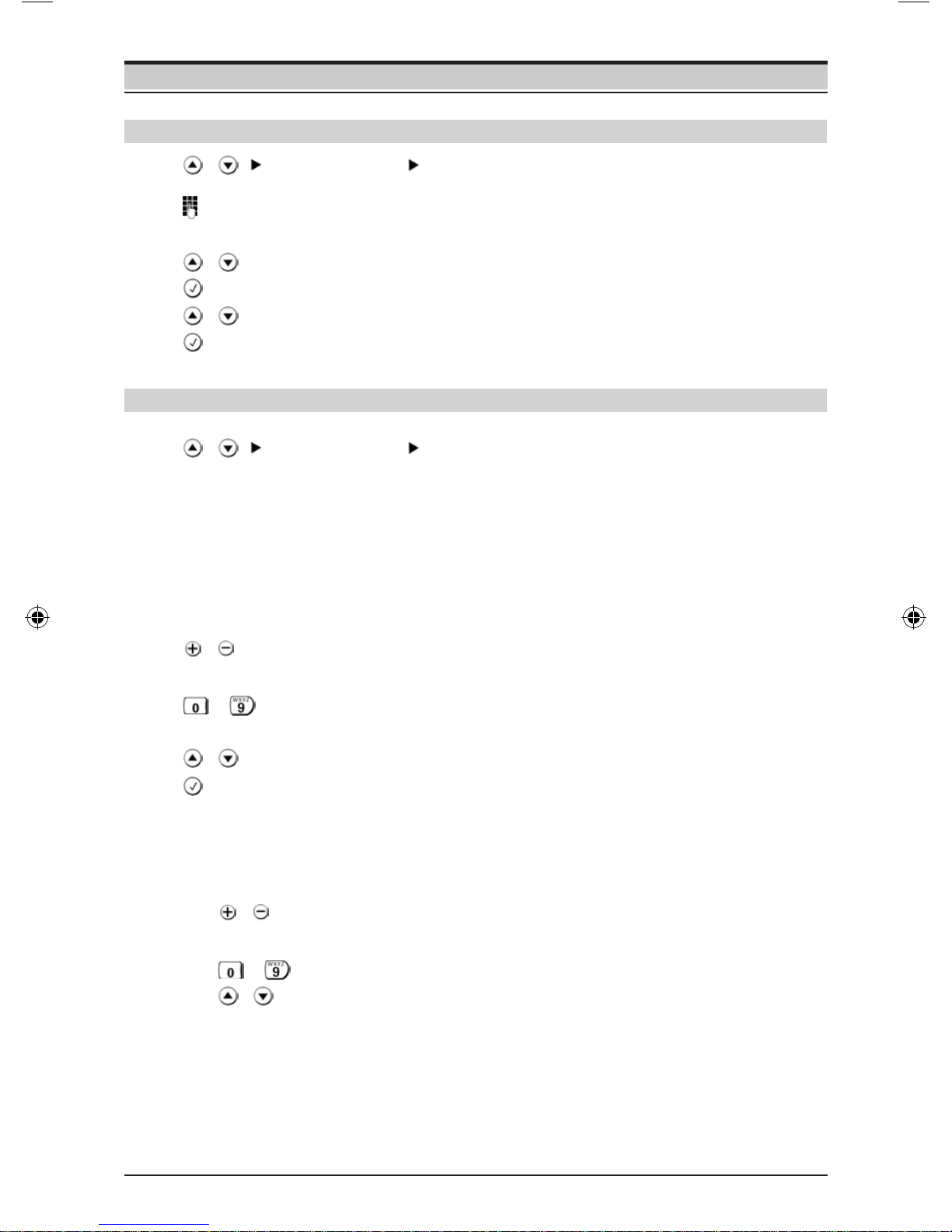
Individual steps that you must carry out to navigate the menu appear in abbreviated
form in the user guide, e.g.:
/Audio setup Speaker VOL
In each case, the arrow means:
Scroll to the function with the Down/Up key, then press the OK key.
Finally, press OK key again to select the function.
Detailed explanation of the above example:
/ Scroll to Audio setup with the Down/Up key.
Press the OK key.
Scroll to Speaker VOL with the Down/Up key.
Press the OK key.
If another submenu follows, continue using Down/Up and OK key in the same way
until the desired function is called.
4