Instruction Manual ATS 400 with SC-NG
5.1 General Safety Information ........................................................................ 21
5.2 Special Safety Information for High Voltage Testing and other dangerous
Kinds of Testing .......................................................................................... 21
5.2.1 Testing with High Voltage Test Pistols ...............................................................21
5.2.1.1 Fusing the Work Place .....................................................................................21
5.2.1.2 Protecting Outsiders........................................................................................21
5.2.1.3 Protecting the Test Person ...............................................................................21
5.2.2 Testing with a Safety Test Cage........................................................................22
5.2.2.1 Fusing the Work Place .....................................................................................22
6First Steps, Commissioning.............................................................. 23
7Safety circuit ................................................................................... 24
7.1 Basic principles........................................................................................... 24
7.2 Safety parameters ...................................................................................... 25
7.3 Pin numbering of the sockets ..................................................................... 25
7.4 Socket warning lamp combination .............................................................. 25
7.5 Socket safety circuit ................................................................................... 26
7.5.1 Configuration 0: No connection.........................................................................27
7.5.2 Configuration 1: Two hand appliance.................................................................27
7.5.3 Configuration 2: Protective door / test cage with 2 closers ...................................28
7.5.4 Configuration 3: Protective door / test cage with antivalent contacts.....................29
7.5.5 Configuration 4: Protective door automation solution ..........................................30
7.5.6 Configuration 5: Check with test pistol ..............................................................31
7.5.7 Configuration 6: Smart switch ..........................................................................32
7.5.8 Configuration 7: Protective door with guard locking and 2 NO contacts..................33
7.5.9 Configuration 8: Protective door with guard locking, potential-free antivalent contacts34
7.5.10 Configuration 9: Protective door with OSSDs......................................................35
7.6 LED SAFETY CIRCUIT .................................................................................. 36
7.7 Message in ETL DataView 3 ........................................................................ 36
7.8 State in ETL DataView 3.............................................................................. 36
7.8.1 Tab page Status SHK......................................................................................37
7.8.2 Tab page Detail 1 ........................................................................................38
7.8.3 Tab page Detail 2 ........................................................................................39
7.8.4 Tab page Detail 3 .........................................................................................40
7.8.5 Tab page Debug ..............................................................................................41
7.9 Accessories................................................................................................. 41
7.9.1 Accessories for configuration 1 (Article number ) ................................................41
7.9.2 Accessories for configuration 4 (Article number) .................................................42
7.9.3 Accessories for configuration 5 .........................................................................42
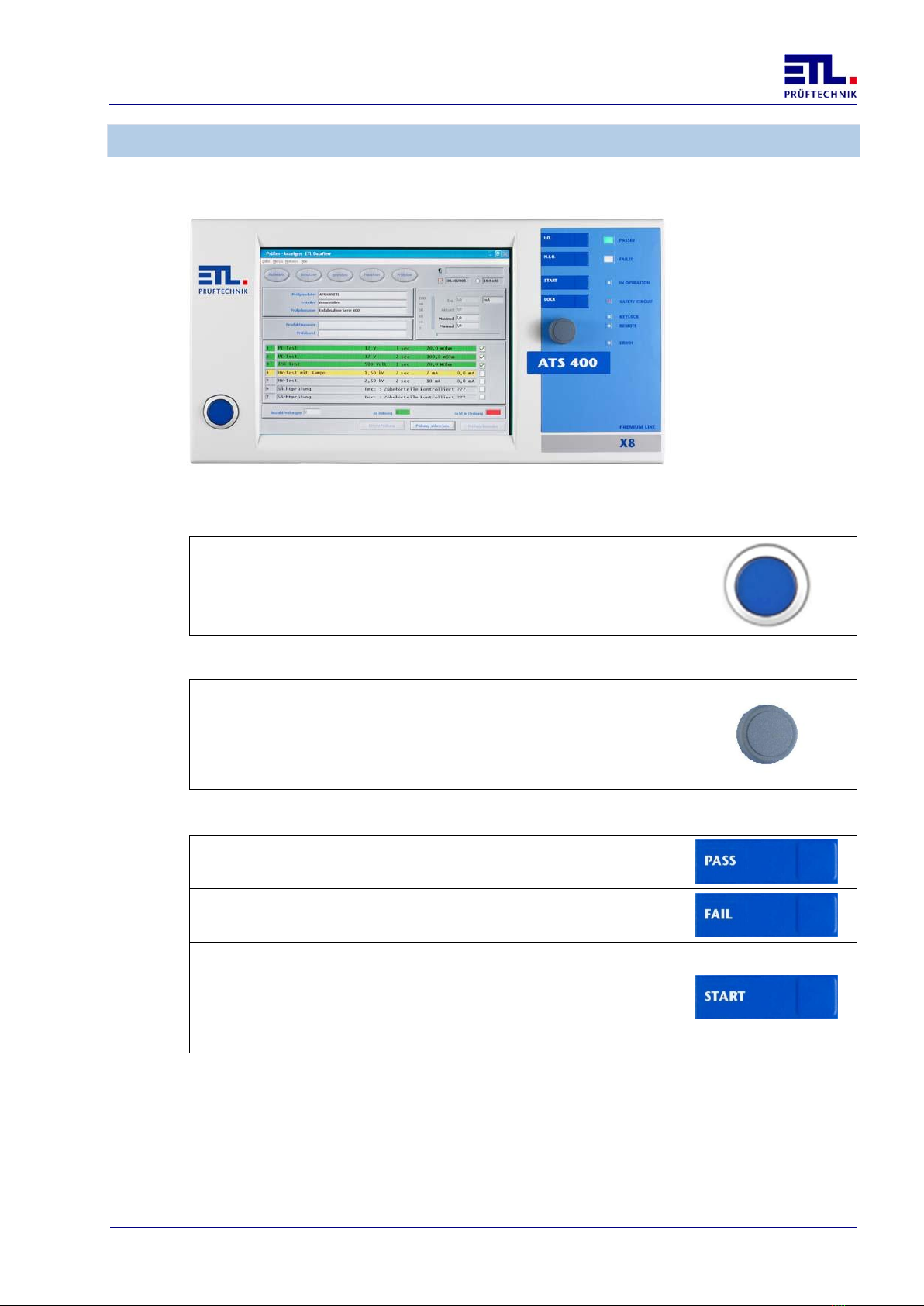
8Operation......................................................................................... 43
9Display of LED Error......................................................................... 44
9.1 Sequence of the blink code ......................................................................... 44
9.2 Meaning of the blink codes ......................................................................... 44
9.2.1 Loss of communication with the LT-CPU.............................................................44
9.2.2 Failure of the power converter..........................................................................44
9.2.3 Overtemperature ............................................................................................45
9.2.4 Loss of communication with the HMP.................................................................45
9.2.5 Loss of communication with the MEP function.....................................................45
9.2.6 Loss of communication with the MEP insulation test ............................................45