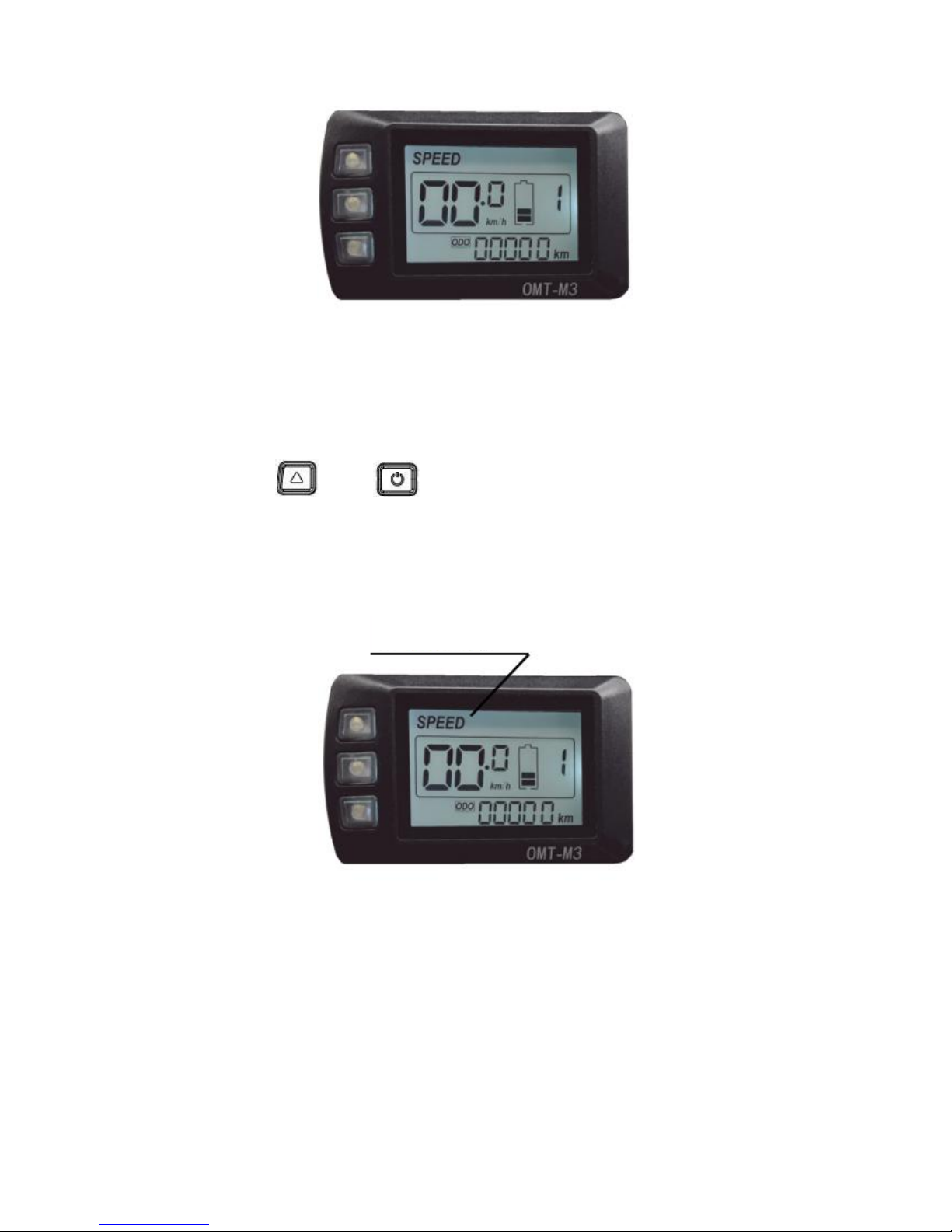
4. Press button definition
OMT-M3 uses independent press button, in total three
buttons:
“UP” “Power” “DOWN”
5. Operation instructions
1) Power ON/OFF
When the power is off, Long press (Power)during 3
seconds ,screen will display all contents and start to normal
working mode, and controller will be turned on When the power is
on, Long press (Power)during 3 seconds,screen will be
powered off,and controller will be turned off . If no any operation
both on bike and display during 10 minutes (time could be set), the
display will turn off automatically , in this case, no power
consumption for both display and controller.