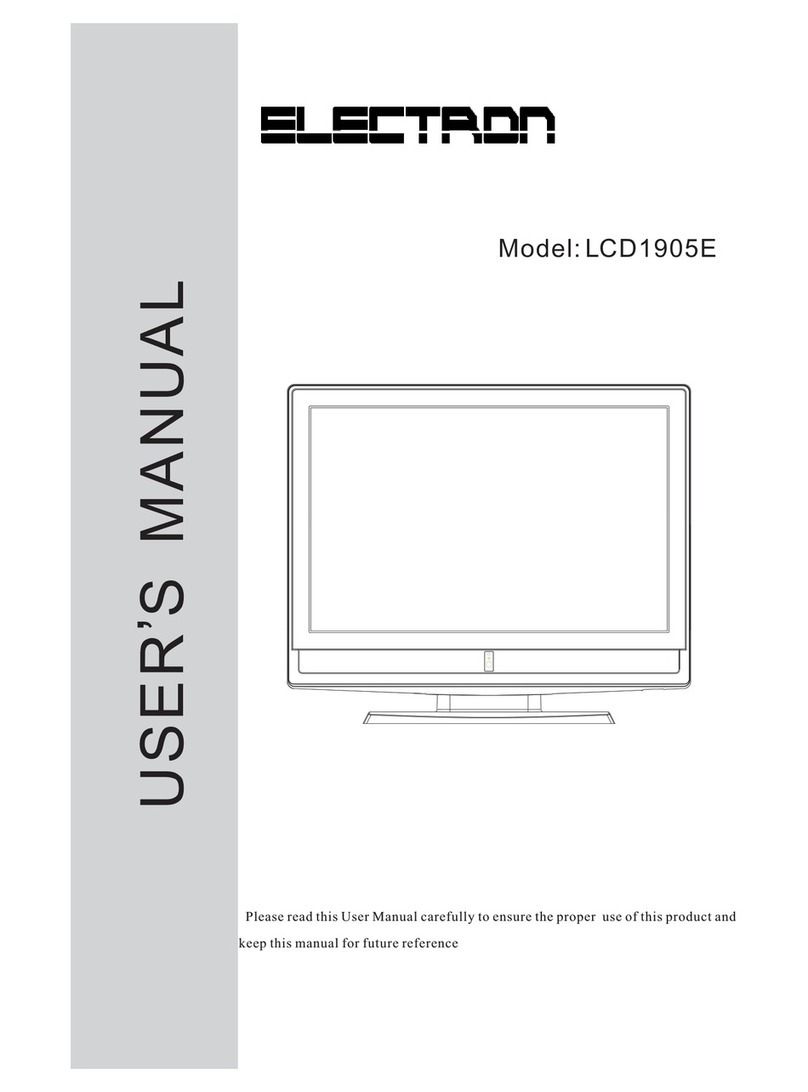
Electron LCD2622E Manuel utilisateur

Please read this User Manual carefully to ensure the proper use of this product and
keep this manual for future reference
Model: LCD2622E
USER S MANUAL
,

Contents
1 Safety and warnings..........................................................................................................2-6
2 Introduction....................................................................................................................7
3 Installation............................................................................................... ......................8-12
TV Operation.................................................................................................................14-15
TV Trouble shooting.......................................................................................................16
4 Remote Control ...........................................................................................................13
5
6
-1-
7Wall Mounting Holes Spacing and Location..........................................................................
8Base Stand Disassemble Illustration.....................................................................................
17
17

-2-
SAFETY AND WARNINGS
1.Read these safety instructions.
2.Keep these safety instructions.
3.Heed all warnings.
4.Follow all safety instructions.
5.Do not use this apparatus near water.
6.Clean only with dry cloth.
7.Do not block any ventilation openings. Install in accordance with the manufacturers
instructions.
8.Do not install near any heat sources such as radiators,stoves, or other apparatus
(including
9.Protect the power cord from being walked on or pinched particularly at power outlets, and the
point where they exit from the apparatus.
10.Only use attachments/accessories specified by the manufacturer.
11.Unplug this apparatus during lightning storms or when unused for long periods of time.
12.Refer all servicing to qualified service personnel. Servicing is required when the apparatus has
been damaged in any way, such as the power-supply cord or plug is damaged, liquid has been
spilled or objects have fallen into the apparatus, the apparatus has been exposed to rain or moisture ,
does not operate n
13.Apparatus must not be exposed to dripping or splashing and no objects filled with liquids, such
as vases, should
amplifiers)that produce heat.
ormally, or has been dropped.
be placed on the apparatus.
IMPORTANT SAFETY INSTRUCTION
14.WARNINING:The battery (battery or batteries or battery pack)shall not be exposed to excessive
heat such as sunshine, fire or the like.
15.The mains plug is used as disconnect device, the disconnect device shall remain readily operable.

-3-
SAFETY AND WARNINGS
TO REDUCE THE RISK OF ELECTRIC SHOCK, DO NOT
REMOVE COVER (OR BACK).NO USER SERVICEABLE
PARTS INSIDE. REFER SERVICING TO QUALIFIED
SERVICE PERSONNEL.
RISK OF ELECTRIC SHOCK
DO NOT OPEN!
CAUTION
CAUTION
The symbol indicates that dangerous voltages constituting a risk of electric
shock are present within this unit.
The symbol indicates that there are important operating and maintenance
instructions in the literature accompanying this unit.
To prevent fire or shock hazard, do not expose this appliance to rain or moisture.
WARNING:
Correct Disposal of this product. This making indicates that this product should not be disposed
with other household wastes throughout the EU. To prevent possible harm to the environment or
human health from uncontrolled waste disposal, recycle it responsibly to promote the sustainable
reuse of material resources. To return your used device, please use the return and collection systems
or contact the retailer where the product was purchased. They can take this product for environmental
Safe recycling.
This symbol indicates that this product incorporates double insulation between hazardous mains voltage
and user accessible parts. When servicing use only identical replacement parts.
WARNING: To reduce the risk of fire or electric shock, do not expose this apparatus to rain or cords.

-4-
SAFETY AND WARNINGS
Warning
High voltages are used in the operation of this television receiver.
Do not remove the cabinet back from your set. Refer servicing to
qualified service personnel.
Warning
To prevent fire or electrical shock hazard, do not expose the
television receiver to rain or moisture.
Warning
Do not drop or push objects into the television cabinet slots or
openings. Never spill any kind of liquid on the television receiver.
Caution
Do not block the ventilation holes in the back cover. Adequate
ventilation is essential to prevent failure of electrical components.
Caution
Do not trap the power supply cord under the television receiver.

-5-
SAFETY AND WARNINGS
Caution
Never stand on, lean on, or suddenly push the television or its stand.
You should pay special attention to children. Serious injury may result
if it falls.
Caution
Do not place your television on an unstable cart, stand, shelf or table.
Serious injury to an individual , and damage to the television, may
result if it falls.
Avoid exposing the television receiver to direct sunlight and other
sources of heat. Do not stand the television receiver directly on other
products which give off heat, e.g. video cassette players and audio
amplifiers. Do not place naked flame sources, such as lighted candles
on the television.
Caution
If the television is to be built into a compartment or similar enclosure,
the minimum distances must be maintained. Heat build-up can reduce
the service life of your television, and can also be dangerous.
Caution
Dim:515*320mm(
Caution
When the television receiver is not used for an extended period of
time, it is advisable to disconnect the AC power cord from the AC
outlet.
-6-
SAFETY AND WARNINGS
Thank you very much for purchasing this TV. To enjoy your product from the very beginning, read this
manual carefully and keep it handy for easy reference.
INSTALLATION
CAUTION
Locate the TV in the room where light does not strike the screen .
Total darkness or a reflection on the picture screen can cause eyestrain. Soft and indirect lighting is
recommended for comfortable viewing.
Allow enough space between the TV and the wall to permit ventilation.
Avoid extremely warm locations to prevent possible damage to the cabinet or premature component
failure.
This TV can be connected to AC 100-240 Volts. 50/60 Hz. Never connect to a DC supply or any other
power supply.
Do not cover the ventilation openings when using theTV.
directly
Never tamper with any components inside the TV, or any other adjustment controls not mentioned in this
manual. All LCD-TVs are high voltage instruments. When you clean up dust or water drops on the LCD
PANEL or CABINET, the power cord should be pulled out from the receptacle, then wipe the TV with
a dry soft cloth. During thunder and lighting, unplug the power cord and antenna cord to prevent damage
to your TV.
All repairs to this TV should only be performed by qualified TV service personnel.
Earthing connection--- The apparatus shall be connected to MAINS socket outlet with a protective
earthing connection
MAINS plug or appliance coupler of the apparatus is used as disconnect device, it should remains
readily operable
Warning: Change or modifications to this unit not expressly by the part responsible for
compliance could void the user's authority to operate the Equipment.

Main features
INTRODUCTION
Used as Television, display terminal,PC display
High luminance,wide viewing angle
Can store AIR 2-69,HRC 1-125,IRC 1-125,
CATV 2-125 TV programs
HDMI interface
-7-
Main parameter
AC Power Cord......................... 1
Infrared Remote Controller...... 1
User s Manual...............................1
Battery(AAA)...............................2
Accessories
Vie wing Picture Size(diagonal)
Resolution 1366x768
Aspect Ratio 16 : 9
TV System
Video Signal System PAL/NTSC/SECAM
Receiving Channel
Inpu t Power Voltage AC 100 V-240 V~ 50/60Hz
Po wer consumption
Audio Outpu t Power THD 7% 2x 3W
Signal Input Analog RGB(VGA) x1
High-Definition Multimedia Interface(HDMI) x1
Rear AV x1
Audio Input x1
YCb (Pb )Cr (P R) x1
Horizontal definition TV line Composite Video in pu t >=350
S-Video Input >=400
Y Cb(Pb ) Cr(Pr) >=400
Side AV x1
Side HEAD PHONE x1
130W
Response Time 8ms
Viewing Angle
Brightness 400cd/m2
AIR 2-69 HRC 1-125 IRC 1-125 CATV 2-125
V
150
H/
160

-8-
INSTALLATION
Front panel KEYBOARD
SOURCE
MENU
CH+
CH-
VOL+
VOL-
USB
1 SOURCE Display the input source menu.
CH+ or CH- to select items
in MENU.
2MENU
3 CH+/CH-
4VOL+/VOL-
To display main MENU.
In Analogue TV mode press CH+ or CH- to
change the channel up and down.
In MENU,press
In standby mode, it can turn on the TV.
Adjust sound level.
In MENU,adjust the item that you selected.
REAR AV PASTER
All the terminals are(from left to right):
Note: 1.AV1 share one audio channel.
2. When HDMI port get DVI signal, the PC Audio channel is changed to
receive the audio for HDMI port.
AC POWER SOCKET,ANTENNA , PC AUDIO INPUT,AUDIO INPUT,
YPbPr,AV1,VGA , HDMI .
and YPbPr
1
ENTER
2 3
4 5 6
7 8 9 0
+
CH
_
+
_
VOL
POWER MUTE
NICAM
RECALL
TVMENU INPUT
DVBMENU SOUND EXIT
PIC
SLEEP ASPECT
TEXTDISPLAYSOURCE
INFO FAV EPG
REVEAL HOLD LIST INDEX
SUBPAGE SIZE AUDIO SUBTITLE
30 30
2
1
3
4
1: Remote control sensor.
2: Indicator LED: GREEN POWER ON.
RED STAND BY.
3: (see next page).Control Panel
4: Power: Press this button to turn the unit
ON from STANDBY mode.
Press it again to turn the set back to
STANDBY.
5: when TV is in standby mode, press CH + or
CH button in TV control panel will power
on the TV.
SIDE PANEL(LEFT)
HEADPHONE
VIDEO
L
R
AV2
All the terminals are(from up to down):
HEAD PHONE, Av2.

ANTENNA
INSTALLATION
-9-
Note:
Aerial connections:IEC(female).
Input impendance:75 unbalanced.
Table des matières
Autres manuels Electron Téléviseur LCD