6
•Connect the external antenna through a good quality RG 8 coax cable fitted with a PL 259 Plug
or the indoor antenna through the BNC socket. Best performances are obtained with a good
external antenna. If an external antenna is not available we recommend the use of the whip
antenna offered as optional, but every indoor antenna provided with a BCN plug is suitable.
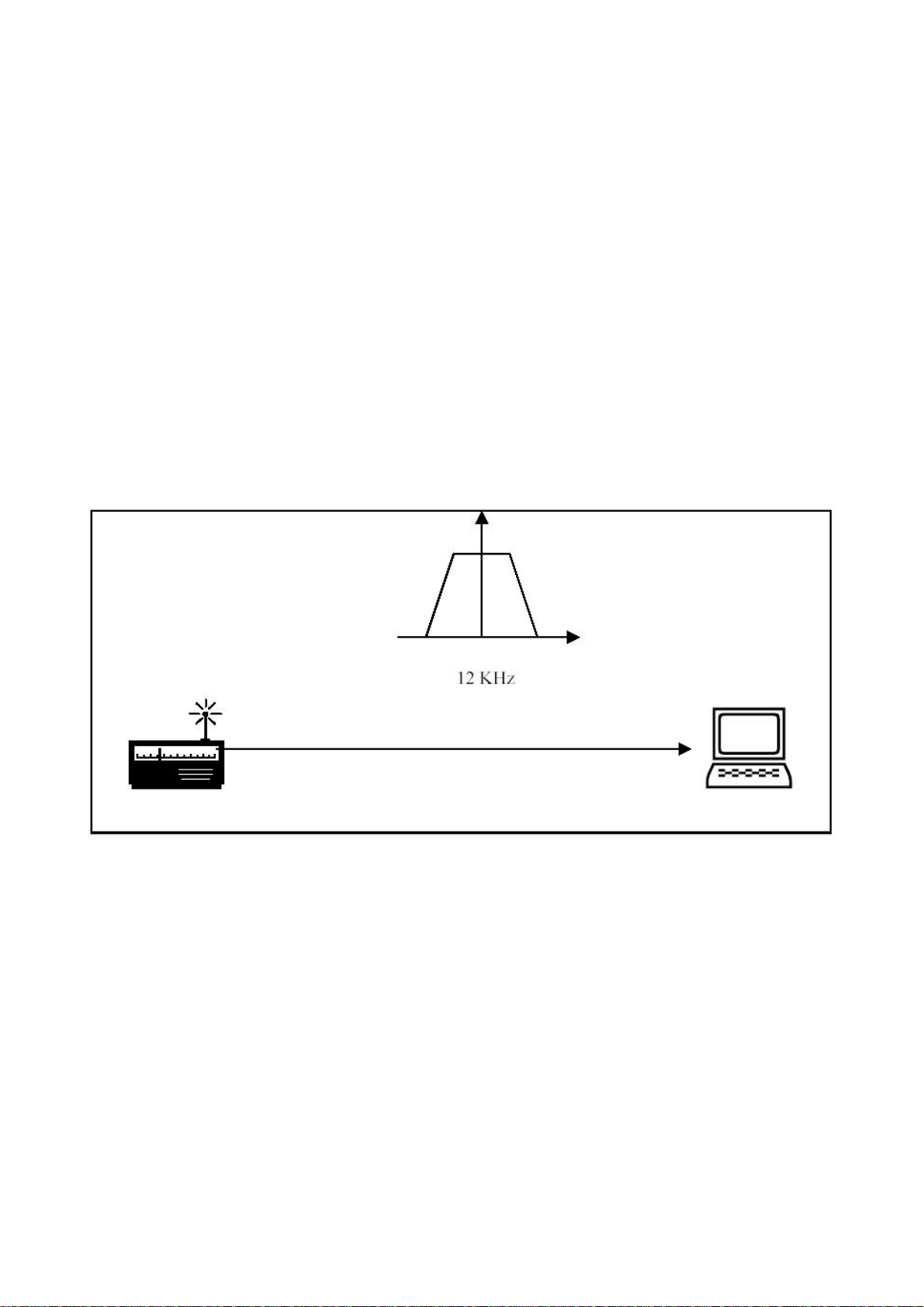
•Through the supplied shielded cable fitted with 3.5 mm stereo plugs connect the 12 KHz output
of FDM-77 with the line ( or microphone) input of the sound card installed in your PC.
•Through the supplied USB 2.0 cable connect the main output of FDM-77 with the USB port of
your PC.
•Connect a 12 V DC power supply to the 6 mm socket ( + is the central pin) .
Software installation.
PC and System requirements.
•Windows 2000 or Windows XP
•AT-compatible PC
•700 MHz Intel Pentium processor or equivalent. (Best performances are obtained with Pentium
4 and 1.2 GHz processor).
•128 MB RAM
•50 MB free disk space
•16-bit SoundBlaster (or compatible) soundcard supporting full duplex at 48 KHz sampling rate
for input and output. The sound card input (Line or Microphone) must be without AGC.
•USB port 2.0
•LAN card ( only for remote control of the radio).
•Display and graphic control: 1024 X 768 pixel with 65.536 (16 bit ) colours.
PC settings.
•All power management in the BIOS and Windows must be disabled
•USB legacy support disabled in BIOS
Installing the software.
The installation of the software is straightforward . Insert the supplied CD ROM in the drive of your
PC. Double click the System Resources icon and then enter the CDROM disk. A full path will be
displayed with the FDM77setup.exe file. Double click the <FDM77_setup.exe> file to start the
installation procedure. During the first installation the FDM77 HF RX must be switched off or
alternatively the USB cable disconnected from the PC. At the end of the installation of the FDM77-
ELAD Software Radio also the USB driver must be installed.
For more detailed installation procedures please refer to the <install_it.pdf> or <install_en.pdf> file
included in the CD ROM.