2
The controller automacally adjusts lighng levels from received input from the
following wireless devices:
• ambient light levels monitored by a wireless photo sensor
• occupancy state monitored by a wireless occupancy sensor
• switch acon from a wireless wall switch
• gateway control implemenng scheduled or other events
Controller and Wall Switches
Echoex switches can also be used as dimmer switches – press and hold the ON or OFF
side of a linked switch to modulate the dimming output up or down.
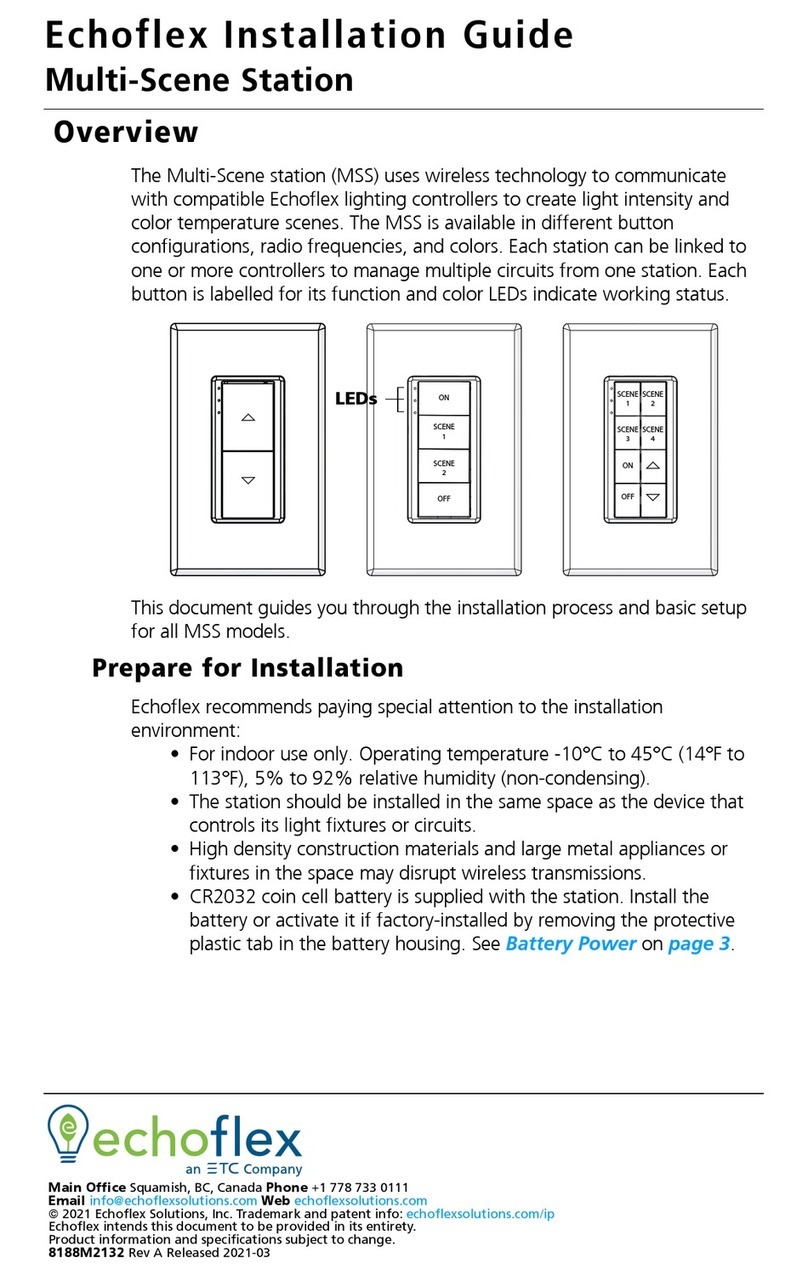
The controller works with the wireless single and dual rocker switches. A switch ON
acon will ramp the dimming output to the last dimmed level set by a switch. If a photo
sensor is linked to the controller as well, the output ramps to full output over 2 seconds.
A quick double-press ON will ramp up to maximum output and accelerate the fade
period to ½ second. A press OFF acon will fade the lights down over 2 seconds. A quick
double-press OFF will accelerate the fade period to ½ second.
Controller and Timed Switches
The controller can be congured so the single and dual rocker switches become med
switches. An ON acon turns the lights ON and a mer is set to count down. Once the
mer expires, the lights fade to OFF.
The me period is congurable and has 5 sengs: no mer (default), 5 minutes, 15
minutes, 30 minutes and 1 hour. Addionally, if the user presses the rocker switch ON
mulple mes ( to a total of 5 presses), the mer interval is added for each ON press.
If ON is pressed while the lights are on and the mer is counng down, an addional
period of me is added to the mer total.
The controller will ramp the light output down then up (ick-warn) 1 minute before the
mer is due to expire to warn users of the pending OFF event.
To congure the me period, refer to the secon on ”Conguring the Controller”.
The controller will turn the lights OFF when there is no moon detected in the room
indicated by a linked moon sensor. If the applicaon requires the lights to remain ON
during vacant periods but at a dimmed level (i.e. warehouse or stairwell applicaons), a
conguraon property accessible using Garibaldi soware can enable this feature.
Occupancy sensors only: When only occupancy sensors are linked to the controller, the
sensor will automate the lights both ON and OFF.
Occupancy sensors with switches: When switches and sensors are linked, the controller
will assume manual-ON, auto-OFF operaon referred to as Vacancy Sensor Mode.
The controller can also be congured to turn the lights ON immediately (Auto-ON) with
moon, see the secon tled “Conguring the Controller”.
Photo Inhibit: This feature requires a linked photo sensor. When Photo Inhibit is enabled,
the Auto-ON feature will be ignored when the natural light level measured by the light
sensor is above the day-lighng set point. The photo inhibit feature will not turn lights
OFF if the lights are ON.