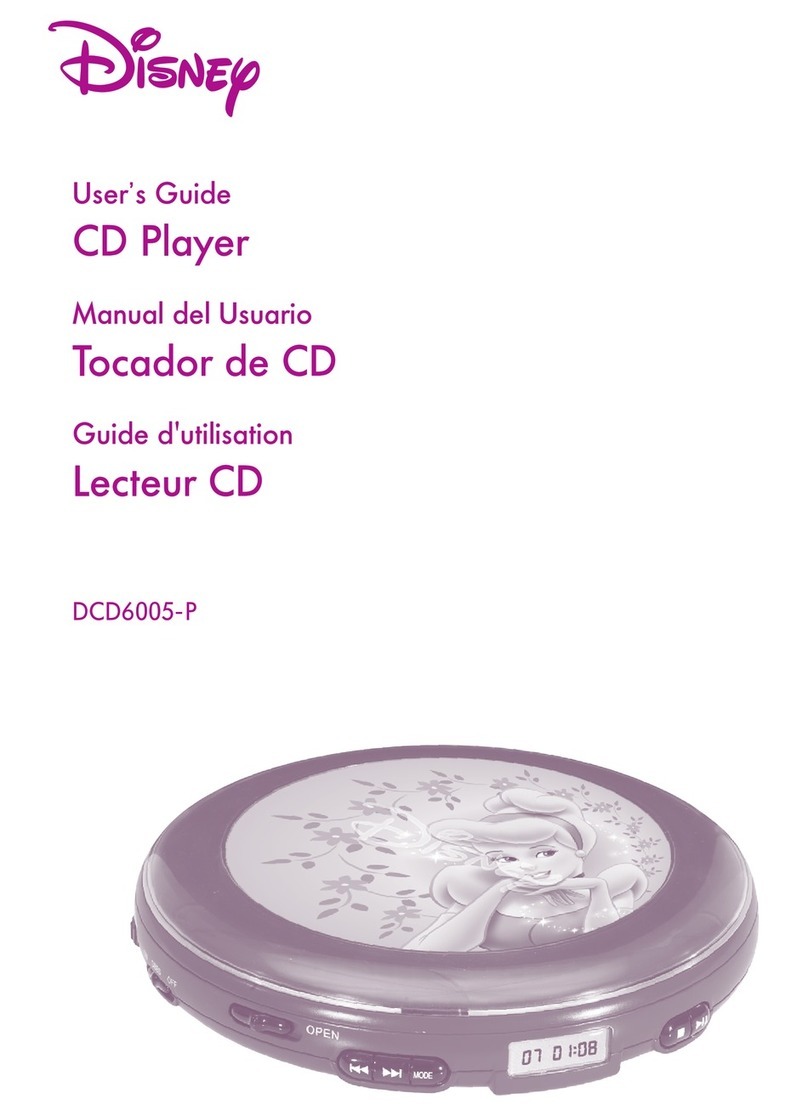
Disney DCD6000-COM Manuel utilisateur

DCD6000-C
CD PLAYER
User’s Guide
DCD6000.O/M.QXD 1/24/03 4:22 PM Page 23

1
QUICK REFERENCE
Program the CD memory
Display
Select a radio preset
Select CD mode/turn FM Stereo On or Off
Select track/select radio station
Play the CD
Connect to listen through an external audio system (Line Out)
Connect headphone(s) to these jacks
Disable buttons while listening to CD
Stop CD playback/turn the unit Off
Select CD or Radio
Turns ESP On or Off/selects AM/FM
Open the CD Compartment
Turn Bass Boost On or Off
Adjust the Volume
Disney Elements © Disney
The Quick Reference is given to provide basic operation of the unit.
Please completely read this User’s Guide to take advantage of all
the features this unit has to offer.
DCD6000.O/M.QXD 1/24/03 4:22 PM Page 1

2
QUICK REFERENCE (CONTINUED)
TO TURN THE UNIT ON:
1. Press the PLAY/PAUSE ( ) /POWER ON button to turn the unit on.
TO LISTEN TO THE RADIO:
1. Press the PLAY/PAUSE ( ) /POWER ON button to turn the unit on.
2. Slide the FUNCTION switch to the RADIO position.
3. Press the ESP /BAND button to select the AM or FM band.
4. If listening to FM, press the MODE button to turn Stereo On or Off.
5. Press and release the SKIP/ SEARCH/Tuning – or +
button to tune a station. Press and hold the SKIP/SEARCH/ Tuning
– or + button for 1 second, then release for rapid search
tuning and tune a station.
6. Adjust the VOLUME control and DBBS switch as desired. If FM
STEREO reception is weak/noisy, press the MODE button to turn off
Stereo, in this case the reception will be monaural.
7. To turn the radio off, press the STOP (■)/POWER OFF button.
TO PLAY A CD:
1. Slide the FUNCTION switch to the CD position and slide the CD
Door Open switch to open the CD door and insert a CD.
2. Press the PLAY/PAUSE ( ) /POWER ON button to start
playback.
3. To skip forward or backward through the tracks on the disc, press
the SKIP/SEARCH – or + button. To search forward or
backward through a specific track on the disc, press and hold the
SKIP/SEARCH – or + button.
4. When the disc is through playing, it will stop. Press the STOP
(■)/POWER OFF button to stop the disc before it is finished. Press
the STOP (■)/POWER OFF button again while in the stop mode to
turn the unit off.
Disney Elements © Disney
DCD6000.O/M.QXD 1/24/03 4:22 PM Page 2

3
SAFETY PRECAUTIONS
DANGEROUS VOLTAGE:
The lightning flash with arrowhead symbol, within an equilateral
triangle is intended to alert the user to the presence of uninsulated
dangerous voltage within the product’s enclosure that may be of
sufficient magnitude to constitute a risk of electric shock to persons.
ATTENTION:
The exclamation point within an equilateral triangle is intended to
alert the user to the presence of important operating and
maintenance (servicing) instructions in the literature accompanying
the appliance.
DANGER:
This product utilizes a Class 1 laser to read Compact Discs. This
laser Compact Disc Player is equipped with safety switches to
avoid exposure when the CD door is open and the safety interlocks
are defeated. Invisible and hazardous laser radiation when open
and interlock failed or defeated. Avoid direct exposure to beam.
Please do not attempt to defeat or bypass the safety switches.
CAUTION: TO REDUCE THE RISK OF ELECTRIC SHOCK, DO NOT
REMOVE COVER (OR BACK). NO USER-SERVICEABLE PARTS INSIDE.
REFER SERVICING TO QUALIFIED SERVICE PERSONNEL.
CAUTION
RISK OF ELECTRIC SHOCK
DO NOT OPEN
SURGE PROTECTORS:
It is recommended to use a surge protector for AC connection. Lightning
and power surges ARE NOT covered under warranty for this product.
DCD6000.O/M.QXD 1/24/03 4:22 PM Page 3

4
SAFETY PRECAUTIONS (CONTINUED)
INFORMATION:
This equipment has been tested and found to comply with the limits
for a Class B digital device, pursuant to Part 15 of the FCC Rules.
These limits are designed to provide reasonable protection against
harmful interference in a residential installation. This equipment
generates, uses, and can radiate radio frequency energy and, if not
installed and used in accordance with instructions, may cause
harmful interference to radio communications. However, there is no
guarantee that interference will not occur in a particular installation.
If this equipment does cause harmful interference to radio or
television reception, which can be determined by turning the
equipment off and on, the user is encouraged to try to correct the
interference by one or more of the following measures:
• Reorient or relocate the receiving antenna.
• Increase the separation between the equipment and receiver.
•Connect the equipment into an outlet on a circuit different from that
to which the receiver is connected.
• Consult the dealer or an experienced radio/TV technician for help.
• Do not open the CD compartment while the CD is rotating.
• Always keep the CD compartment closed when not in use.
• Keep all foreign objects out of the CD compartment.
• Place the unit on a stable surface.
• Avoid installing the unit is locations described below:
• Places exposed to direct sunlight or close to heat radiating
appliances such as electric heaters.
• On top of other stereo equipment that radiates too much heat.
• Places lacking ventilation or dusty places.
• Places subject to constant vibration.
• Humid or moist places.
DCD6000.O/M.QXD 1/24/03 4:22 PM Page 4

5
LOCATION OF CONTROLS
11
12
10
6
7
8
9
5
4
3
2
1
21
14
15
13
16
17
18
19
20
1. Hand Strap Hole
2. LINE OUT Jack (Side of Unit)
3. Headphone 2 Jack (Side of
Unit)
4. Headphone 1 Jack (Side of
Unit)
5. VOLUME Control
6. PLAY/PAUSE ( )/ POWER
ON Button
7. ESP /BAND Button
8. DBBS (Bass Boost) Switch
9. STOP (■)/ POWER OFF Button
10. CD Door Open Switch
11. HOLD Switch
12. FUNCTION (CD/RADIO)
Switch
13. Display
14. DC 4.5V Jack (Rear of Unit)
15. MODE Button
16. PRESET DOWN Button
17. PRESET UP Button
18. PROGRAM Button
19. SKIP/SEARCH/Tuning – (
) Button
20. SKIP/SEARCH/Tuning + (
) Button
21. Battery Compartment (Bottom
of Unit)
–+
DCD6000.O/M.QXD 1/24/03 4:22 PM Page 5

6
INSTALLATION
This CD player can be powered by either two (2) “AA” batteries or an AC
adapter.
AC Operation
To operate the unit using AC power, connect an AC adapter (not included)
to the DC 4.5V jack on the rear of the CD Player and to a wall outlet having
120V, 60Hz AC only. The batteries are automatically disconnected when the
AC adapter is used.
NOTE: There is no AC adapter provided with this unit. Please make sure the
AC adapter is 4.5V with a positive center.
Battery Installation
Batteries need to be replaced when the Low Battery indicator
appears in the display.
1. Open the battery compartment door on the bottom of the unit
by sliding it out and then lifting it. To prevent the
possibility of losing the cover, it cannot be removed.
2. Insert two (2) “AA” batteries (not included) according to the
polarity diagram. Alkaline batteries are recommended for
longer playing time.
–
+
–
+
–
+
–
+
BATTERY PRECAUTIONS
Follow these precautions when using batteries in this device:
1. Use only the size and type of batteries specified.
2. Be sure to follow the correct polarity when installing the batteries as
indicated next to the battery compartment. Reversed batteries may
cause damage to the device.
3. Do not mix different types of batteries together (e.g. Alkaline and
Carbon-zinc) or old batteries with fresh ones.
4. If the device is not to be used for a long period of time, remove the
batteries to prevent damage or injury from possible battery leakage.
5. Do not try to recharge batteries not intended to be recharged; they can
overheat and rupture. (Follow battery manufacturer’s directions.)
DCD6000.O/M.QXD 1/24/03 4:22 PM Page 6

7
INSTALLATION (CONTINUED)
Playback Through a Home Audio System
By using a home audio connection cable, superb CD sound can be heard
through your home audio system. Before making any connections, turn off
the power to all equipment.
Plug a connection cable (not included) between the LINE OUT jack on the
side of the CD player and the amplifier’s CD or AUX input jacks. (Do not
connect it to the amplifier’s PHONO jacks.)
NOTE: If the CD player interferes with TV or radio reception, move the CD
player away from the TV or radio or turn off the power to the CD player.
Headphones
Insert the supplied headphones (one pair of wrap-around headphones
included) into one of the Headphones jacks. There is a separate volume
control on the wrap-around headphones, so adjust as desired .
Insert a second pair of headphones into the other Headphones jack to enjoy
listening with a friend.
Use your common sense when using headphones:
•Hearing Safety: Do not play your unit at high volume. Hearing experts
advise against continuous extended play. If you experience a ringing in
your ears, reduce the volume or discontinue use.
•Traffic Safety: Do not use while operating a motor vehicle. It may create a
traffic hazard and it is illegal in many areas. You should use extreme
caution or temporarily discontinue use in potentially hazardous situations.
Even if your headset is an open-air type designed to let you hear outside
sounds, do not turn up the volume so high that you can’t hear what’s
around you.
DCD6000.O/M.QXD 1/24/03 4:22 PM Page 7

8
INSTALLATION (CONTINUED)
TO USE THE HAND STRAP
Follow the instructions below to use the hand strap:
1. Insert the hand strap through the hole and shown in figures 1 and 2.
2. Loop the strap around the pin in the hole as shown in figure 3.
3. Insert the thick strap through the thin strap’s loop and then pull until tight
and secure as shown in figure 4.
Figure 1
Figure 2
Figure 3
Figure 4
DCD6000.O/M.QXD 1/24/03 4:22 PM Page 8

9
OPERATION
Set the VOLUME control ❶ to
minimum and plug the headphone
into one of the Headphone jacks.
Press the PLAY/PAUSE ()
/POWER ON button ❷to turn the
unit on.
2
1
1
Slide the FUNCTION switch ❶ to
the RADIO position. Press the
ESP /BAND button ❷ to select
a band (AM or FM).
If listening to FM, press the
MODE button ❸ to turn FM
Stereo ON or OFF.
1
2
3
2
TO LISTEN TO THE RADIO
CONTINUED ON THE NEXT PAGE
Slide the DBBS switch to the ON
position to enhance the overall bass
sound.
1
To prevent accidentally pressing a
button while walking, etc. When
listening to a CD, slide the HOLD
switch to the ON position. When
you want to use these buttons
again, slide the HOLD switch back
to the OFF position.
1
DBBS (Bass Boost) Switch HOLD Switch
DCD6000.O/M.QXD 1/24/03 4:22 PM Page 9
Ce manuel convient aux modèles suivants
1
Table des matières
Autres manuels Disney Lecteur CD