User Manual «MUSIC! 128MB & 256MB»
Version 1.1 / 2003 / © disk2go.com Page 6/20
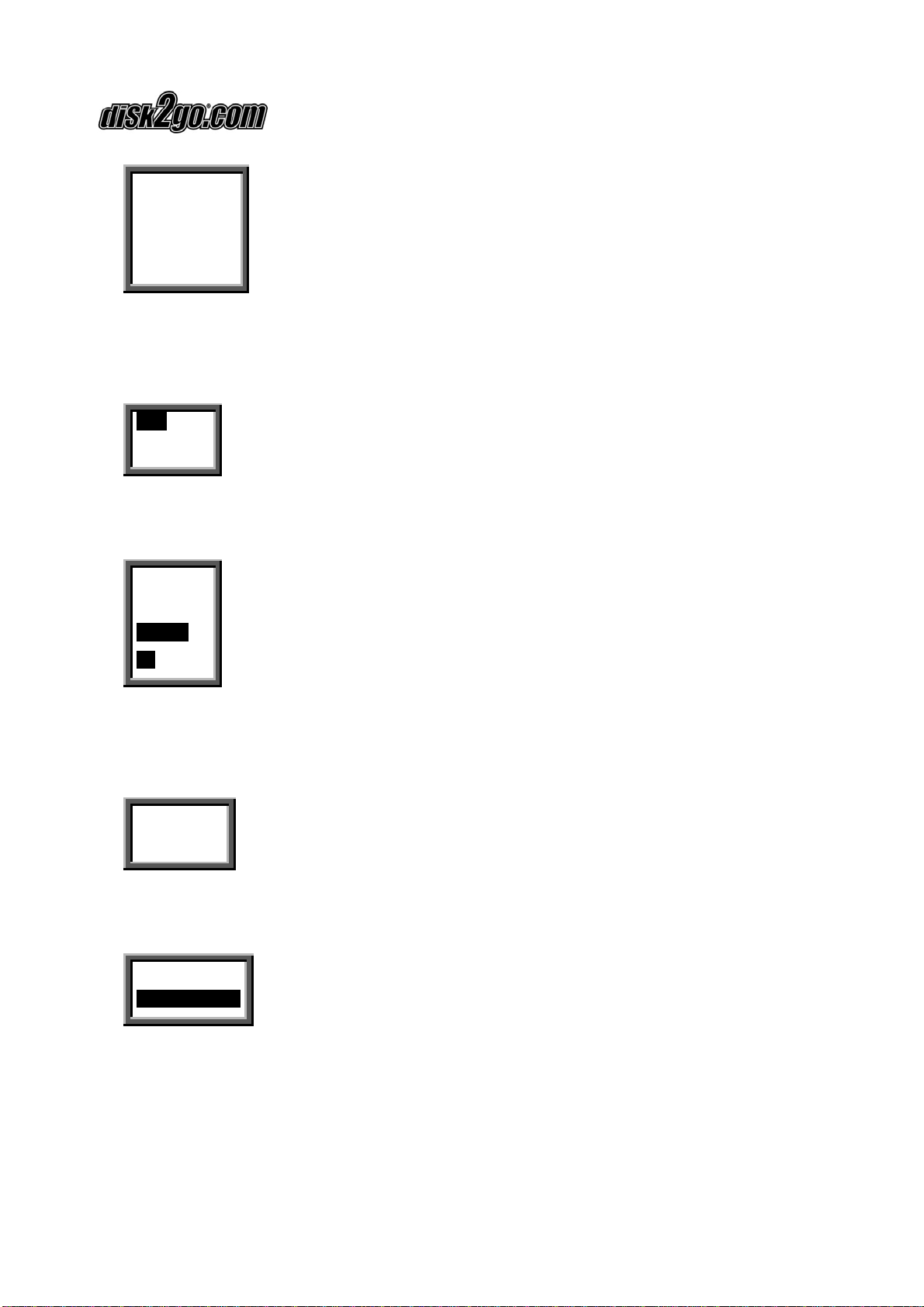
2) When you press Play / Stop button again, the current song will be played as
shown above. The indicator on the top left corner is the playback time indicator.
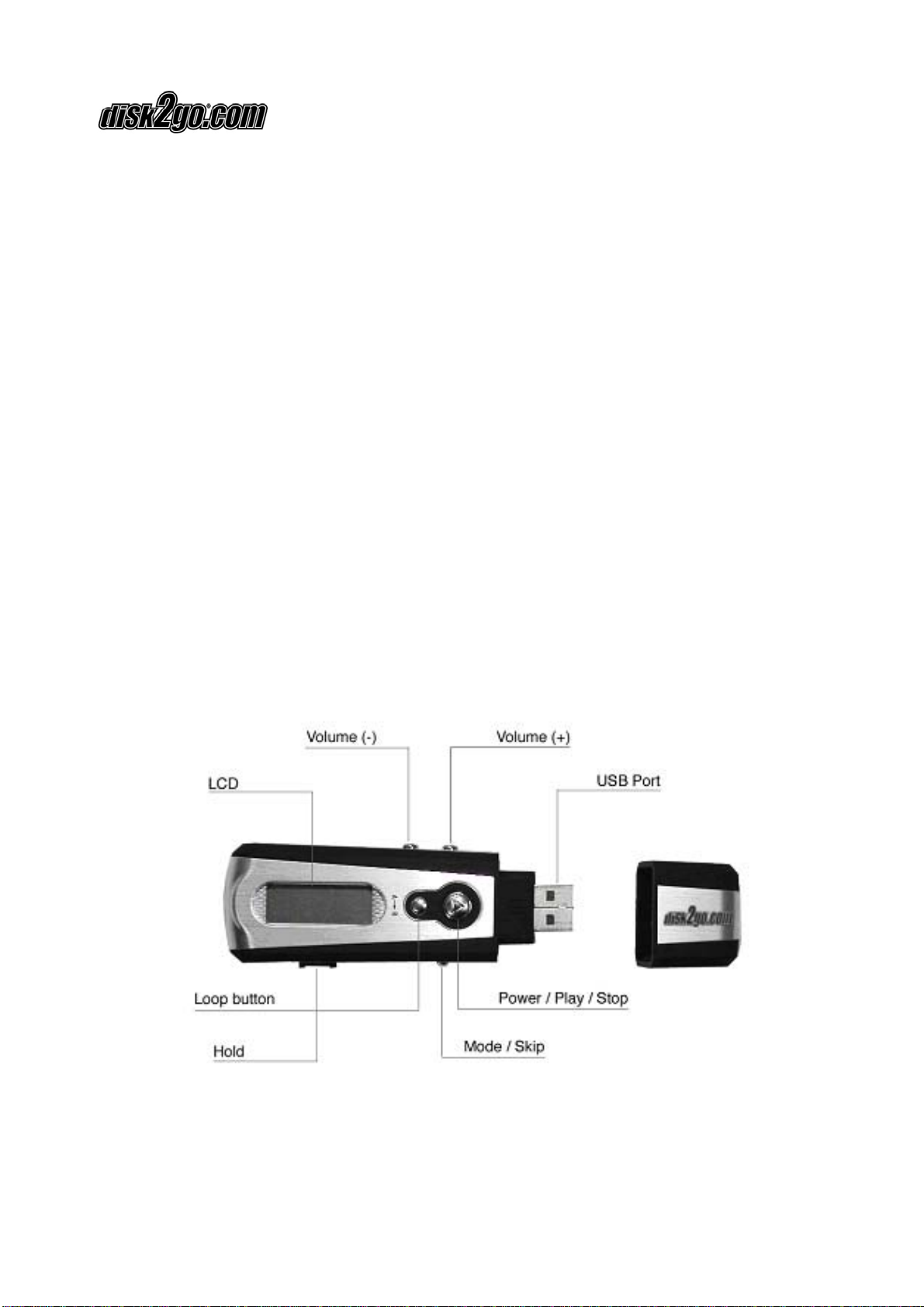
3) To play next or previous song, move the Mode Selector Right or Left to change.
To pause the music press Play / Stop button once.
4) To control the volume, press the volume button to “+” or “–“ button. The volume
will increase or decrease when the + / – button is pressed respectively. There are
thirty two volume steps and the volume level ranges from zero to thirty two.
Vol
|||||||||||||
Note: The battery status indicator may flicker while the songs are played.
2.3. Using Menu while in Play Mode
Press Play / Stop to turn ON the disk2go® Music.
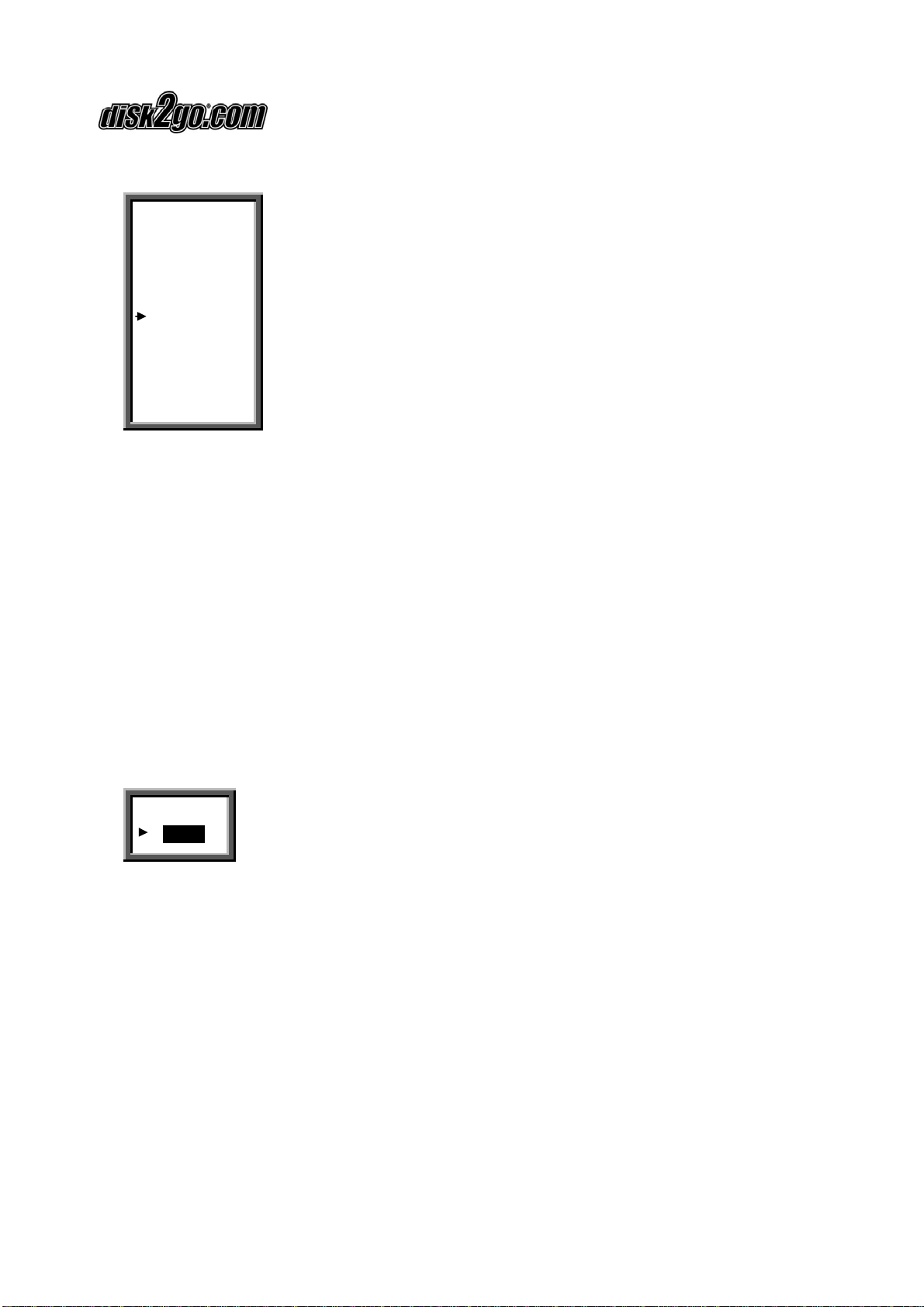
Press the Mode Selector, in the center to see the functions menu while in Play Mode.
REC
EQ
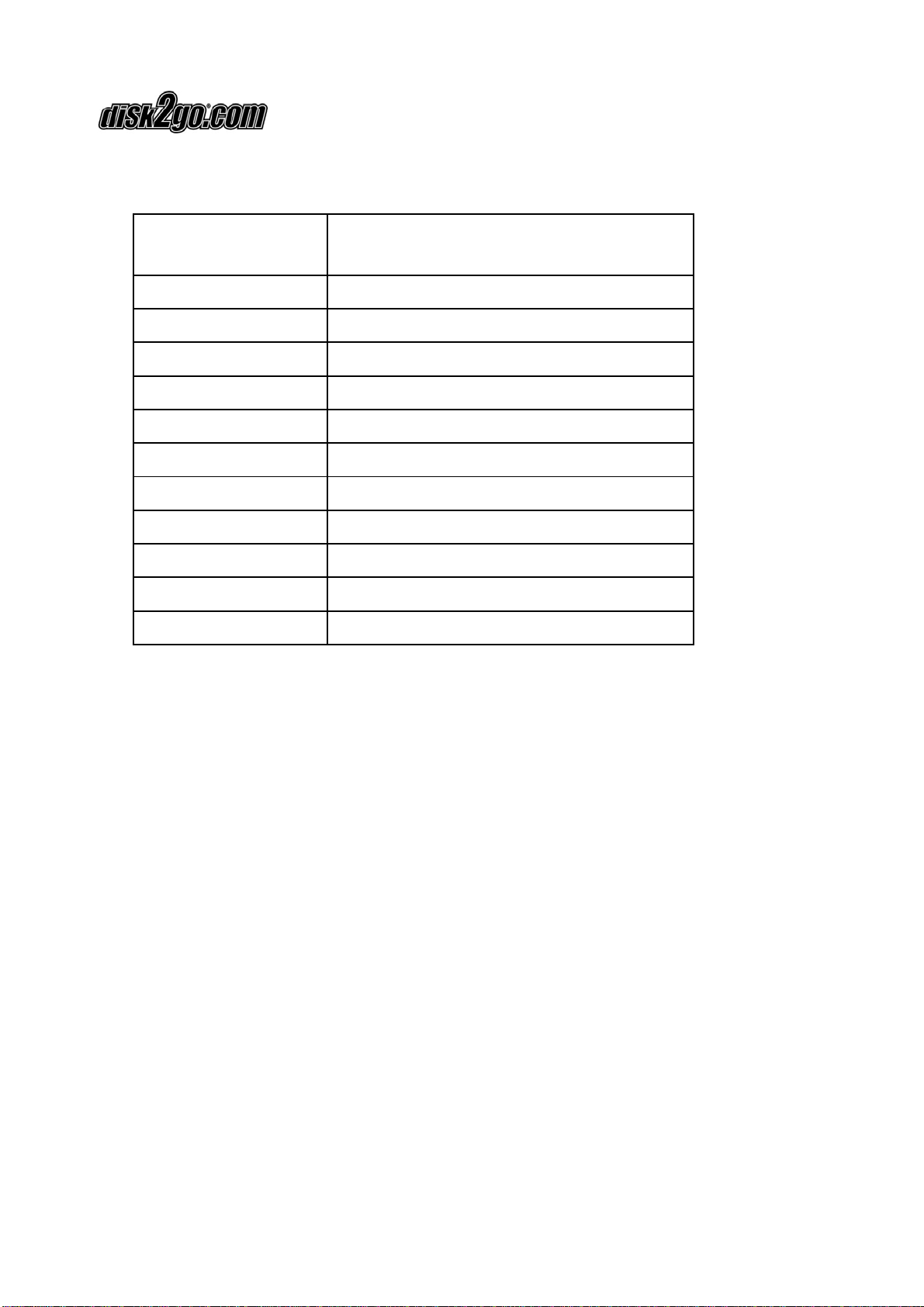
REC Enter into record operation
EQ Equalizer Mode
Repeat Repeat Mode
Back Light Background light
Del File Delete audio files
Memory Info Memory Information
Return Return
To select the option listed above move the Mode Selector left or right and press the
Mode Selector to enter the function.
When you select the “Del File” to delete the file the selected file is deleted.
When you select the Memory Info, the total memory will be displayed. If no button is
pressed, it will return to Play mode after two seconds.