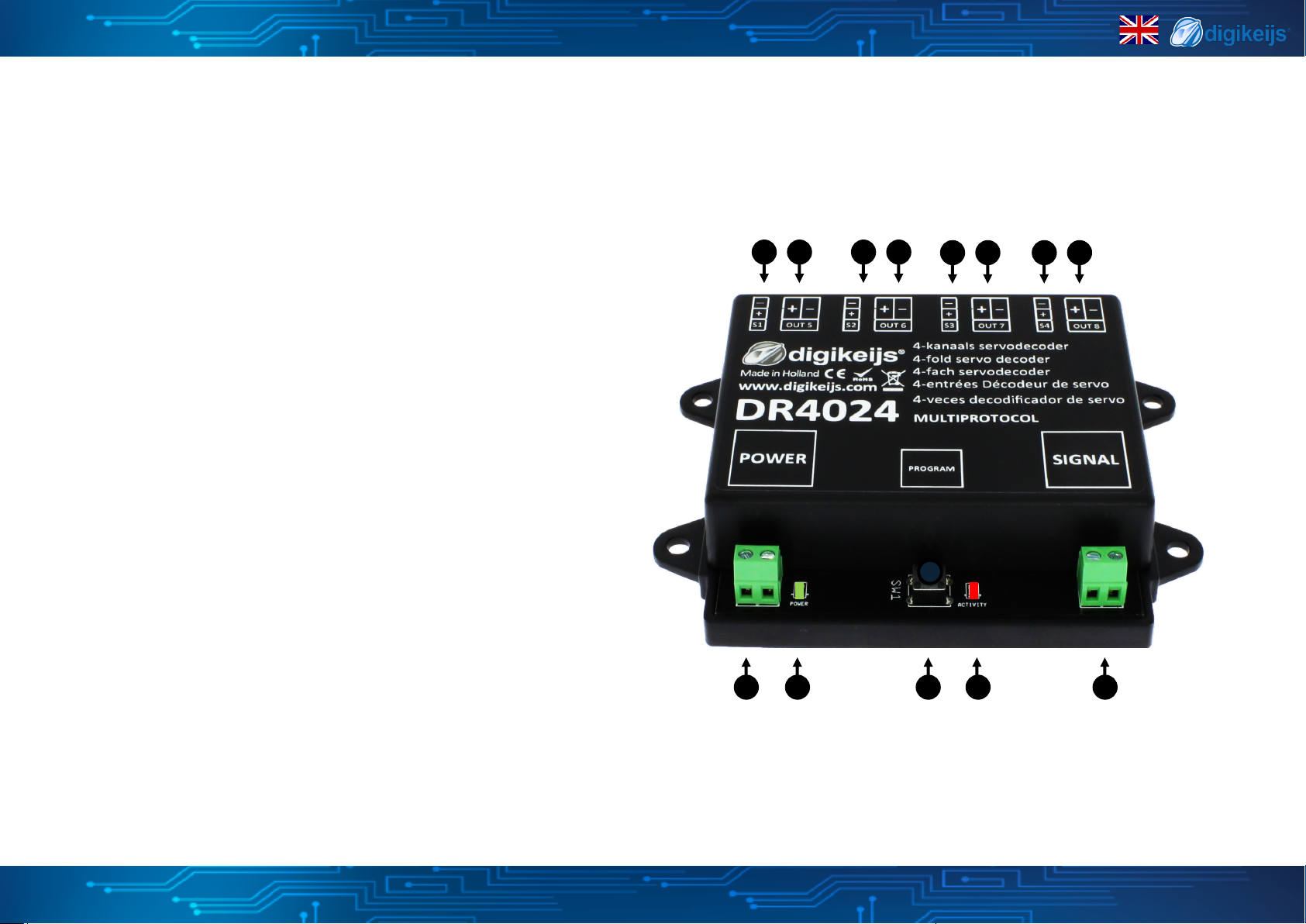
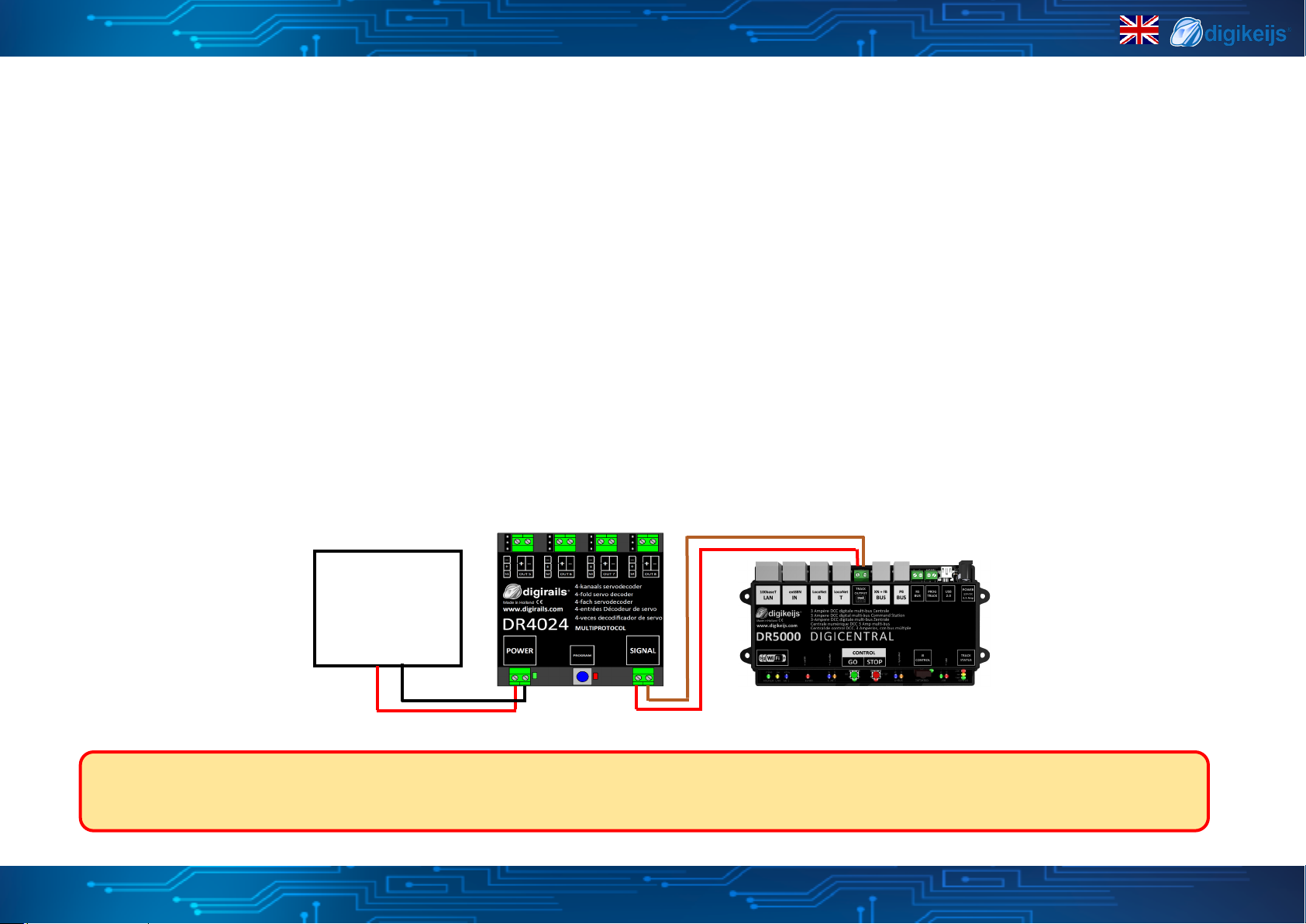
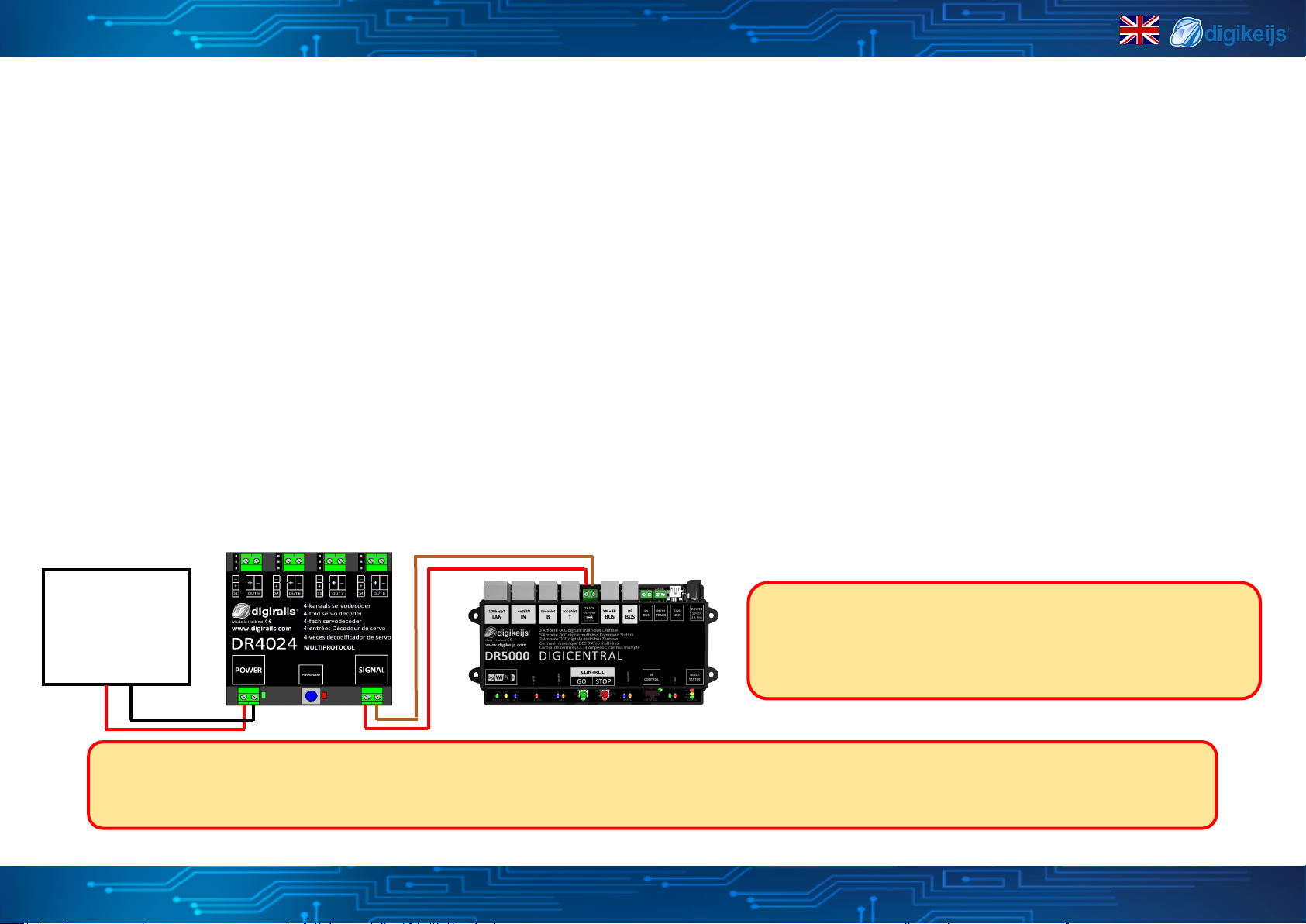
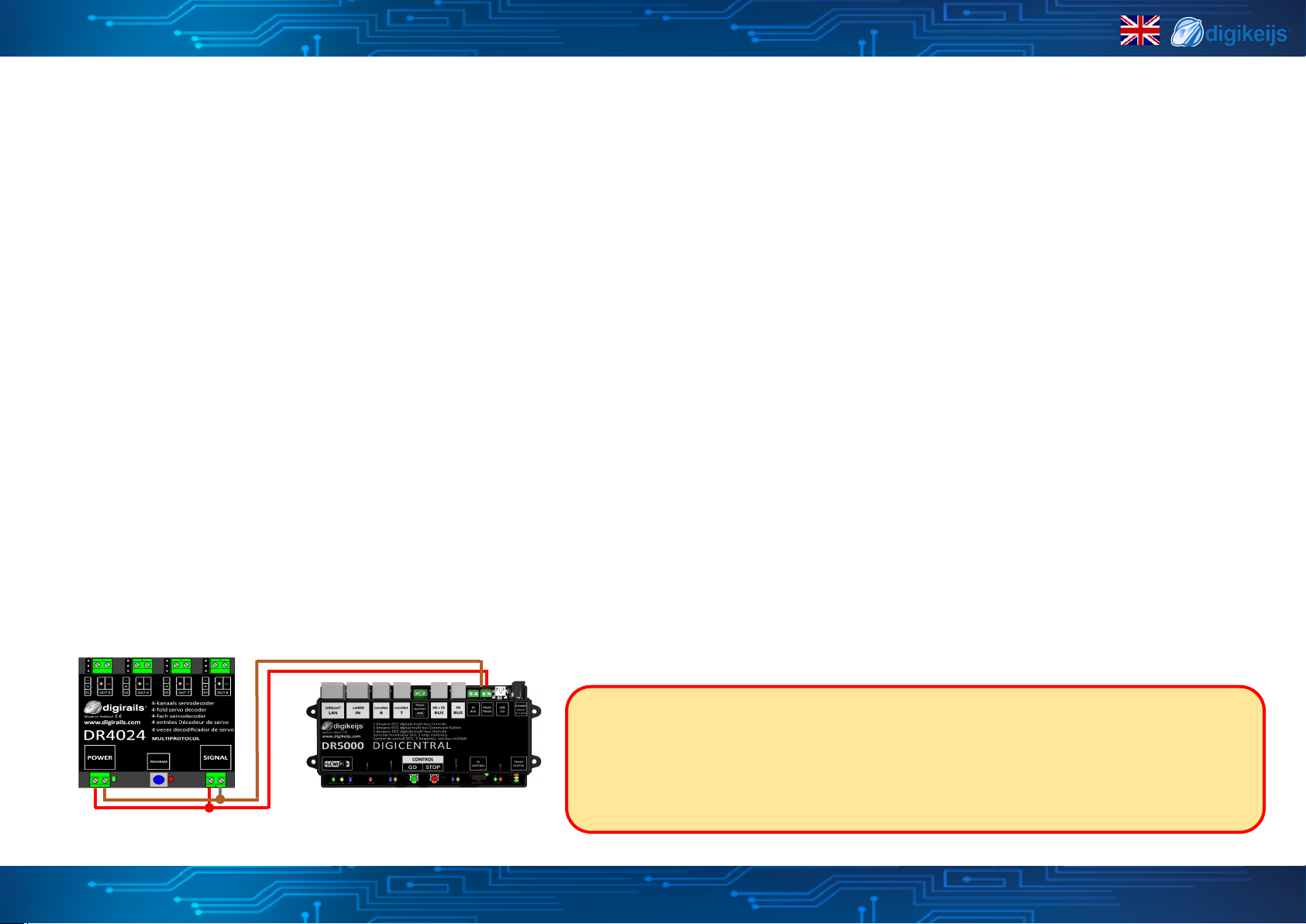
1. Make sure the DR4024 is powered from the decoder's power connector. It is best to use a switching power supply with at least 12V DC output voltage and 2A output power.
The signal connector of the DR4024 must be connected to the main track output of your control panel!
2. A locomove with address 9999 and 128 speed steps DCC must be dened in the central unit, mul mouse, app etc..
This locomove address can be used to control and program the DR4024 like a locomove.
3. Select the locomove with the address 9999 at the central staon, mul mouse, app, etc.
Switch funcon F0 on and o again to acvate the locomove in the control center.
If this procedure is not carried out, some command staons do not recognize that the locomove 9999 has been called. Then it is not possible to carry out the following pro-
gramming!
4. Make sure that the funcons F0 (light), F1, F2, F3 and F4 are switched o on the control panel, App or on the handset control.
Set the speed control knob at the control panel, app or handset to zero speed.
5. Now actuate the servo that you want to set (via the control panel by means of the switch address).
The selected servo will now move to the switched posion.
6. Press the programming buon on the DR4024. The red LED now lights up connuously and indicates that the DR4024 is in "Programming Mode" is located. The servo just
actuated now moves to the neutral posion (centre posion of the servo).
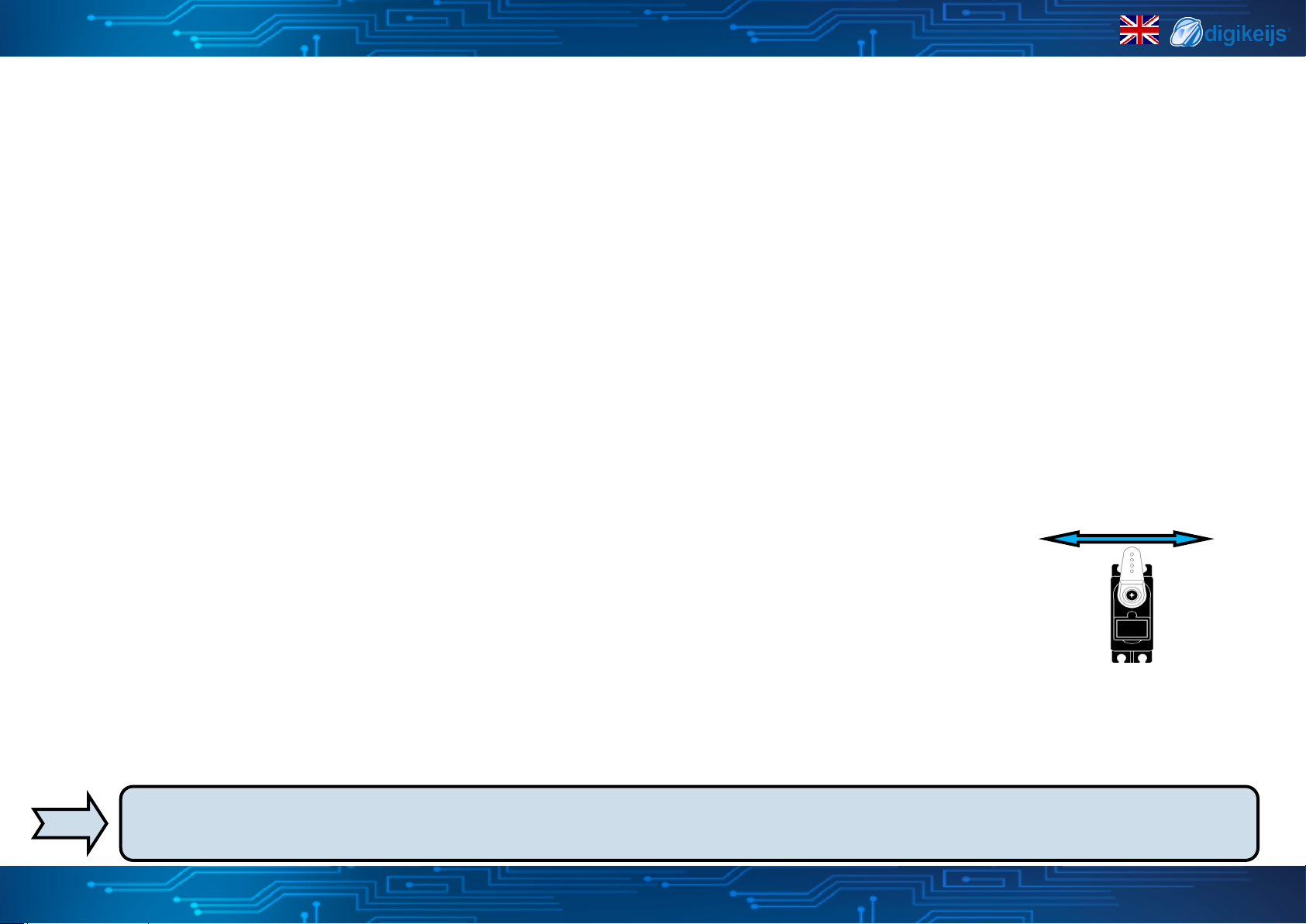
7. Move the speed controller (forwards or backwards) and set the servo to the desired posion A (le posion A).
8. Switch the F1 funcon on the speed controller on and o again to save this posion A in the DR4024.
Important: when saving the posions in the decoder, the red LED goes out briey to indicate that the posion has been saved.
9. Turn the speed controller (forwards or backwards) and set the servo to the desired posion B (right posion B).
10. Switch funcon F2 on the speed controller on and o again to save this posion B in the DR4024.
11. If you only want to change or set posions A and B, proceed to step 16.
12. Turn the speed controller (forwards or backwards) and set the servo to the desired posion C (le posion C).
13. Switch the funcon F3 on the speed controller on and o again to save this posion C in the DR4024.
14. Turn the speed controller (forwards or backwards) and set the servo to the desired posion D (right posion D).
15. Switch the funcon F4 on the speed controller on and o again to save this posion D in the DR4024.
16. Press the programming buon on the DR4024 decoder to exit programming mode.
The red LED now goes out and indicates that the programming mode has been exited.
17. Repeat the above steps for each servo output to adjust.
A
C
B
D
Instead of ending the programming mode with step 16 you can select the next servo by switching F0 on and o (switching the light on and o
again) and connue with step 7 to program the next servo at the decoder.
DR4024 servo decoder
*R-Bus, B-Bus are registered trademarks of Modelleisenbhan GmbH. XpressNet and RS-Bus are registered trademarks of Lenz
www.digikeijs.com 8
3.2 Programming the servo posions A-D