© 2017 Delta-T Devices Ltd Page 6
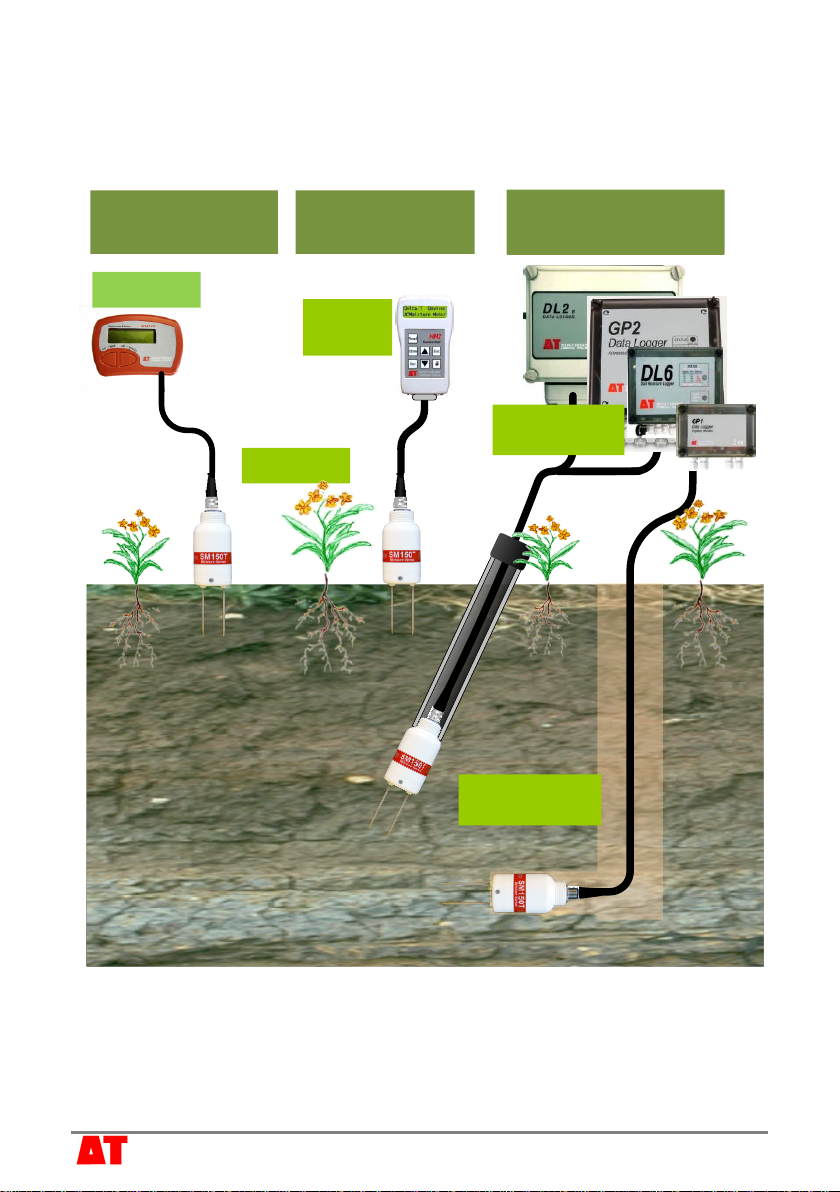
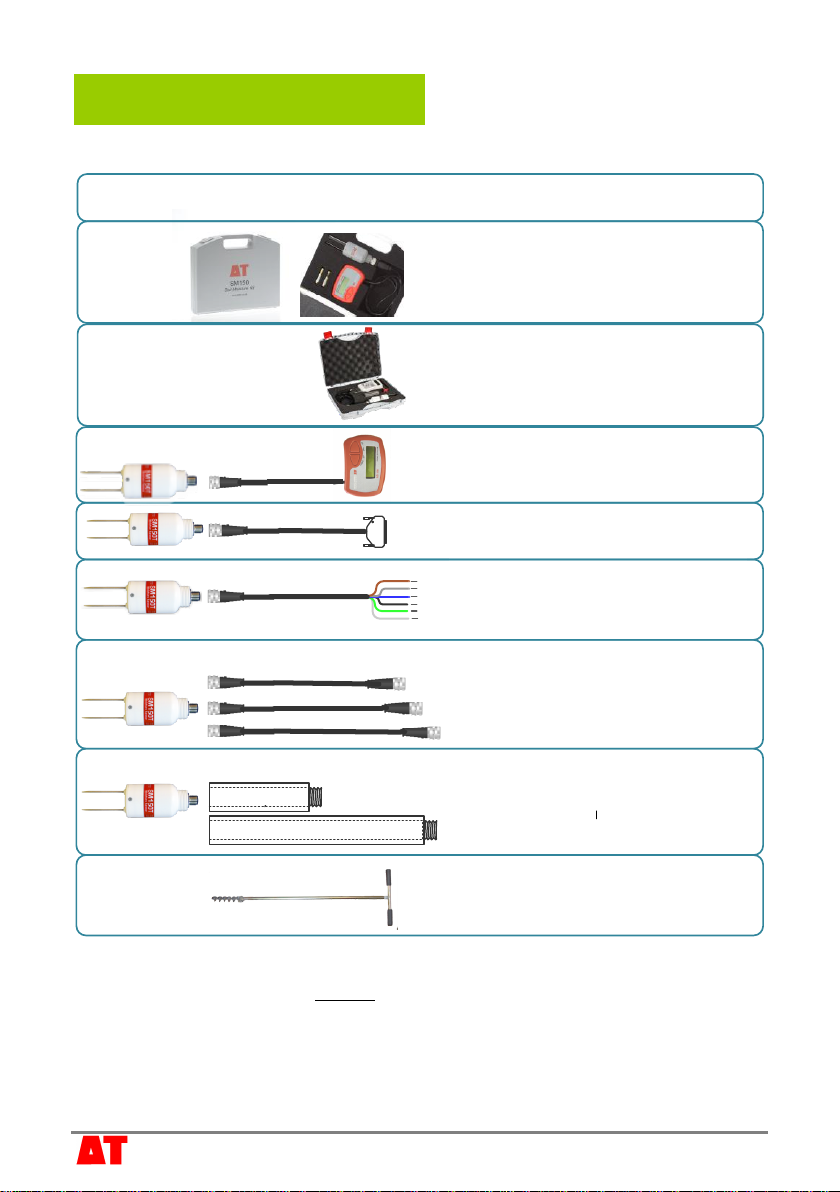
4HH2 Meter
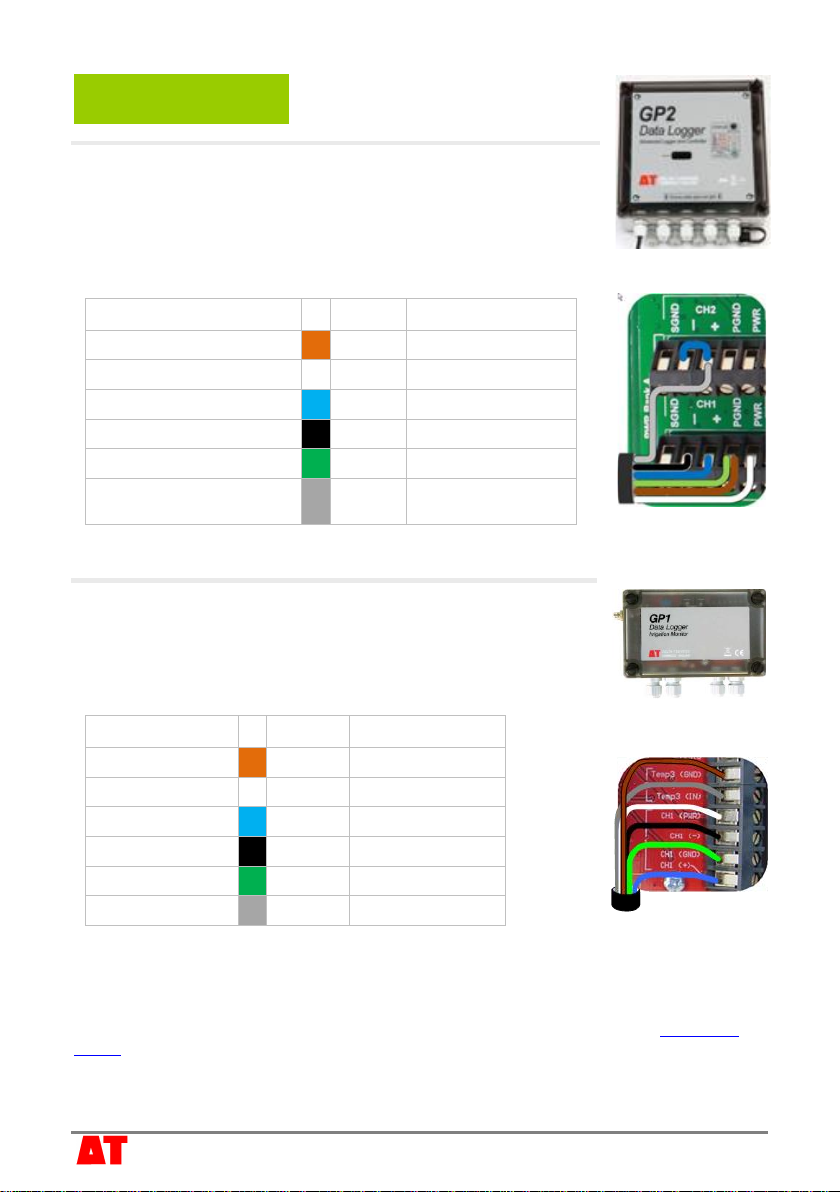
Note the HH2 does not read the temperature sensor.
Use version 2.8 or later of both the PC software HH2Read
and the HH2 firmware (see footnote)
◼Connect the SM150T to the HH2 meter.
◼Press Esc to turn the meter on, and if necessary
press again until the HH2 displays the start-up screen.
◼Set the meter to read from an SM150T:
►Press Set and scroll down to the Device option.
►Press Set again and scroll down to select
SM150T.
►Press Set to confirm this choice.
◼Make sure the HH2 is correctly configured for your
soil type:
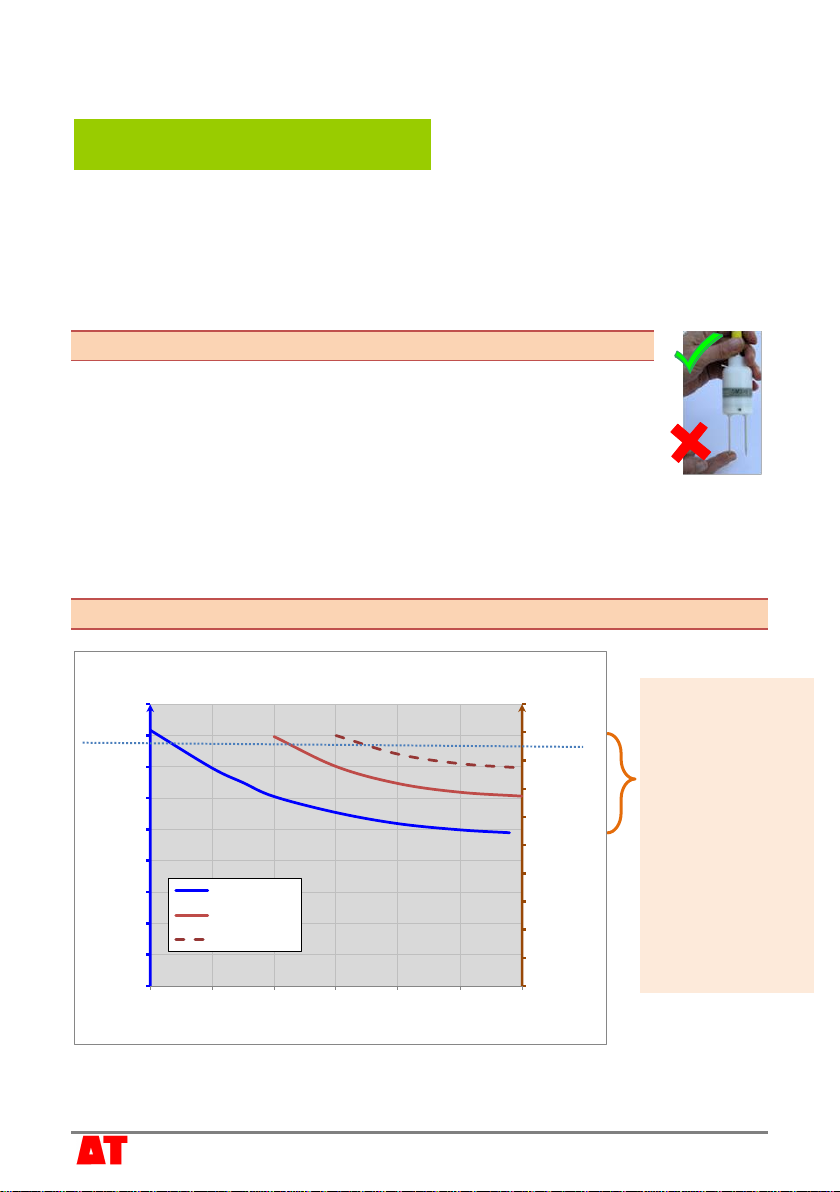
►At the start-up screen, press Set and scroll down to the Soil Type option.
►Press Set again and scroll down to the appropriate soil type (use Mineral for
sand, silt or clay soils or Organic for peaty
soils)
►Press Set to confirm this choice.
◼Choose the units you want for displaying readings:
►At the start-up screen, press Set and scroll down to the Display option.
►Press Set again and scroll down to select units.
►Press Set to confirm this choice.
◼Press Read to take a reading.
◼Press Store to save or Esc to discard the reading.
◼Remove the SM150T from the soil and move to a new location...
◼If you have saved data, connect your HH2 to a PC and
run HH2Read to retrieve the readings.
Note: For an upgrade contact Delta-T.
See also: HH2 User Manual