
DeDietrich DED700X Manuel utilisateur

December 2007 Edition Rev. 00
Service Manual
The manufacturer declines any responsibility or errors or omissions in this document. No part of the product can be reproduced, used
or copied without prior express written consent or unless this is allowed by a contractual clause.
Coffe machine
DE DIETRICH
DED700X

2
CONTENTS OF THE DE DIETRICH MAINTENANCE MANUAL
1. Introduction Rev 00 from page 3 to page 4
1.1 Appropriate documents
1.2 Tools and equipment
1.3 Safety instructions
2. Technical information Rev 00 from page 5 to page 7
2.1 Internal components
2.2 Product technical data
3. Programming diagnostics and tests Rev 00 from page 8 to page 16
3.1 Programming by the user
3.2 Diagnostics mode
3.3 Test Mode
3.4 Checking micro-switches in Test Mode
3.5 Outages displayed on the screen
3.6 Checking micro-switches and sensors
4. Diagrams Rev 00 from page 17 to page 20
4.1 Cabling diagram
4.2 Hydraulics diagram
5. Operating logic Rev 00 from page 21 to page 26
5.1 Hydraulic operating diagram
5.2 The SBS system
5.3 Aqua Prima
5.4 Fitting and removing OETIKER clamps
6. Fitting and removing components Rev 00 from page 27 to page 41
6.1 Removing the upper panel and component support frame
6.2 Removing the coffee grinder
6.3 Removing the grinding wheels
6.4 Removing the coffee grinder motor
6.5 Removing the boilers
6.6 Replacing the geared motor
7. Exploded views Rev 00 from page 42 to page 47
7.1 Exploded views
7.2 List of recommended spare parts (Check the part numbers with the latest exploded view)
8. Problems - Causes - Solutions Rev 00 from page 48 to page 49
8.1 Problems - Causes - Solutions

3
REV.00
CHAPTER 1
INTRODUCTION

4
1.1 Appropriate documents
In order to make repairs the following documents must be available:
Instruction notice specific to the model
Technical documents specific to the model (diagrams, exploded views)
1.2 Tools and equipment
The standard set of tools is needed plus the following special items :
1 special screwdriver with a T09 and T10 tip, Pozi Drive type screwdriver and a number 04 hex key.
1 Digital thermometer measuring range =200°C.
It should be usable for measuring liquids and surface temperatures.
1 pair of Oetiker clamp pliers
1 cutting pliers
1.3 Safety Instructions
It is recommended to read the machine’s instruction notice before carrying out any maintenance. Comply
to current standards for repair of household appliances.
Before beginning repairs on the machine, unplug it first. Turning the main power switch off is not
sufficient to avoid all risks of electrocution.
This appliance belongs to isolation class I. Once the repair has been made test its isolation and dielectric
strength.

5
REV.00
CHAPTER 2
TECHNICAL
INFORMATION

6
2.1 Internal components
7
2.2 Product technical data
Power supply and consumption 230 V~; 50 Hz; 1250 W
120 V; 60 Hz; 1250W
100 V; 60 Hz; 1250 W
Safety devices Coffee boiler 2 175°C safety thermostats – steam boiler 175°C
thermostat and 229°C heat fuse
Temperature control NTC Sensor
Coffee resistor Stainless steel heat exchanger - (1090W), for coffee or hot water.
Steam resistor Aluminium tube heat exchanger - (1000W) for steam production (high
speed steam production)
Pump Ulka vibration pump;
230V; 50 Hz; 48 W
120V; 60 Hz; 41 W
100V; 50/60 Hz; 55 W
Safety relief valve Safety pressure relief valve with compensation valve
Water filter Placed in the water tank
Coffee grinder (grinding wheel) Threaded brass spindle, ceramic grinding wheels
Motor DC 230 V / 120 V / 100 V
Absorption During temperature rise : approx. 4.8 A (230 V);
9 A (120V);
11 A (100V)
Absorption in energy-saving mode
(stand-by) Approx. 20 Watt/h
Main pump pressure 15 bar
Dimensions LxWxH (in mm) 595/325/458
Weight Approx. 16 kg
Coffee holder capacity (beans) Approx. 300 grams
Water tank capacity Approx. 2 litres at the maximum level
Heat exchanger volume Approx. 1.0 cm3(10 ml volume)
Water loading time Approx 10 seconds at start-up.
Temperature rise time Approx. 1.5 minutes.
Steam generation Immediate

8
REV.00
CHAPTER 3
PROGRAMMING
DIAGNOSTICS AND
TESTS

9
3.1 Programming by the user
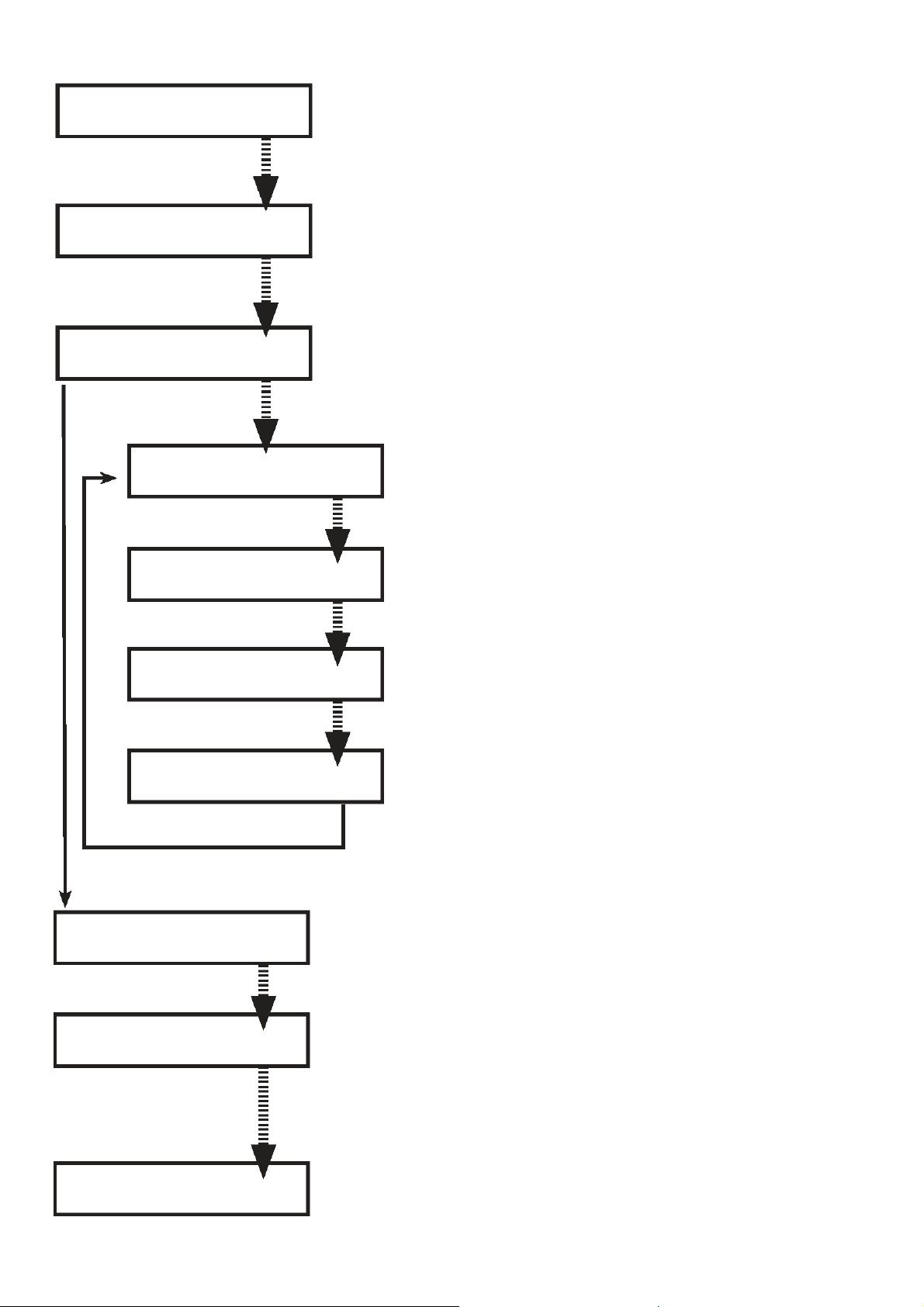
D On the main page press on the MENU key to access the
programming pages
Press the OK key to go to ENERGY SAVING mode and reduce
power consumption. Press OK to restart the machine
The machine automatically eliminates water remaining in the
internal piping immediately after the heating phase so that only
fresh water is used to make the coffee
This function is used to choose the message display language.
This function is used to set the contrast in order to be able to
view the instructions clearly
The hardness of the water used to make the drinks varies from
region to region. This is why the machine should be set to the
correct degree of hardness for the water being used
This function is used to check the water filter (if one is used) by
warning the user when replacement is needed. The
“REINITIALISE” command should be used every time a new filter
is fitted.
This function is used to make warmer or hotter coffee by setting
water temperature (high, medium and low)
This function is used to set the dose of coffee (quantity) to grind
when making an expresso (strong, regular, weak)
This function is used to set the dose of coffee (quantity) to grind
when making a coffee (strong, regular, weak)
This function is used to set the dose of coffee (quantity) to grind
when making a large coffee (strong, regular, weak)
The pre-humidifer process increases the coffee aroma thus giving
the coffee an excellent taste. This function is used to humidify
the coffee before preparing it.
Select product
Machine ready
Energy savings À
Rince
Rince À
Language
Language À
Contrast
Contrast À
Water hardness
Water Hardness À
Water filter
Water filter À
Temperature
Temperature À
Expresso aroma
Expresso aroma À
Coffee aroma
Coffee aroma À
Large coffee aroma
Large coffee aroma À
Pre-humidifier
Pre-humidifier À
Total coffees
10
T
his function is used to display the total number of coffees made
by the machine
This function is used to save energy when the machine is not
used for long periods. This function is pre-set by the
manufacturer and automatically switches the machine to
ENERGY SAVING mode when the set time has passed.
This function that can be switched on and off by the user can be
used to :
- display the time when the machine is in “ENERGY SAVING” or
“SELECT FUNCTION” mode
- to select the machine start and stop times
Set the start and stop times
Set the current time
Set the start and stop times
Set time display
This function is used to carry out a washing cycle for parts used in
coffee distribution
This function is used to reset the default factory settings
Warning ! : custom settings are lost when resetting factory settings.
This function is used to quit the programming functions.
Total coffees À
Timer
Timer À
Clock
Clock À
Washing cycle
Clock À
Clock settings
Clock settings À
Time On/Off
Time On/Off À
Display Time.
Display Time À
Clock
Washing cycle À
Default settings
Default settings À
Quit
Quit
Energy savings
Table des matières
Autres manuels DeDietrich Cafetière


