
dB9PRO VR 1.0 Guide de dépannage
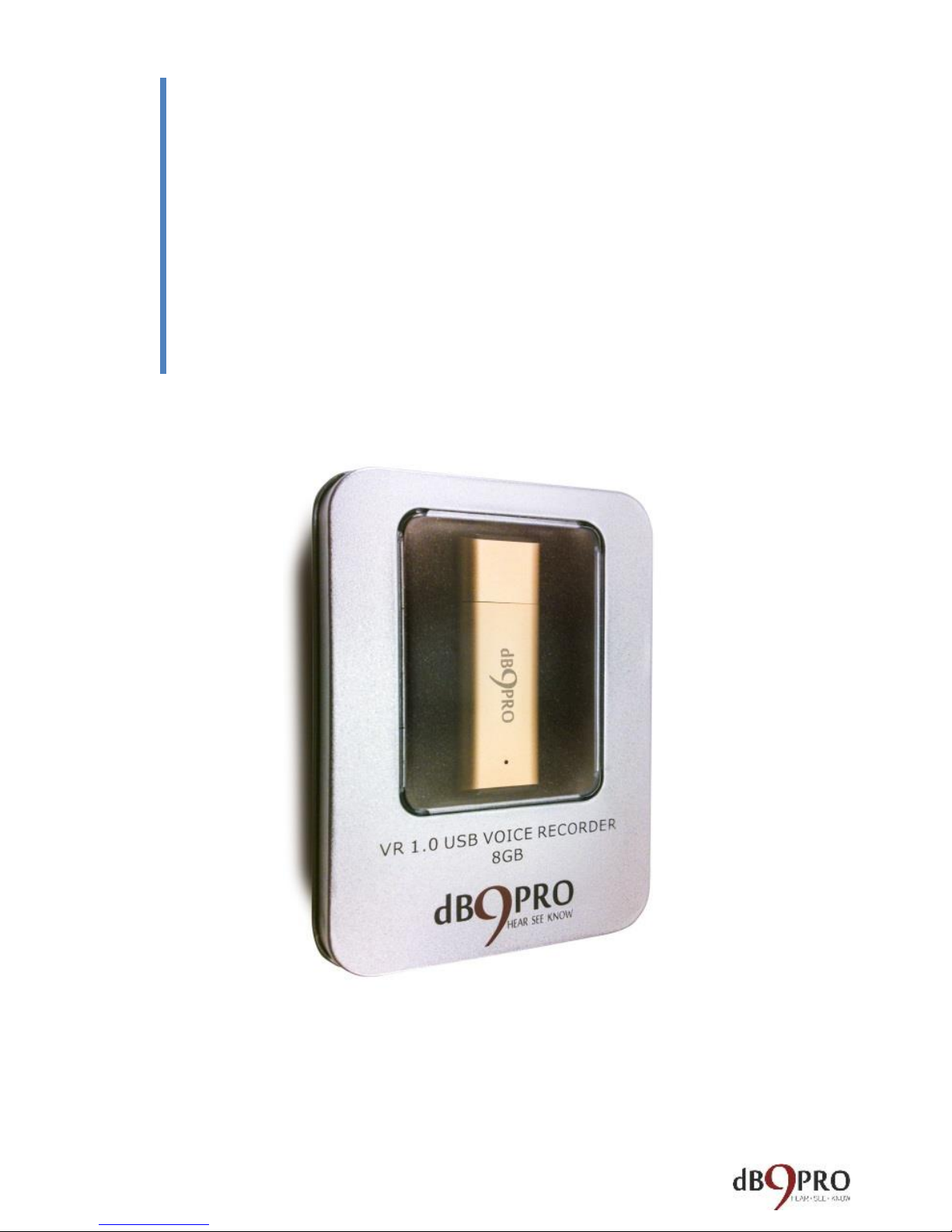
All Rights Reserved. Copyright 2015.
dB9PRO and Arcos Global Ltd.
For dB9PRO Customers
PART 1: QUICK START AND
TROUBLESHOOTING
GUIDE

PART 1: QUICK START AND
TROUBLESHOOTING GUIDE
Congratulations!.............................................................. 5
The Usual Legal Mumbo-Jumbo...................................... 6
How to use the V1........................................................... 8
Enabling Time Stamps On Your Recorder ..................... 10
How to use the V1 on a Windows computer ................ 15
How to use the V1 with a Mac computer ..................... 17
How to use the V1 with a Chromebook ........................ 20
TROUBLE SHOOTING GUIDE.......................................... 21
Q: I have Windows 10 on my computer and I get an
error when I try to play my recorded file.............. 22
Q: My recorder was working fine until recently,
now it doesn’t seem to be recording. What should I
do?......................................................................... 22
Q: I have a MAC and I can’t run the time stamping
utility. .................................................................... 23
Q: I can’t play the recordings on my MAC. What
should I do? ........................................................... 24

Q: I can’t find my recordings on the recorder.
Where are they and what should I do?................. 25
Q: How do I reset the device?............................... 25
Q: I tried resetting the recorder and now my
computer will not recognise the device when I plug
it in. Please help. ................................................... 26
Q: The recorder hasn’t arrived. (Or)...................... 26
The package arrived without the recorder in it. ... 26
Q: I wanted to return the recorder but Amazon says
it is too late to return it because the date is past. It
is not working. What should I do? ........................ 27
Q: I plugged the recorder in and charged it fully for
at least 2 hours. When I tried to record with it, it
only recorded for half an hour and died. According
to your description it was meant to last for at least
10 hours................................................................. 28
Q: I didn’t get my e book as you promised. .......... 30
Q: How long does the battery last?....................... 30
Q: Why doesn’t the recorder start recording
immediately when I switch it on? I notice that the

light glows and blinks a few times and only then I
can record. Why is that? ....................................... 31
Q: How do I know when it is fully charged?.......... 32
Q: What is the working range in feet? .................. 32
Q: Will it work on a Chromebook?........................ 33
Q: How do I delete the recordings? ...................... 34
Q: How do I use the lanyards? .............................. 34
Q: Can it be password protected or encrypted?... 35
Q: How can I know when the battery is low? ....... 35
Q: Can I keep it in my shirt pocket and record with
it while moving around?........................................ 35
Q: How far can it record clearly? What is the range
of this recorder?.................................................... 36
Q: I’ve been using the recorder for a few hours.
When I plugged it in to my computer the blue light
came on. Does this mean it is fully charged?........ 36
Q: Can the recordings be burned to a CD?............ 37
Q: Is this voice activated?...................................... 38

Q: What is the warranty? / How do I get a
replacement if my unit stops working within the
warranty period?................................................... 38
Q: Can I charge it with a phone charger, or USB
charger?................................................................. 39
Q: Is there a playback function on the recorder
itself?..................................................................... 40
Q: What happens if I plug it in to the computer with
the switch on? ....................................................... 40
Q: Can it record while it is charging? .................... 40
Q: Is there an indicator light when recording? If so,
does it eventually turn off? Does it make noise?.. 42
Q: Is this a voice activated recorder?.................... 42
Customer Service Contact............................................. 43
TECHNICAL SPECIFICATIONS ......................................... 44

Congratulations!
Congratulations on your purchase of the dB9PRO
V1 USB Voice Recorder!
If you don’t yet own your very own dB9PRO V1 USB
Voice Recorder, don’t worry –you can get one
here:
While we’re sure that you already know what you
want to use your new gadget for, we thought you
might find this little handbook useful.
Before you proceed, please don’t forget to register
your product for your 1 year warranty at our
website: db9pro dot com.
Please let us know how you like our product and
how you’re using it. We’re always looking for new
ideas.
If you want to get in touch with us, here is how:
customer at db9pro dot com.

The Usual Legal Mumbo-Jumbo
It’s boring stuff, but it’s necessary. And we wanted
to get it out of the way before diving in to the more
‘interesting’ bits.
Disclaimer:
This e-book may not be reproduced or transmitted in any
form without the written permission of the publisher.
Every effort has been made to make this guide as
complete and accurate as possible.
The purpose of this e-book is to educate and should be
used as a guide. The author and publisher do not
warrant that the information contained in this e-book is
fully complete and shall not be responsible for any errors
or omissions. The author and publisher shall have neither
liability nor responsibility to any person or entity with
respect to any loss or damage caused or alleged to be
caused directly or indirectly by this e-book. Before you
begin, check with the appropriate authorities to insure
compliance with all laws and regulations.
dB9PRO does not intend for you to use the V1 USB Voice
Recorder without the necessary permission(s) needed for
recording any situation. You may be in breach of the law

if you intend to use your recording as evidence to a third
party without the permission of the person you are
recording. It is the user’s responsibility to do all research
regarding your personal situation and application before
using the product, please check and consult your local
laws. Neither dB9PRO nor Arcos Global Ltd. can be held
liable for any loss or damage of whatever nature (direct,
indirect, consequential, or other) which may arise as a
result of a person’s use of (or inability to use) our
products or this e-book, or from use of (or failure to use)
the information in this e-book.
Right!
Now that we got that out of the way, let’s get on
with it, shall we?

How to use the V1
The V1 is pretty simple to use right out of the box,
but it always helps to spell things out clearly, right?
If you follow these instructions closely, you should
be up and running within a few minutes.
Well, here goes:
The V1 looks like a regular USB flash drive, and it
does have that functionality too.
It also has a Lithium Ion battery which powers it as
a voice recorder in recording mode.
IMPORTANT:
While charging the device (plugged into a
USB port), please make sure the switch is
OFF.

Before you use the device, please charge it by
removing the cap and plugging it into a USB source.
It typically finishes charging within 75-90 minutes.
On one end of the V1, there is a switch you can turn
on to put it in “recording mode” for voice recording.
When you switch the recording mode to OFF, it can
be only used as a flash drive.
Table des matières
Autres manuels dB9PRO Enregistreur vocal


