3 Electrical part Operation
3.1 Check the amount of the coins received
With standby ,the screen will
displaying approximately 3 seconds the
number of coins by press button “M”, then
shut automatically, attention: it is useful of
setting above in standby, it isn’t useful in
time counting down as coin operated.
3.2 Time setting
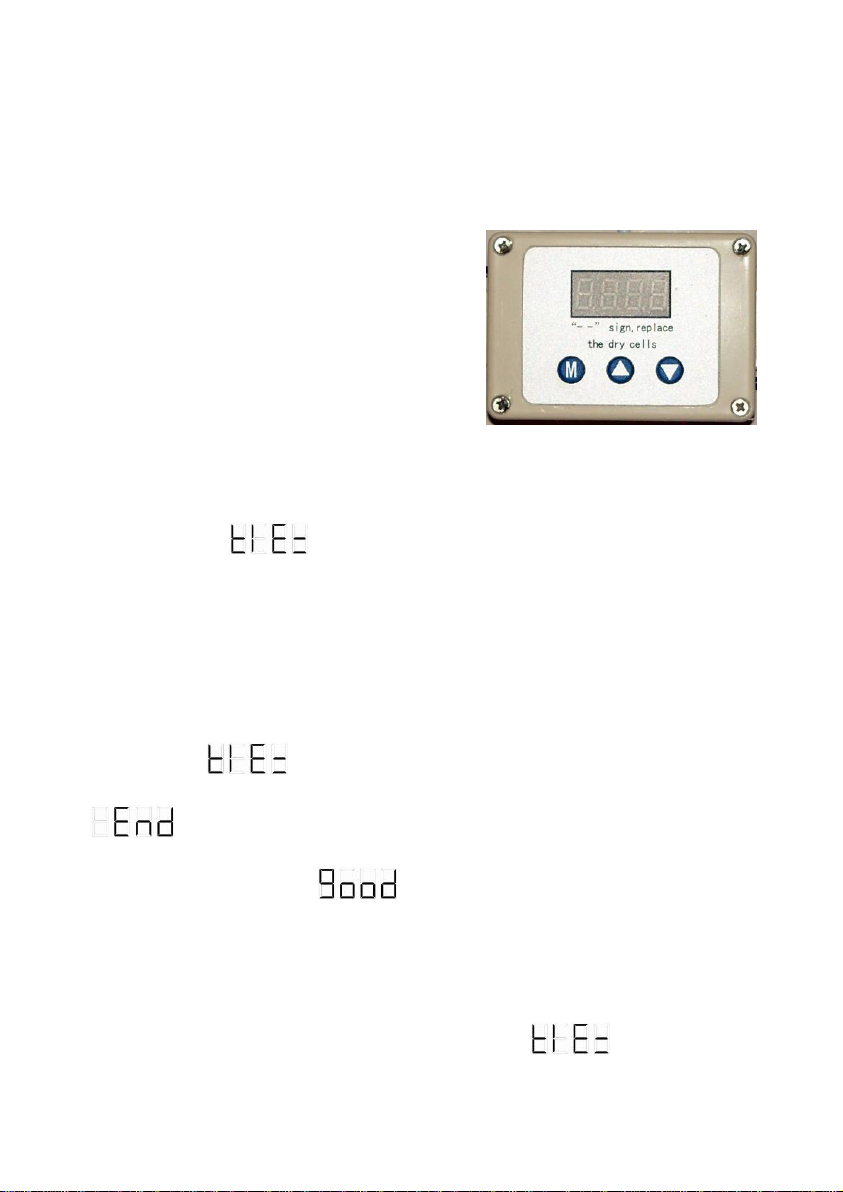
Please keep pressing “M”to check the number of operated coins in
standby situation, the system manual be in time setting after 3 seconds and the
screen displays (time),then press button “M”again to confirm the
system is being in time setting,it displays the current time setting data. press
“▲”(to increase time data)or press “▼”(to reduce time data)( with increase/
reduce every 5 seconds per press). To make the rapidly increase or reduce on
time data, keeping press “▲” or “▼” button to get you want and then press
“M”again for confirmation,the system esc back to the time setting manual
and displays , press “▲” esc back to the return manual and displays
and press “M”to make a confirmation, then the time setting is
successes with displaying the system is standby.
3.3 The coin clear operation
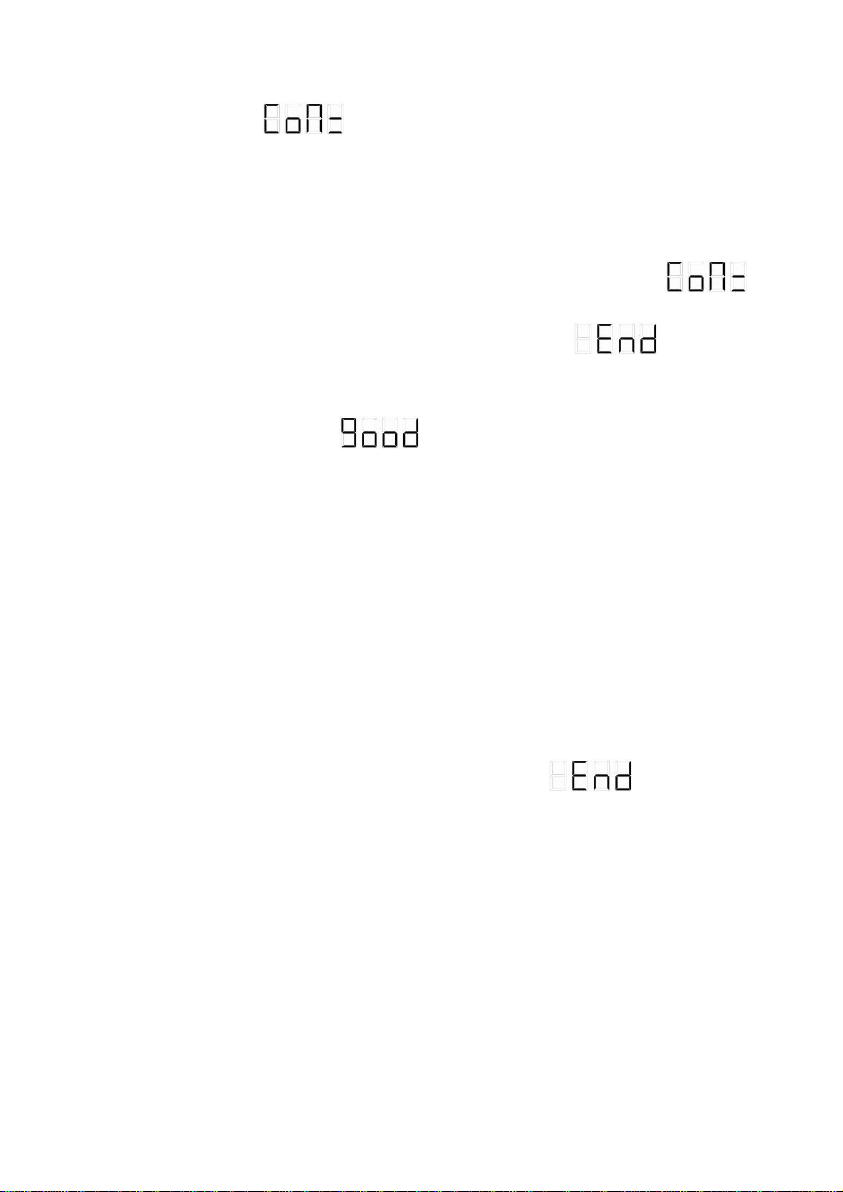
Keep pressing the button “M”in standby situation, it will displays the
total number of operated coins, the system manual will be in time setting
after 3 seconds and the screen will displays (time), press