7| WIRETAG AND SYNCHRONIZED AUDIO WITH WATCHOUT
4… WIRETAG AND SYNCHRONIZED AUDIO WITH WATCHOUT
The WIRETAG communicates with WATCHOUT and delivers time code, via infrared, to
a PICKUP audio guide to ensure audio content is synchronized to the WATCHOUT show.
When a user points a PICKUP towards a WIRETAG and pushes the button, WIRETAG will
transmit its identity number, so that PICKUP can start playing the correct audio track, as well
as time code to jump to the correct time point in the audio le. In addition to this, WIRETAG
emits the time code approximately once every second. If a PICKUP does not receive any
additional time code after for the rst transmission, it will still be in lip sync for at least 10
minutes. Any additional time codes seen by PICKUP will adjust the internal clock, providing
lip sync for any amount of time.
4.1 INSTALLING THE WIRETAG DRIVER
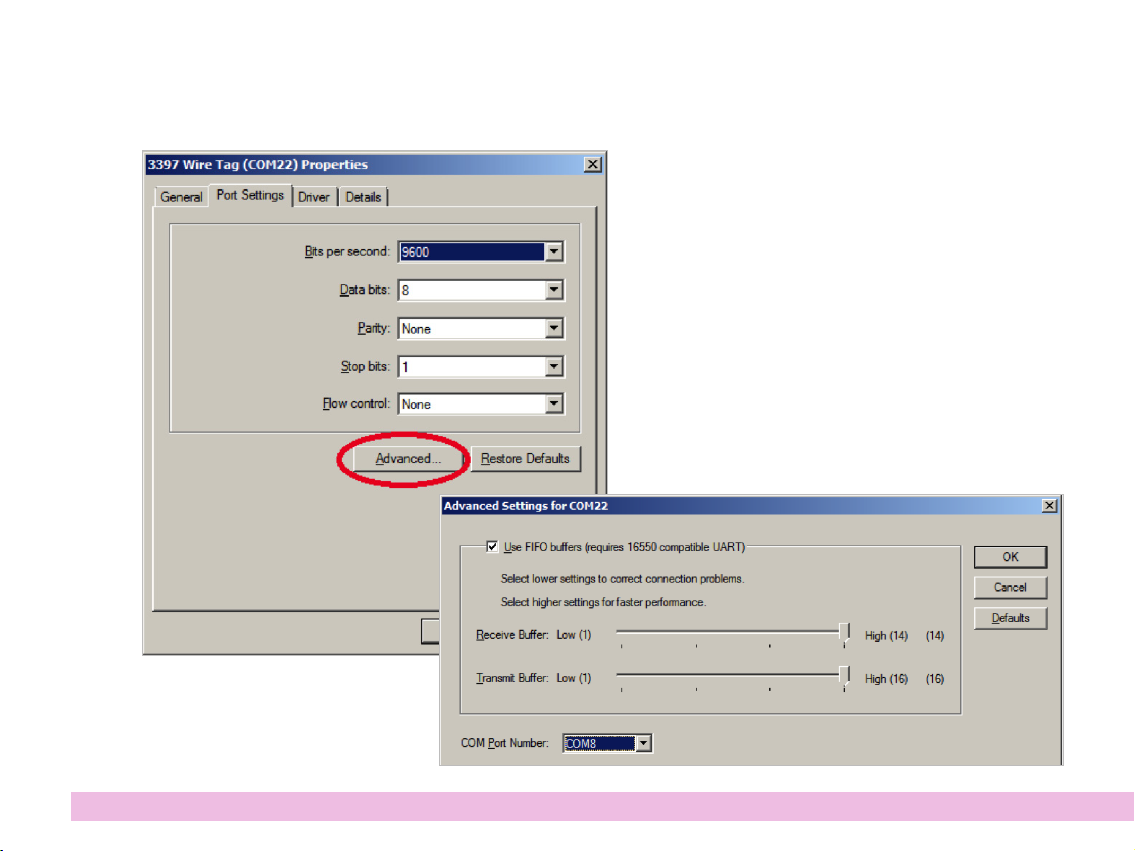
When the driver is installed, WIRETAG will appear as a serial port in Windows.
4.1.1. WATCH PA X
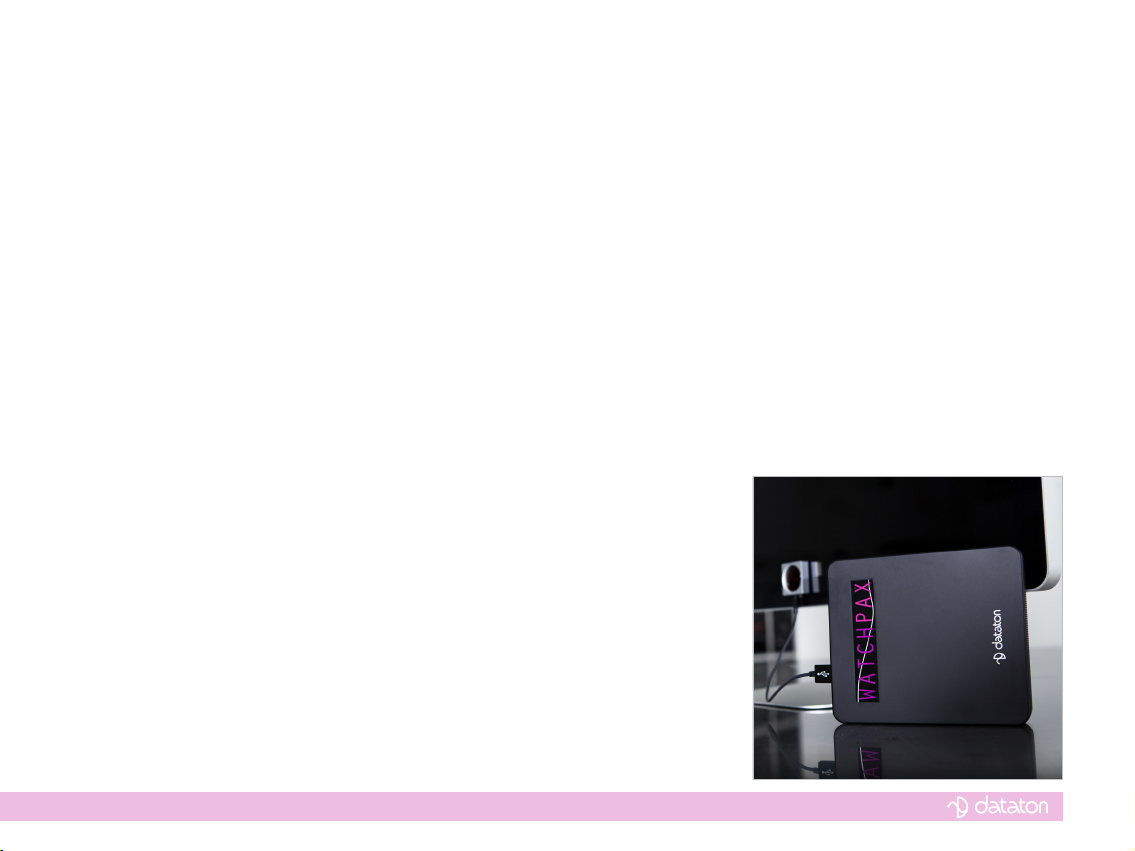
In WATCHPAX, the driver is already installed and the WIRETAG will appear as ‘COM3’.
Additional WIRETAG connected to a WATCHPAX will be named ‘COM4’, ‘COM5’ etc.
4.1.2. OTHER COMPUTERS RUNNING WINDOWS 7 OR EARLIER
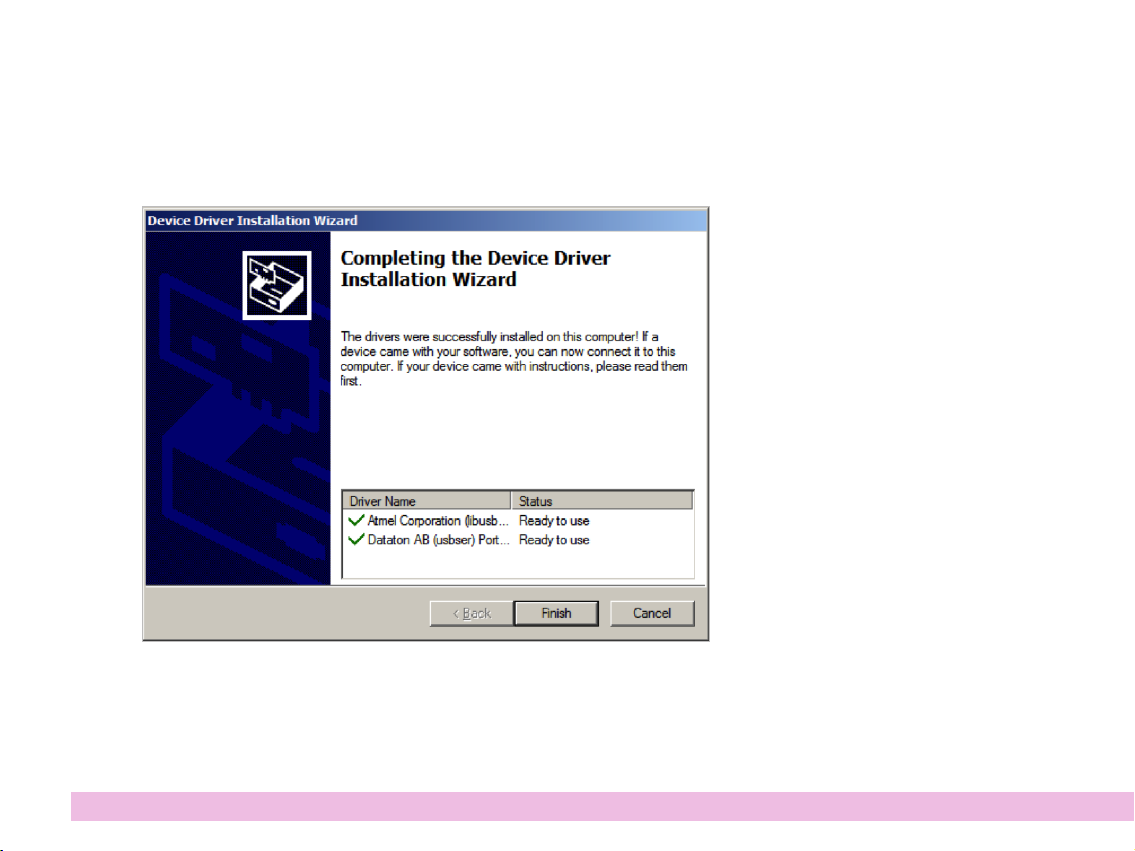
If you want to use WIRETAG with computers other than WATCHPAX, rst install the WIRE-
TAG driver. This should be done without having the WIRETAG connected. To install the
driver, download the WIRETAG software package from www.dataton.com. Unzip the le
onto a local hard drive and open the Drivers folder. If running 32-bit Windows, run dpinst-
x86.exe. If using 64-bit Windows, run dpinst-x64.exe. In both cases, simply double-click the
le to run it.