5
028391 •Version 1.2 • 29-08-2013
How to replace the inrush DC filter in RBS5000, continued
Procedure, remove
the filter, continued
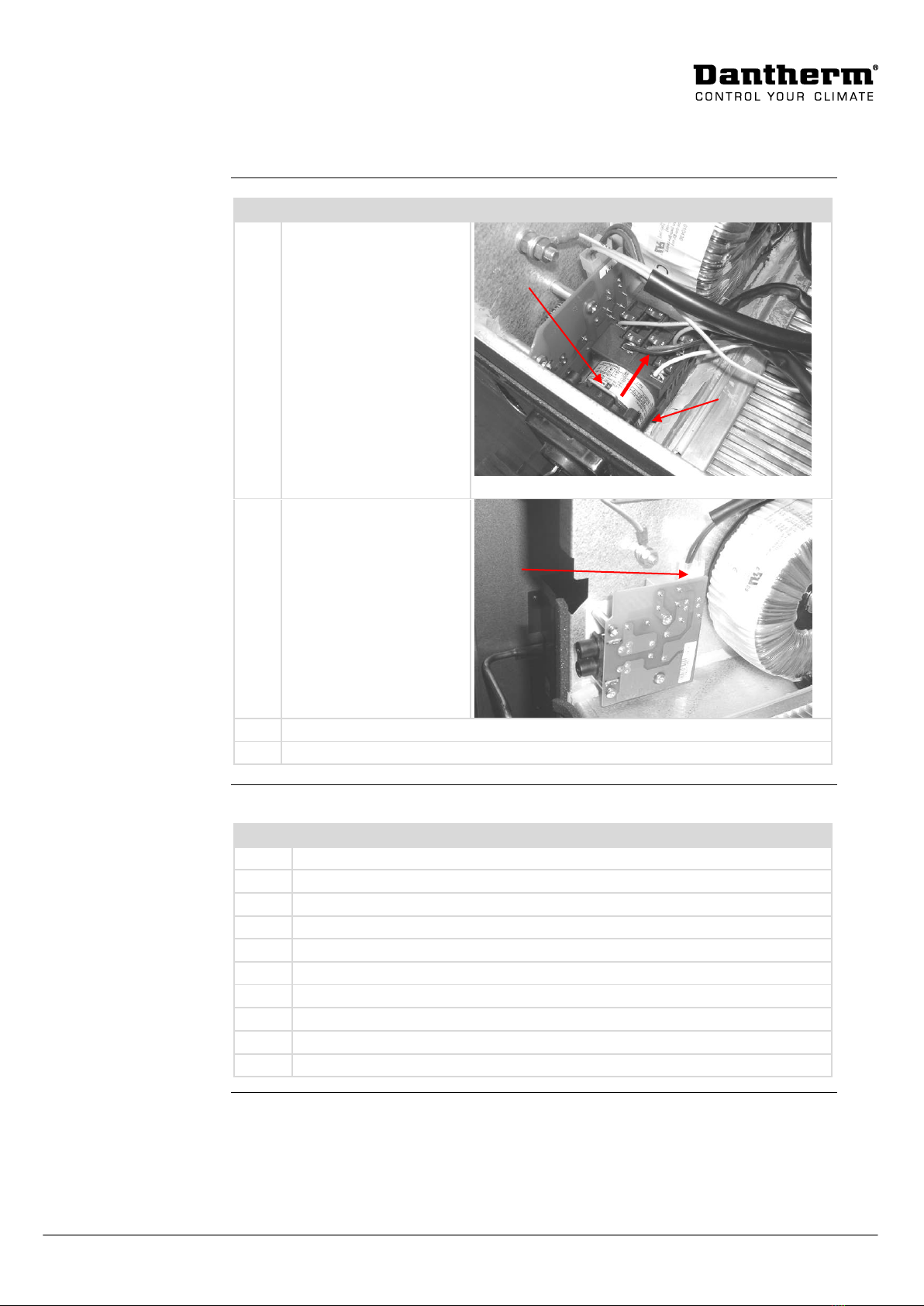
Remove the voltage selec-
tor by following these
steps:
Pull up the mounting
guard
Pull back the voltage
selector and leave it in
the unit
Unscrew the nut on
the backside of the
voltage selector front
panel and remove it.
Remove the wires to the
inrush DC filter
2 red/2 blue wires in 2
plugs
Dismount the inrush DC filter by unscrewing the 4 torx 20 screws
Replace the old inrush DC filter by following the procedure in the following block
Procedure, replace
the filter
Follow this procedure to put in a new DC filter:
Remove the old (if any) insulation plate
Mount the insulation plate behind the inrush DC filter
Mount the filter with the 4 Torx 20 screws
Mount the cables to the filter + to red and –to blue
Mount the voltage selector front cover with the mounting nut
Press the voltage selector body back on voltage selector
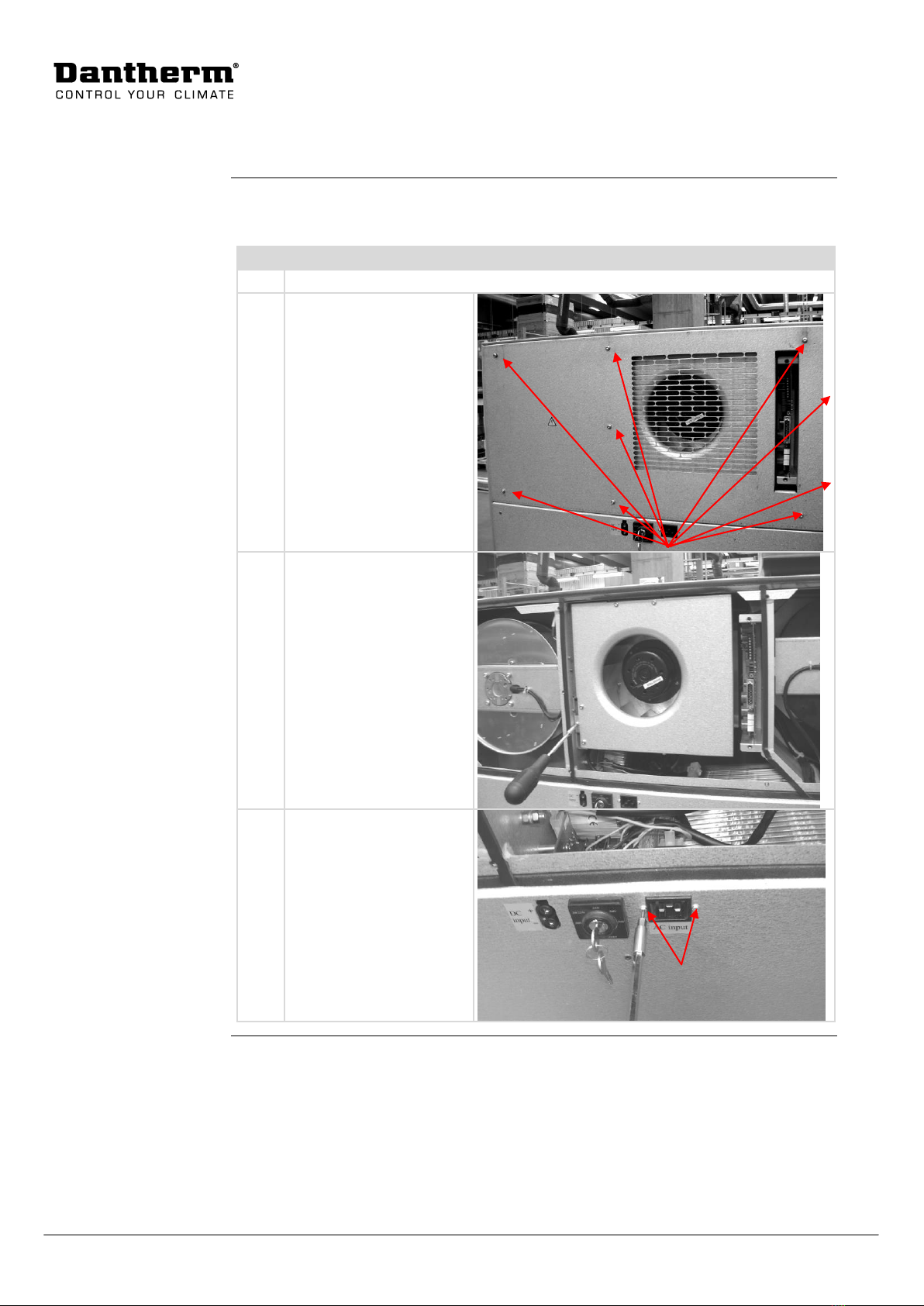
Mount the appliance inlet with the 2 torx 10 screws and nuts
Mount the internal fan with 1 torx 25 screw
Mount the unit front cover 9 torx 25 screws
Power up the unit and test it with the test button on the control board