10 Subject to technical changes © CTA 10/2016 www.cta.ch
3.1 Control unit and keys
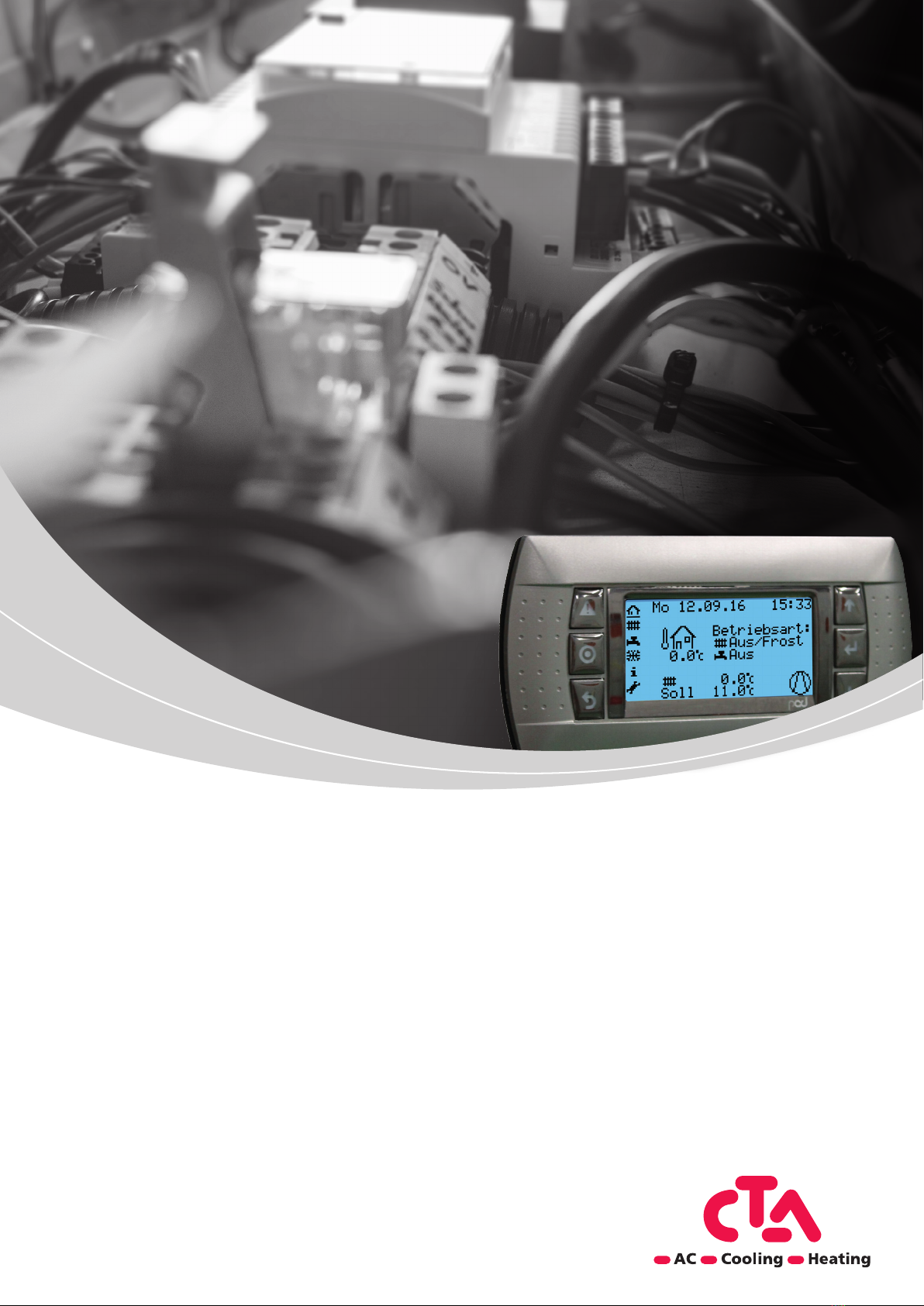
CTA controller with following features
• Display lights up, for status and function display
• Presetting standard program, setpoint, date, time
• Automatic switching between summer / winter time
• Preset standard time program for heating and domestic hot water preparation
• Complete controlling and monitoring of theheat pump including domestic hot water in one device
• Info page for quick request of themost important temperature and system states
• Integrated operating hours counter
• Thermal disinfection of domestic hot water (legionella mode)
• Probe protection function
• Emergency operation and frost protection function
• Configuration menu for all established hydraulic controls
• Guided commissioning assistance
• Browser-based configuration tool
• Continuous recording (data log) of the most important operating parameters for service and maintenance, as
well as operation analysis
Legend for abbreviations:
HP Heat pump BC Basic configuration
EW Electric utility Eco Protection functions activated
HC Heating circuit DHW Domestic hot water
CC Cooling circuit
Display
Alarm key – Flashes when alarm is activated. Press in order to access the alarm description and to
RESET thealarms.
Program key Start screen – Returns to thestart screen from any level.
(Key pressed for 3 seconds: Basic settings / Password entry)
Esc / Back – Cancel entries as well as back to the previous level.
Arrow Up – Scroll back as well as increase values.
Enter / Confirm – Selection of parameters, confirming entries as well as calling up levels previously se-
lected using thearrow keys.
Arrow Down – Scroll forwards as well as reduce values.
3 Basic information on operation