LogiTouch Installation & Setup Instructions, Ver. 2008
Pg. 4
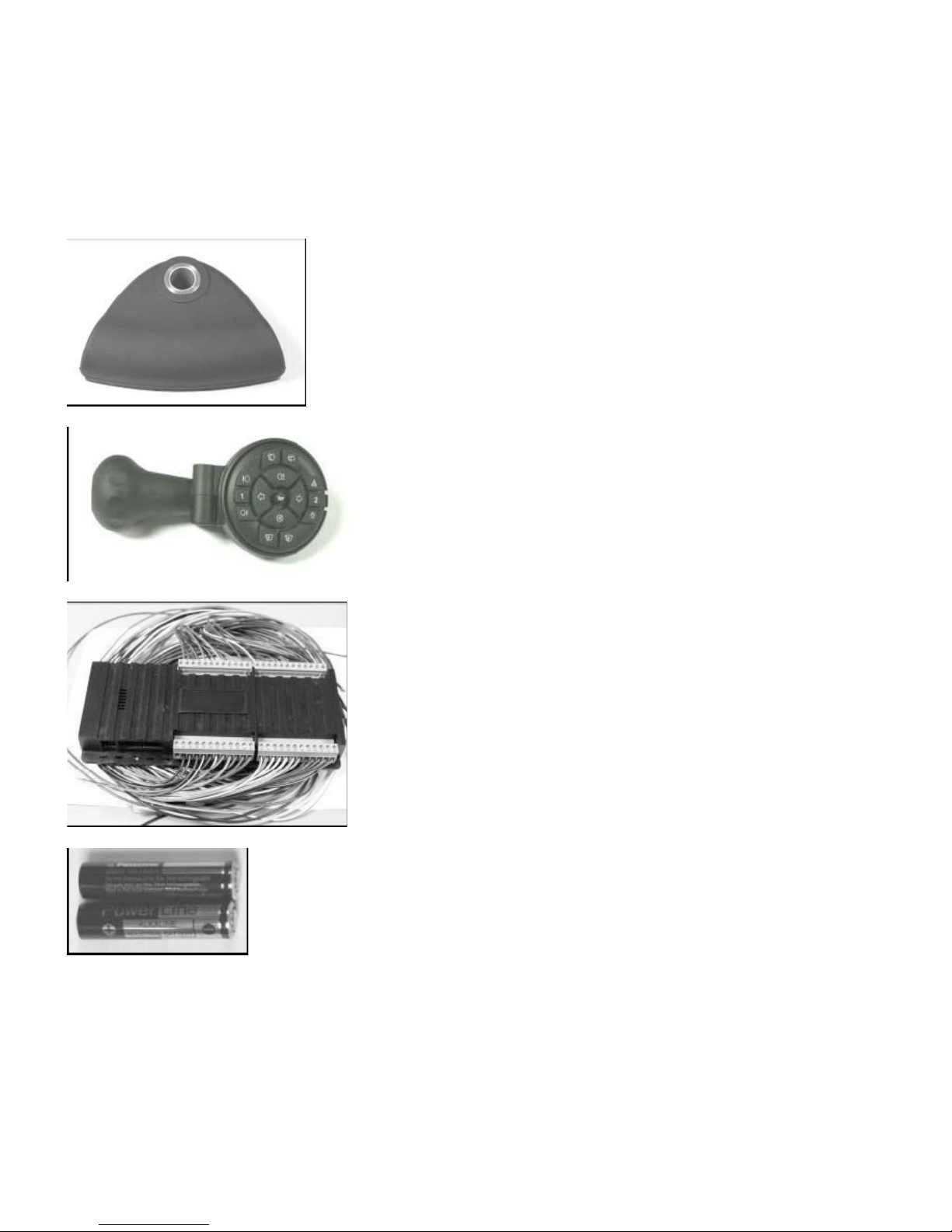
Decoder relay box:
Overview:
The decoder has a built in transceiver which communicates with the transmitter. It is designed so any set up procedures can be carried out without
any extra equipment, with the transmitter acting as a control interface to change any settings. It is designed to directly drive any of the usual
secondary controls on a car (turns, lights etc) with a minimum of extra components. Note the decoder will sound 3 beeps as a power up indicator.
Decoder Relay Specifications:
Relay contacts voltage: 30V (so it will operate 24v vehicles)
NO contacts: 30A continuous
NC contacts: 20A continuous
Cables (all): 16A (see 2, 3)
Range: 20 yards (open air)
Maximum supply current: 2A (see 1, internal power for unit only)
Maximum supply Voltage: 15V (see 1)
Standby Current: Minimal
1. Total maximum applied to decoder Orange (constant +12v) and Red (switched +12v) with black as 0v for internal electronics
2. Continuous in free air at room temperature, if in a bundle capacity will be reduced. Higher ambient temperature will reduce this too.
3. In practice these cables will directly carry all standard production vehicles headlights, wiper, washer, etc. current. The cables are thicker than
those often used in cars.
Decoder relay box installation, setup & wiring:
Location: Find a suitable location for the decoder unit to be fixed securely behind the dashboard - check all cables are tied safely out of reach of the
driver’s feet, steering and pedal mechanisms. Remove the steering column shrouds and run the cables from the decoder box to the switch clusters
behind the steering wheel. Wiring installation instructions for most commonly used cars can be supplied by CCI on request. Below are general wiring
details for the decoder box relays including some typical configurations. These will obviously vary between vehicles. Unused cable looms can be
removed if required.
Decoder power: The Red wire and Orange wire are typically wired to the cars ignition switch for the switched and constant +12v so the unit is
switched on only with the cars ignition. Note that the majority of the power (2A maximum) is taken by the Red wire; the Orange wire is a maximum of
30mA. The 0v (Black) wire should be a suitable permanent 0V point, usually the chassis. The constant +12v supply is needed so the hazards, horn
and lights will continue to function if the ignition is off.
Decoder Setup including transmitter initialization:
The decoder will need to be set up to recognize the transmitter before use. It won’t work until this is done.
With the decoder power, including BOTH constant and ignition switched +12v connected (black, red & orange):
To initialize the transmitter & decoder:
1. Press dimmer and cancel, simultaneously, transmitter sends an initialize request signal.
2. Switch the decoder on (the decoder will sound 3 beeps), wait 10 seconds.
3. Release the switches. Decoder will say “transmitter identified”.
4. Decoder can recognize up to 5 transmitters. Any programmed after 5, will bump off the earliest previously programmed ones.
5. If you try to set up a transmitter that has been already, the decoder will say ”transmitter already set up”, and ignore it.
The decoder will in some vehicles need different methods of relay operation. For example, the high beam on some vehicles may instead be
momentary. The mode of each relay may need to be changed from the default mode to work with different vehicles. Don’t try this unless you are
familiar with this procedure.
To enter setup mode with an initialized decoder:
1. Press left turn and right turn, simultaneously, transmitter sends an initialize request signal.
2. Switch the ignition on (the decoder will sound 3 beeps), wait 10 seconds.
3. Release the switches and the decoder will say “setup mode”.
4. For details of the different setup modes and what they do, see below (note - only in full installation details).
5. To exit setup mode, switch off ignition or select mode #20.
Setup modes and operation: (for details of the setup modes and what they do, see below) Setup mode has a menu type functionality, with the
middle five buttons selecting and changing the different modes. Main beam is “up menu” and cancel is “down menu”. By going up or down the menu,
you can select the different relay functions to preset. The turn arrows increase or decrease the mode number of each function. Horn acts as
“confirm” or select. If horn is not pressed, the mode for that function is not changed; it is left at default or its already selected setting.
Once in setup mode, the menu starts at turn indicators. Every time new functions are selected by the main beam (up) or cancel (down), the unit
responds with Function & Mode number, i.e. “Turn indicator mode four”.
It will respond with the function and mode selection list in this order:
*Defaults 4 sets all modes back to mode 1
** Clear transmitter list - wipes any recognized transmitters from memory, including the one used to select this. Simply reinitialize it as above.
*** Exit setup - either select this to get into normal user mode, or turn off ignition after completion.
New Function: Keypad Illumination: (for new keypads, made 2008 on only)
Press indicator cancel button for 5sec., until LED flickers, to turn illumination on/off. Illumination will turn off 20–30min.after last button press to save battery.
1. Indicator mode
2. Timer mode
3. Hazards mode
4. relay mode
5. Main mode
6. Horn mode
7. Front wipers mode
8. Front washer mode
9. Rear wash mode
10. Headlights mode
11. Rear fog mode
12. Front fog mode
13. Extra function 1 mode
14. Extra function 2 mode
15. Spare 1 mode
16. Spare 2 mode
17. Spare 3 mode
18. Defaults*
19. Clear transmitter list**
20. Exit setup***
Up Function List
Down Function List
Decrease
Number of Mode
Increase
Number of Mode
Confirm
Mode Selection